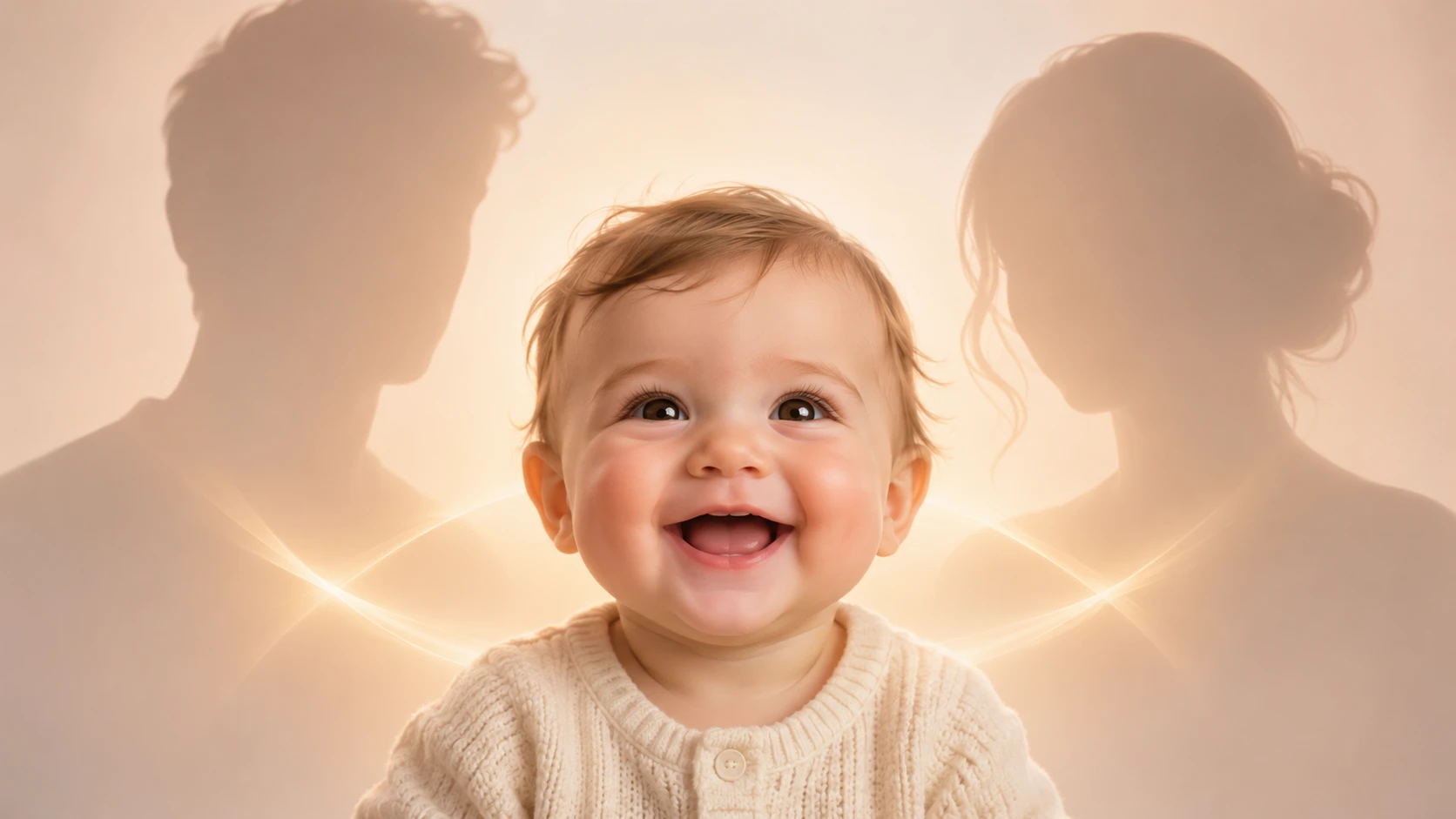



AI Future Baby Video Generator
Upload one photo of both people, or one portrait of each. See an imagined baby with features from both of you in a short video.
Features
A baby video made from your photos
See a baby with features from both people, then watch the scene come to life in a short clip.
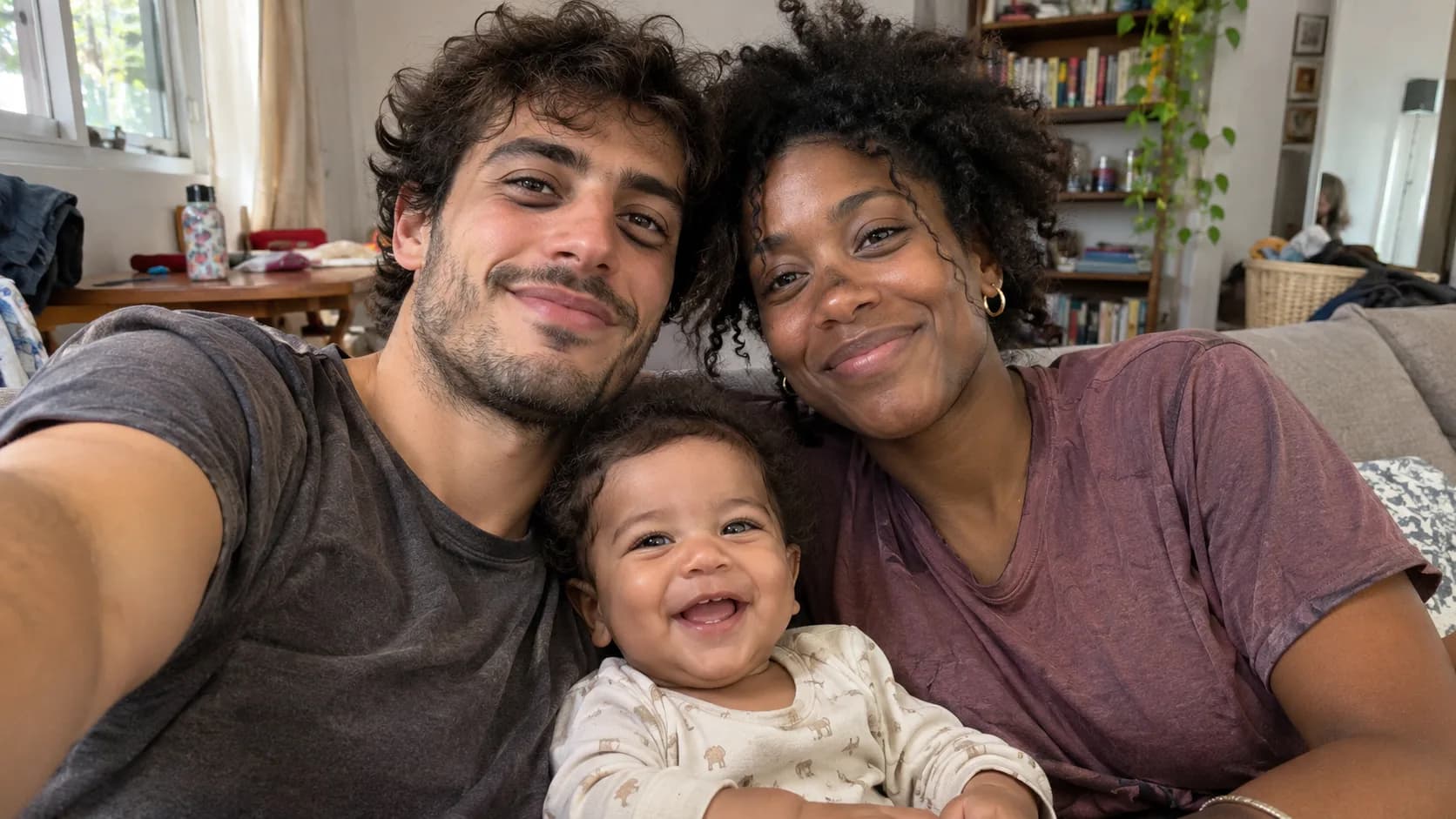
Two-person likeness blend
Read both people from a shared photo or two separate portraits, then combine hair, eyes, skin tone, and facial structure.
Choose photos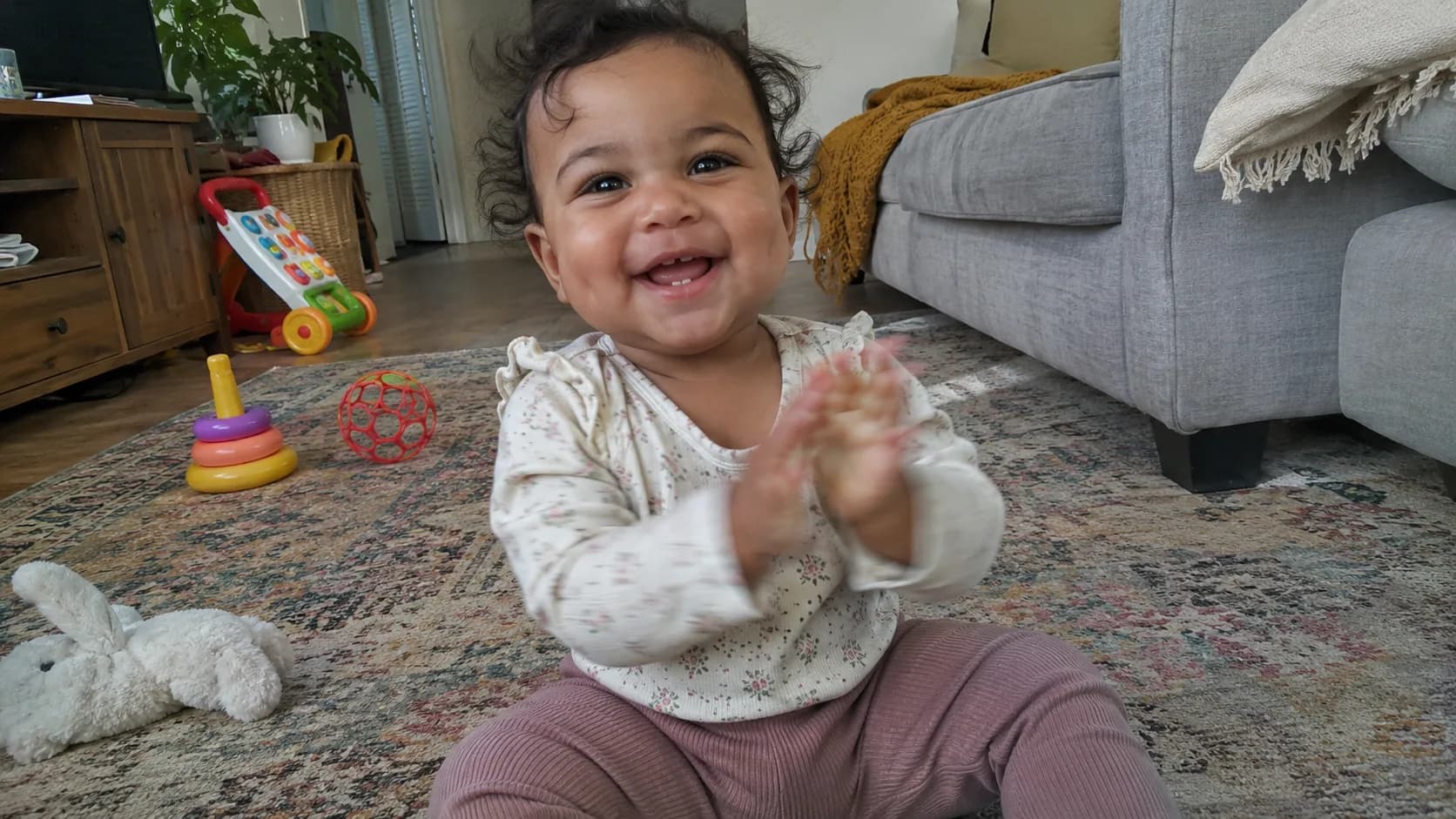
Animated baby moment
Turn the generated portrait into a gentle clip with a smile, soft claps, and small natural movement.
Blend the features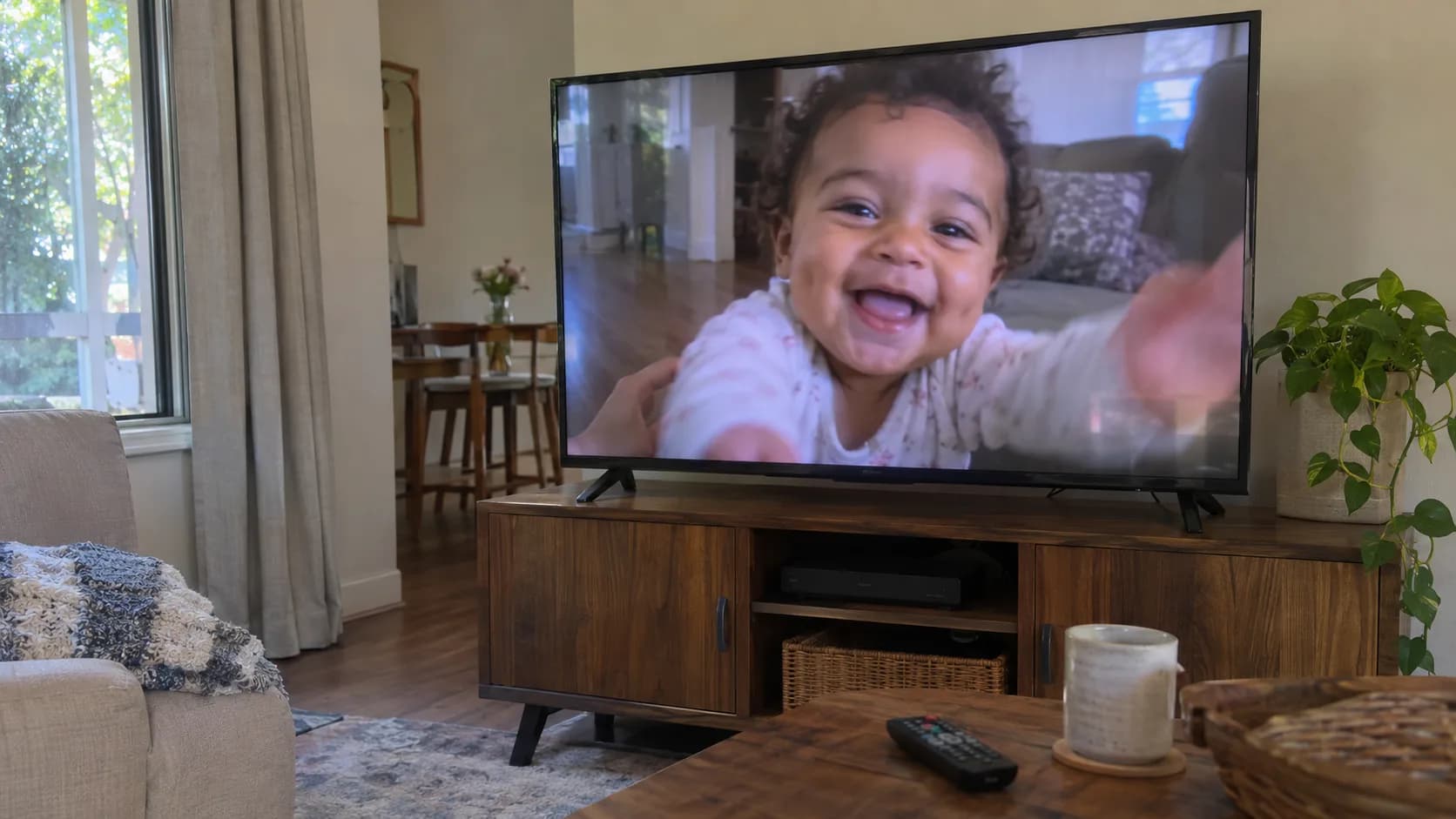
Flexible MP4 output
Choose portrait, landscape, square, or widescreen framing so the finished MP4 fits feeds, family albums, and private messages.
Check the preview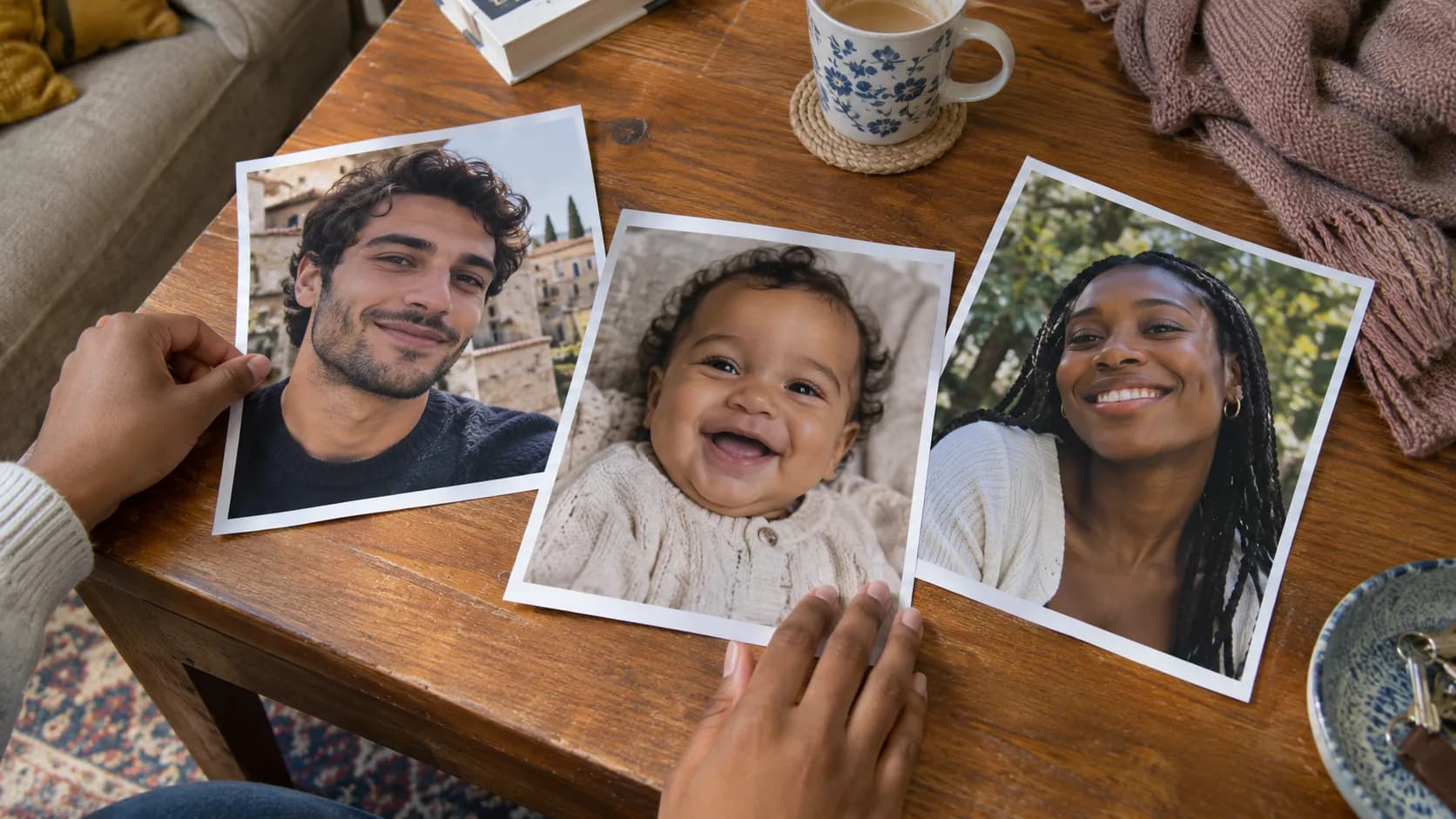
Start with photos
Upload your photos and generate the video right away. There’s no text to write.
Download the videoExplore video models
More AI Video Generators
Explore specialized AI video models — each built for different creative styles and production needs.


How to use
Make a future baby video
Keep the default couple-photo mode, or switch to two portraits, then generate and review the animated baby before saving it.
Choose your photo input
One clear couple photo works by default. Switch to two portraits when you prefer one front-facing photo per person.
Add your photos
Use the single couple-photo slot, or add one portrait to each person slot. JPG, PNG, and WebP images are supported.
Generate the video
Select Generate video. The tool blends their features into a baby, then animates the baby in a short clip.
Preview and download
Watch the result in the workbench, then download the MP4 when the face and motion look natural.
Who it's for
Who can make a baby video?
Made for couples, families, anniversaries, and playful previews created with photos you have permission to use.
Couples and parents-to-be
Create a playful visual preview from two portraits without implying a medical or genetic prediction.
Anniversary surprises
Turn a shared likeness idea into a short clip for a private message, anniversary card, or family chat.
Family keepsakes
Explore an imagined family moment from photos of both parents, then save the take you like best.
Social fun posts
Share a light-hearted future baby clip with friends after checking permission with everyone pictured.
Explore creative tools
More AI Video Tools
Explore focused AI video tools, each designed for a specific task — see how AI can turn your concepts into finished work.
FAQ
Future Baby Video FAQ
Photo requirements, output format, likeness, downloads, and permissions.
- Can I upload a couple photo?
- Yes. A couple photo is the default input. You can also switch to two separate single-person portraits.
- What portraits work best?
- Use sharp, front-facing, chest-up photos with open eyes, natural skin tones, and even lighting. Avoid sunglasses, heavy shadows, group photos, and cropped faces.
- Can AI show what my future baby might look like?
- It can make a playful video inspired by both photos. The likeness is imagined and can vary each time.
- Can I add a prompt or voiceover?
- No. Photos carry the creative input and the clip includes gentle generated sound, but it does not accept custom narration or a script.
- Whose photos can I use?
- Use only photos you own or have permission to upload. Ask both people pictured before sharing the generated video.
Start now
Make a future baby video from your photos
Preview the clip and download it as an MP4 when you’re happy with it.
Make a baby video