Seedream 5.0 Pro AI Image Generator
Edit with up to 10 reference images using Seedream 5.0 Pro on Epochal — ByteDance's reasoning-powered model for precise visual control and 2K output.
Overview
Create and Edit Professional Images with Seedream 5.0 Pro
Generate and edit professional-grade images with Seedream 5.0 Pro — ByteDance's multimodal image model, built for advanced reasoning and efficient content creation. Start from a text prompt, or upload up to 10 reference images to lock facial features, brand elements, and stylistic details across every variation. Iterate at 1K to test ideas fast, then render the final at 2K for print-ready quality.
- 1K → 2K workflow
- 10 reference images
- 15 aspect ratios
- JPEG · PNG output
- 14 credits to start

Gallery
See what Seedream 5.0 Pro can create
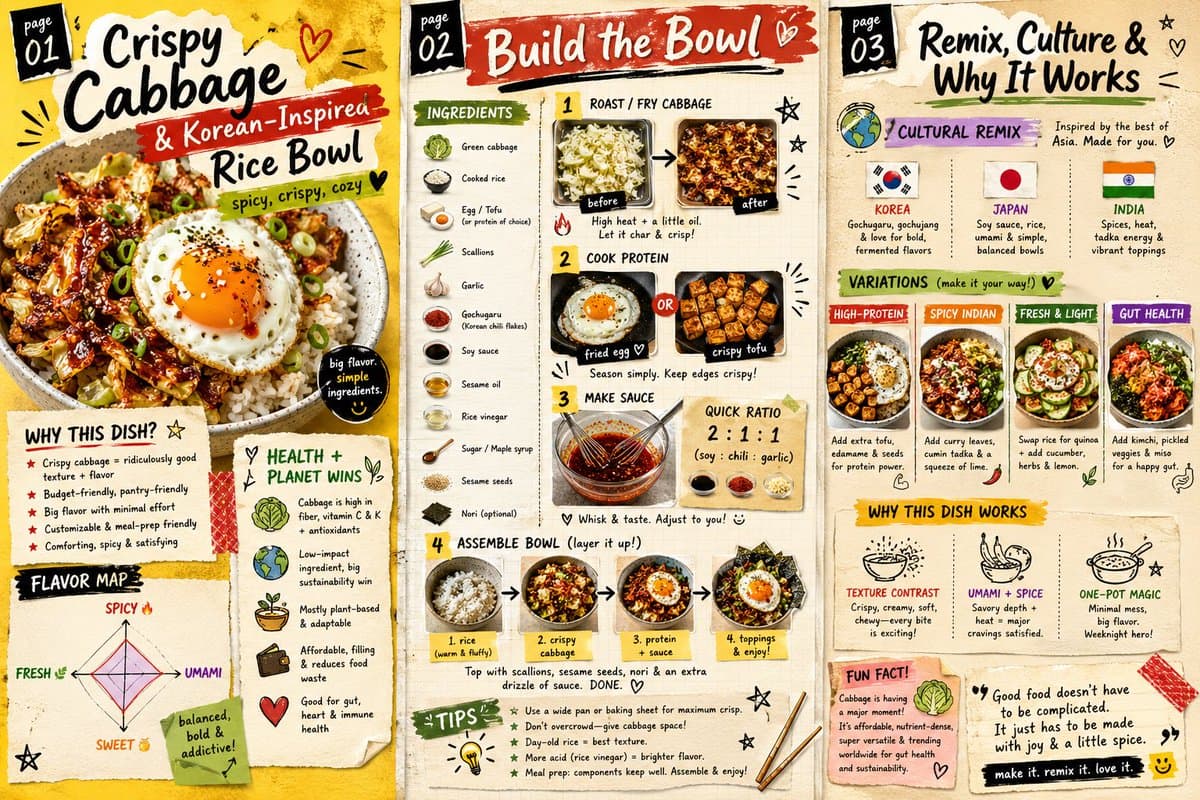
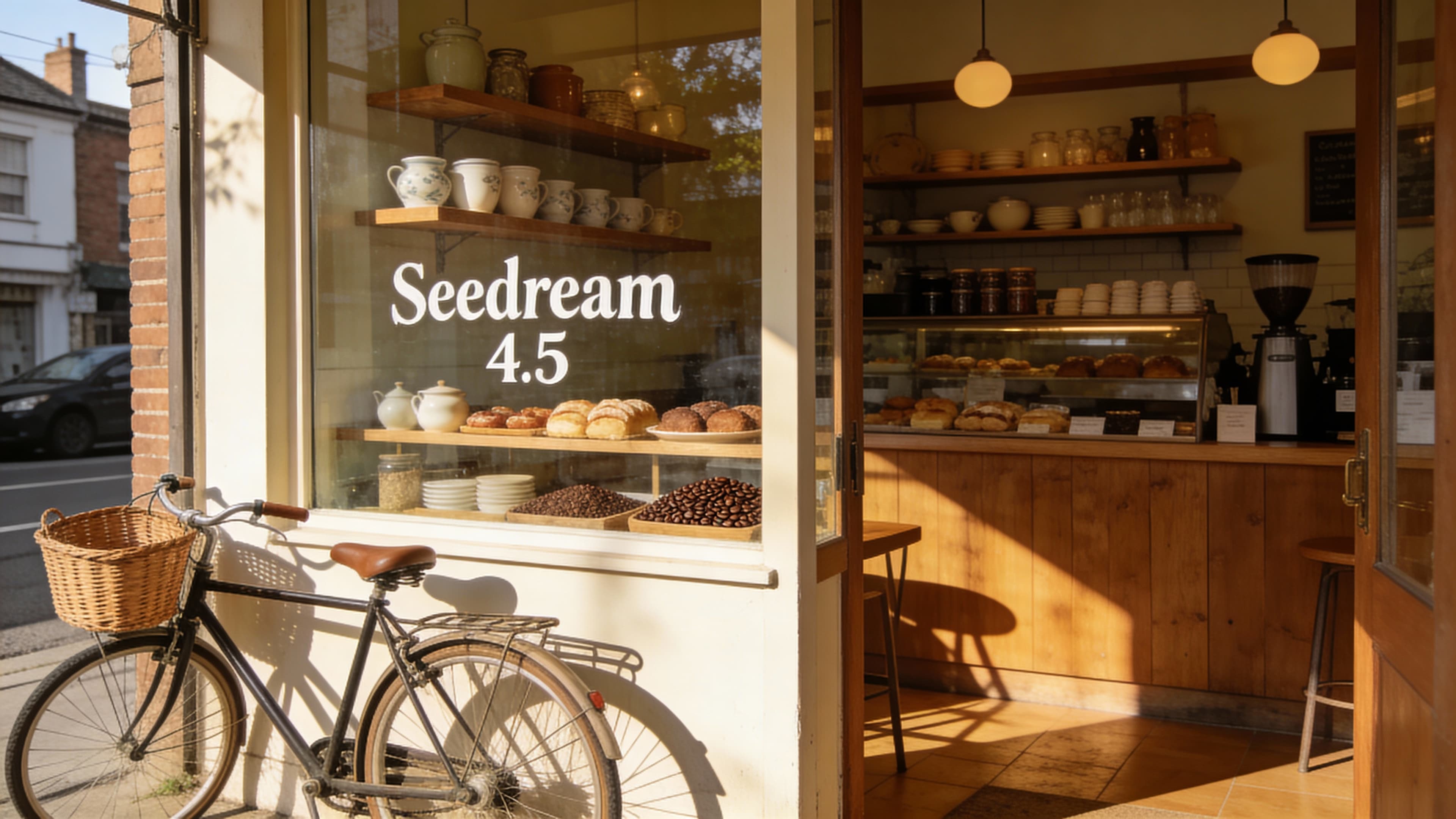
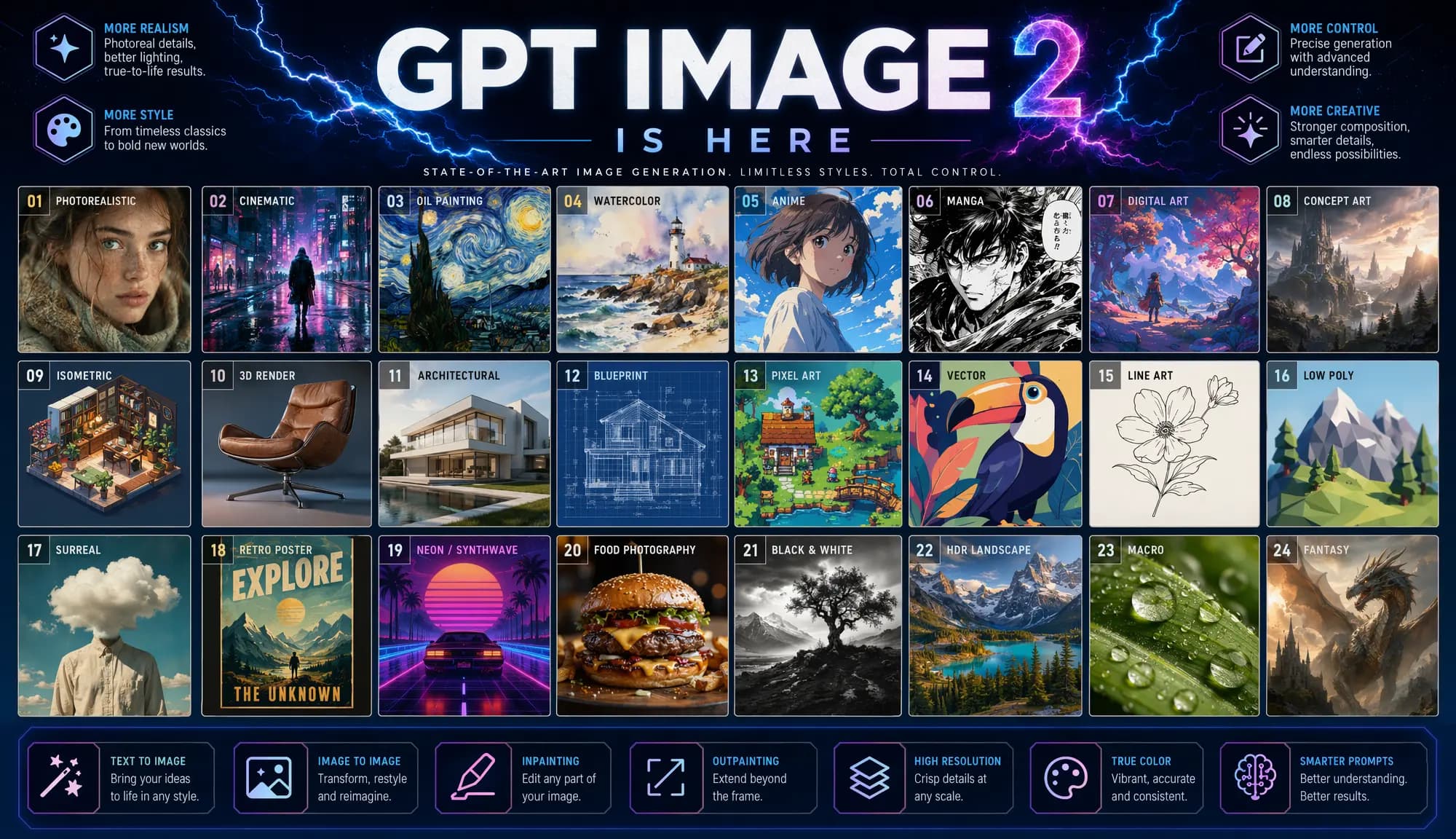
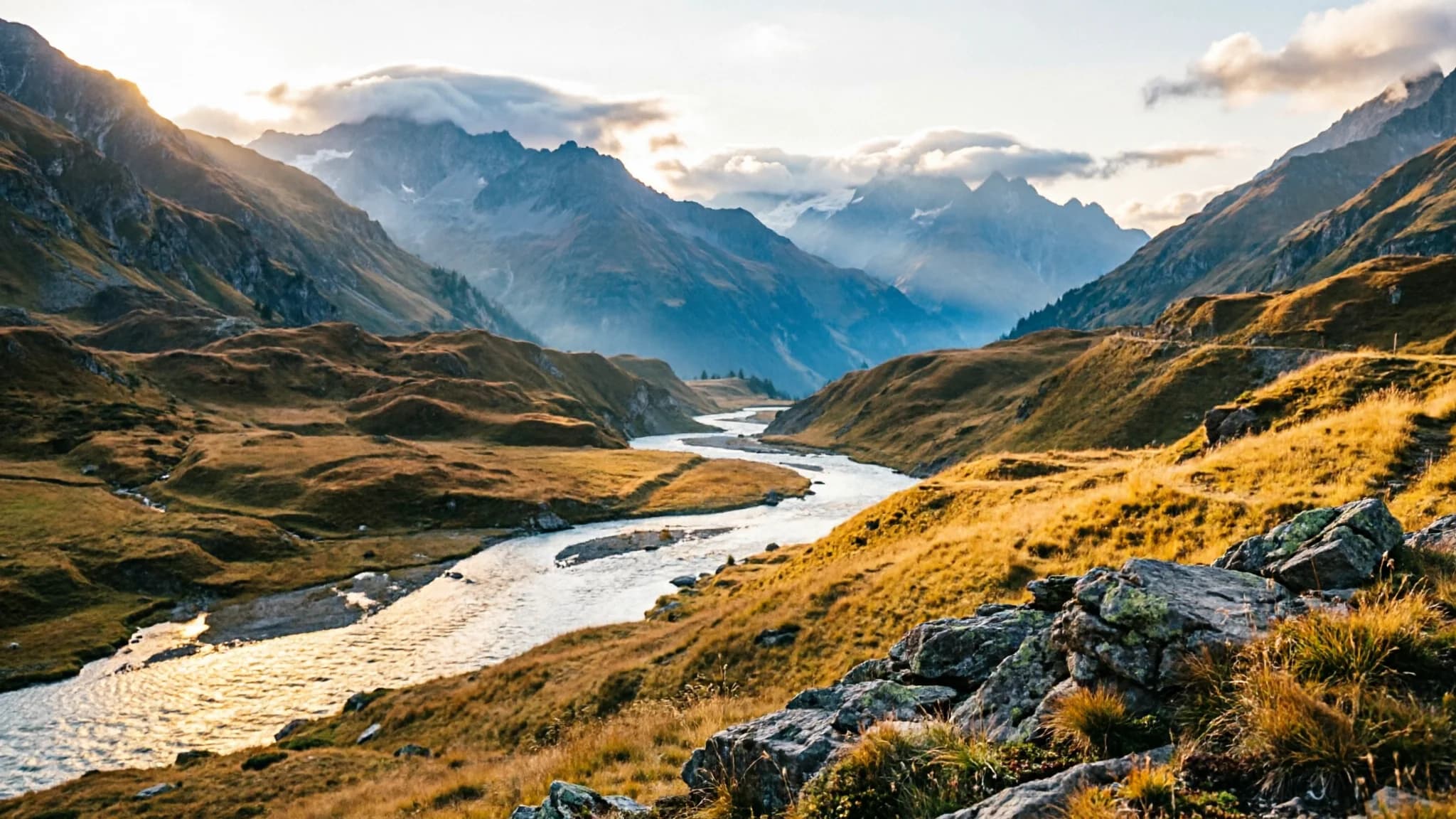
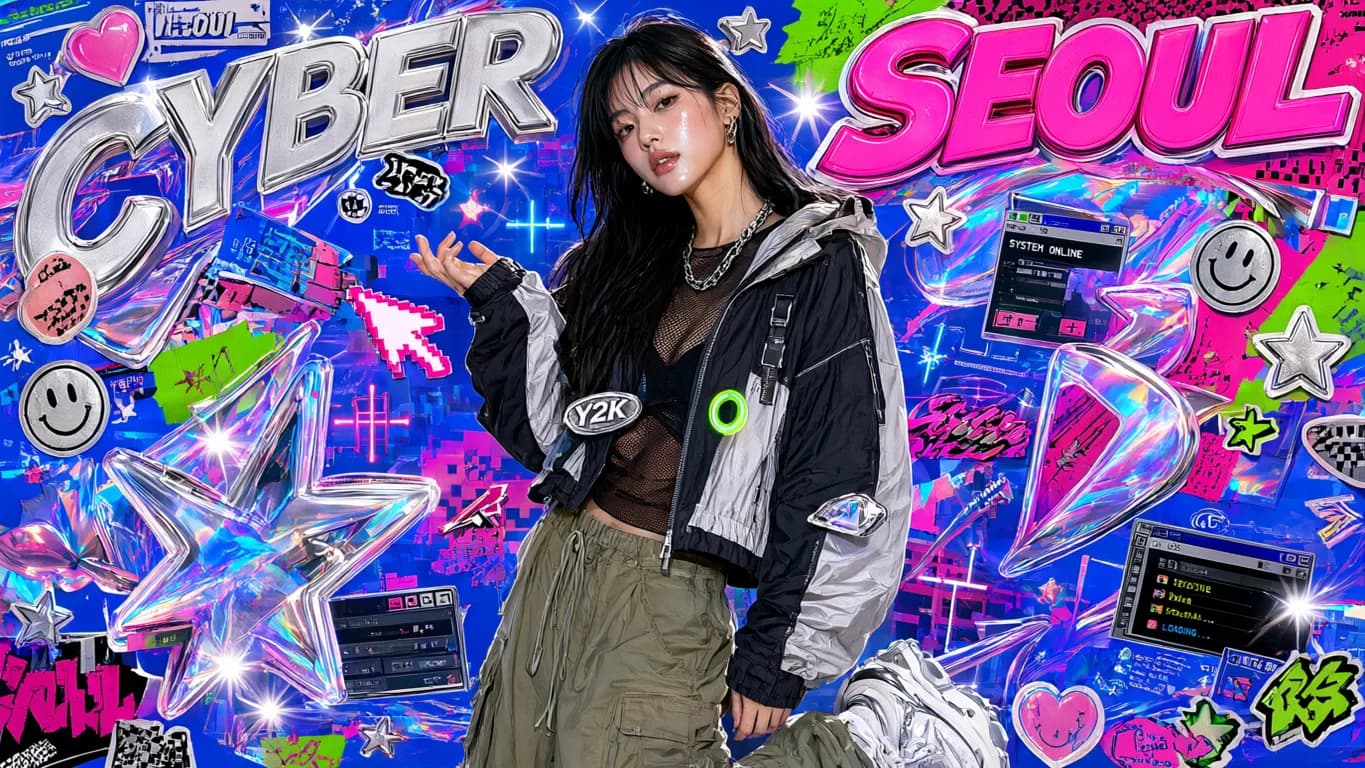
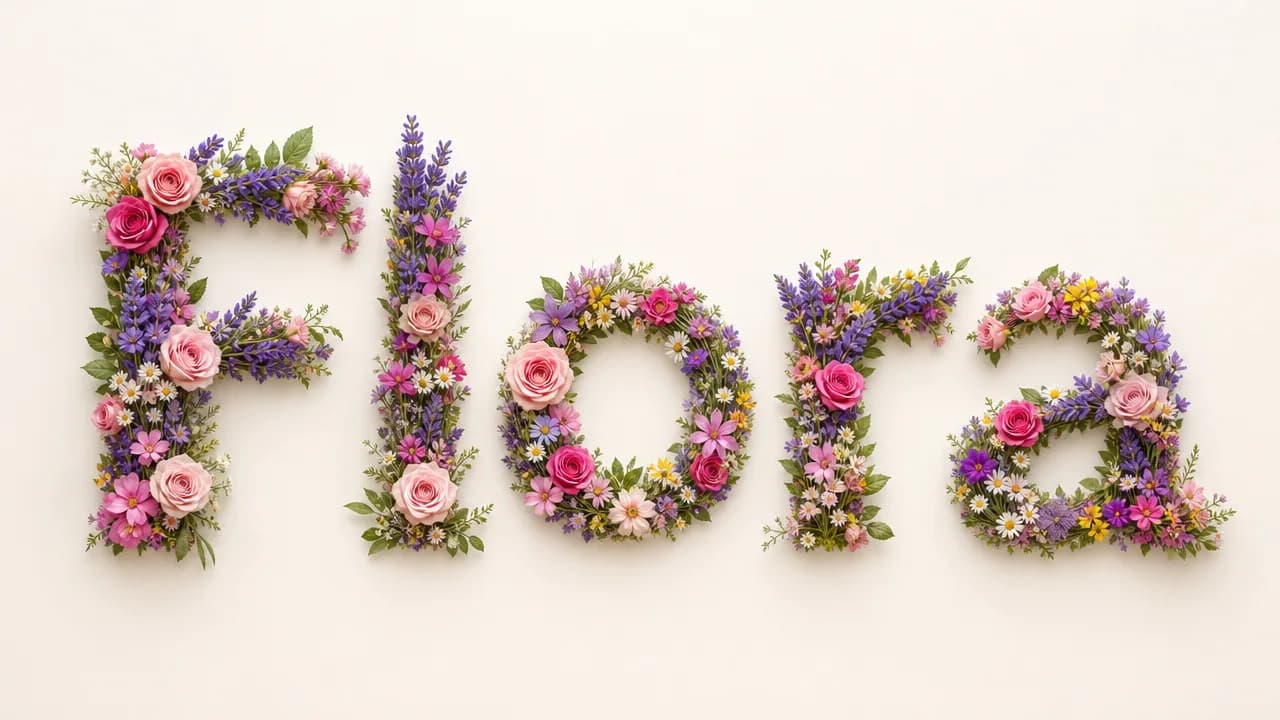
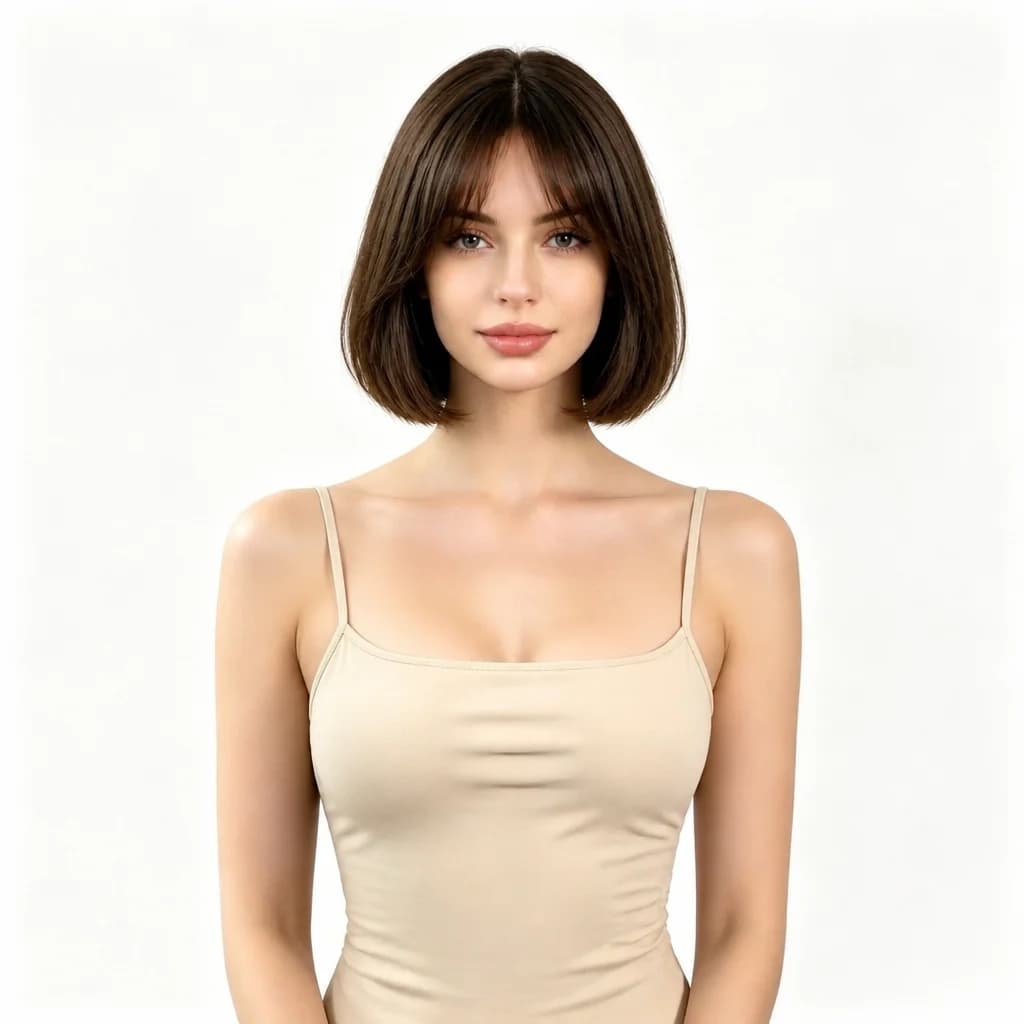
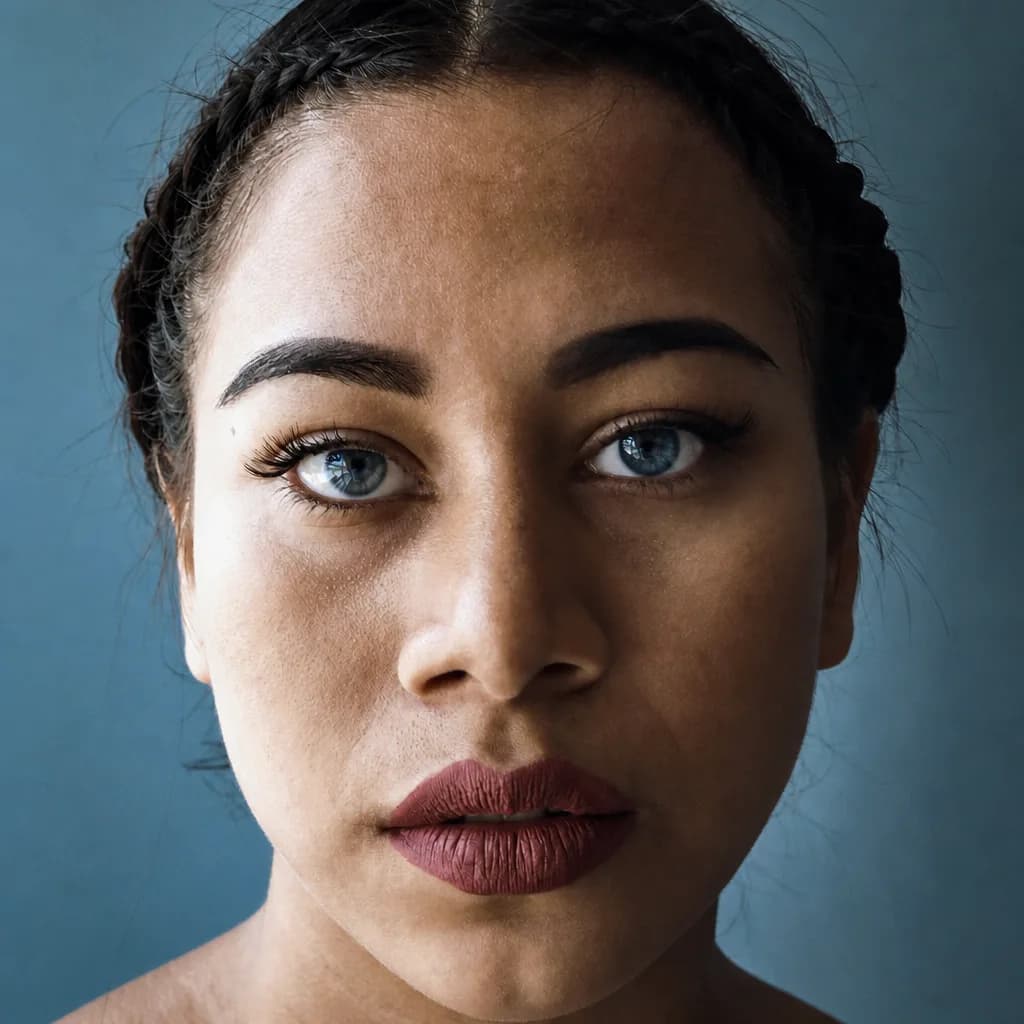
Real outputs from text prompts and multi-reference edits — click any tile to try its prompt.
Explore image models
More AI Image Generators
Explore specialized AI image models — each built for different creative styles and production needs.











Features
Core Capabilities of Seedream 5.0 Pro
Cover the full image workflow — from a first draft to a reference-guided edit.
Prompt-Driven Creation with Strong Adherence
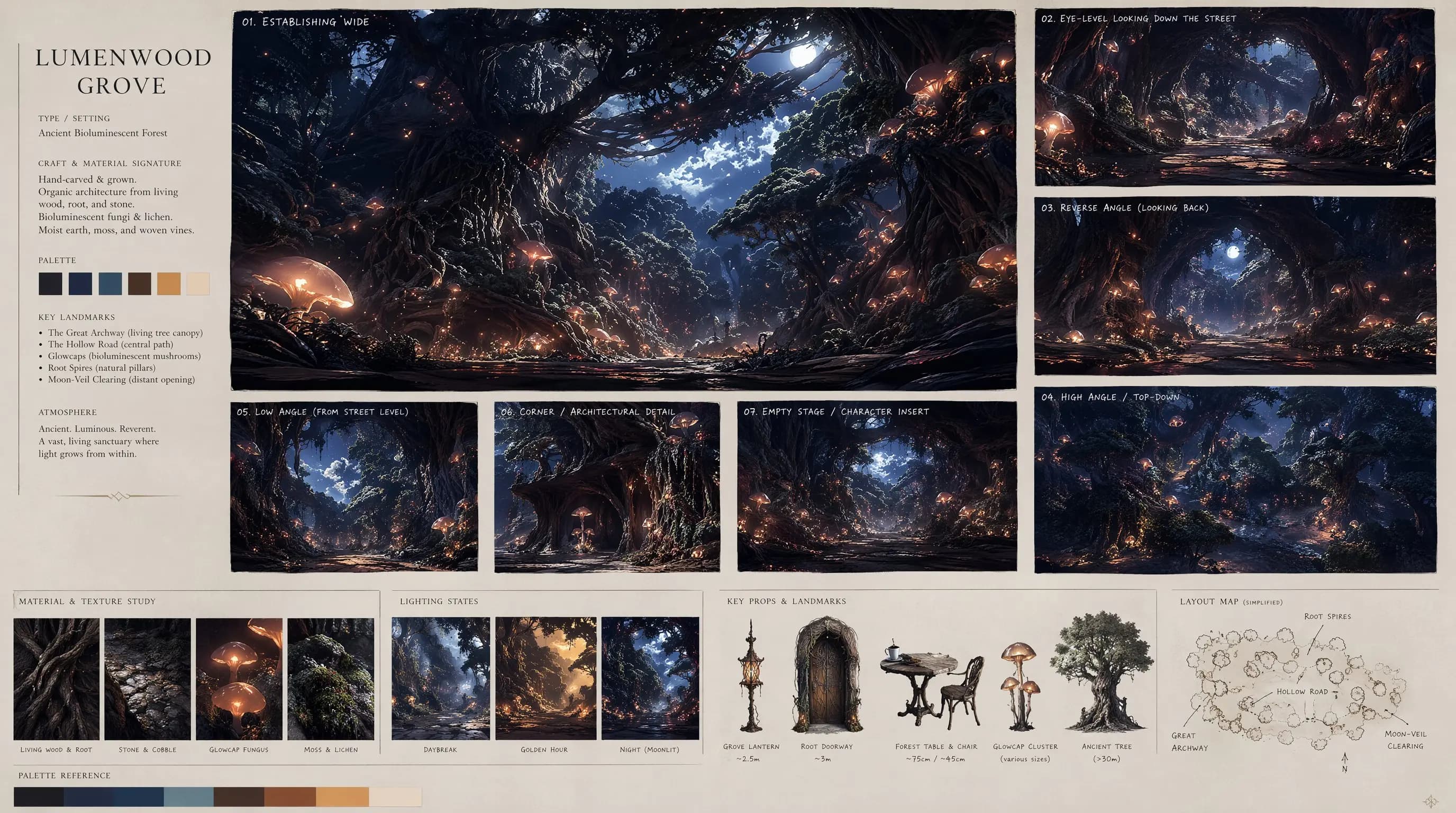
Describe a subject, scene, lighting, and mood — Seedream 5.0 Pro interprets complex prompts with advanced reasoning, capturing your exact creative intent instead of a generic approximation. Strong prompt adherence means the output matches what you described. Built for concept art, editorial visuals, and marketing creative where the brief matters.
Try a prompt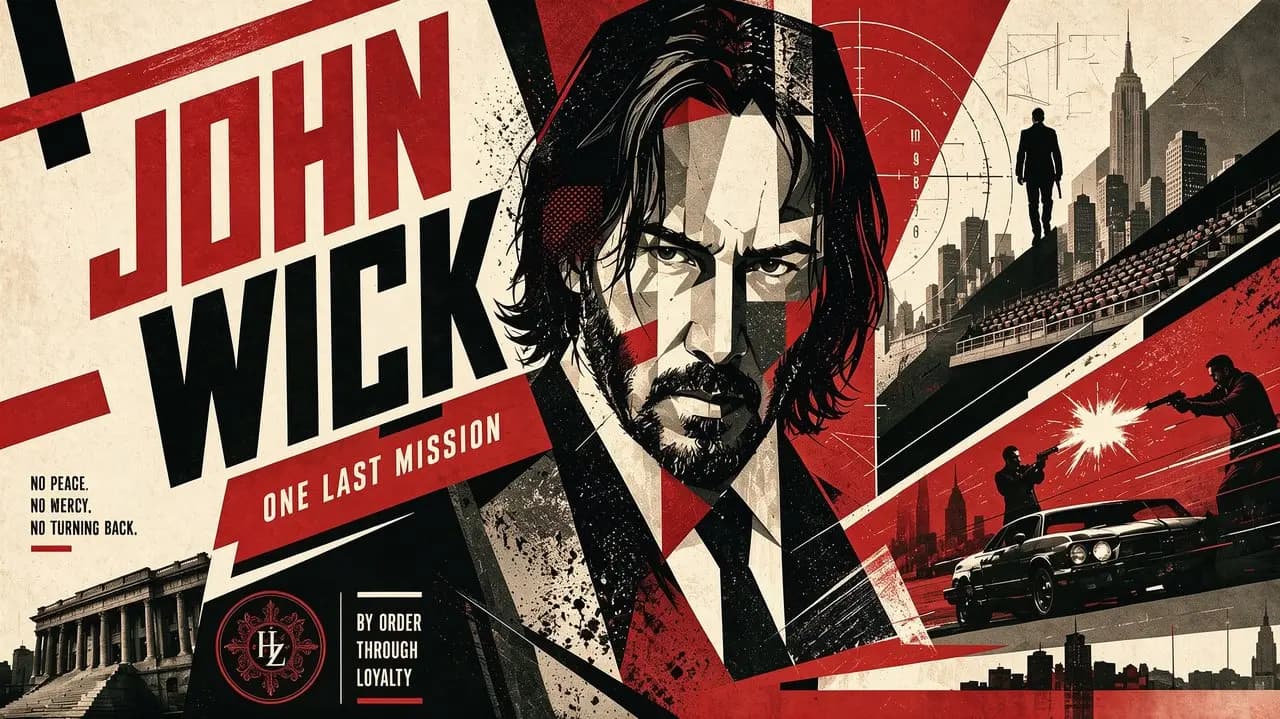
Reference-Guided Editing with 10 Anchors
Upload up to 10 reference images and direct the edit in text — the model locks facial features, brand elements, and stylistic details across every variation. Perfect for brand campaigns, character design, and product photography where identity must stay consistent. Iterating with references costs a fraction of reshooting — refine the look without a new photo session.
Test reference editing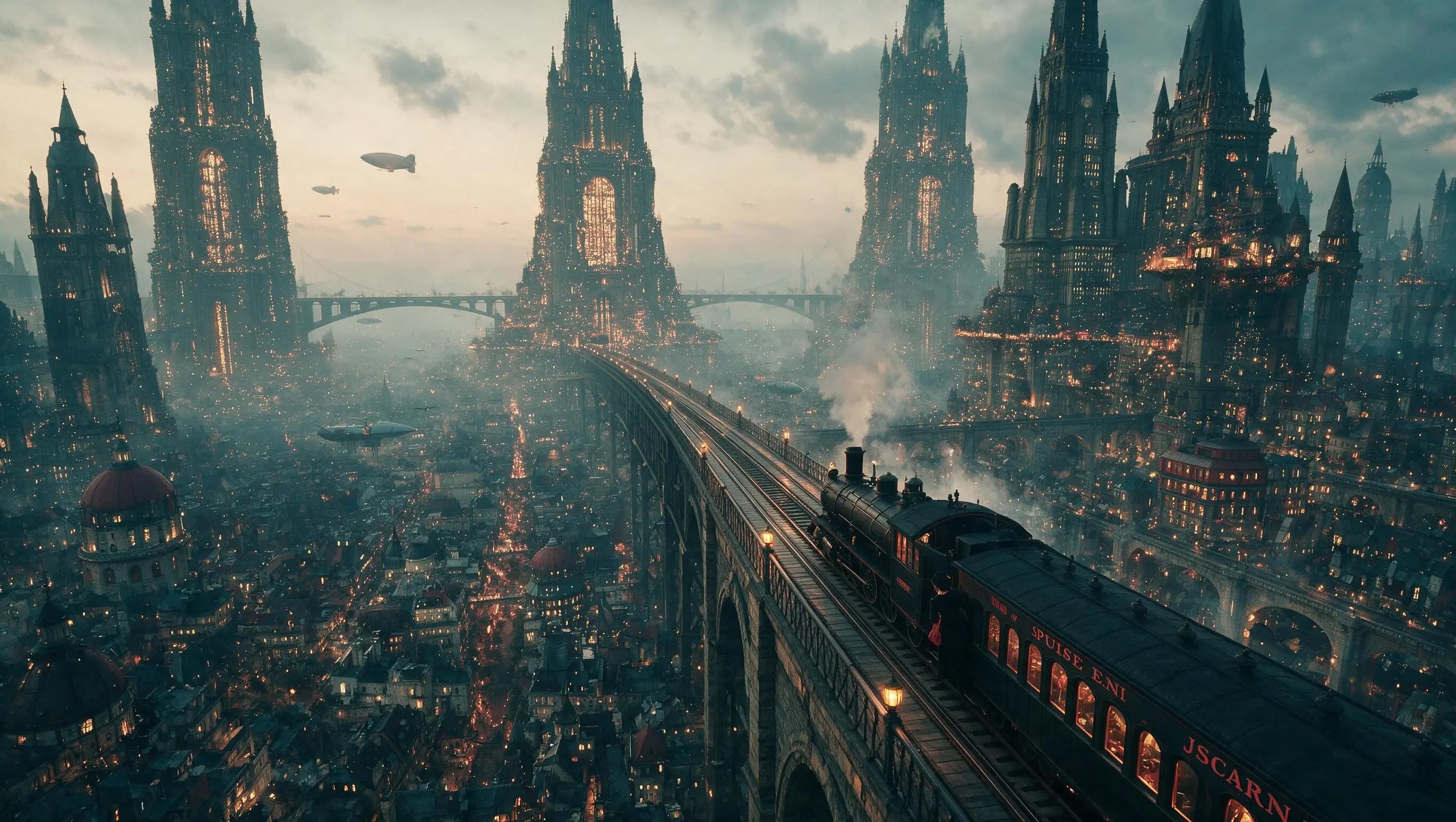
Tiered Resolution for Draft-to-Final Workflow
Start at 1K to test prompts and references at 14 credits, then switch to 2K at 27 credits for the final render when the result needs to hold up at full size or in print. The 1K tier lets you run multiple variations without overspending. The 2K tier delivers higher-detail output for client deliverables and large-format use.
Compare resolutions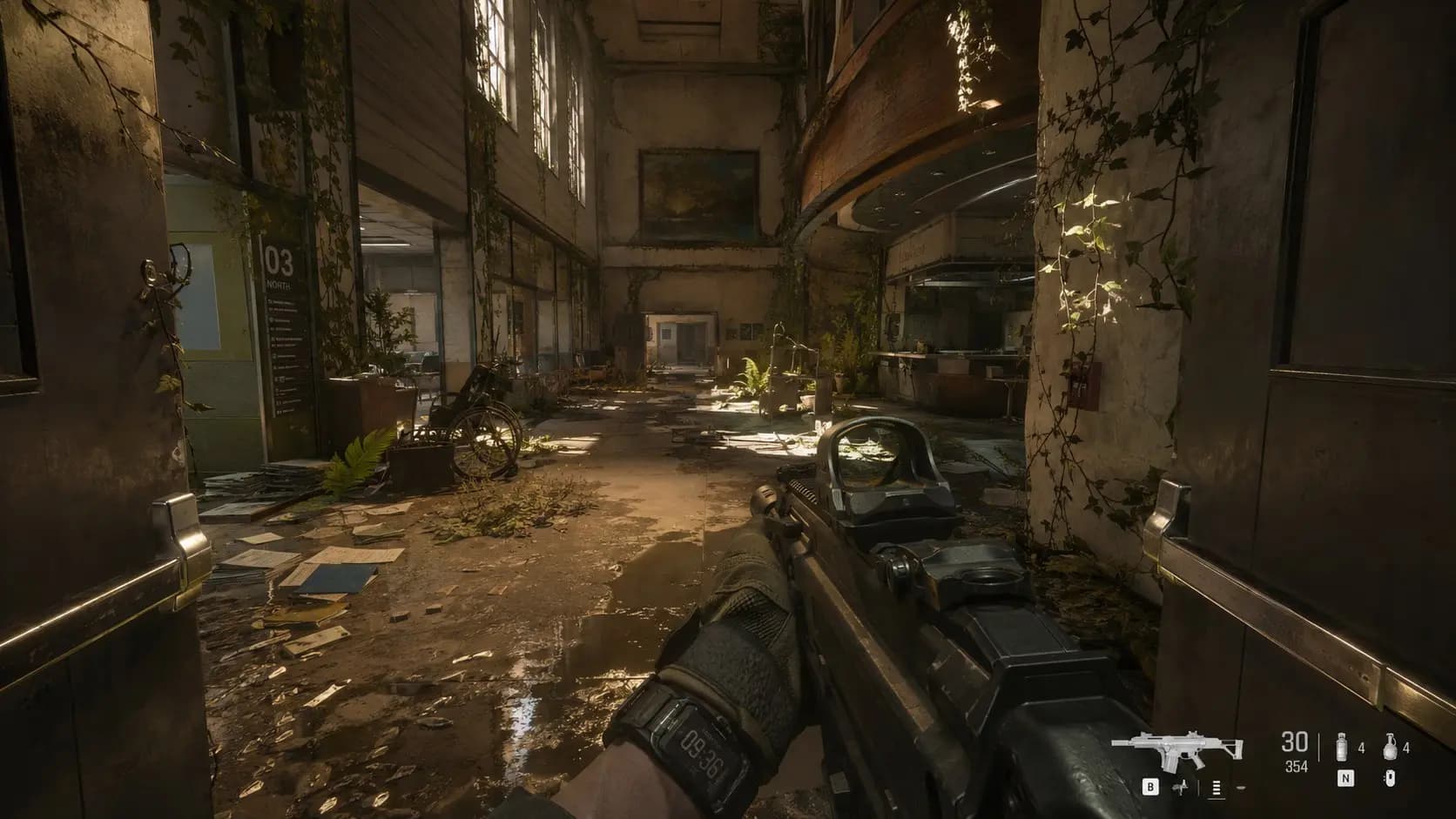
15 Aspect Ratios for Every Platform
Choose from 15 aspect ratios — square for feeds, vertical for stories and wallpaper, landscape for thumbnails and posters, plus ultrawide formats. Export as JPEG for sharing or PNG for lossless editing. One model covers social posts, print campaigns, and web banners without separate tools.
See all formatsHow to use
How to Use Seedream 5.0 Pro
Write a prompt, add references for an edit, then iterate at 1K before rendering the final at 2K.
Describe Your Vision
Type your subject, scene, lighting, style, and mood. Seedream 5.0 Pro interprets complex prompts with advanced reasoning — the more detail you give, the closer the output matches your intent.
Choose Quality Settings
Pick 1K to iterate cheaply at 14 credits, or 2K for the final render at 27 credits. Select from 15 aspect ratios to match your target platform — square, vertical, landscape, or ultrawide.
Add References for an Edit
For image-to-image, upload up to 10 reference images and describe the change in text. The model locks facial features and brand elements from your references, keeping identity perfectly consistent across variations.
Generate and Review
Watch your image take shape, then check subject accuracy, lighting, and composition. Adjust your prompt, references, or resolution and re-run — each iteration at 1K costs only 14 credits.
Who it's for
Who Should Use Seedream 5.0 Pro
Teams and creators who need precise, reference-guided image work.
Marketing & Ad Teams
Generate campaign visuals, ad creatives, and social graphics from detailed prompts. The 10-reference editing locks brand elements across a series, so every asset stays on-brand without separate style guides.
Designers & Creative Professionals
Explore poster designs, branding materials, and visual concepts in early project stages. Run quick 1K drafts to compare directions, then render the chosen direction at 2K for client presentations.
E-commerce & Product Photographers
Create product shots, lifestyle scenes, and contextual imagery without a photo shoot. Upload reference images to lock product identity, and iterate on lighting, angle, and background at a fraction of reshoot cost.
Content Creators & Social Media
Produce thumbnails, illustrations, and post visuals sized to each platform — 1:1 for feeds, 9:16 for stories, 16:9 for video covers. The fast 1K tier lets you test multiple ideas per post.
Brand & Identity Designers
Develop logo concepts, mascot designs, and brand visual systems with multi-reference consistency. Upload brand elements as references, and the model preserves them across diverse applications and formats.
Production & Print Teams
Deliver print-ready visuals at 2K when the result needs to hold up at full size. Export PNG for further editing, and use reference-guided edits to maintain visual continuity across a campaign.
Explore creative tools
More AI Image Tools
Explore focused AI image tools, each designed for a specific task — see how AI can turn your concepts into finished work.






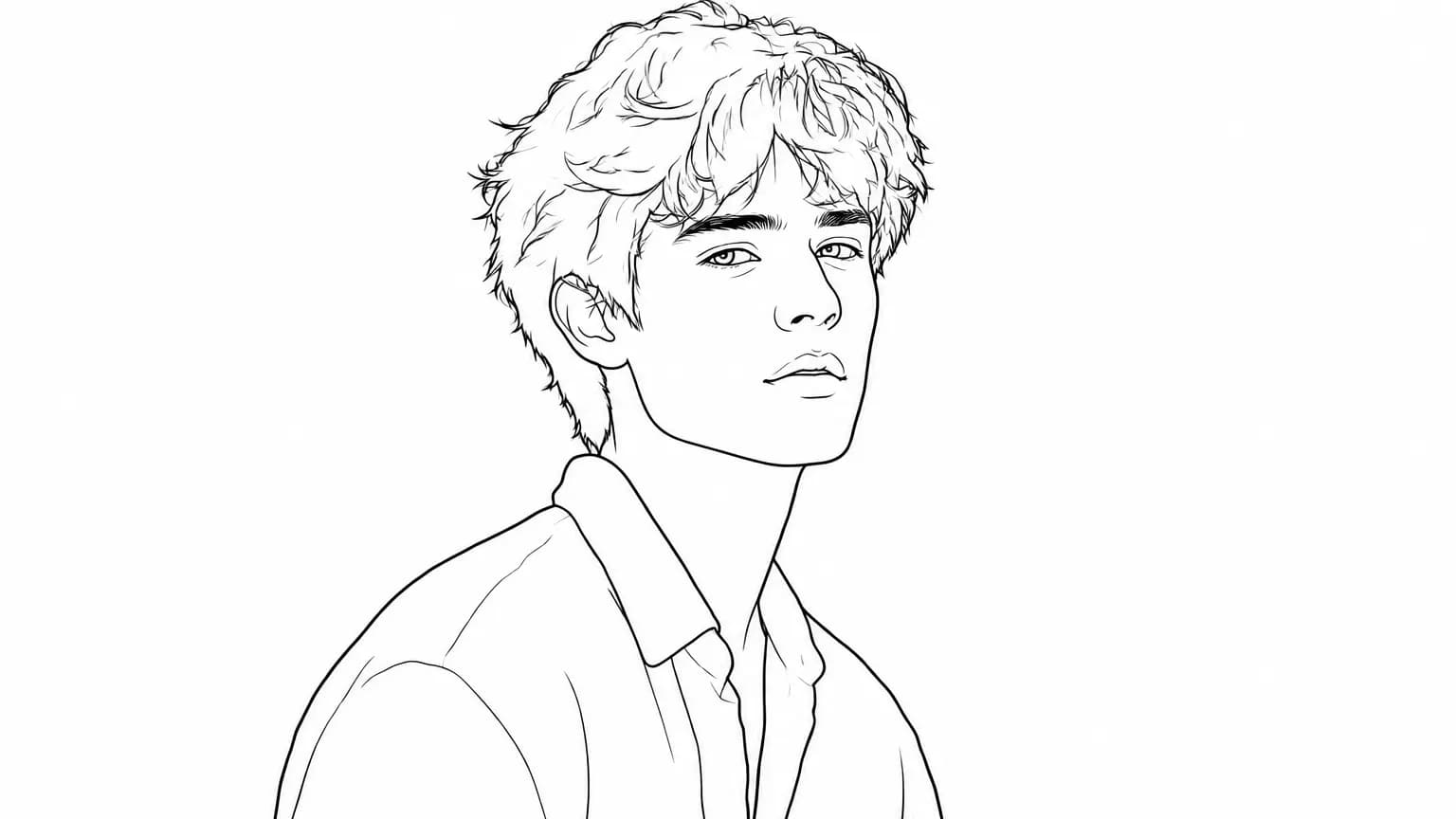
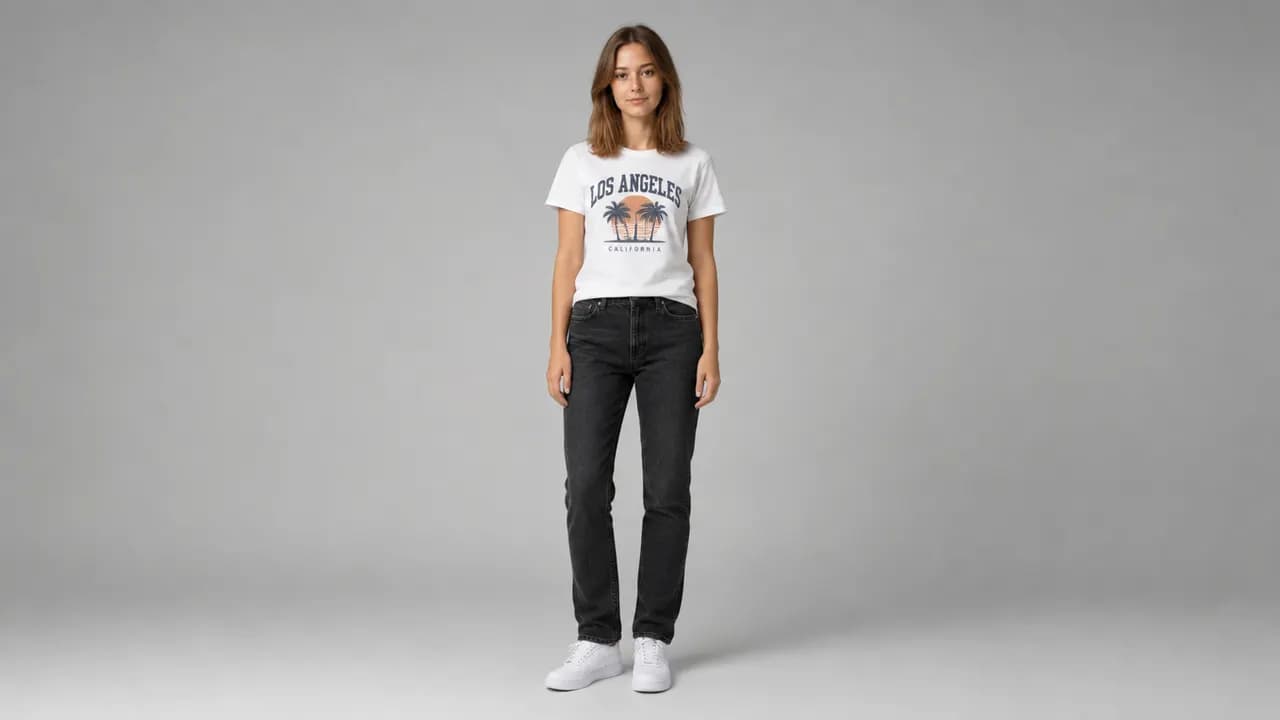
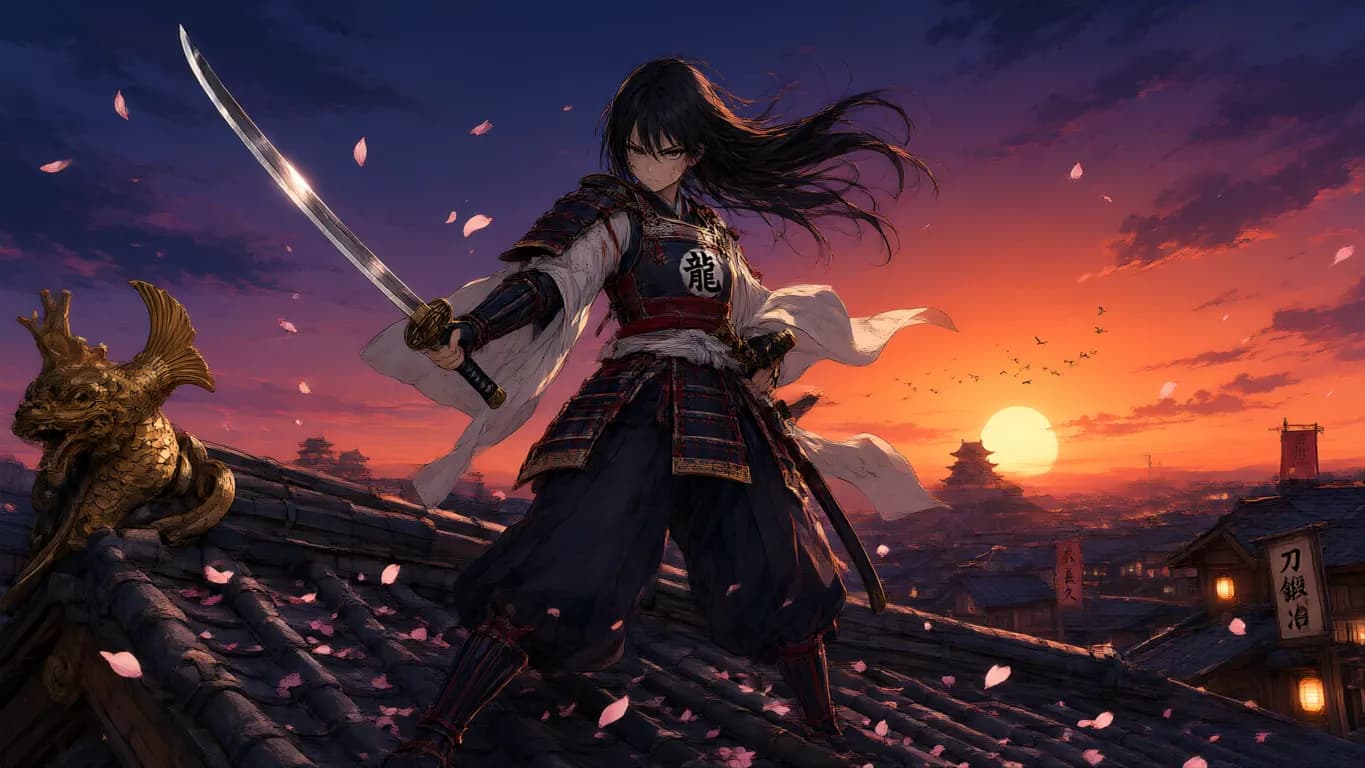
FAQ
Common Questions About Seedream 5.0 Pro
Capabilities, reference limits, resolution tiers, credits, and what it can't do.
- What is Seedream 5.0 Pro?
- Seedream 5.0 Pro is ByteDance's multimodal image generation model, built for advanced reasoning, efficient content creation, and multi-reference editing. It generates from text prompts and edits from up to 10 reference images, with 1K and 2K resolution tiers across 15 aspect ratios.
- Who is Seedream 5.0 Pro for, and how does it differ from Seedream 5.0 Lite?
- Seedream 5.0 Pro is the higher-resolution option in ByteDance's Seedream 5.0 family — choose it over the lighter Seedream 5.0 Lite when you need 2K output or multi-reference editing. It suits designers, marketers, content creators, and production teams who need professional-grade generation or editing.
- How many reference images can I use?
- Up to 10 reference images. They lock facial features, brand elements, and stylistic details — perfect for keeping identity consistent across a series of campaign visuals, character designs, or product shots.
- What is the difference between 1K and 2K?
- Use 1K at 14 credits to test ideas and iterate cheaply, then switch to 2K at 27 credits for the final render when the result needs to hold up at full size or in print. Both tiers support the same 15 aspect ratios and reference editing.
- Which aspect ratios and output formats are supported?
- 15 aspect ratios cover everything from social posts (1:1, 9:16) to print posters (16:9, 21:9). Export as JPEG for sharing or PNG for lossless editing. Aspect ratio defaults to 1:1 if you don't choose one.
- Can I use it for both generation and editing?
- Yes. Use text-to-image to create new visuals from a prompt, or image-to-image to edit existing content with up to 10 reference images — the model locks facial features and brand elements from your references, keeping identity consistent across variations.
- Is there a free way to try Seedream 5.0 Pro?
- Yes. New Epochal accounts get free credits to start, and a 1K run costs 14 credits — enough to test prompts and composition before you pay. A 2K final render costs 27 credits.
- Is Seedream 5.0 Pro available now?
- Yes. Seedream 5.0 Pro is live on Epochal — you can generate and edit images in your browser, no API key or setup needed.
- Is Epochal the official ByteDance website?
- No. Seedream 5.0 Pro is developed by ByteDance. Epochal is an independent online workspace where you can generate and edit images with Seedream 5.0 Pro in your browser, no API key or setup needed.
Start now
Start creating with Seedream 5.0 Pro
Start with free credits — generate and edit in your browser, no API key or setup needed. A 1K run costs just 14 credits.
Try Seedream 5.0 Pro