



AI Tools
Tools that do one job on your photo
Upload what you already have and pick the job. Each tool is built around a single task, so there is no prompt to write and nothing to configure before you see a result.
Free
Online Coloring Text to Image
 Image to Image
 AI Image Face Swap
 AI Name into Flowers
 Photo to Silhouette
 AI Line Art Generator
 AI Clothes Swap
 AI Anime Character Maker
 AI Hairstyle Try-On
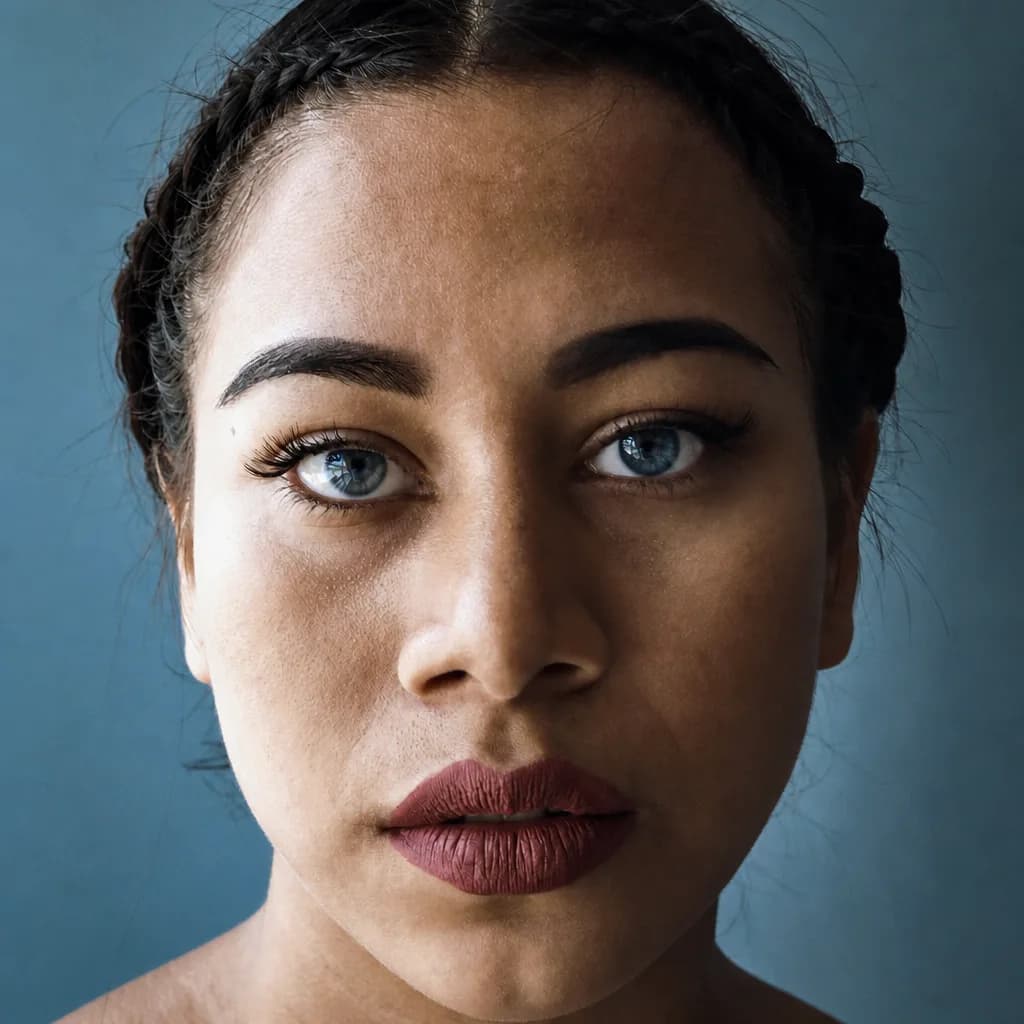 Eye Color Editor
 AI Glasses Remover
 AI Image CombinerText to VideoImage to VideoAI Product Video GeneratorAI Video Intro GeneratorAI Lip SyncKling Motion Control
FAQ
Short answers before you start.
- How many AI tools does Epochal have?
- Every tool here does a single job — swap a face, try a hairstyle, animate a still, and more. New tools are added regularly.
- Can I use the tools for free?
- Online Coloring is free from start to finish. Every other tool runs on credits — your first credit pack is half price, and each tool shows its exact credit cost before you generate.
- How long does generation take?
- Images usually finish within seconds. Videos vary by model, duration, and resolution — most complete in a few minutes, and you can follow progress while they render.
- What can I upload?
- Photos in JPG, PNG, or WebP. Most tools take one photo; the image combiner takes two, and motion control also uses a short video clip as the motion reference.
- Can I use the results commercially?
- Generated content can generally be used for commercial projects, subject to the applicable model terms and any rights in the materials you upload. Make sure your inputs and final use do not infringe third-party rights.
- Do the tools reduce image quality?
- No. Every workbench shows the exact resolution options before you generate — image tools go up to 4K (a Pro setting), and each video tool lists the resolutions it supports.
- Can I combine tools?
- Yes. Everything you generate lands in your library, so you can feed one result into the next tool — turn a photo into line art or an anime character, then animate it with image-to-video.
- How do I pick the right tool?
- Filter the wall by Video or Image, or search by name. Each tool page shows real examples and states the credit cost up front, so you know what a run costs before you commit.