


YouTube · renderdrop
Comparison ReviewSeedream 4.5 compared directly with Nano Banana Pro
A practical comparison for understanding where Seedream 4.5 stands on higher-control commercial visuals versus a top competing image model.
Generate images with Seedream 4.5 — new accounts receive 10 signup credits. Dense text rendering for posters and consistent brand visuals.
Seedream 4.5 is ByteDance's high-consistency image model. ByteDance positions it around all-round scaling improvements that help the model identify main subjects more accurately, preserve reference details more reliably, and render typography and dense text more cleanly. In practice, Seedream 4.5 sits closer to high-fidelity commercial image work than to lightweight sketch-style ideation. New accounts receive 10 signup credits; each run shows its cost before you generate.
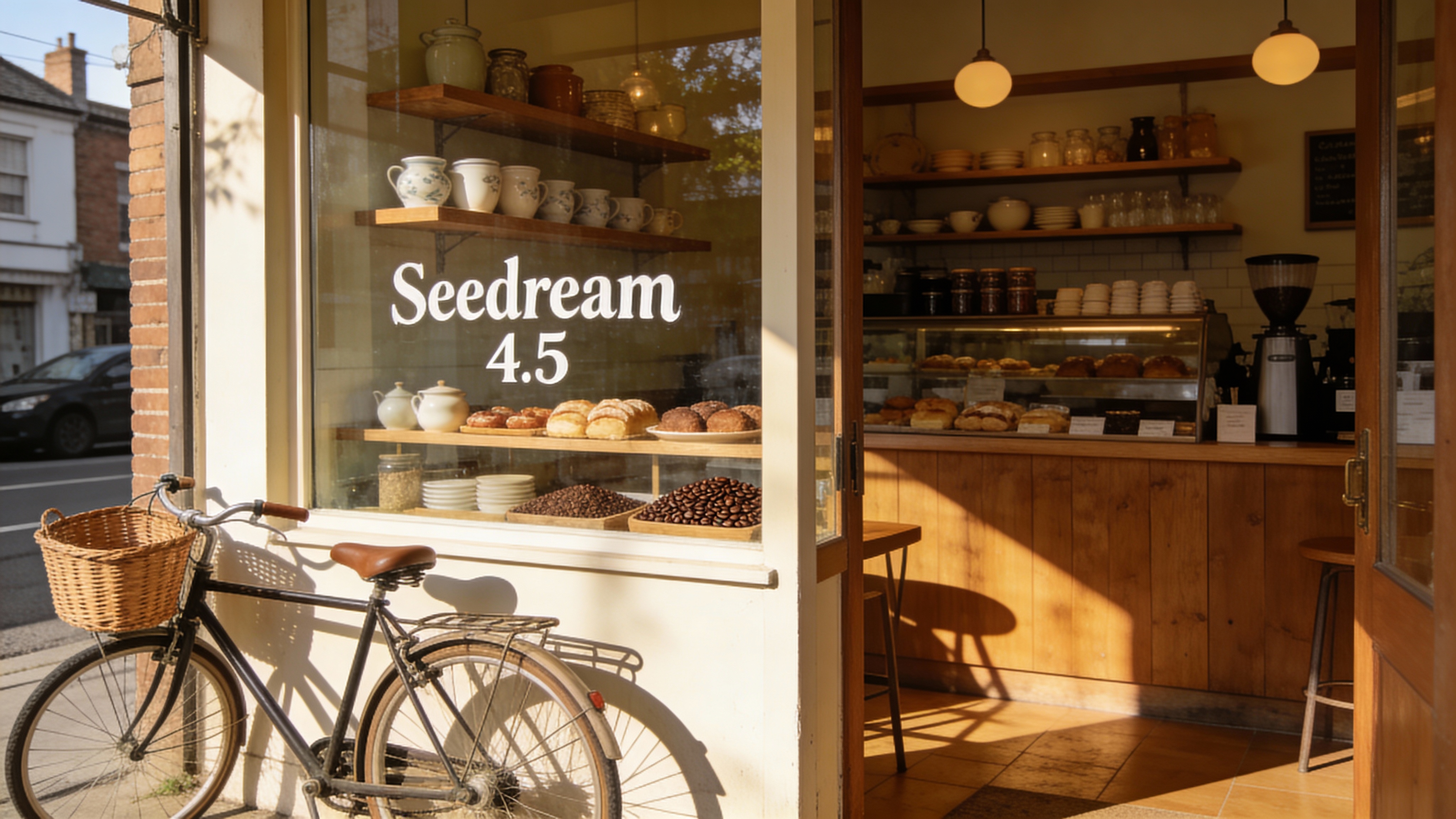
Seedream 4.5 preview 1
Seedream 4.5
Seedream 4.5 is strongest when the image task depends on cleaner typography, stronger subject recognition, and higher-fidelity commercial finish than a lightweight ideation model usually provides.
ByteDance frames Seedream 4.5 around high consistency and high fidelity for professional visual creation. It is meant to land closer to polished commercial assets than to loose draft imagery.
Official materials explicitly highlight stronger typography and dense text rendering. That makes Seedream 4.5 a more credible option for posters, brand graphics, logos, and other text-sensitive design tasks.
ByteDance emphasizes more accurate main-subject identification, especially in multi-image contexts. This matters when the image has to keep focus on the correct person, object, or product instead of drifting into clutter.
Seedream 4.5 is also positioned around stricter preservation of reference-image features, lighting, tone, and material detail. That is the part that makes it more useful for controlled editing and reference-aware visual refinement.
Product and creator walkthroughs that are useful for understanding Seedream 4.5 around commercial posters, dense text rendering, and stronger visual consistency.
A practical comparison for understanding where Seedream 4.5 stands on higher-control commercial visuals versus a top competing image model.
Useful as Seedream family context for understanding how creators build more structured image workflows around higher-control visual generation.
Public launch and creator-side references that help explain how Seedream 4.5 is being used for posters, logos, and more controlled commercial image work.
Seedream 4.5 is strongest when the image task depends on cleaner typography, stronger subject recognition, and higher-fidelity commercial finish than a lightweight ideation model usually provides.
Use Seedream 4.5 for posters, covers, and brand graphics where text, hierarchy, and overall polish have to feel closer to final campaign quality.
It is a strong fit for product pages, campaign stills, and commercial visuals where surfaces, materials, and composition need to stay cleaner than in a quick draft workflow.
Choose it for images where typography, logo treatment, or headline structure are part of the design problem rather than something added after generation.
Use Seedream 4.5 when the visual needs to stay closer to an existing reference in color, lighting, or detail while still pushing toward a more finished design outcome.

ByteDance
Free Seedream 5.0 Lite AI Image Generator

Black Forest Labs
FLUX.2 Pro AI Image Generator

Ideogram
Ideogram V3 AI Image Generator for Brand Graphics & Text-Heavy Posters

Google: Nano Banana Pro AI Image Generator for Infographics, Posters & Mockups
Google: Nano Banana 2 AI Image Generator for Precise Text Editing & Wider Layouts

OpenAI
GPT Image 1.5 AI Image Generator
Start generating with free credits. Upgrade later when you need more credits, private generations, or higher usage.
Preview
Ready to create images
Generate in this workspace and the latest result will appear here with the supporting content below.
Recent
View more