


YouTube · Ferdy Korpershoek
Nano BananaNano Banana tutorial for generating and refining images in Gemini
A good first pass for seeing prompt-led generation, follow-up edits, and multi-image combinations inside one workflow.
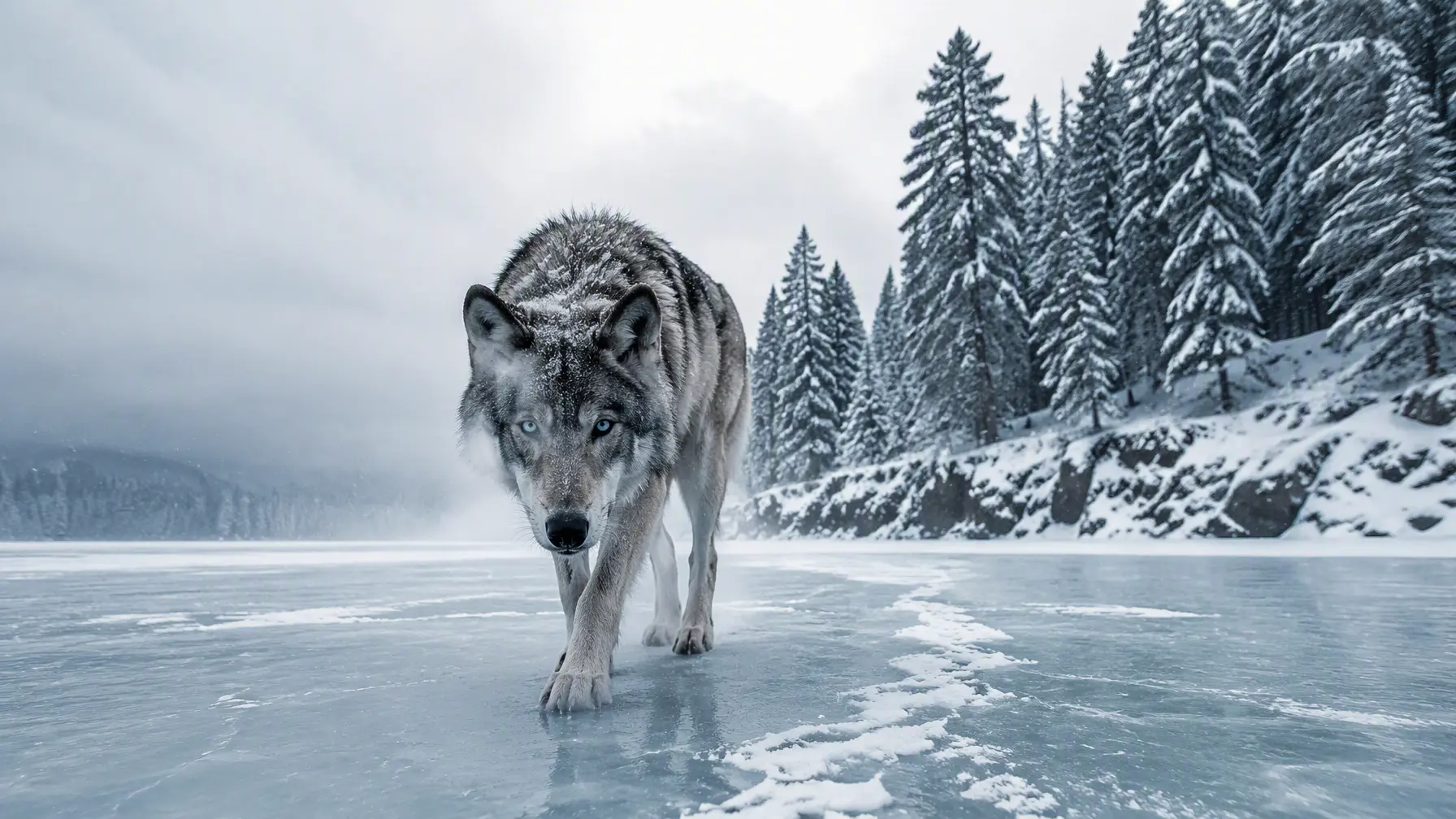
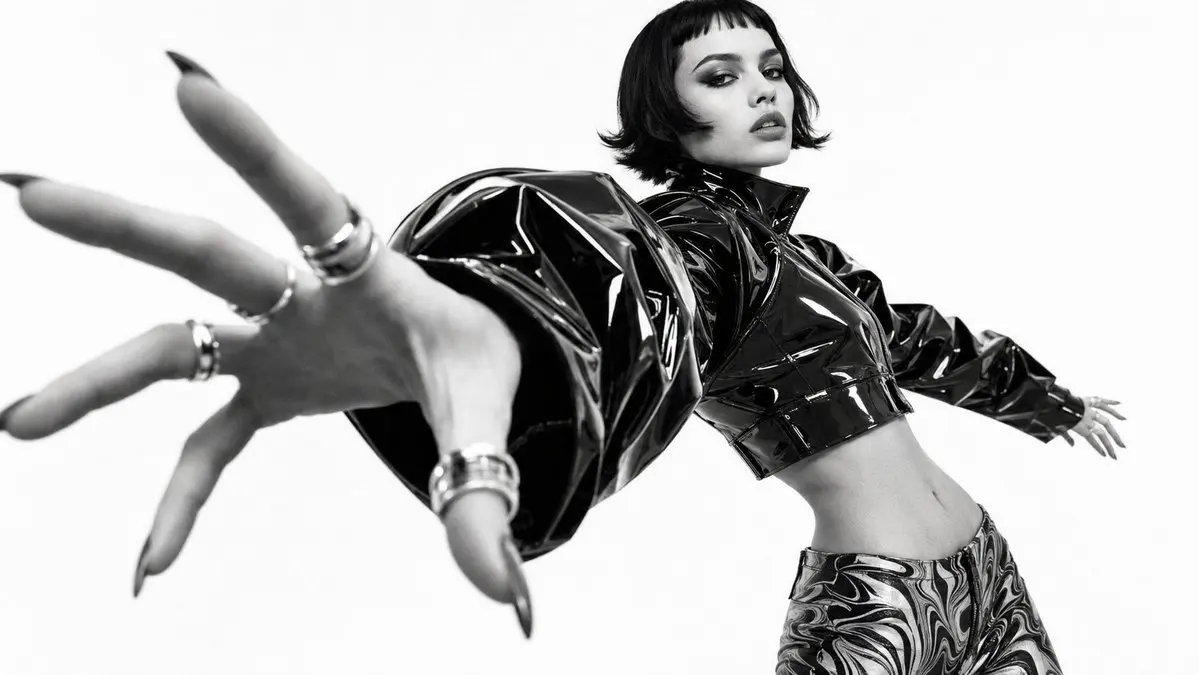
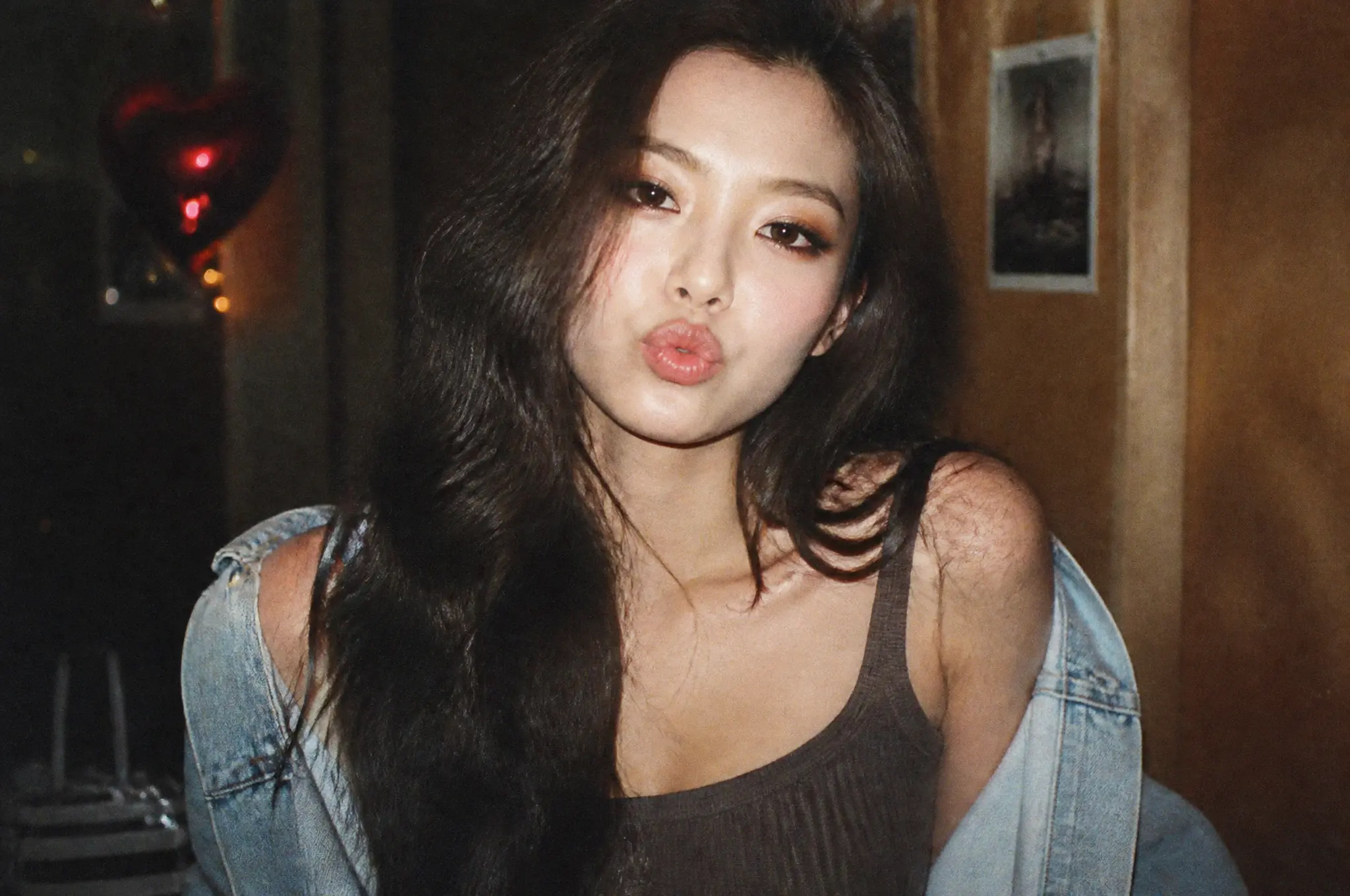
Text-to-image generation starts from a text prompt and outputs a still image. Describe what you want — subject, scene, style, lighting — and the model renders it directly. On Epochal, you can switch between 10 image models without leaving the workspace, so comparing visual directions takes seconds instead of tabs.

Studio product shot on clean background
Your prompt stays when you switch among Nano Banana, FLUX, Ideogram, and the other image models. Aspect ratio and the other controls follow the model you pick. Earlier results stay in the history.
All generation results stay in the same workspace history. See what each model produces from the same prompt before deciding which direction to take.
Once you have a result you like, move it into image-to-image editing from the same page — keeping the original as a reference throughout.
Tutorials and model walkthroughs that are useful when you want to compare prompt-following, style range, and how different image models behave from scratch.
A good first pass for seeing prompt-led generation, follow-up edits, and multi-image combinations inside one workflow.
Useful when you want a cleaner text-to-image example focused on scene building rather than heavy post-editing.
A practical reference for prompt adherence, local/open workflows, and how FLUX is used when people want strong text-led image generation.
Helpful when you want one creator-side overview that compares several modern image models instead of watching isolated demos.
A more reliable long-form reference for how one major open image model gets introduced, tested, and compared in practice.
Shorter public references for launches, leaderboard movement, prompt structure, and the kinds of image results creators are actually sharing.
Pick a model, describe what you want, and preview the result in the same workspace.
Different models have different strengths — Nano Banana is fast and handles iterative edits well; FLUX.2 Pro handles fine detail; Ideogram V3 handles text in images. Start with what fits the task.
Describe subject, environment, style, and lighting. The more specific the prompt, the less revision you'll need. Set the aspect ratio before generating.
Review the result against your prompt. If the subject is right but the style is off, adjust the style terms rather than rewriting everything. Small changes reveal the model's behavior faster.
Run the same prompt on a different model to see if another direction works better. Or stay in one model and keep iterating. Both paths stay in the same workspace.
Best used when the main job is to move from a written idea to a first visual result quickly, then refine from there.
Generate early product shots for review before a studio shoot — test background, surface, and lighting choices without booking time or renting props.
Generate rough scene or character directions before deciding which to develop. Text-to-image is the right tool for breadth over polish at this stage.
Create marketing graphics, event posters, and social media assets from a written brief. Models like Ideogram V3 can render legible type inside the image.
Both workflows live in the same workbench. Here is when to use each.
Common questions, answered.
Preview
Ready to create images
Generate in this workspace and the latest result will appear here with the supporting content below.
Recent
View more