



LogoEpochal
  • Explore
  • Blog
  • Pricing
Image ModelsIdeogram V3

Ideogram V3 Image Generator

Use Ideogram V3 on Epochal for fast AI image generation, image editing, and result management in one workspace for creation, editing, and export.

Ideogram V3
Prompt
0/5000 characters
Ideogram V3
Model-Specific Controls/Create Workflow
Output
Rendering Speed
Style
Image Size
Advanced
Expand Prompt
Negative Prompt
Seed
Public Visible
Cost 21 credits
Loading credits...
Describe the image you want to generate, including subject, composition, and style...
View My Creations
Open the Library to review your generated outputs, references, and exports.
ideogram v3 image generator

What is Ideogram V3?

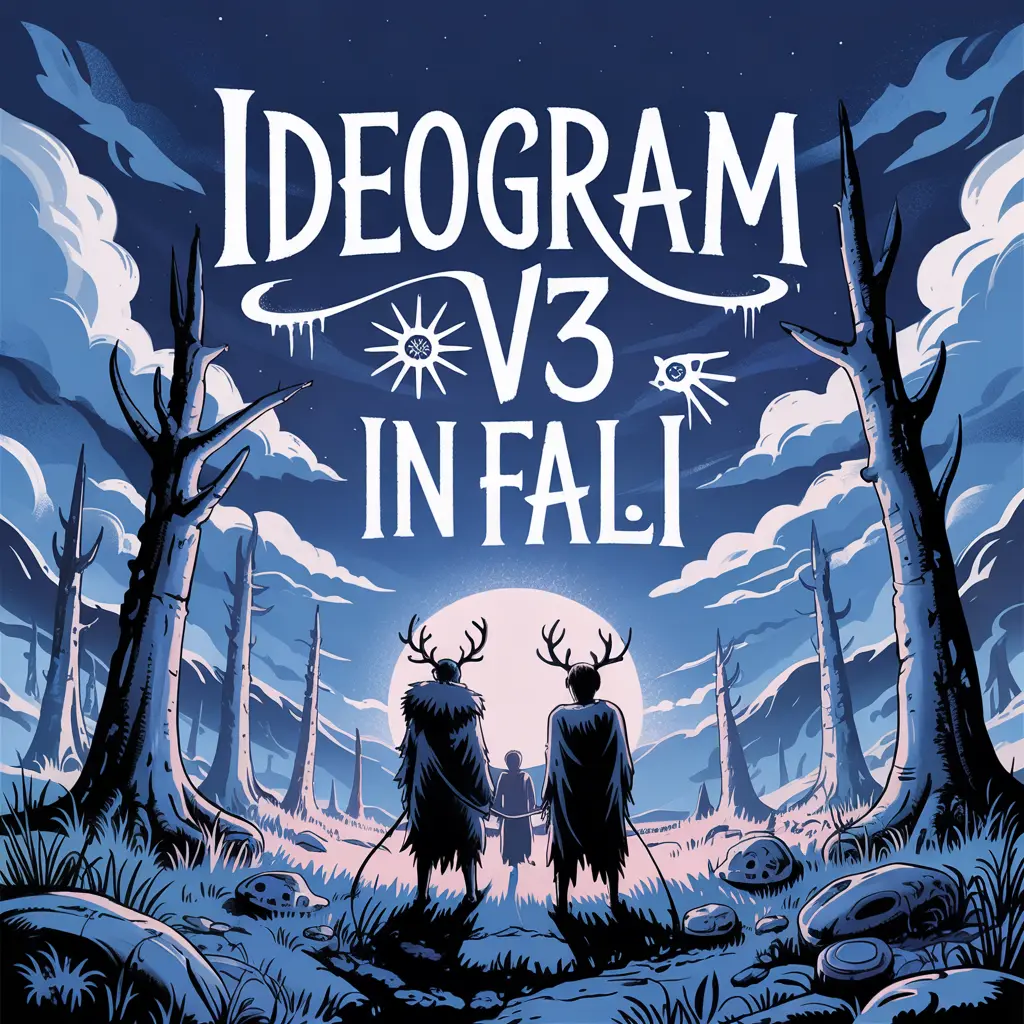
Ideogram V3 is the newer Ideogram image model positioned around stronger text rendering, graphic design use cases, poster layout, and better prompt alignment. The current page exposes it as a text-to-image workflow that is more typography- and design-oriented than a generic image model.

Key Capabilities

Typography rendering

Ideogram's official positioning continues to emphasize stronger text and layout rendering as a core advantage.

Poster and graphic design output

Ideogram V3 is a better fit for posters, title graphics, logo concepts, and other design-led image tasks.

Style and speed controls

The current page exposes rendering speed and style controls so image generation can shift between faster drafts and more refined outputs.

Prompt expansion and negative prompts

The workflow includes expand-prompt and negative-prompt controls that are especially useful for design-oriented refinement.

How to Use Ideogram V3

1
Write the prompt

Describe the subject, copy, layout, and visual direction in the same prompt.

2
Set speed and style

Choose rendering speed and style based on the current design goal.

3
Choose the image size

Set the output size around the target format, such as poster, cover, or social graphic.

4
Refine with expansion controls

Use prompt expansion and negative prompts to keep refining the design result.

Pricing & Credits

Each generation with Ideogram V3 consumes credits inside Epochal.

Typical cost
11 credits per generation
Processing time

Processing time varies with rendering speed, prompt complexity, and queue state.

Use the active workflow cost shown on the page as the current Ideogram V3 credit reference.

Use Cases

Posters and title graphics

Use it for event posters, headline images, and promo graphics where text belongs inside the image.

Brand and graphic design concepts

Use it for logo directions, slogans, banners, and graphic-first brand explorations.

Social graphics with text

Use it for cover art, quote cards, and social images where typography matters.

Design-oriented prompt refinement

Use it when negative prompts and style choices need to keep refining a design-heavy image.

Output & Quality

Ideogram V3 is a stronger fit for text-led, layout-aware, and graphic-design-oriented image generation than for generic photo-style output alone.

Best suited for
  • - Posters and title graphics
  • - Brand and graphic design concepts
  • - Text-rendering-heavy image tasks
Limitations
  • - The current page exposes only the public text-to-image workflow
  • - The current product flow still centers on one primary image result per task

FAQ

What controls does Ideogram V3 provide?

On the current page, Ideogram V3 mainly exposes rendering speed, image size, style, prompt expansion, and negative prompts.

What is Ideogram V3 best for?

It is best for posters, brand graphics, title images, and other design-led tasks where text rendering matters.

Is Ideogram V3 good at text rendering?

Yes. Ideogram's official positioning continues to emphasize text and layout quality as a core strength.

Is Ideogram V3 publicly available here for image editing?

No. The current page exposes Ideogram V3 as a formal text-to-image workflow, not as a public image-editing workflow.

Related Models

GPT Image 1.5→FLUX.2 Pro→Nano Banana 2→

Related Tools

Text to Image→All AI Tools→

Latest Blog Articles

Keep reading the newest posts on model capabilities, workflow tips, and creative practice.

View All Blog Posts
Veo 3.1 vs Seedance 2.0: Which One Fits Your Content Workflow?
2026/03/31

Veo 3.1 vs Seedance 2.0: Which One Fits Your Content Workflow?

If you are comparing Veo 3.1 and Seedance 2.0, this guide breaks down where each model fits best across quality, control, output speed, and commercial use.

Read Article
View All Blog Posts
Keep reading the newest posts on model capabilities, workflow tips, and creative practice.
LogoEpochal

Text to video and image to video workflows for creators and teams building AI video output.

Email
Featured on There's An AI For That
AI Tools
  • Text to Image
  • Image to Image
  • Text to Video
  • Image to Video
Models
  • Nano Banana 2
  • Flux 2 Pro
  • Veo 3.1
  • Kling 3.0
  • Wan 2.6
Resources
  • Explore
  • Pricing
  • Blog
Company
  • About
  • Contact
  • Cookie Policy
  • Privacy Policy
  • Terms of Service
© 2026 Epochal All Rights Reserved.
Privacy PolicyTerms of ServiceCookie Policy