Overview
Turn Any Name into Floral Art with AI Name into Flowers
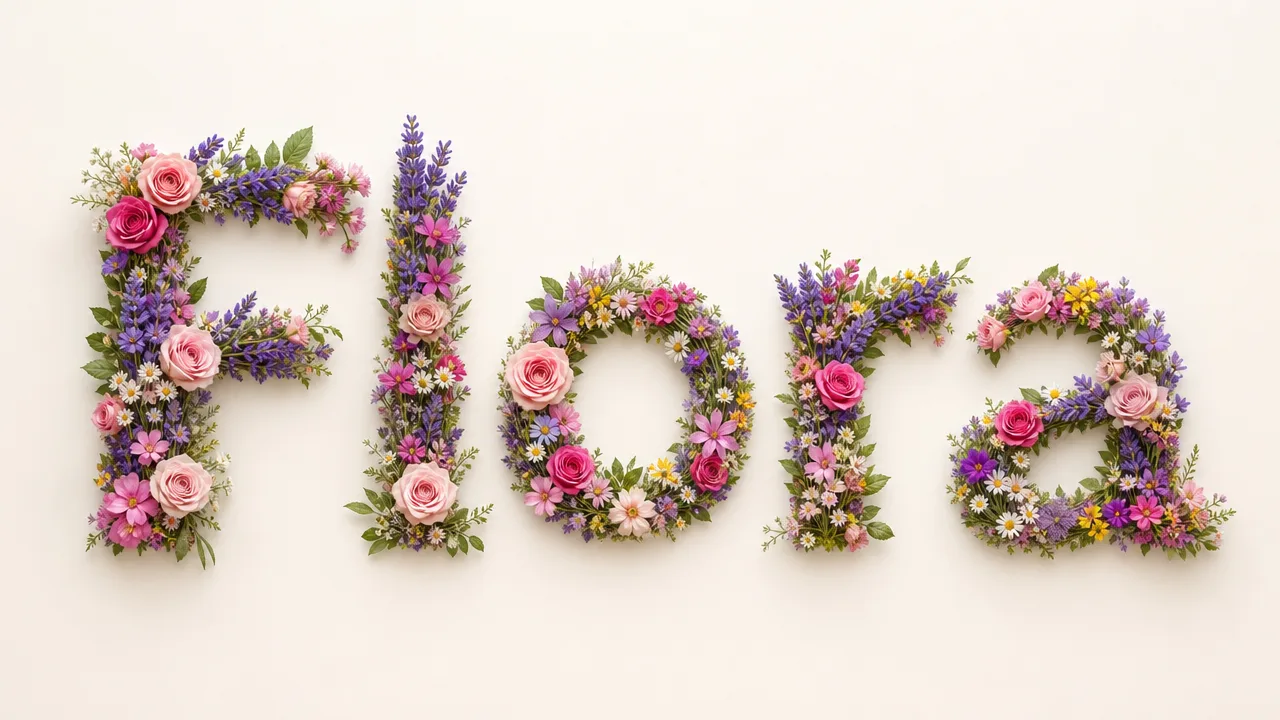
Type a name — or two — and generate images where the letters are formed or framed by flowers. A focused text-to-image tool: no upload, no prompt engineering, and the credit cost is shown before you generate.
- Name into floral art
- 10 aspect ratios
- Text-to-image, no upload
- 1K / 2K / 4K
- Credits shown before generate
Gallery
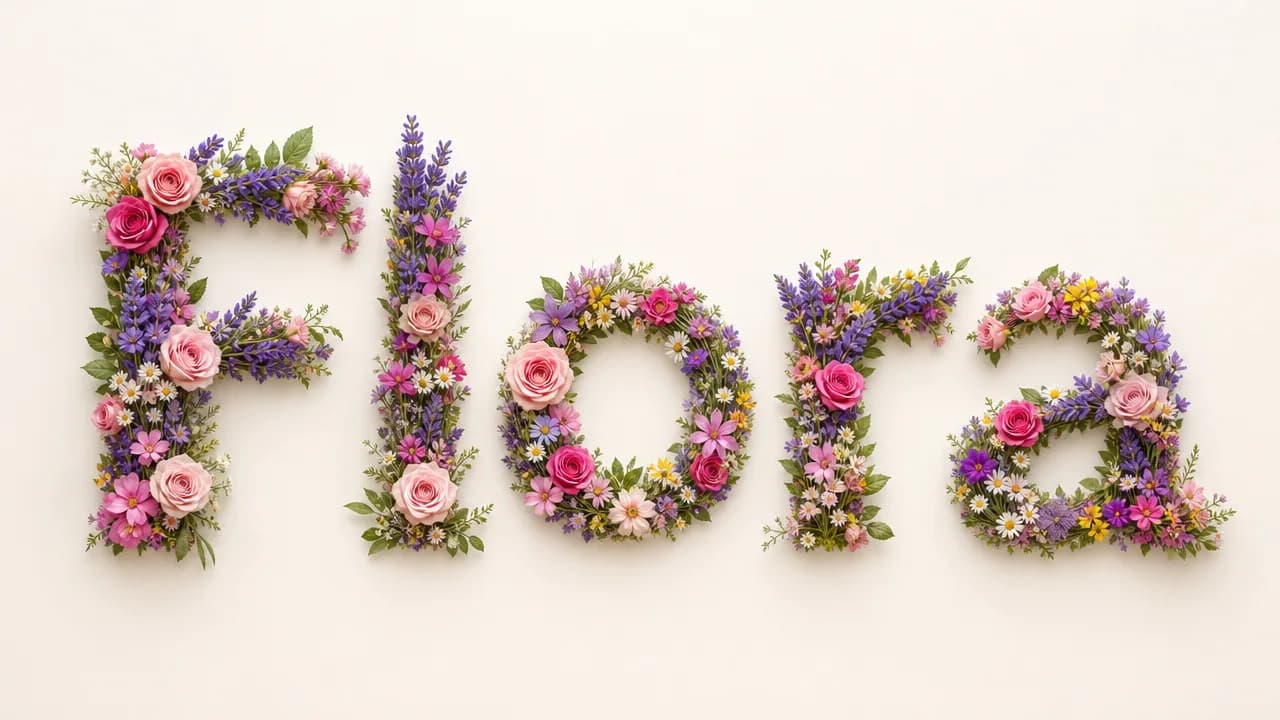
Flower style ideas to try
Click any tile to load its prompt, then type your name and generate.
Explore image models
More AI Image Generators
Explore specialized AI image models — each built for different creative styles and production needs.











Features
What you can do with AI Name into Flowers
Everything you need to turn a name into finished floral art — styles, sizes, and one-click generation.
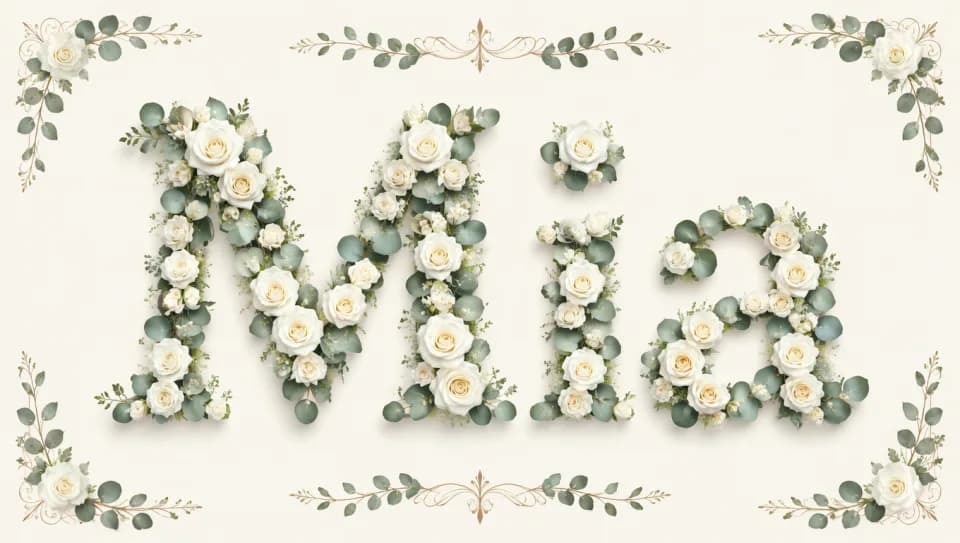
Name into floral lettering
Generate images where a name is formed from flowers, vines, or petals — or framed by a floral composition that keeps the name as the focal point. Try a single name for the cleanest lettering, or pair two names for a shared piece.
Try your name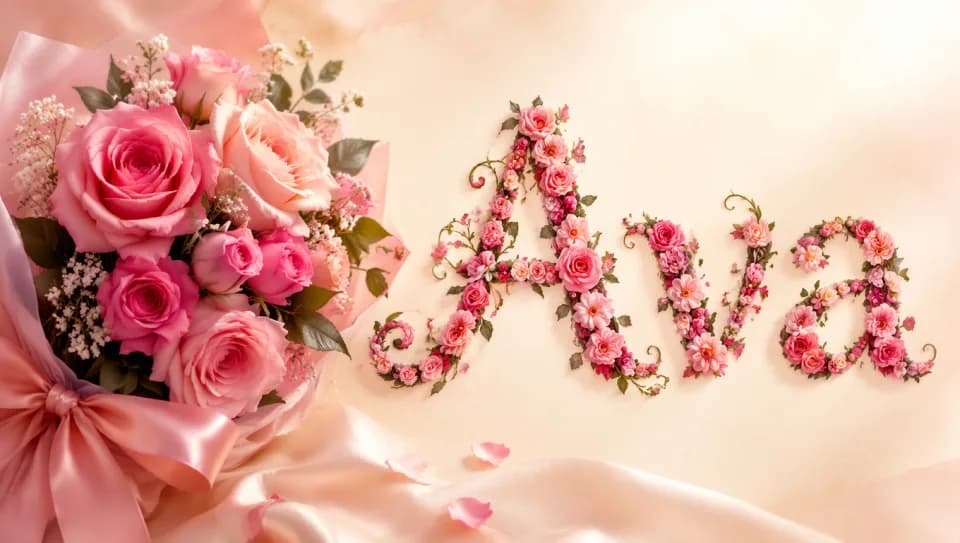
Curated styles and custom directions
Start from watercolor, botanical illustration, minimal line art, or 3D floral letters. Each preset loads a complete prompt you can edit — swap the flower type, adjust the background, or describe your own direction from scratch.
Browse styles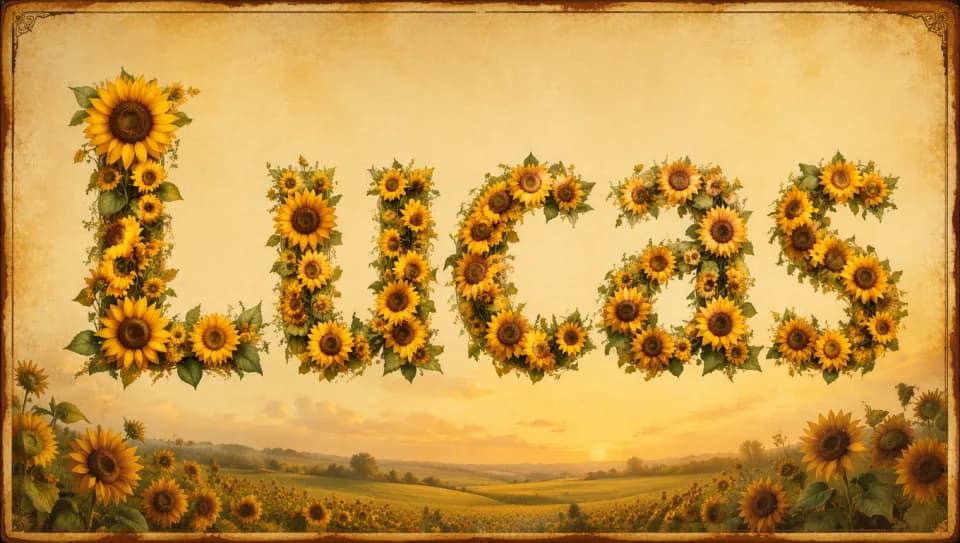
10 aspect ratios for any destination
Match the format to where the art will live: 1:1 for social tiles, 9:16 for phone wallpaper, 16:9 for landscape posters, plus tall and wide formats in between. 1K, 2K, and 4K change the credit cost, which is shown before you generate.
Pick a size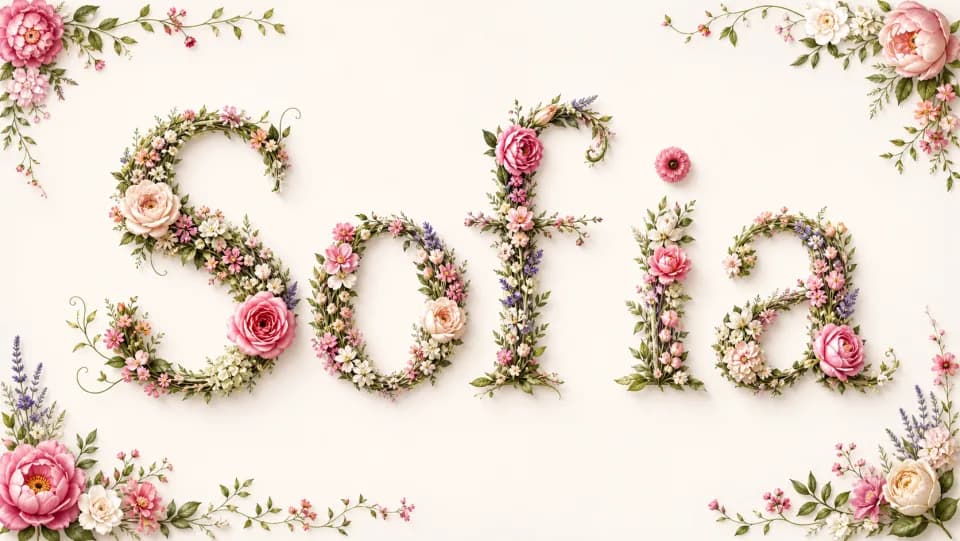
No upload, text-to-image
Type a name and generate — no source image needed. The credit cost is shown before each run, so you know exactly what you are spending before you commit.
Generate nowHow to use
How to turn a name into flowers
Type a name, pick a style, and generate — it takes under a minute.
Enter a name
Type one name, or two names joined by 'and'. Keep it short so every letter stays readable in the final image.
Pick a flower style
Choose a preset style — watercolor, botanical, line art, or 3D floral letters — or describe your own direction.
Choose your aspect ratio
Select 1:1 for square tiles, 9:16 for phone wallpaper, or 16:9 for landscape. Ten formats cover social posts, wallpapers, and print layouts.
Generate and check spelling
Generate, then verify each letter is correct and no flower covers the name. Adjust the name or style and re-run as needed.
Who it's for
Who should use AI Name into Flowers
People who turn names into floral art for gifts, branding, events, and crafts.
Gifts and greetings
Turn a recipient's name into a floral image for cards, invitations, and personalized gift art.
Personal brand and logos
Explore floral name treatments for a personal logo, monogram, or social identity.
Phone wallpaper and social
Generate vertical name art for phone wallpaper, or square tiles for profile and post visuals.
Event and wedding stationery
Create floral name art for wedding invitations, place cards, and event signage (name-based art only).
Crafters and print
Export name art for prints, stickers, and physical crafts — pick the aspect ratio that matches your template and download the result.
Small businesses and makers
Create floral name art for product packaging, business cards, or shop signage, in the format that fits your layout.
Explore creative tools
More AI Image Tools
Explore focused AI image tools, each designed for a specific task — see how AI can turn your concepts into finished work.





FAQ
Common Questions About AI Name into Flowers
Common questions about turning names into floral artwork.
- What is AI Name into Flowers?
- It turns a name into floral artwork — the letters formed or surrounded by flowers — from a short text prompt. No source image is needed.
- Can I use more than one name?
- Yes. Join two names with 'and' (for example, 'Emma and Noah'). Longer names are harder to render accurately, so keep to one or two names.
- Does this make birth-month or flower-language art?
- No. This tool draws the letters of a name as floral artwork. It does not pick birth-month flowers or explain flower-language meanings — the flowers are visual, not symbolic.
- Is there a free way to try it?
- No. Generation runs on credits, and every run shows its exact cost before you generate, so there are no surprises. One-time credit packs keep it going.
- Can I get the flower name effect without TikTok?
- Yes. This runs in your browser — no TikTok, no filter, no app install. Type a name, pick a style, and download the result as a regular image you can post anywhere.
- Can I make a flower name wallpaper?
- Yes. Choose the 9:16 aspect ratio for a phone wallpaper or 16:9 for a desktop. The Wildflower wallpaper preset is a ready starting point.
- Which settings affect the result and cost?
- You choose the flower style, aspect ratio, and 1K / 2K / 4K resolution. The credit cost is shown before you generate.
- Why do some letters look wrong or get covered?
- Long names and stacked styles are the usual cause. Use a shorter name, one clear style, and a cue like 'letters fully visible' if flowers cover the name.
- Can I generate name art online?
- Yes. Epochal runs in your browser — type a name and generate, no app or install required.
Start now
Turn a name into flowers
Type a name and generate — the credit cost is shown before you run, no upload needed.
Try AI Name into Flowers