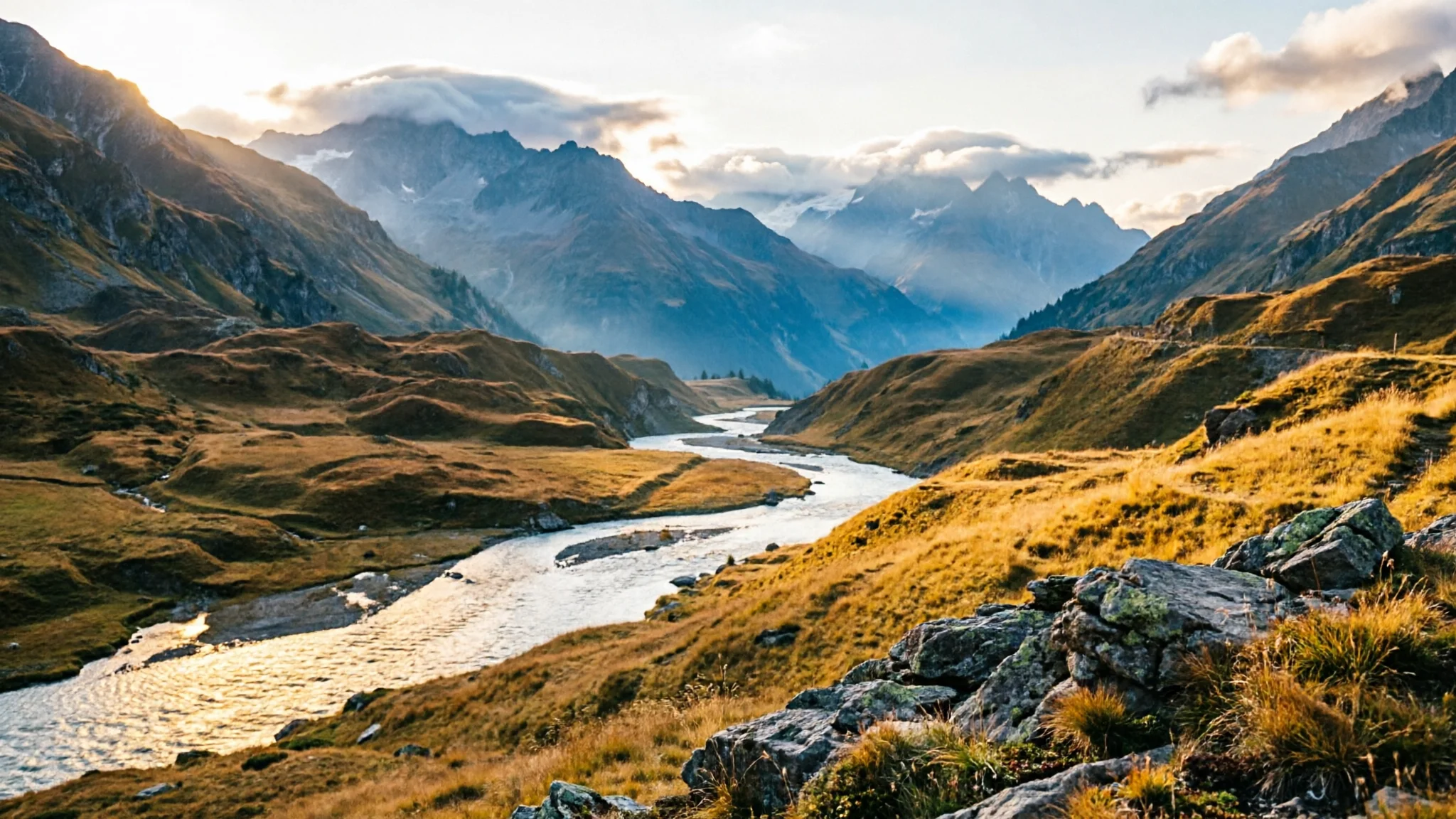
Qwen Image 2.0 AI Image Generator
Generate up to 2K images with Qwen Image 2.0 on Epochal — Alibaba's model for enhanced quality and sharper prompts, in Chinese or English.
Overview
Create High-Quality Images with Qwen Image 2.0
Generate high-quality images up to 2K with Qwen Image 2.0 — Alibaba's text-to-image model built for enhanced image quality and improved prompt understanding. Write your prompt in Chinese or English and the model follows your description closely, or switch to editing to direct changes across up to 3 reference images in natural language.
- Text-to-image + edit
- Up to 2K
- 3 reference images
- Chinese & English prompts
- 9 credits per run
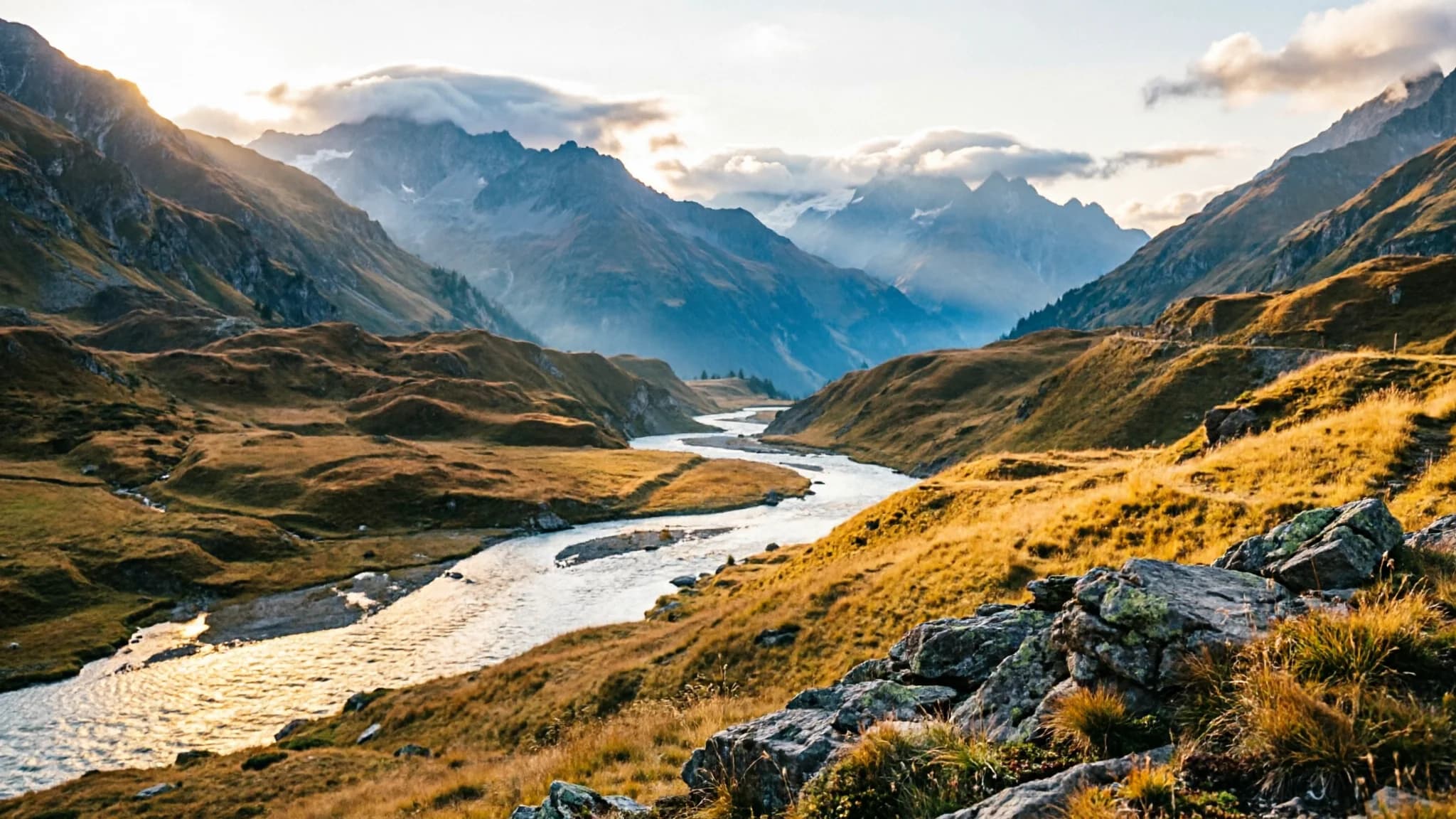
Gallery
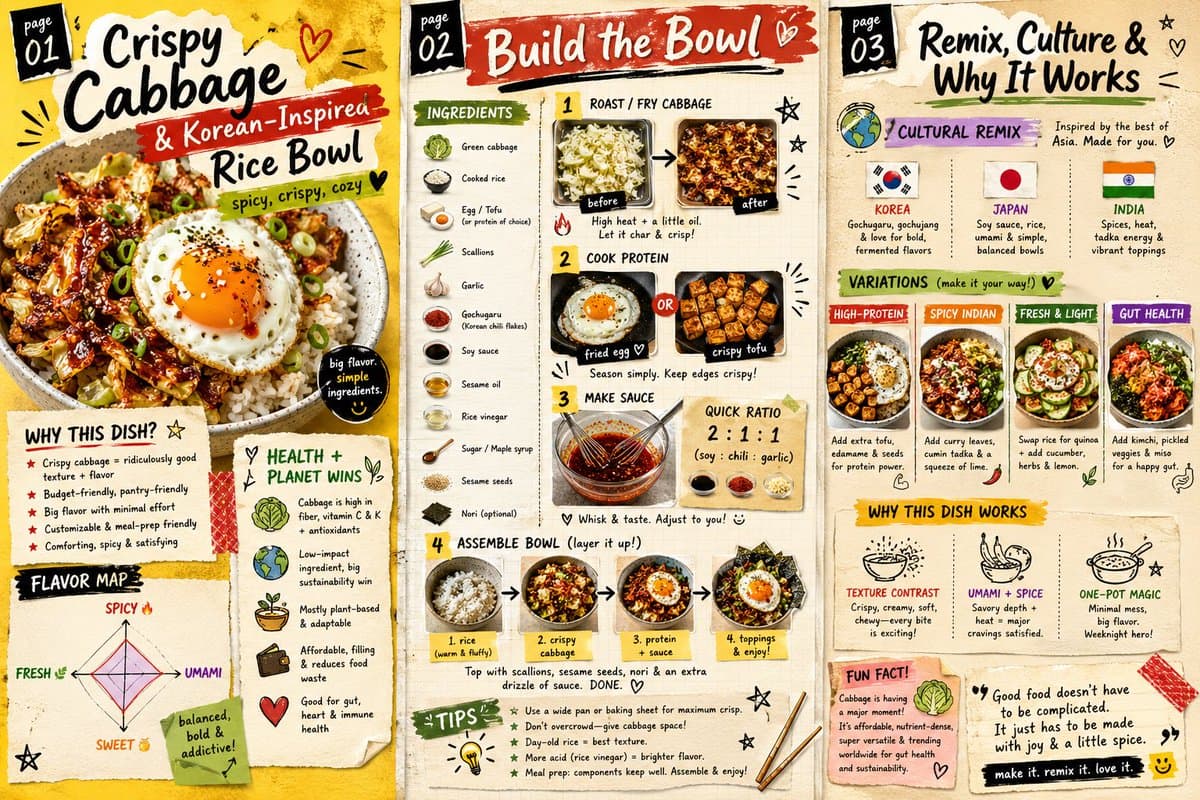
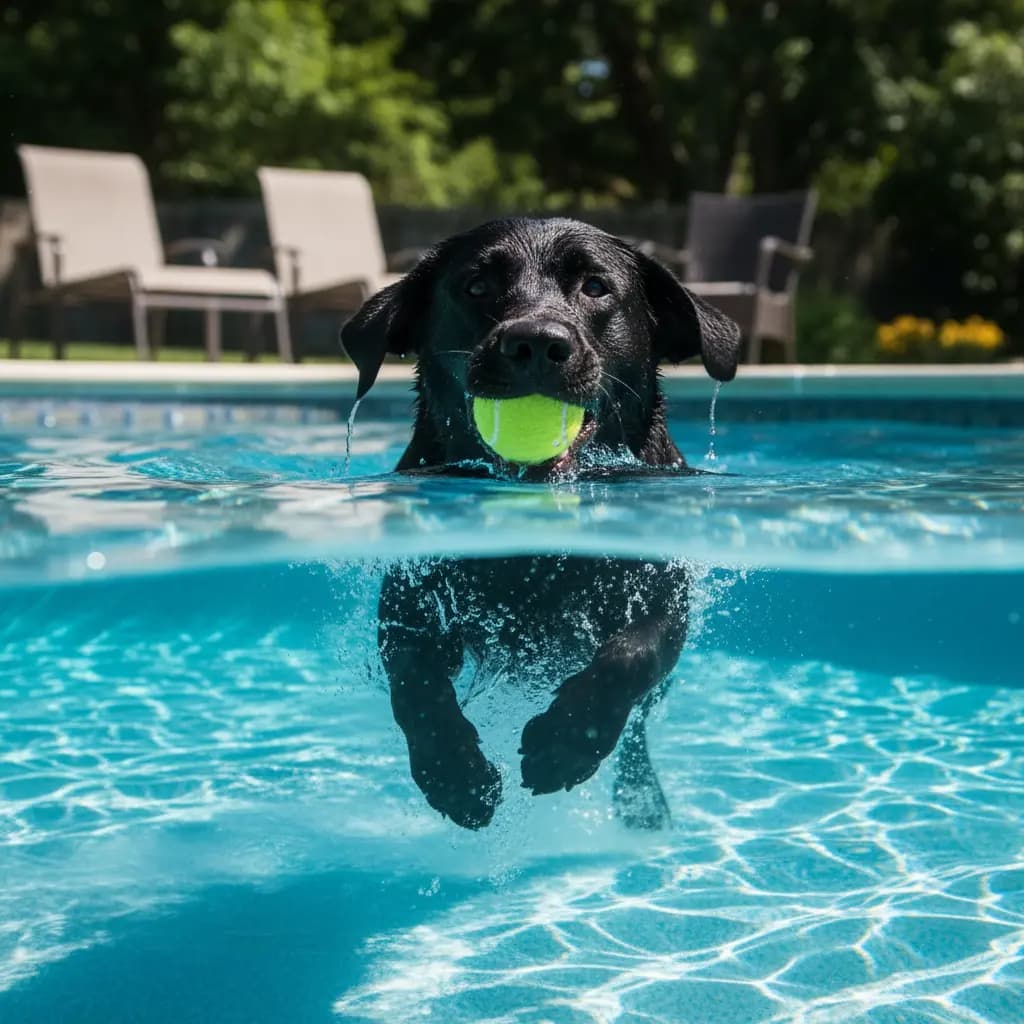
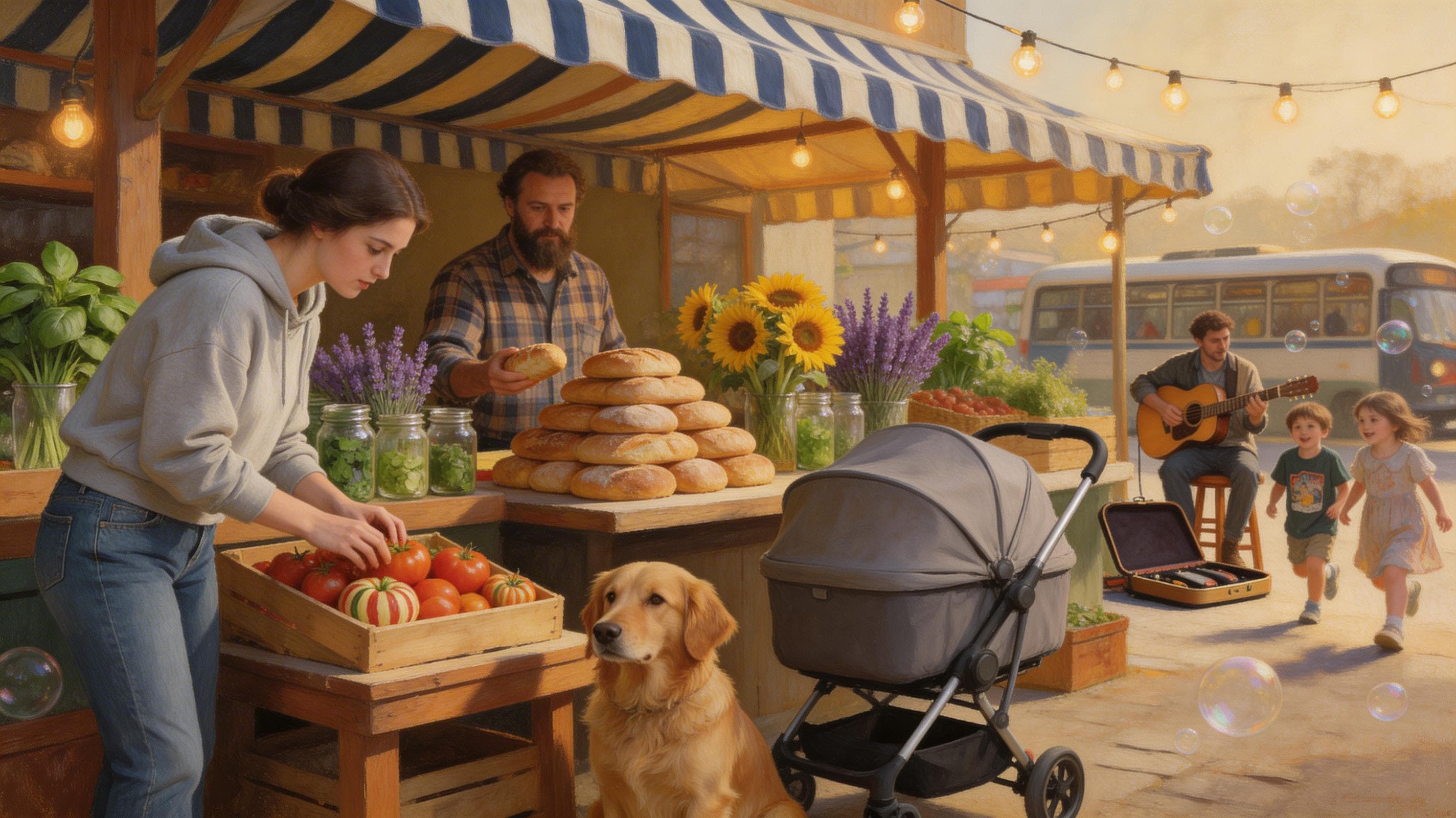
See what Qwen Image 2.0 can create
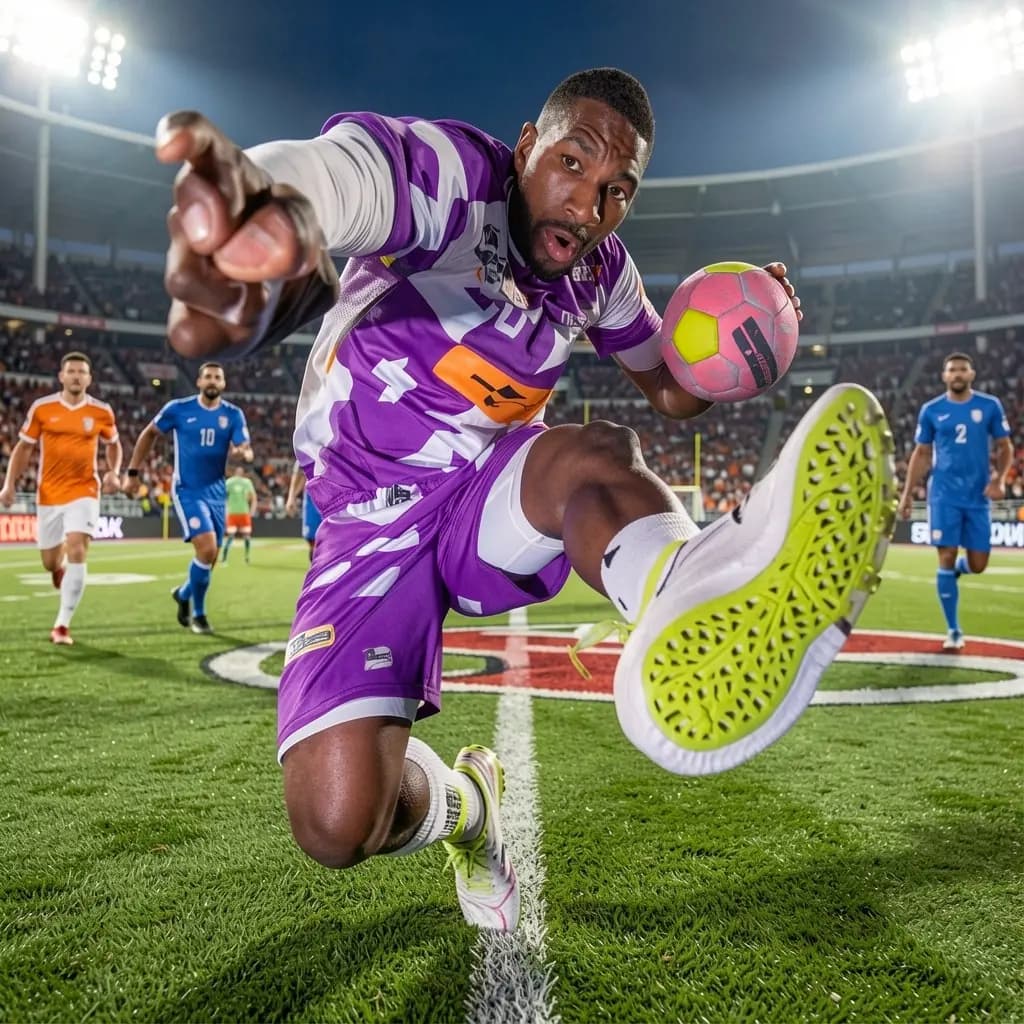
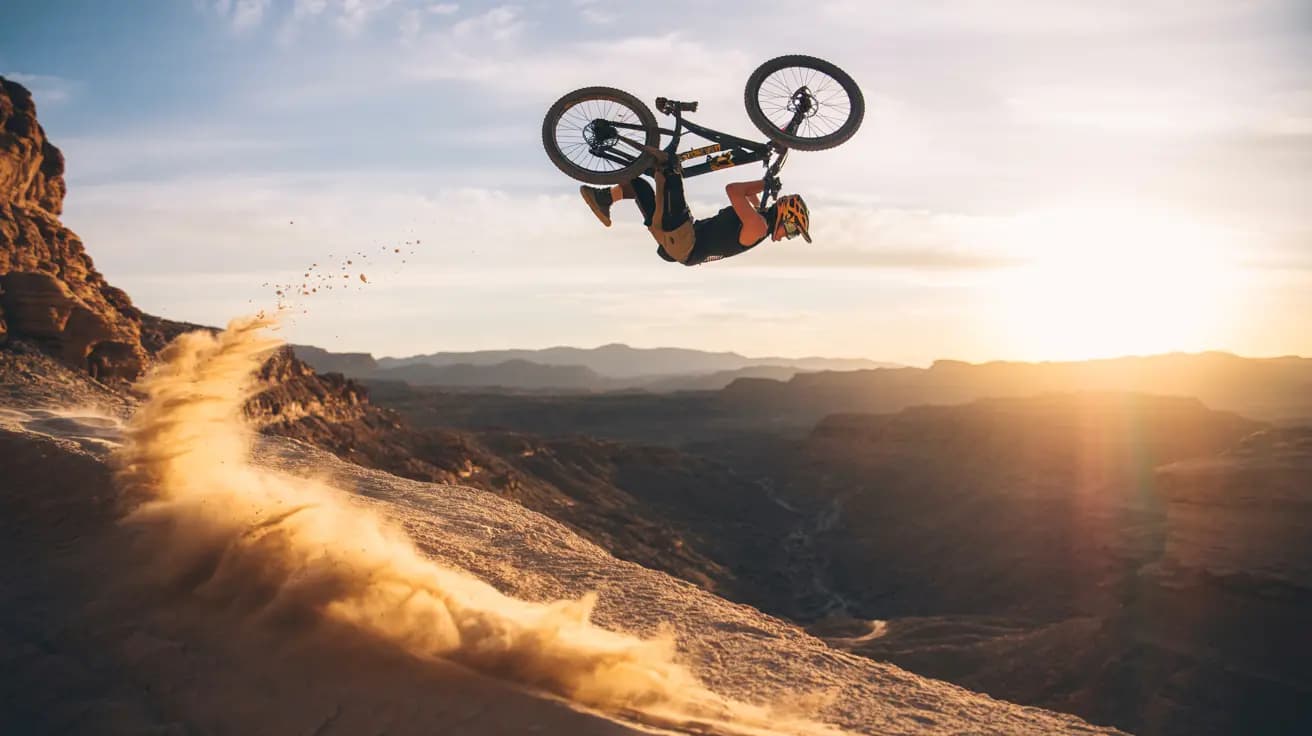
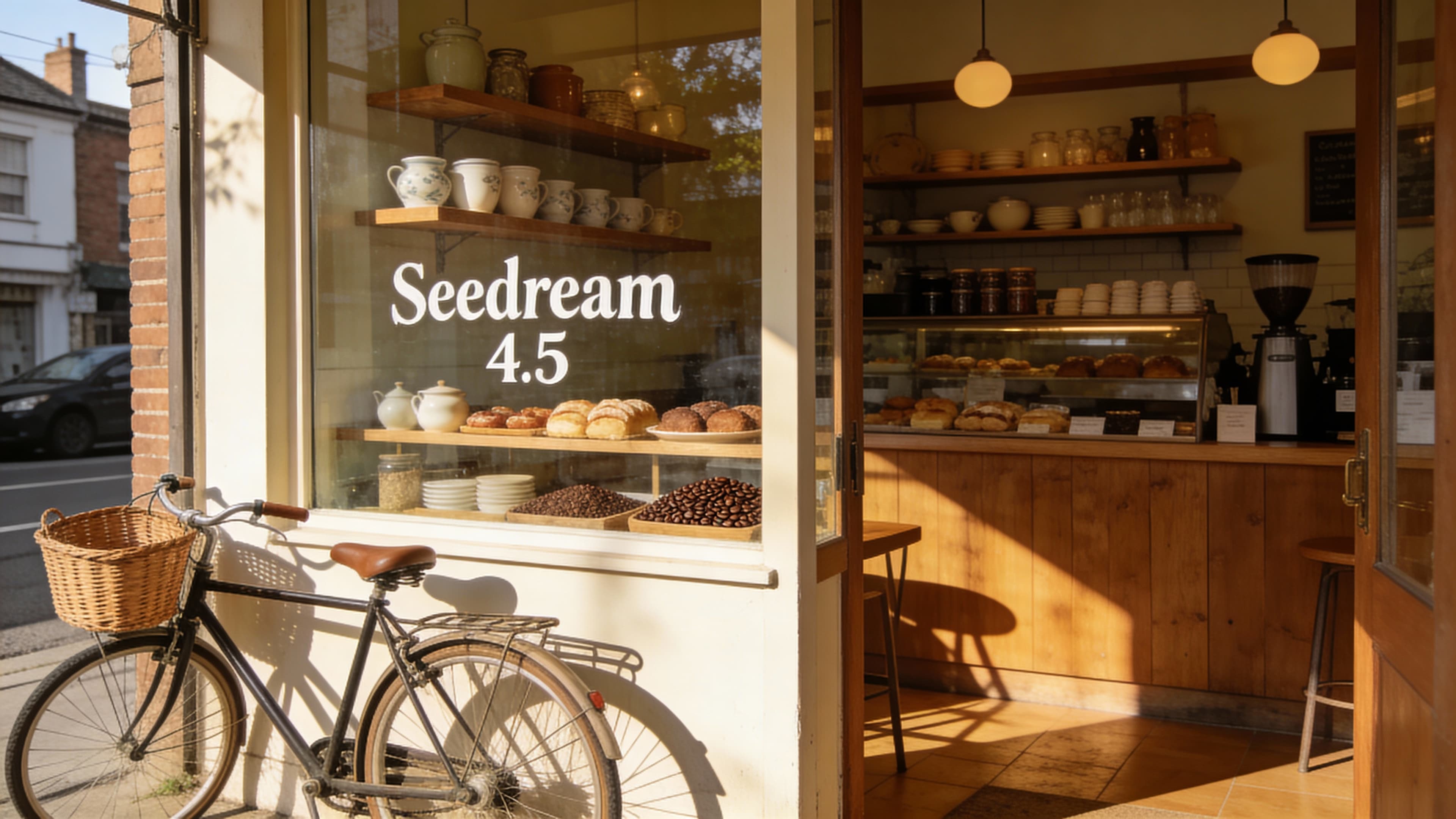
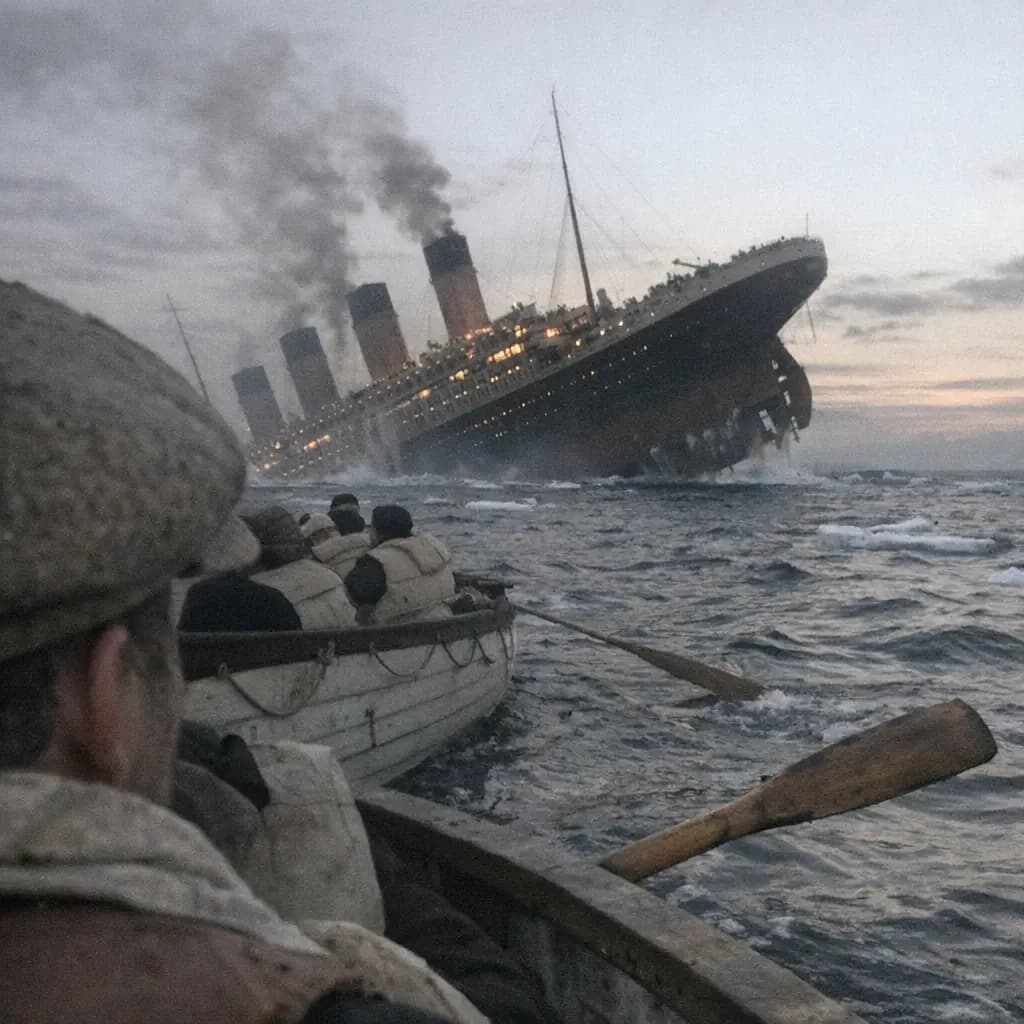
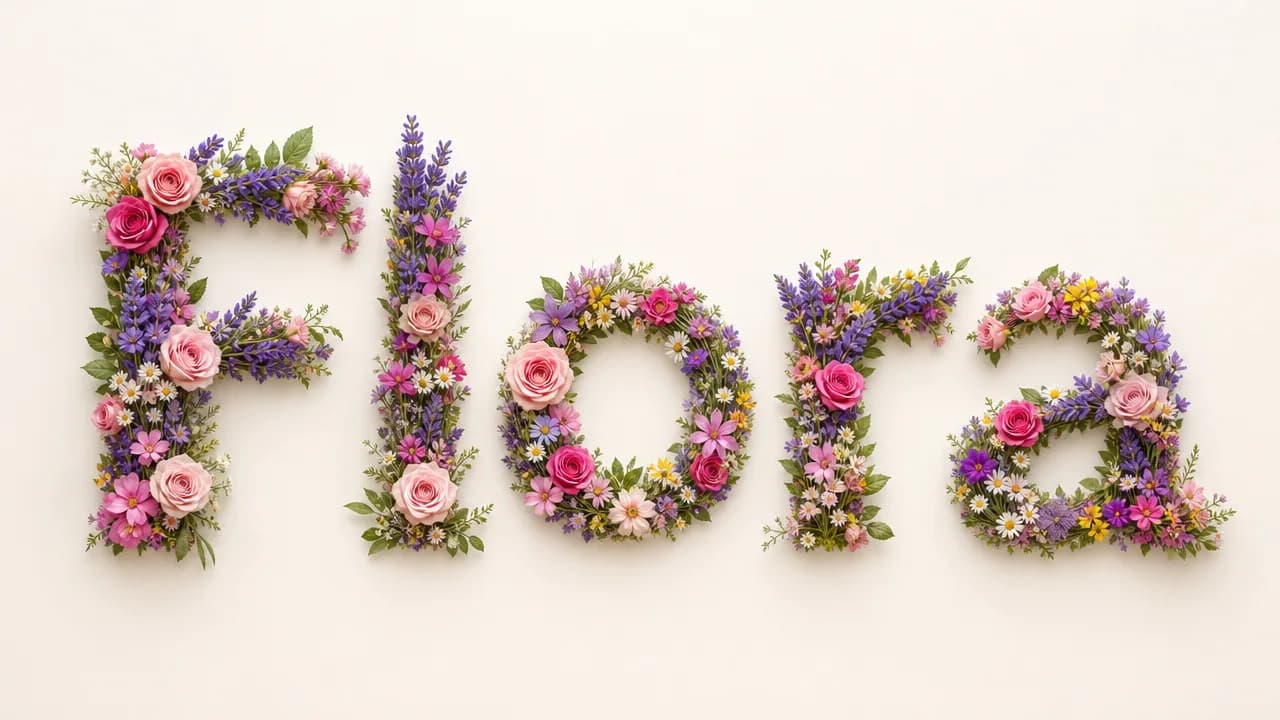
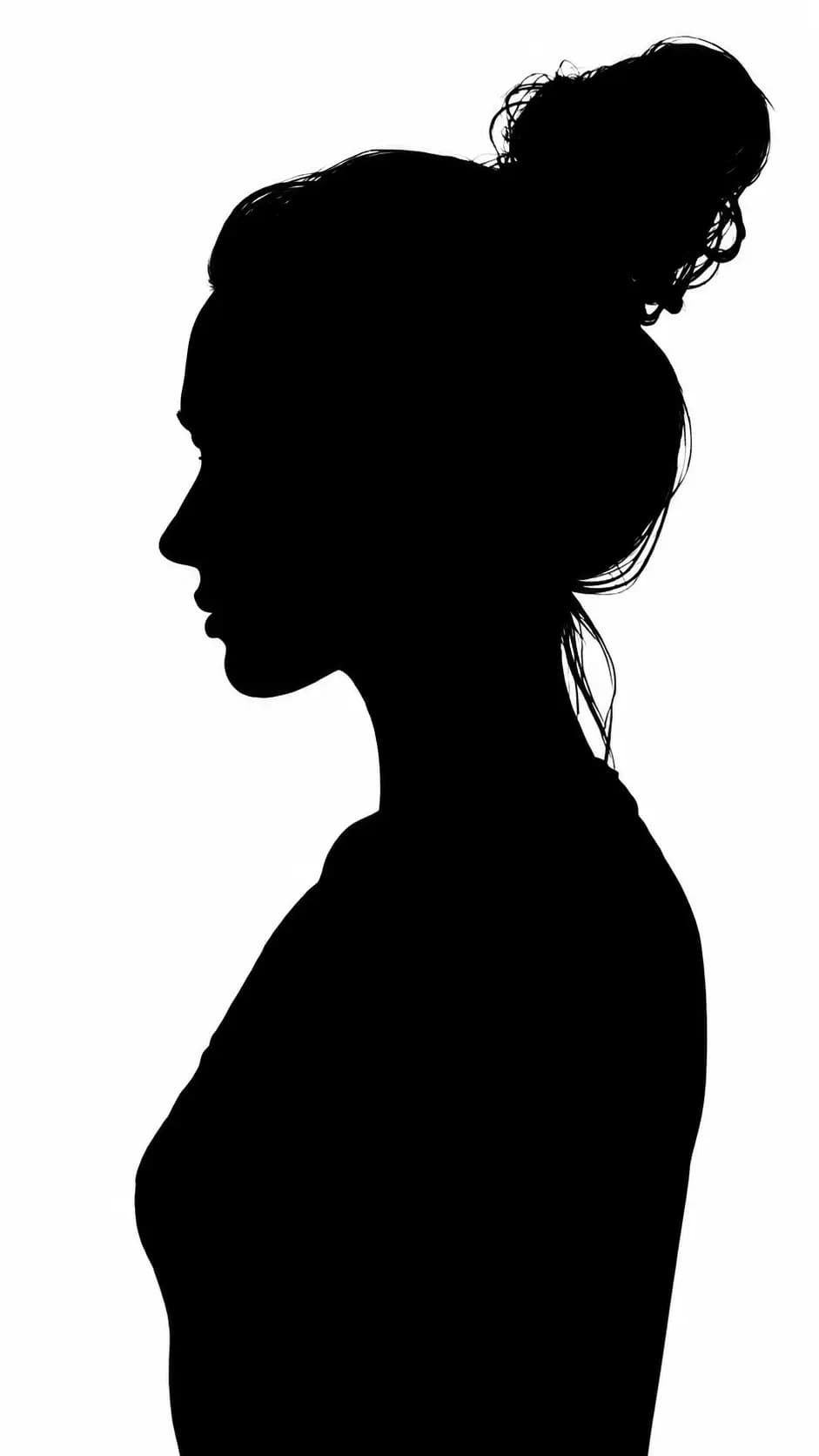
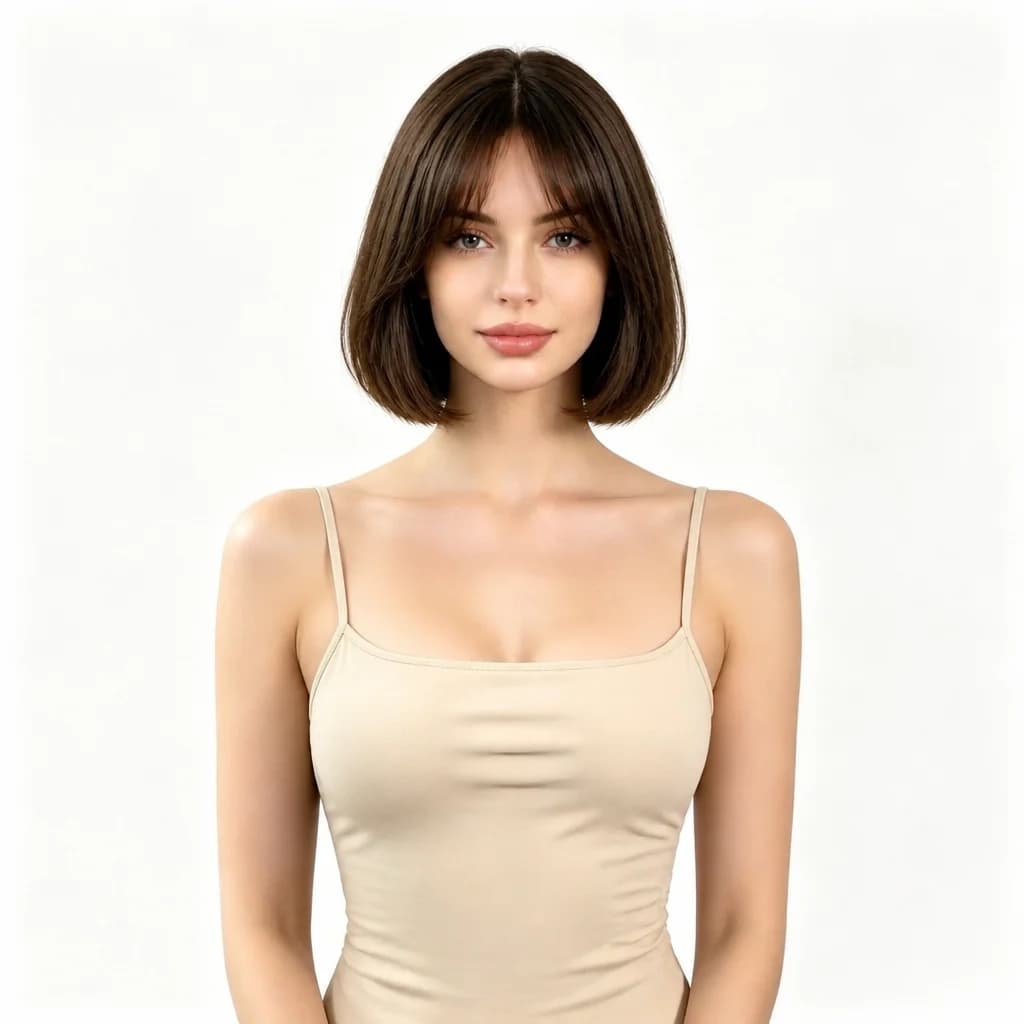
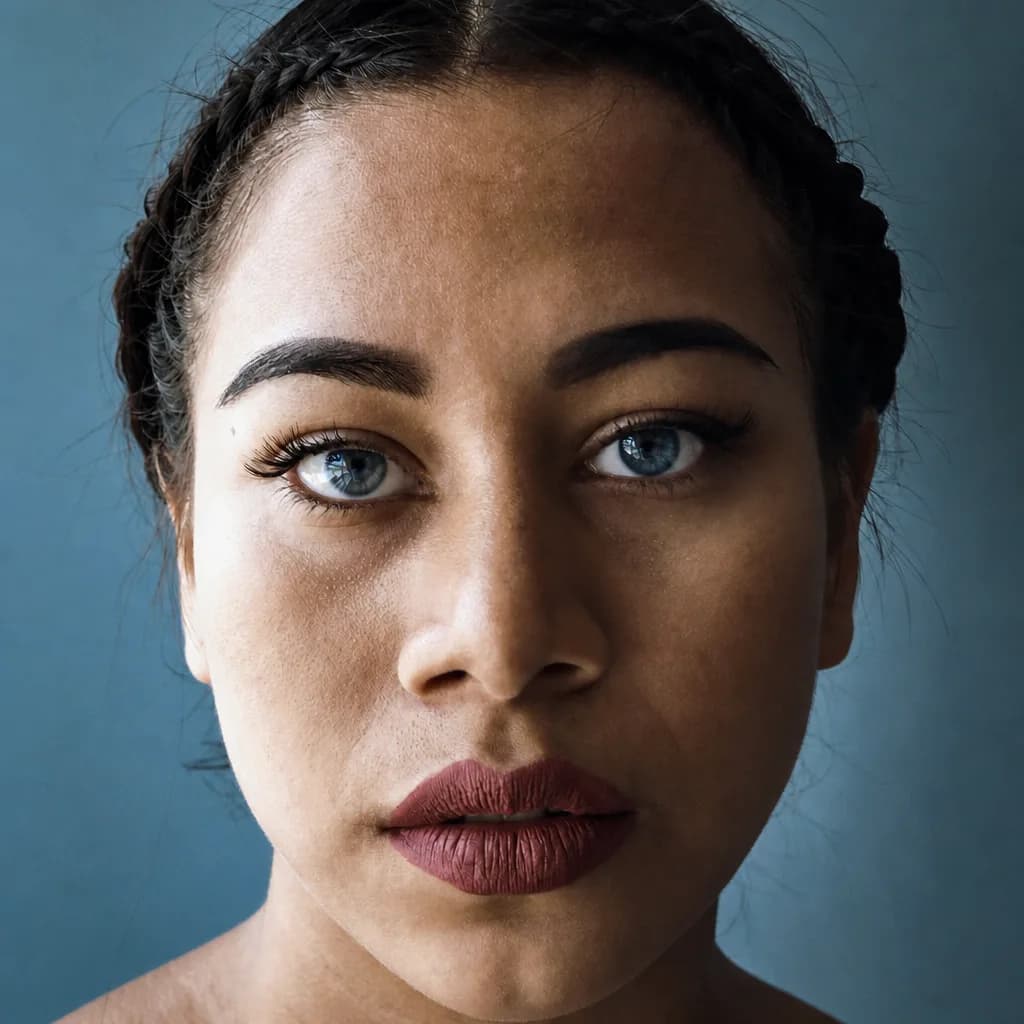
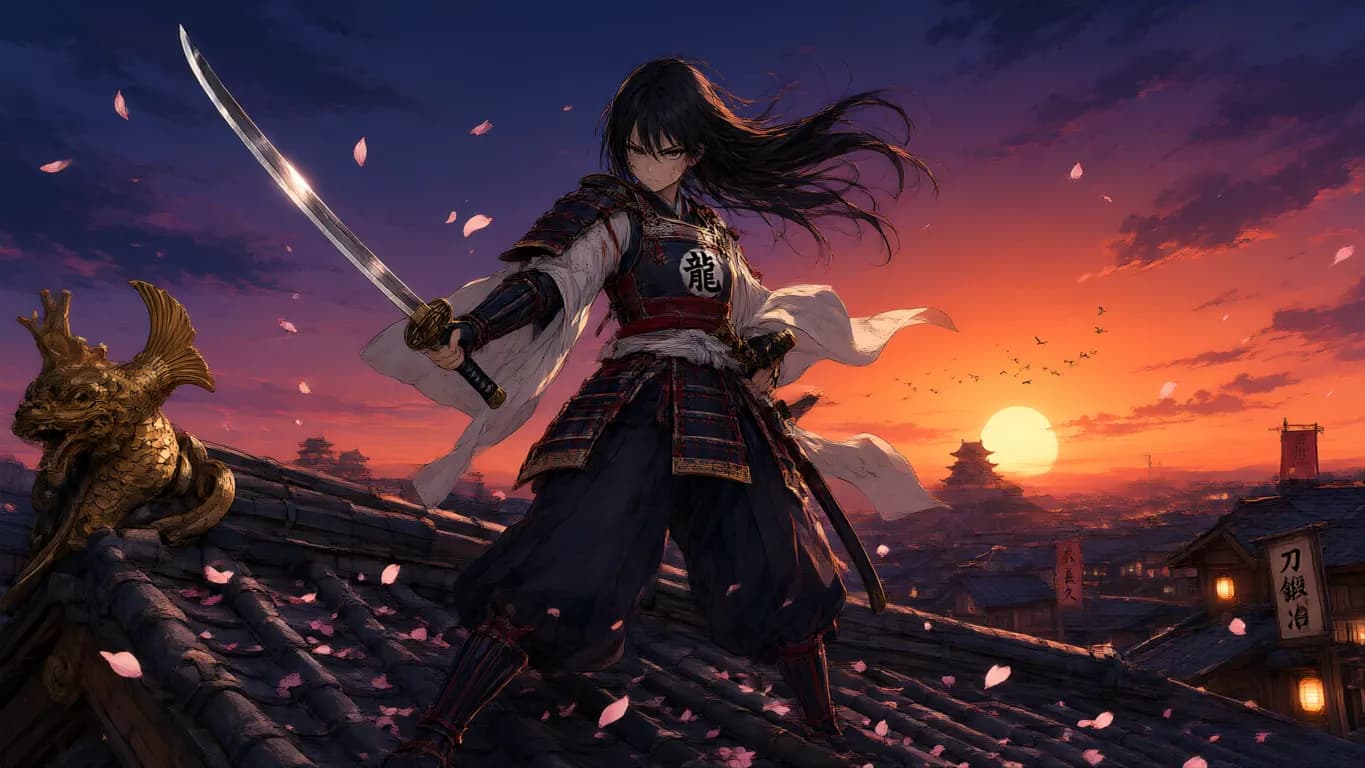
Real outputs from Chinese and English prompts and reference edits — click any tile to try its prompt.
Explore image models
More AI Image Generators
Explore specialized AI image models — each built for different creative styles and production needs.




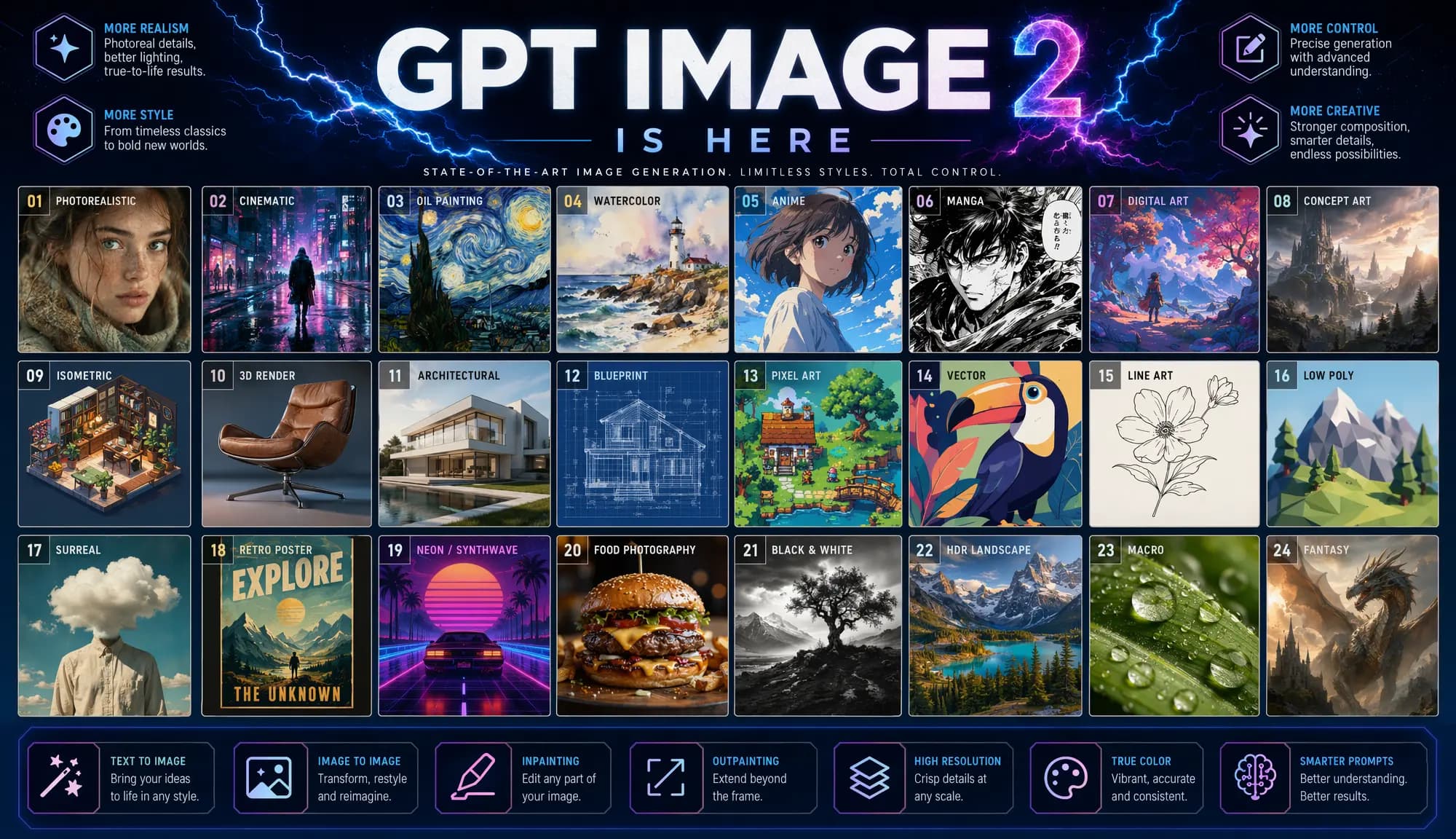
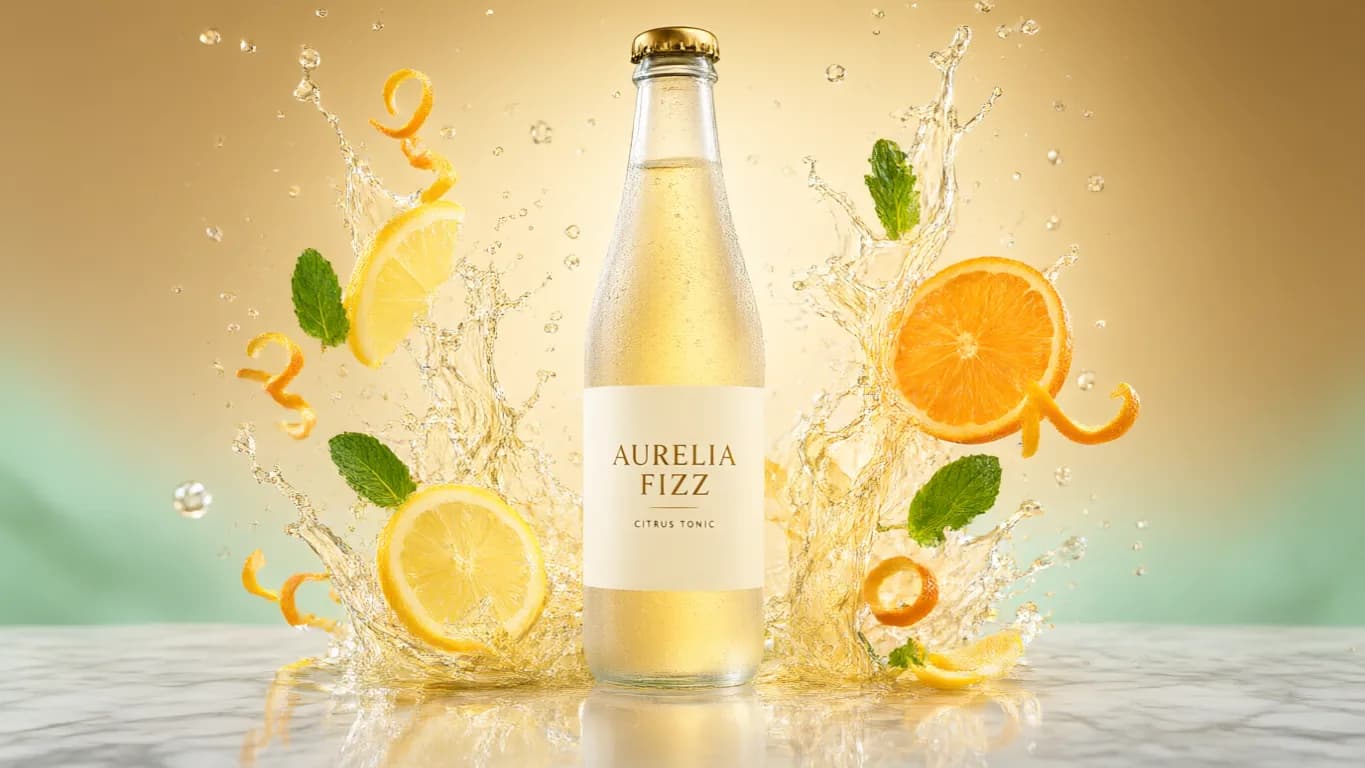
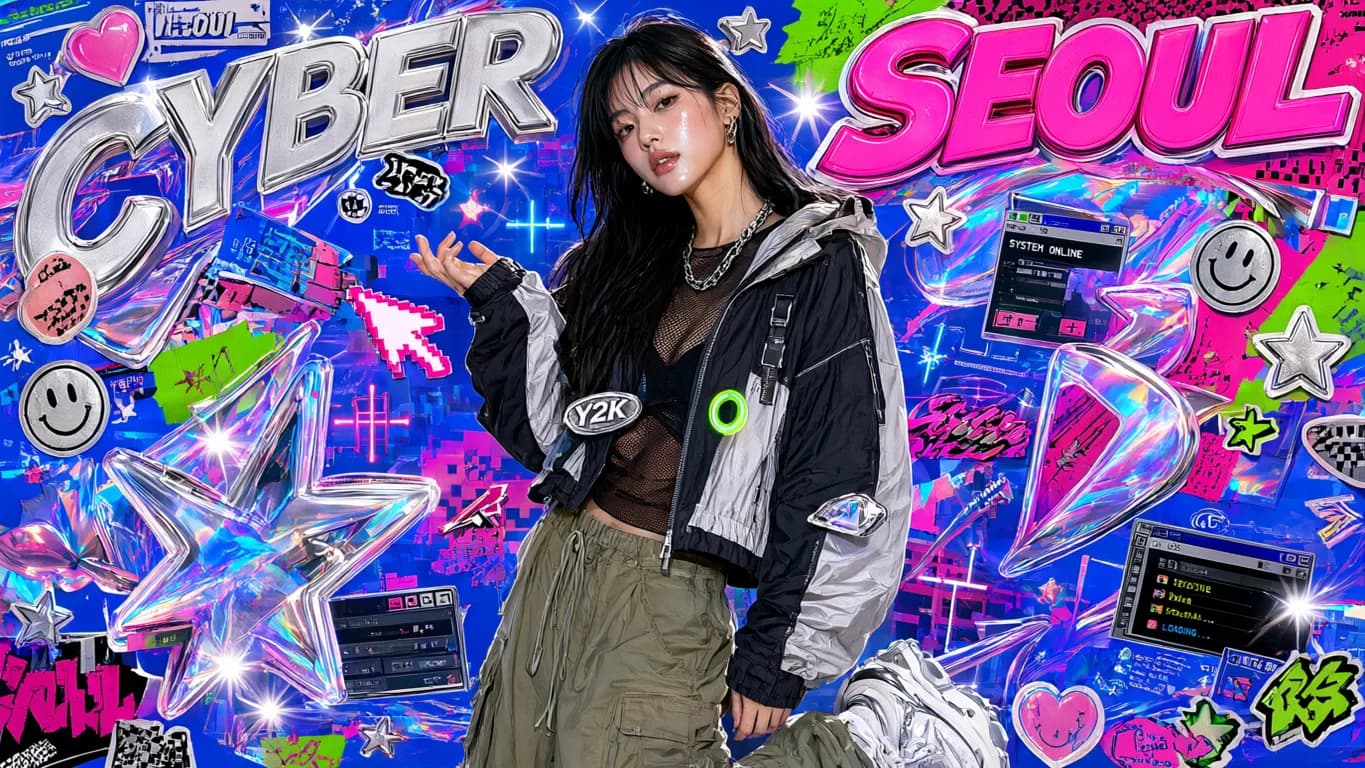
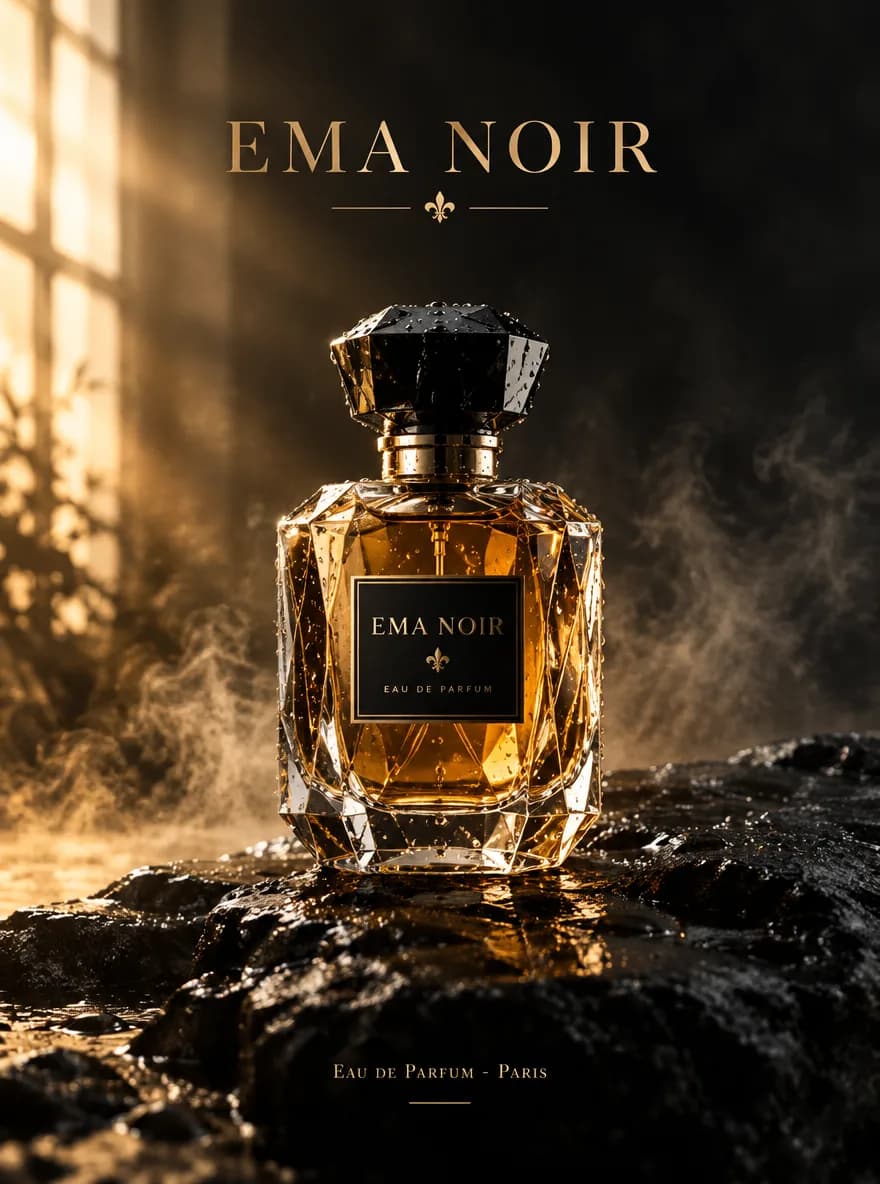

Features
Core Capabilities of Qwen Image 2.0
Cover the full image workflow — from a bilingual text prompt to a reference-guided edit, up to 2K.
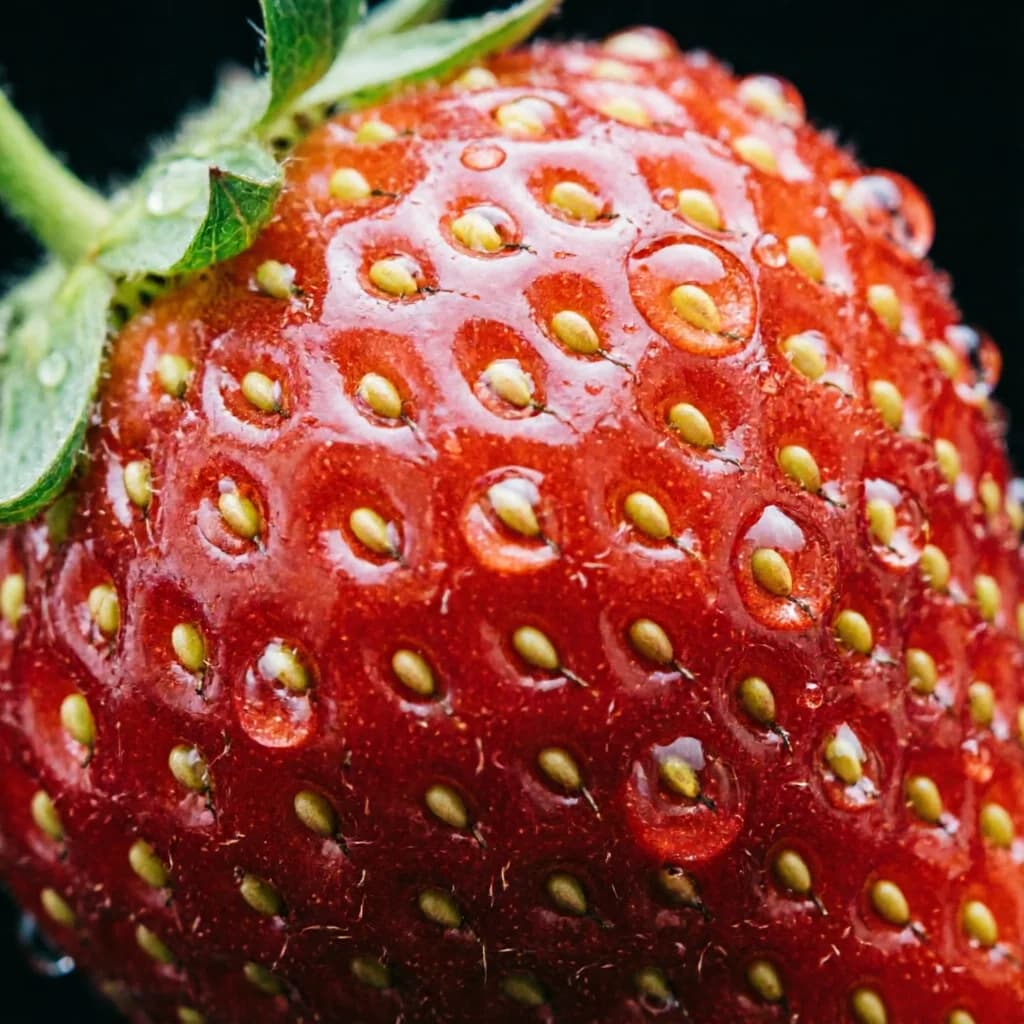
Enhanced Image Quality
Qwen Image 2.0 is tuned for enhanced image quality — cleaner detail, better lighting, and more natural textures than earlier generations. Suited to product photography, portraits, and illustration work where the image has to look finished rather than draft. The model aims to produce output you can use directly instead of treating every result as a rough starting point.
Try a prompt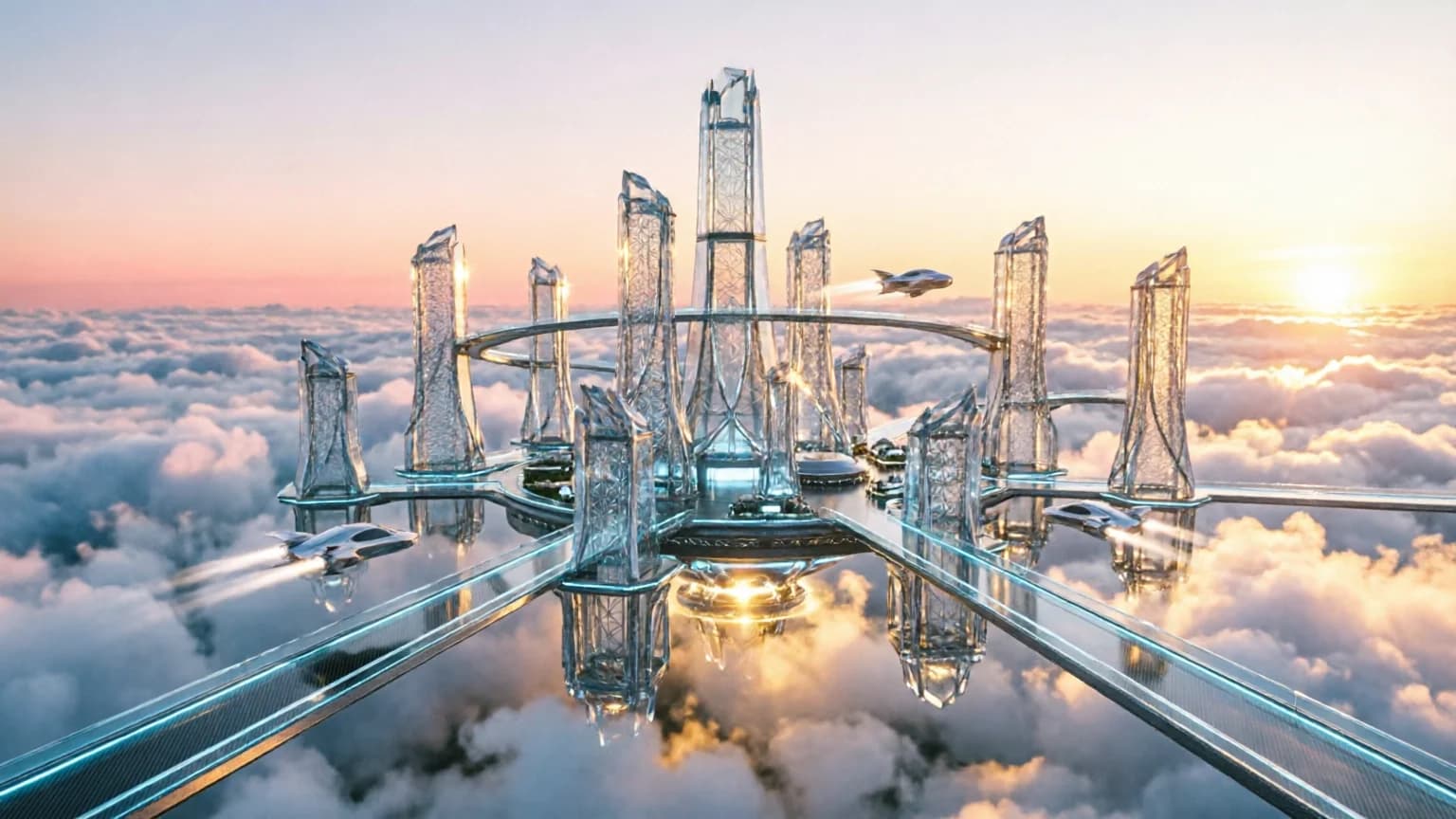
Sharper Prompt Understanding
Describe a subject, composition, and mood, and Qwen Image 2.0 follows the description more closely than typical image models. Improved prompt understanding means fewer re-runs to get the framing, color, or subject right — useful when the brief is specific and you need the first result to already match it.
Render at 2K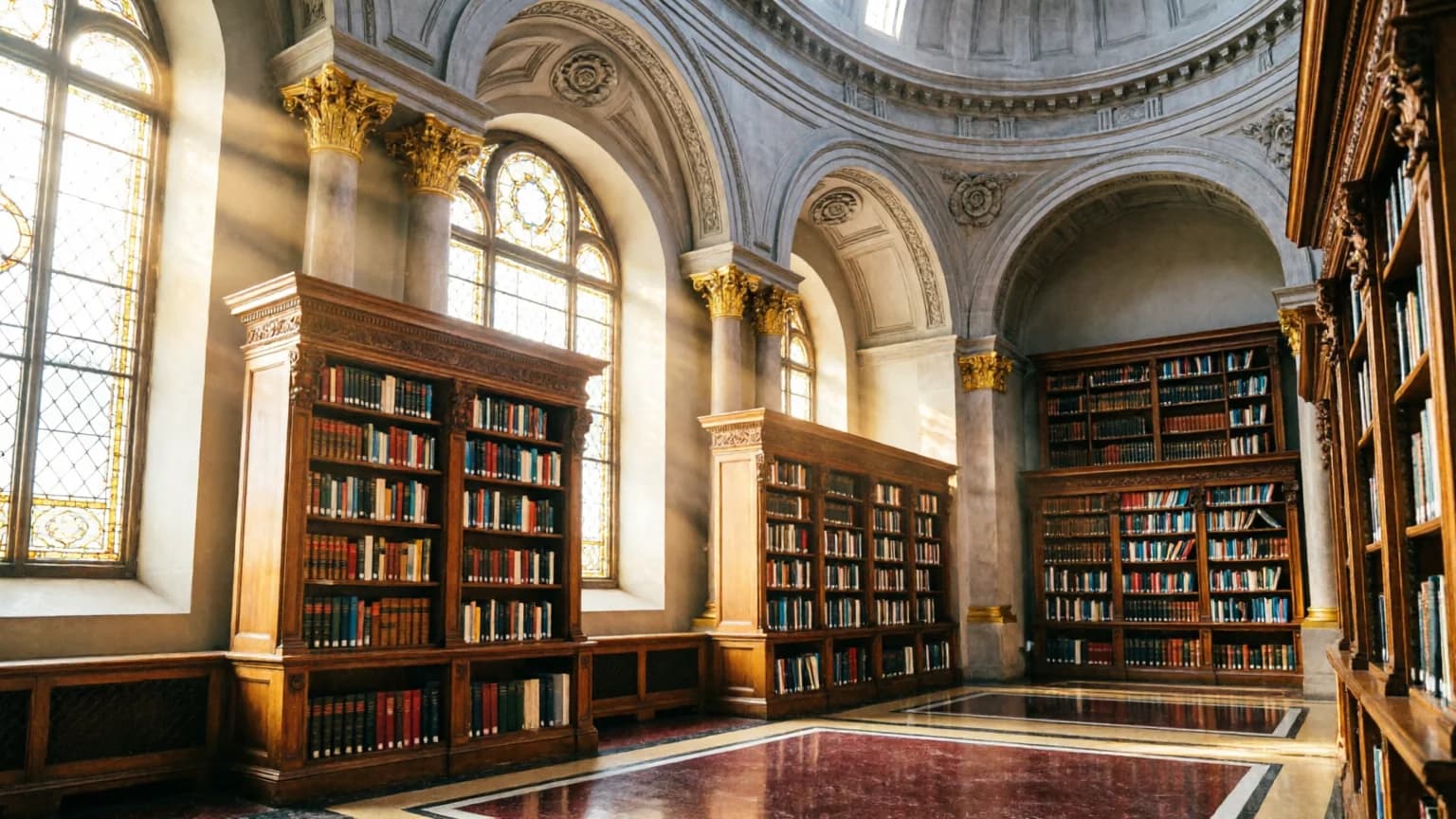
Up to 2K Resolution
Render images up to 2K, large enough for posters, banners, and print-adjacent use without upscaling artifacts. Lower-cost runs stay available for iteration, then switch to the higher resolution when the result needs to hold up at full size. One model covers both quick drafts and final deliverables.
Test reference editing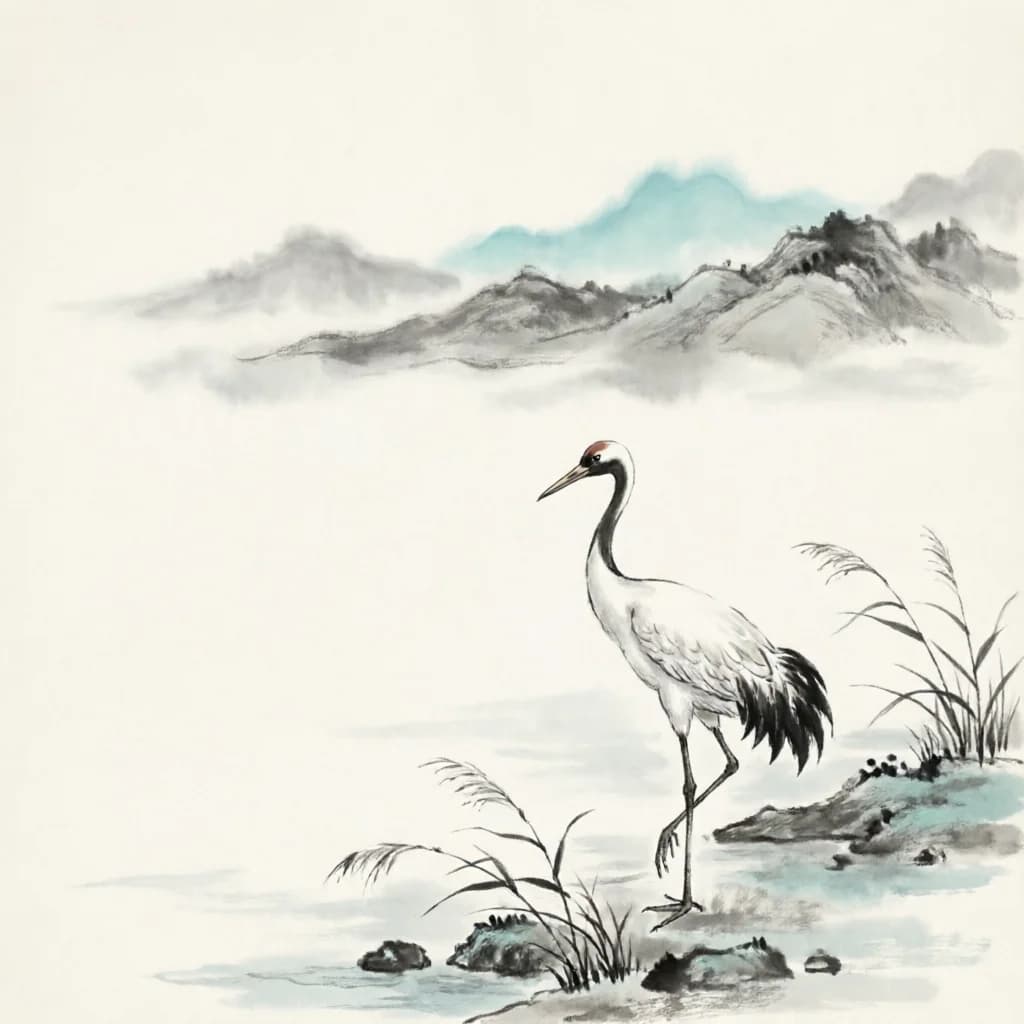
Bilingual Prompts and Reference Editing
Write prompts in Chinese or English — helpful for teams working across markets or creators more comfortable writing in Chinese. For an edit, upload up to 3 reference images and direct the change in natural language, combining a base shot with style references in a single pass.
Write in ChineseHow to use
How to Use Qwen Image 2.0
Write a prompt in Chinese or English, pick a ratio, or upload references and steer the edit in natural language.
Write Your Prompt
Describe your subject, scene, lighting, and style. Qwen Image 2.0 understands Chinese and English prompts and follows detailed descriptions closely — give it specifics and it adheres to them rather than producing a generic approximation.
Choose an Aspect Ratio
Pick from 7 aspect ratios — square for feeds, vertical for stories, landscape for banners and posters. The model renders up to 2K, so the output holds up at larger sizes without looking soft.
Add References for an Edit
For image-to-image, upload 1 to 3 reference images and describe the change in natural language — restyle a subject, swap a background, or refine a layout while keeping what matters intact.
Generate and Review
Run the generation, then check detail, color, and how well the result matches your prompt. Refine the wording or references and re-run — credits are shown before each run, so you know the cost up front.
Who it's for
Who Should Use Qwen Image 2.0
Teams and creators who need quality, prompt adherence, and bilingual prompts at an affordable per-run cost.
E-commerce & Product Teams
Create product shots and lifestyle scenes, then edit a product into new backgrounds while keeping it recognizable. The 3-reference edit combines a base image with style references to produce catalog-ready visuals with fewer photo sessions.
Marketing & Ad Teams
Build campaign visuals, ad creatives, and social graphics that follow a detailed brief closely. Sharper prompt adherence means the first result is more likely to match the copy and layout you described.
Designers & Illustrators
Draft concepts, illustrations, and poster layouts at lower cost, then render the chosen direction up to 2K for presentation. Iterate on composition and color quickly before committing to the final.
Content Creators & Social Media
Produce thumbnails, post visuals, and vertical stories sized to each platform — 1:1 for feeds, 9:16 for stories, 16:9 for covers. Affordable per-run cost makes it practical to test multiple ideas per post.
Cross-Market Teams
Write prompts in Chinese or English, useful for teams operating across Greater China and global markets. The same model handles both languages without a separate workflow or translation step.
Production & Print Teams
Deliver output up to 2K when the result needs to hold up at full size or in print. Use reference-guided edits to keep visual continuity across a multi-asset campaign.
Explore creative tools
More AI Image Tools
Explore focused AI image tools, each designed for a specific task — see how AI can turn your concepts into finished work.
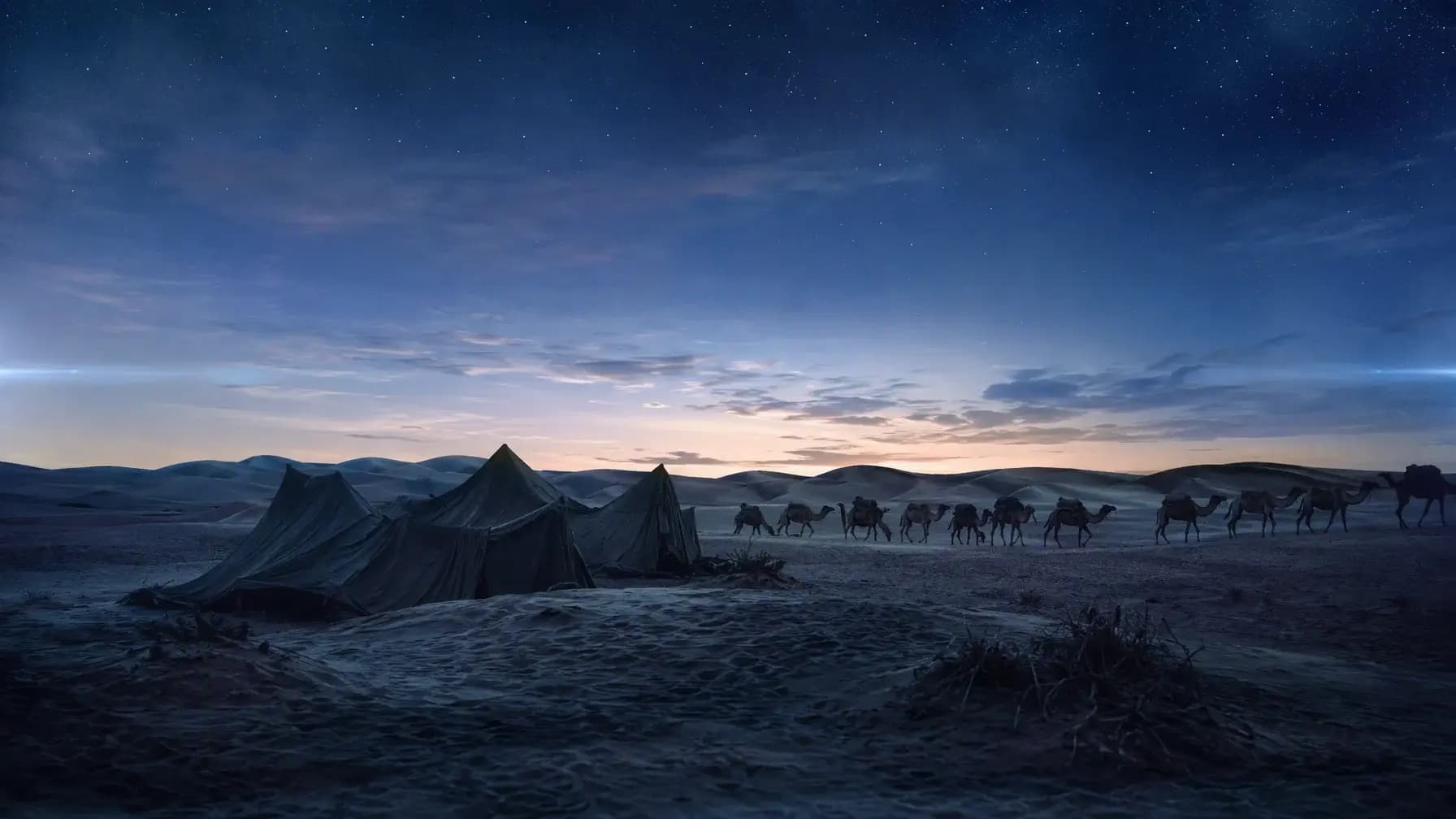
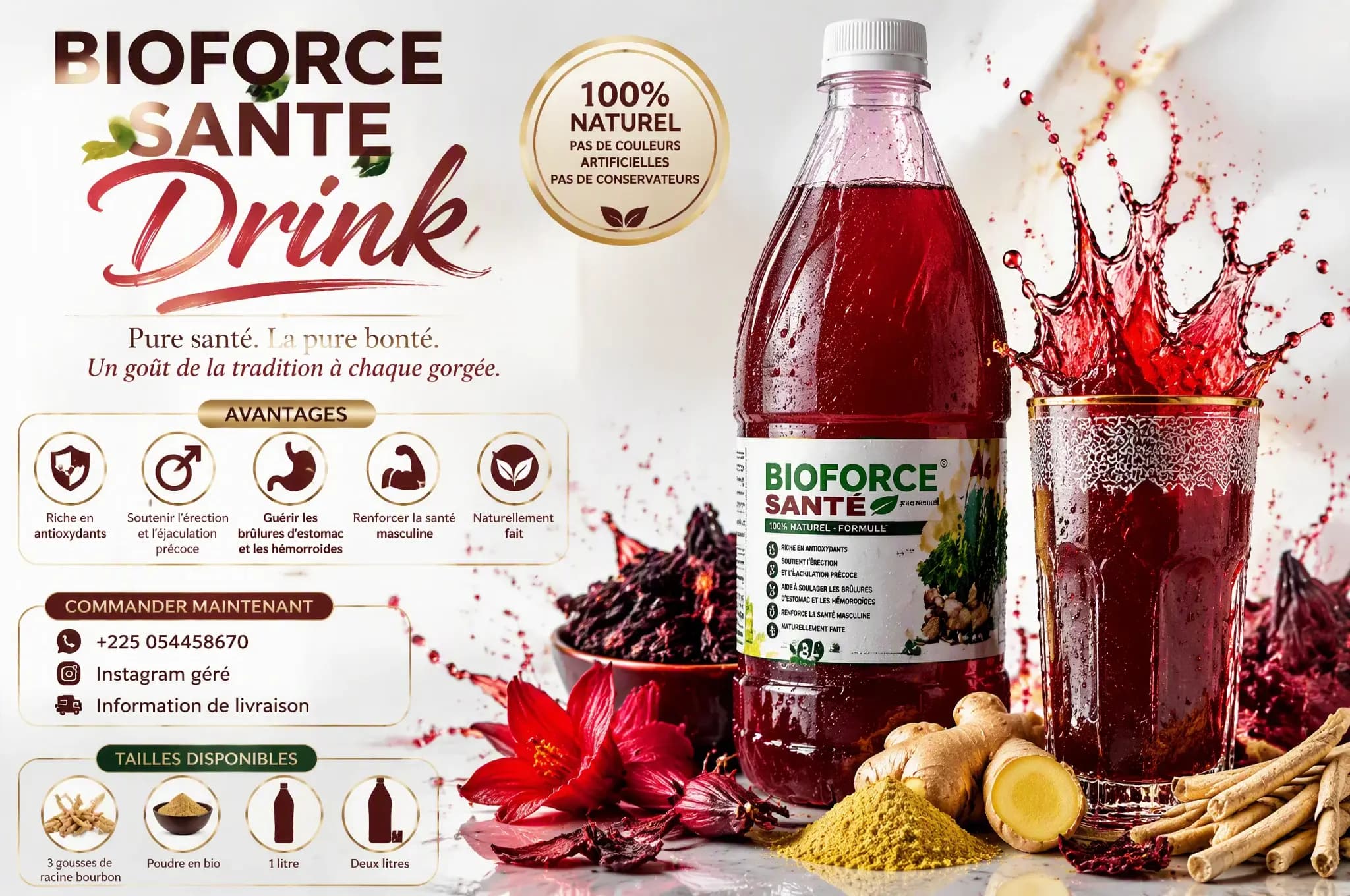
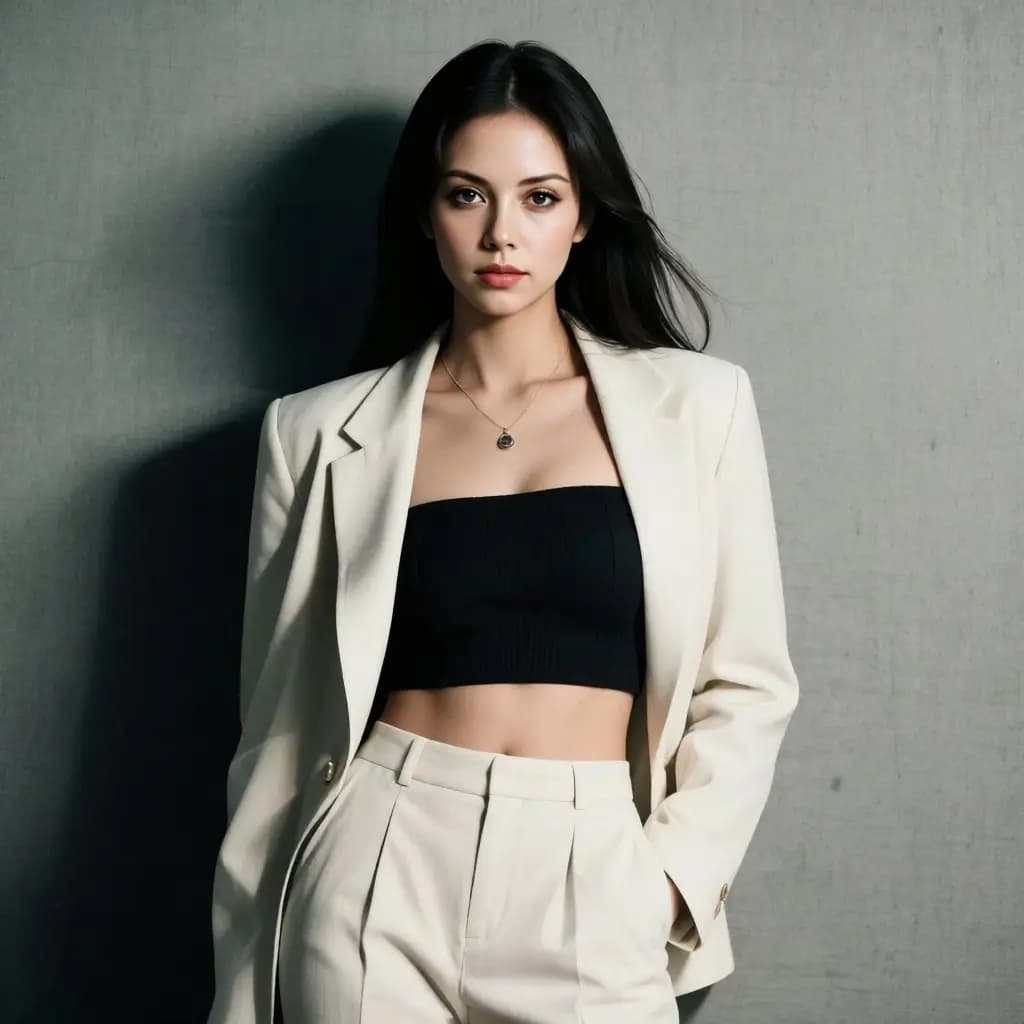
FAQ
Common Questions About Qwen Image 2.0
Capabilities, resolution, reference limits, bilingual prompts, credits, and what it can’t do.
- What is Qwen Image 2.0?
- Qwen Image 2.0 is Alibaba's text-to-image model, built for enhanced image quality and improved prompt understanding. It generates from Chinese or English prompts and edits from up to 3 reference images, rendering up to 2K across 7 aspect ratios.
- Does Qwen Image 2.0 support image editing?
- Yes. The edit workflow takes 1 to 3 reference images plus a text instruction, so you can restyle, rebackground, or refine a subject in natural language. It is a separate endpoint from text-to-image, and each edit run costs the same 9 credits.
- How many reference images can I use in an edit?
- Between 1 and 3. The provider requires at least one image for an edit and accepts up to three, so you can combine a base shot with style and color references in one request.
- Can I write prompts in Chinese?
- Yes. Qwen Image 2.0 supports Chinese and English prompts (up to 800 characters). This helps teams working across Greater China and global markets use the same model without a translation step.
- What resolution can it reach?
- Up to 2K (image dimensions up to 2048px on a side). That is large enough for posters, banners, and print-adjacent use without upscaling artifacts, while smaller, lower-cost runs remain available for iteration.
- What aspect ratios are available?
- Seven: 1:1, 16:9, 9:16, 4:3, 3:4, 3:2, and 2:3 — covering square feeds, vertical stories, landscape banners, and classic photo formats.
- How much does a run cost?
- Each text-to-image or edit run costs 9 credits. The exact credit cost is shown before you run, so you know the price up front. One-time credit packs are the lightest way to start.
- How does Qwen Image 2.0 compare with other image models on Epochal?
- Qwen Image 2.0 sits in the affordable tier alongside models like FLUX.2 Pro, focused on prompt adherence, bilingual prompts, and up-to-2K output at a low per-run cost. If your goal is maximum realism or production-grade text rendering, consider FLUX.2 Pro; if you need reference-guided editing with more anchors, consider Seedream 5.0 Pro.
- Can I use the results commercially?
- Output you generate is available for commercial use under your Epochal account, subject to the terms of service. Avoid prompts that include trademarks, copyrighted characters, or real people you do not have rights to.
Start now
Start creating with Qwen Image 2.0
Generate and edit in your browser — no API key or setup needed. Each run is 9 credits, shown before you run.
Try Qwen Image 2.0