
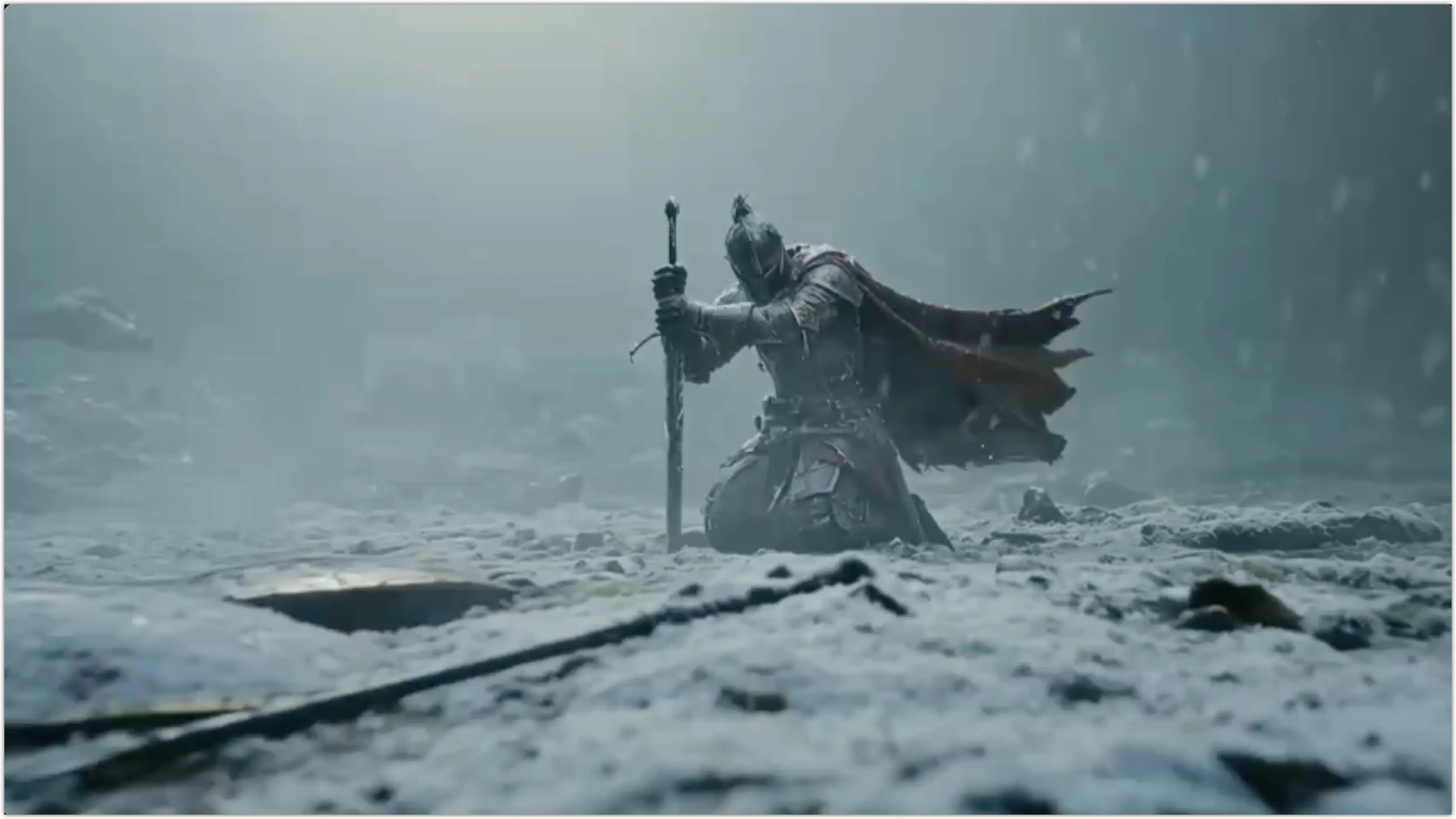
The AI Video Generator for Text-to-Video and Image-to-Video
Describe a scene or upload a photo. Turn it into a video.


Generate AI videos from text, images, and references.
Use different inputs as the starting point, then see how AI video workflows turn ideas into results.
Live pipeline
Inputs: 02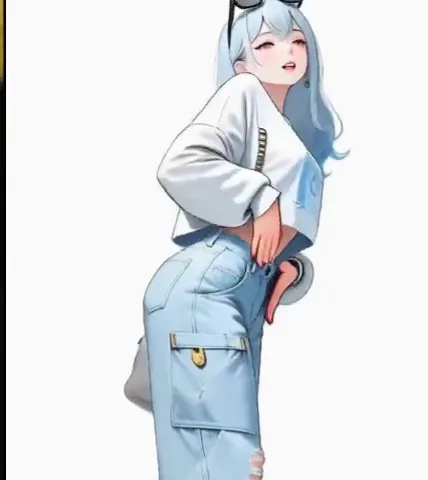 Image
ImageLive pipeline
02 Inputs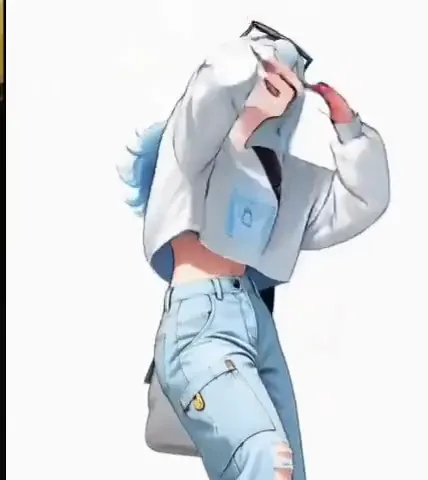
Kling Motion Control
Explore popular AI video workflows
From motion control, intro videos, and lip sync to text-to-video and image-to-video, see the core video creation workflows Epochal supports.
Pick the job, skip the prompt
Upload a photo and choose what to change. Each tool handles one task, so there is nothing to write and nothing to configure.


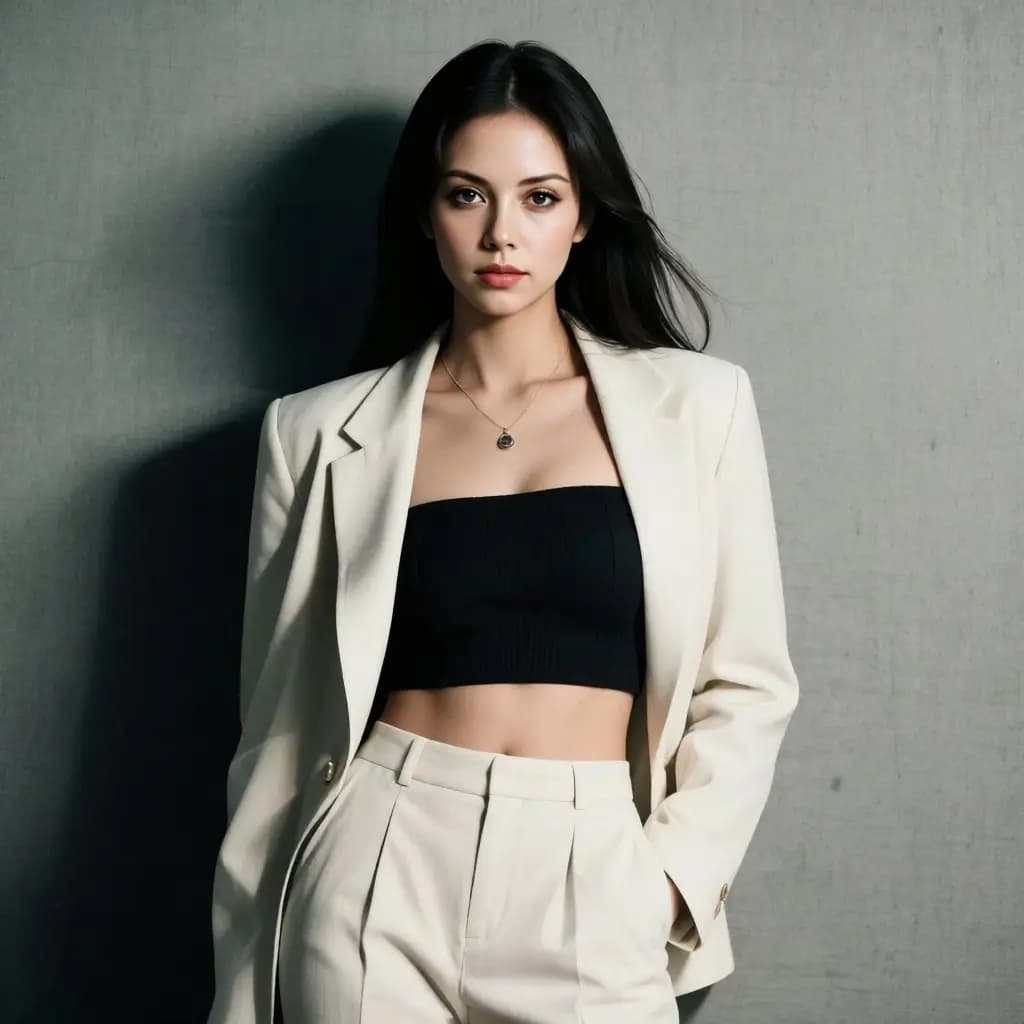
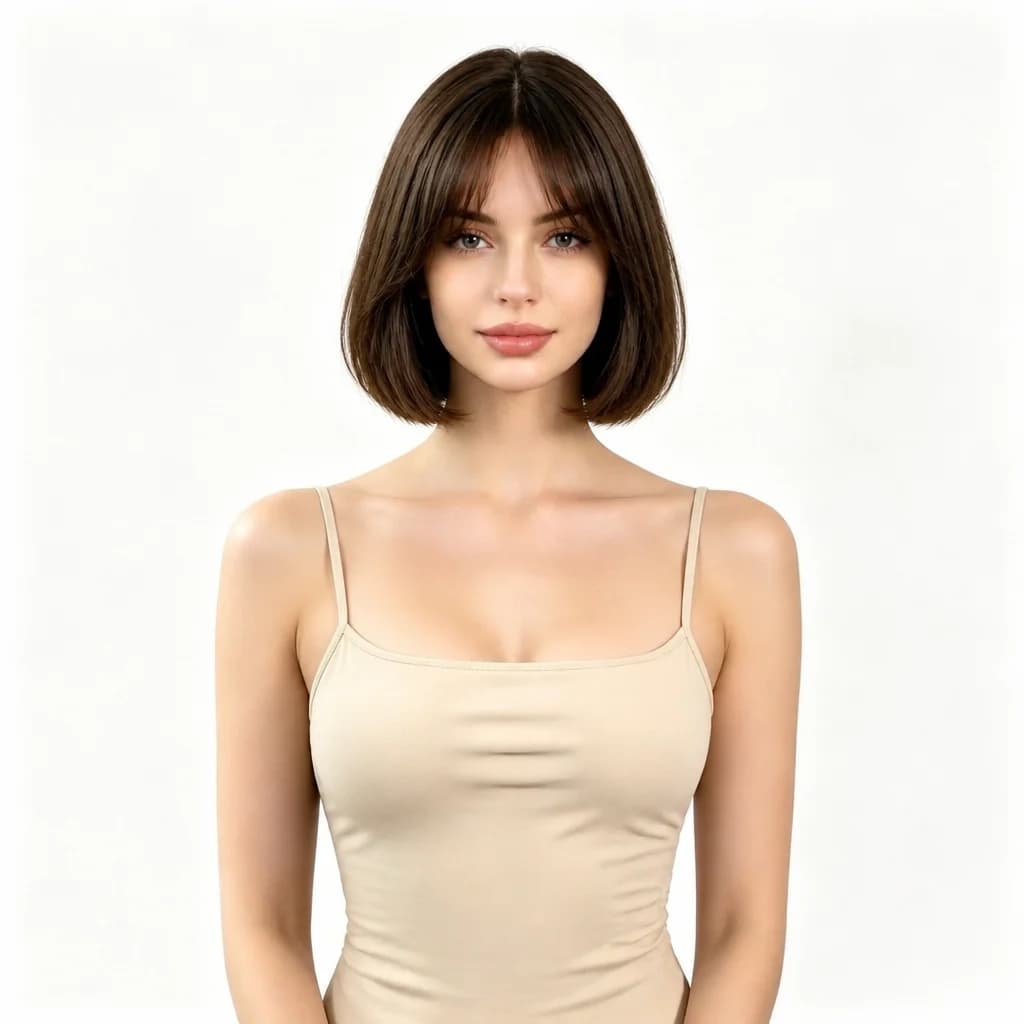
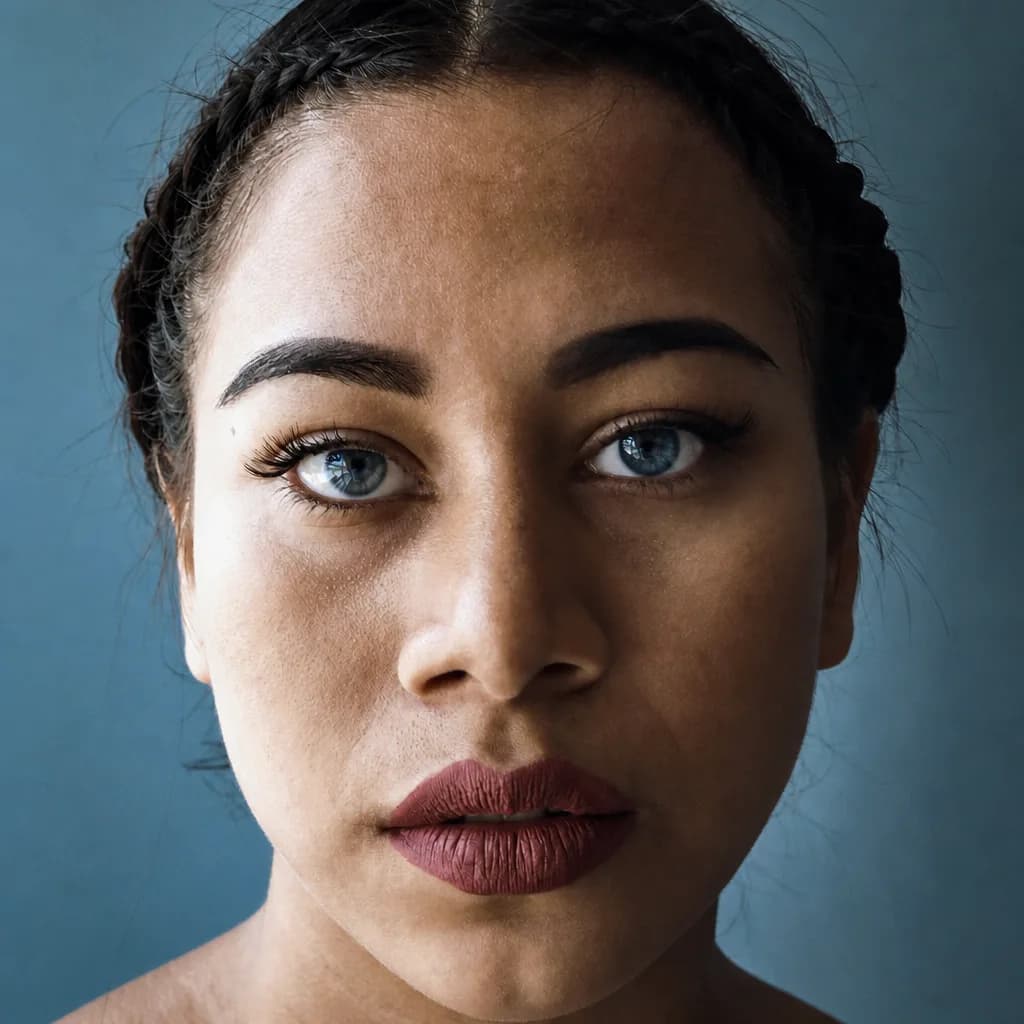

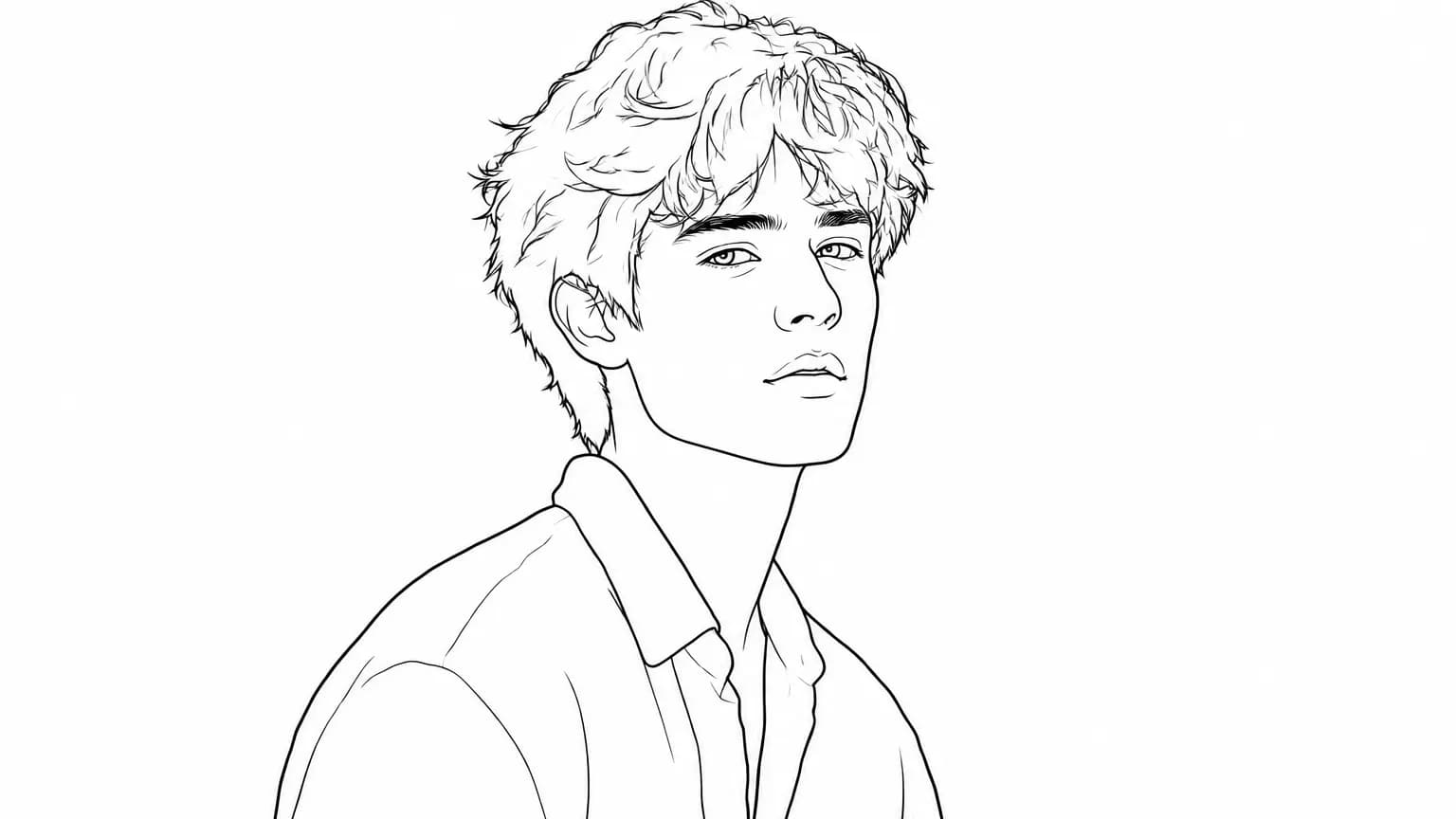
Use the right model for the result you want
Choose a better-fit AI model for cinematic scenes, product ads, character motion, image-to-video clips, and fast visual tests.
 Video
VideoByteDance
Seedance 1.5
VideoByteDance
Seedance 2.0
VideoByteDance
Seedance 2.5
VideoxAI
Grok Imagine
 Video
VideoMiniMax
Hailuo 2.3
 Video
VideoAlibaba
HappyHorse 1.0
VideoKuaishou
Kling 3.0
VideoKuaishou
Kling Motion Control
VideoMiniMax
MiniMax H3 Max
 Video
VideoVeo 3.1





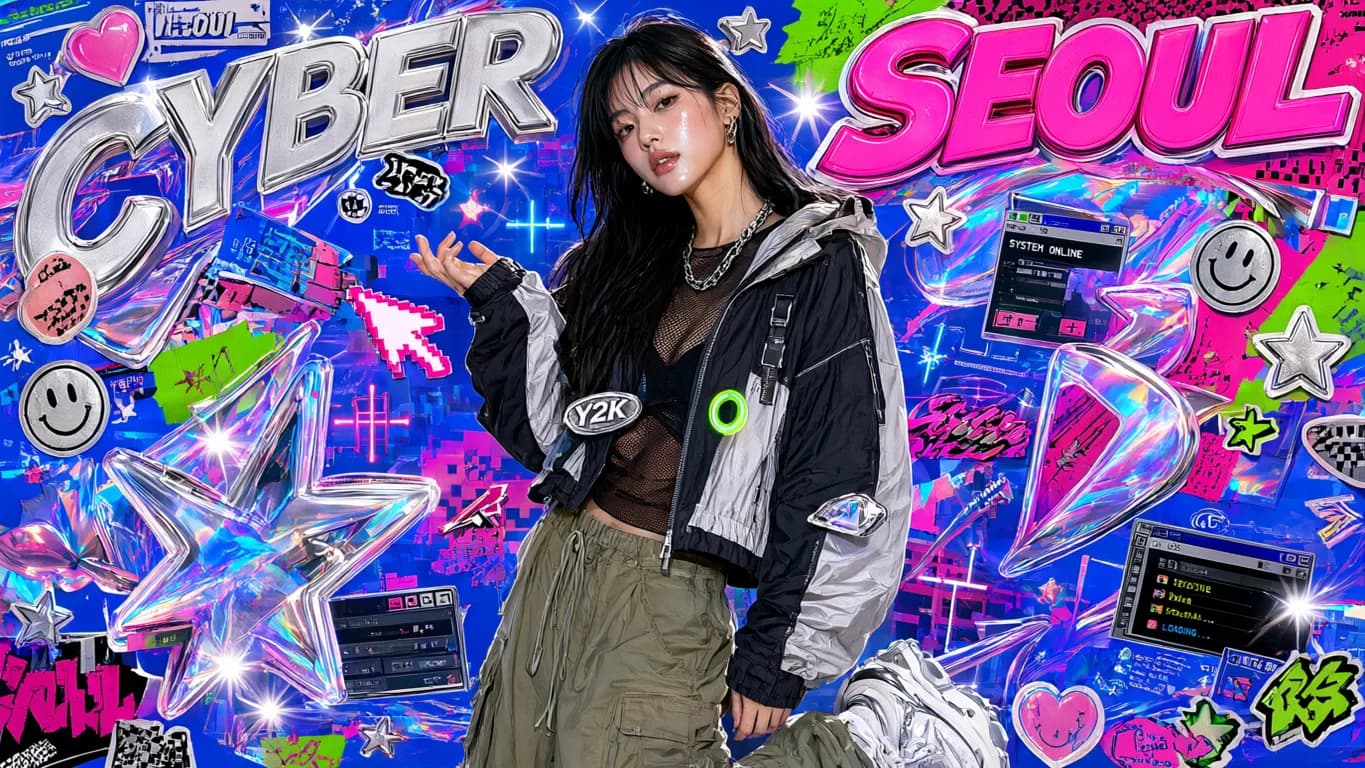
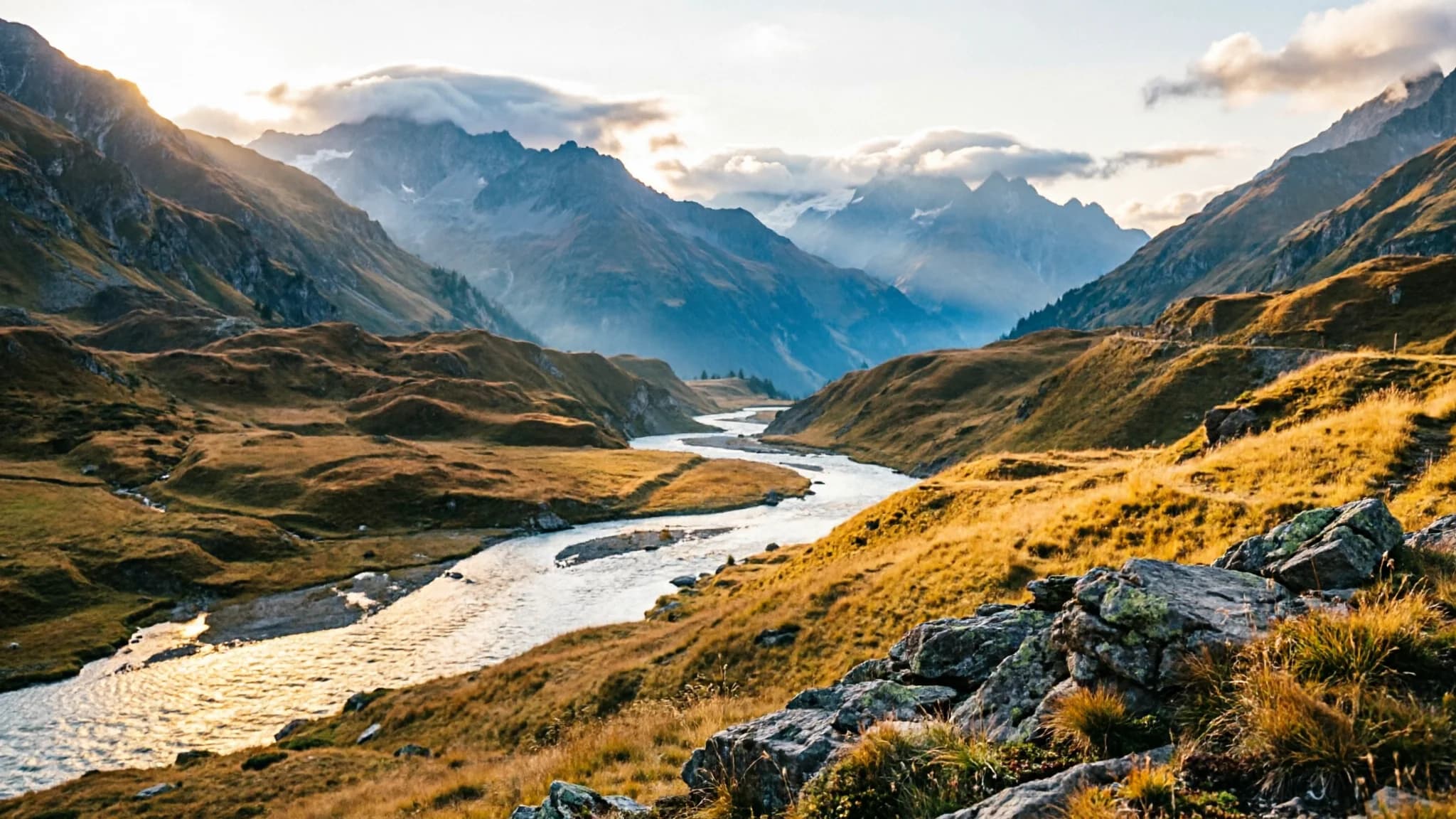

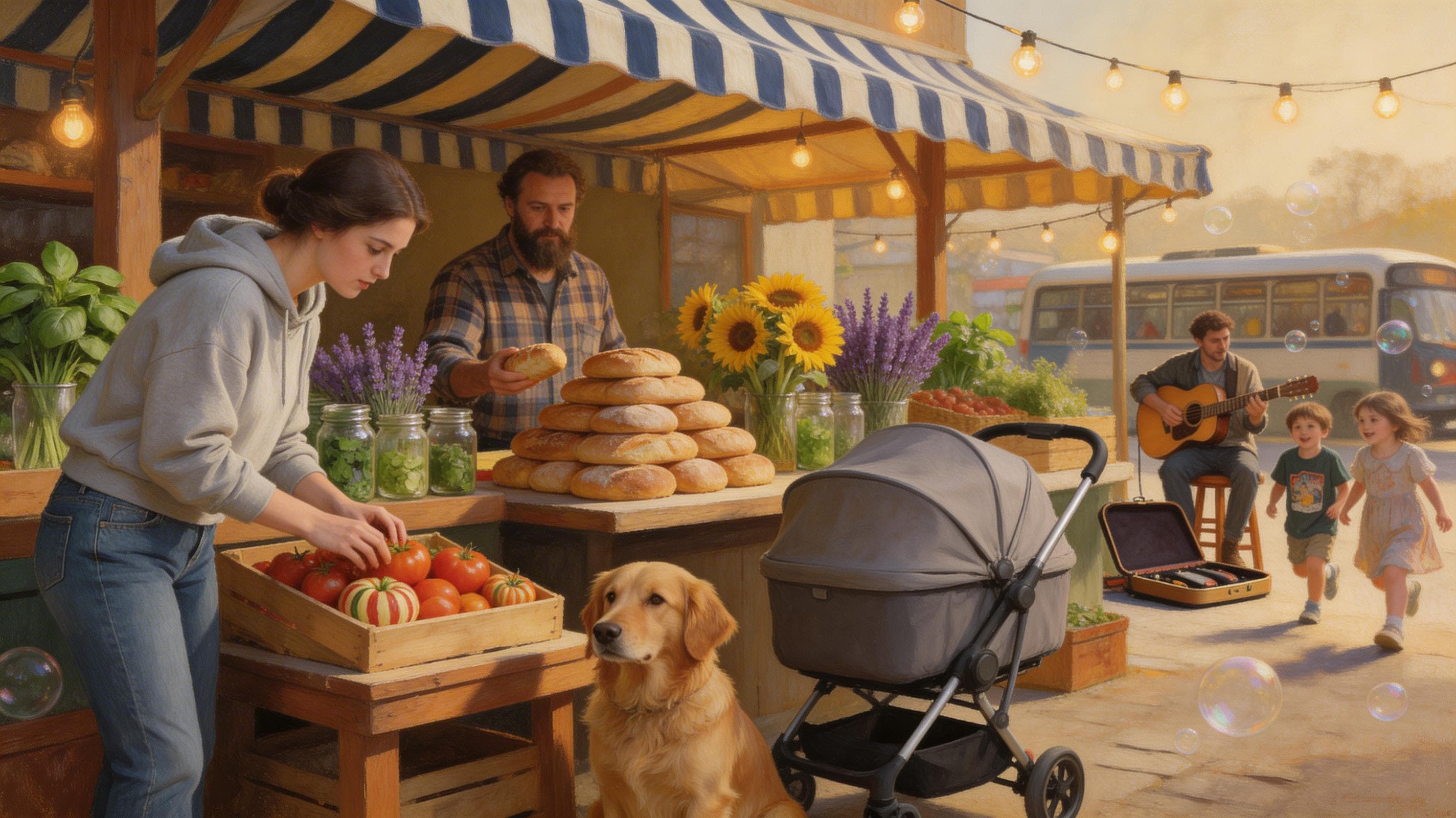
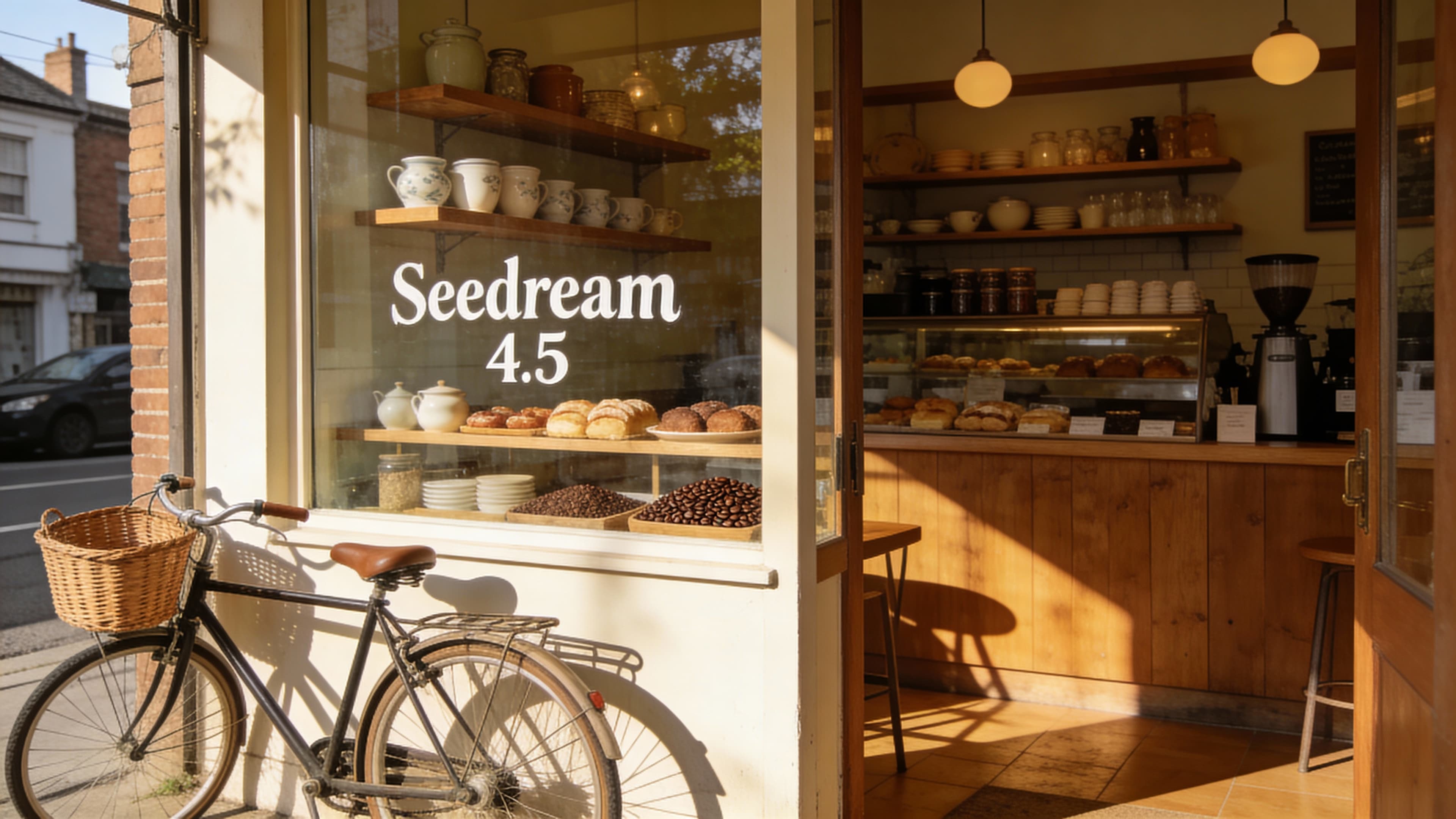

Generate video from text prompts.
Create scenes, ads, product concepts, openers, and social clips from a simple description. Text to video is the fastest way to validate a creative direction before you have images or reference footage.
Toy car transforming into a Porsche GT3 commercial
Turn images into video.
Upload a product image, portrait, poster, or key visual, then add motion, camera movement, and scene energy while keeping the original composition recognizable.
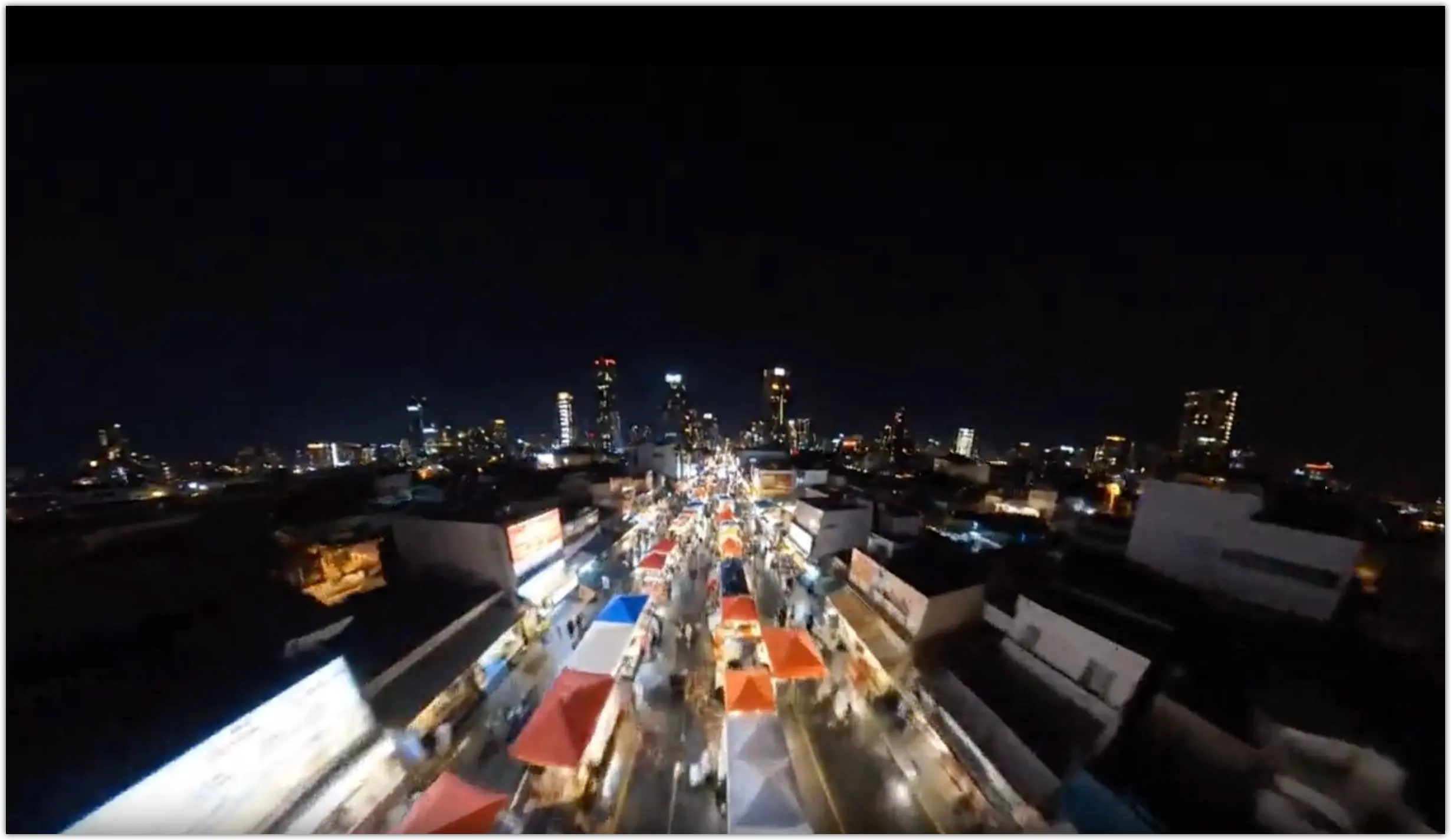
Night-market FPV rush with neon and vertical reveal
See what you can make
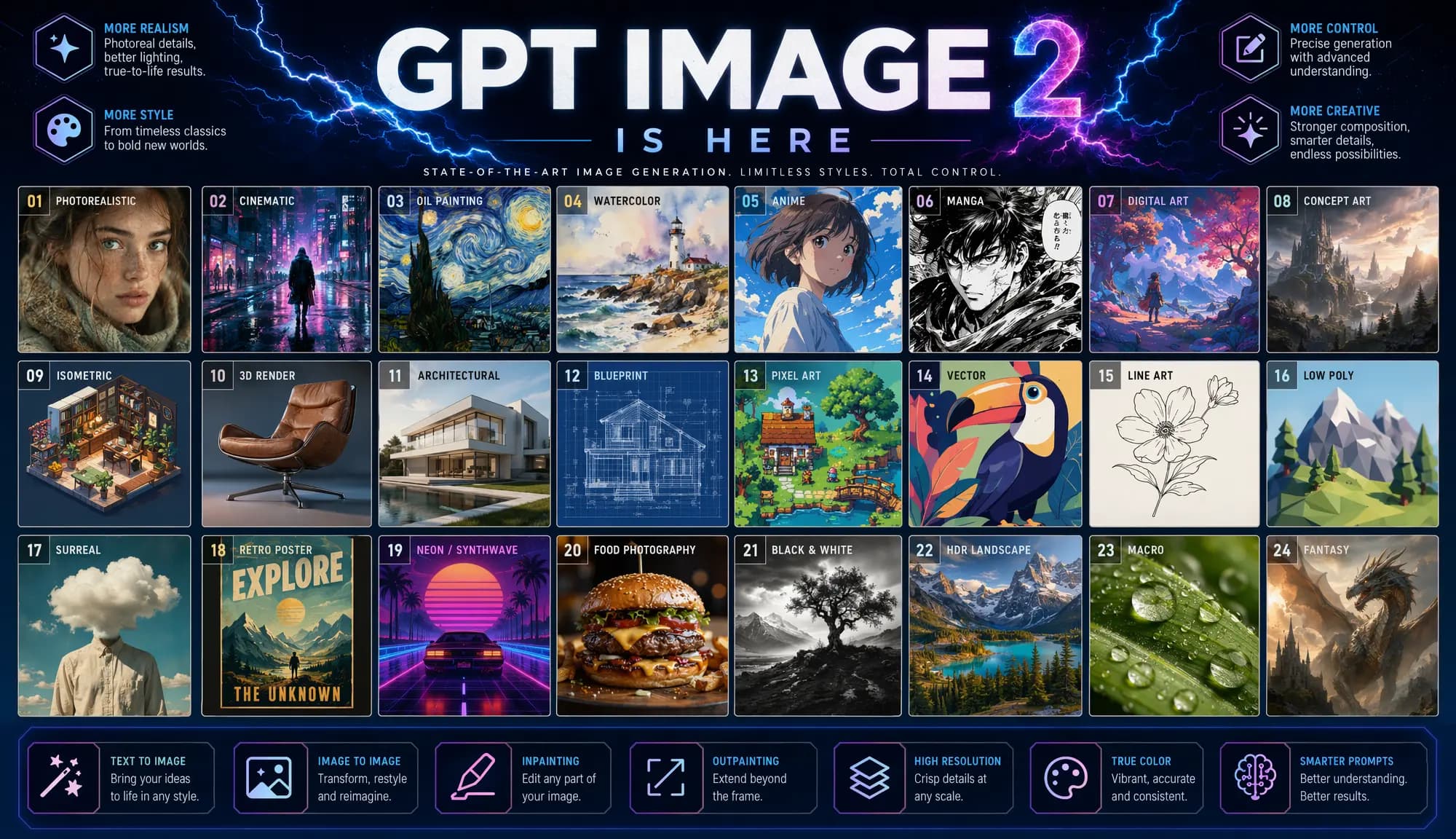
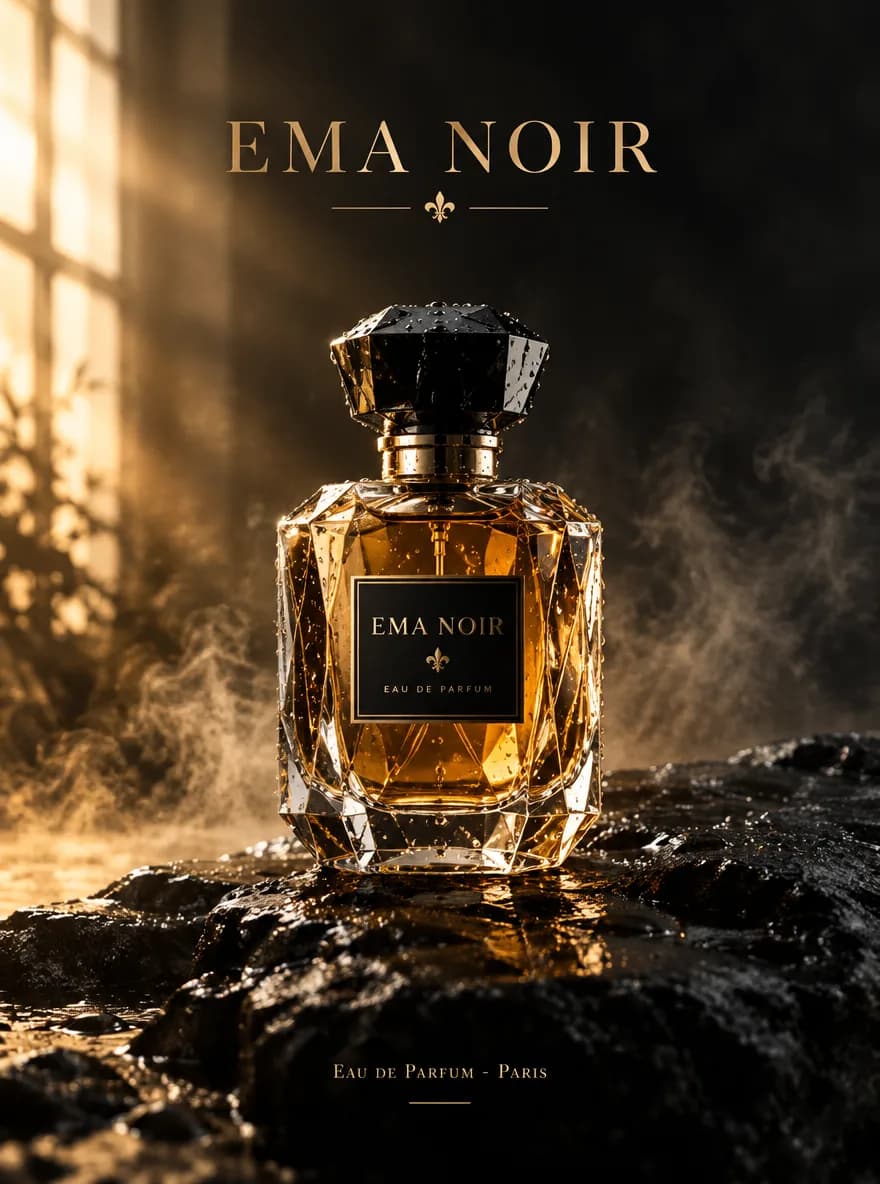
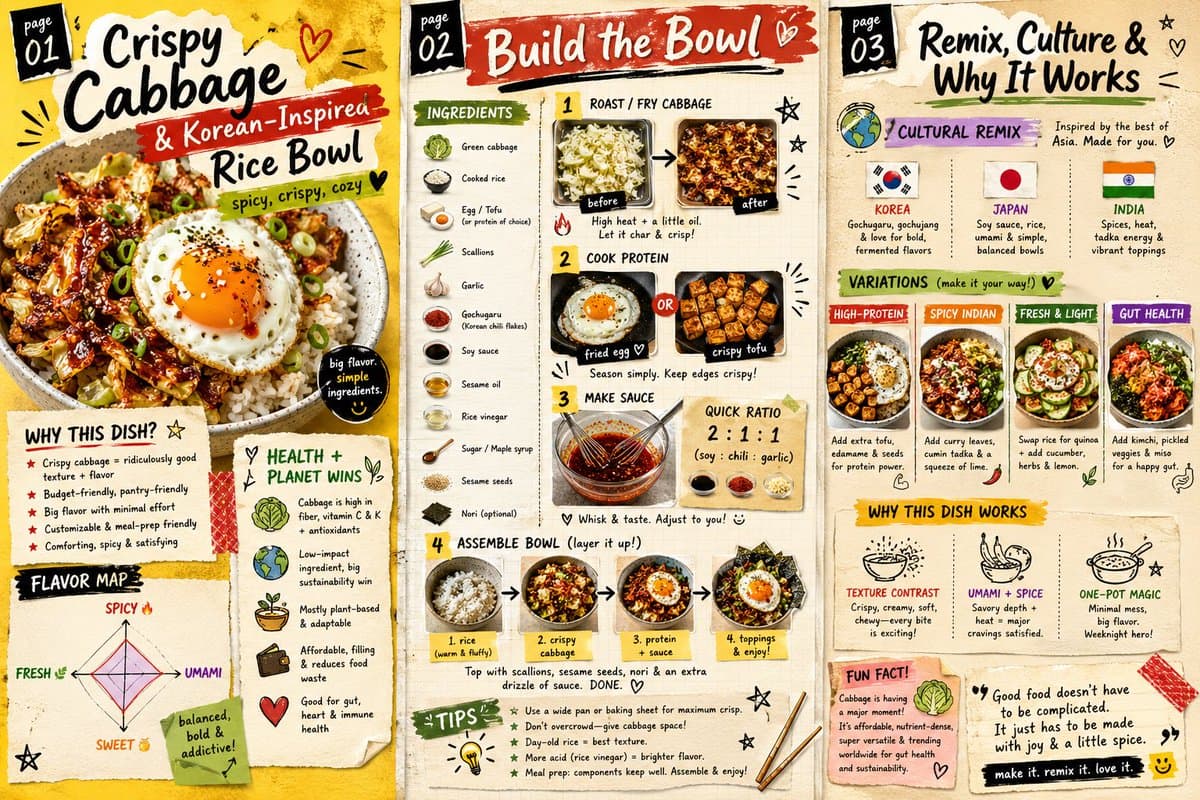
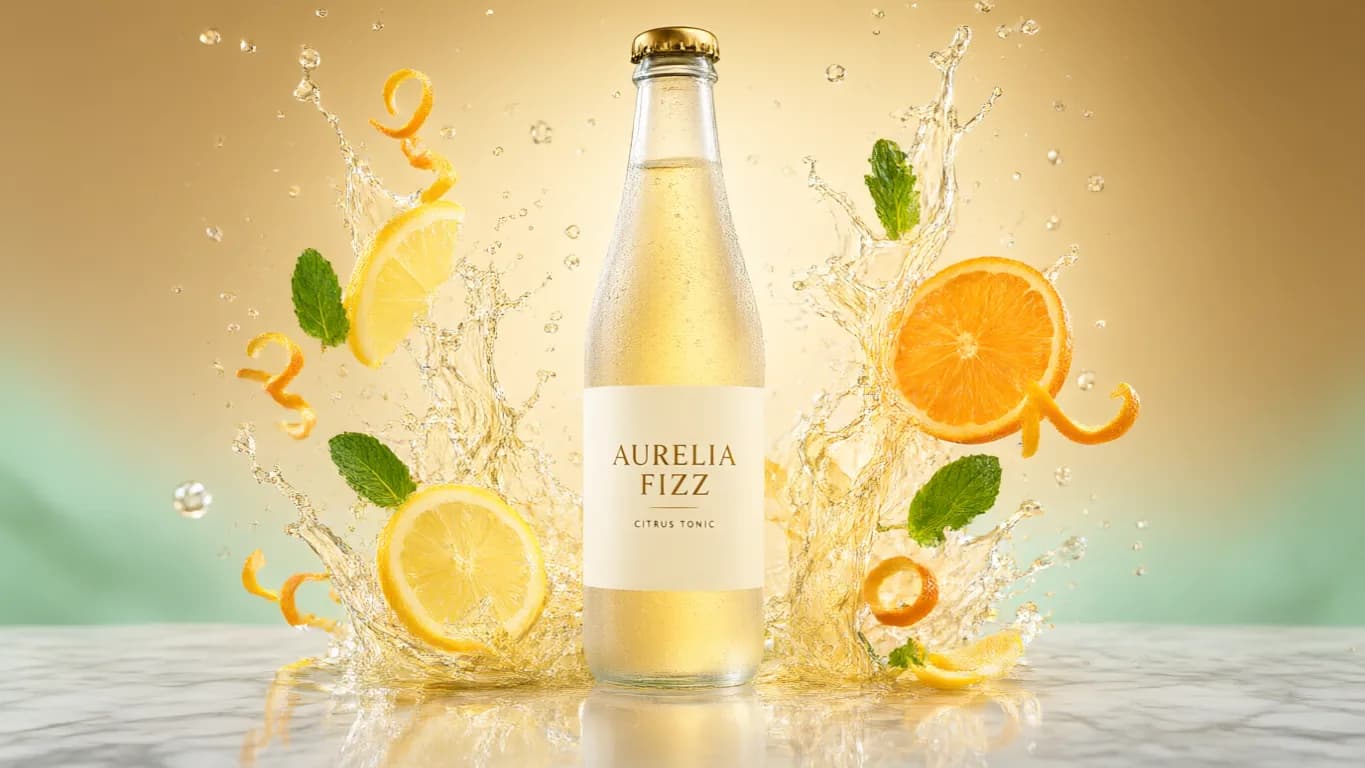
Every image here was generated with a single prompt. Click any card to reveal the prompt and start creating your own.
Choose a plan or add credits when you need them
Your first credit pack is half off, the exact credit cost is shown before you generate, and you can start without a credit card.
No hidden fees. Cancel anytime. Credit packs don't expire.
Lite
For frequent creators
Credits
- 1,500 credits/month
- Up to 150 videos
- Up to 500 images
- Up to 71 songs
Included
- 2 concurrent generations
- No watermark
- HD export
- Private creations
- Priority queue
Pro
For serious creators
Credits
- 4,000 credits/month
- Up to 400 videos
- Up to 1,333 images
- Up to 190 songs
Included
- 3 concurrent generations
- No watermark
- HD export
- Private creations
- Priority queue
- Higher resolution
Ultra
For high-volume production
Credits
- 8,000 credits/month
- Up to 800 videos
- Up to 2,666 images
- Up to 380 songs
Included
- 4 concurrent generations
- No watermark
- HD export
- Private creations
- Priority queue
- Higher resolution






 0.1% of revenue supports Stripe Climate
What you may want to know before getting started.
Quick answers on the first-pack discount, models, privacy, commercial use, and subscriptions.
- Is there a discount for new users?
- Yes. Your first credit pack is half off — 550 credits for $4.99 — enough to try AI image generation and selected AI video workflows. Different models use different amounts of credits, and advanced models or higher usage usually require more credits.
- How do credits work?
- Each generation uses credits based on the selected model, workflow, and generation settings. Image generation usually uses fewer credits, while AI video models vary by capability and output requirements. You can add credits through a subscription or by purchasing extra credits when needed.
- Do I lose credits if a generation fails?
- No. If a generation fails after credits were charged, Epochal automatically refunds those credits back to your balance.
- What can I create with Epochal?
- Epochal supports text-to-video, image-to-video, AI image generation, and image editing. You can start from prompts, images, or references, then generate, compare, and extend results in one workspace.
- Can I use my own images as input?
- Yes. Upload a product image, portrait, illustration, or scene reference, choose an image-to-video model, and extend the still frame into a short AI video.
- Which AI models can I use in Epochal?
- The models currently available in Epochal include leading AI video models such as Veo, Seedance, and Kling. Different models vary in motion quality, reference control, prompt adherence, and stylized output. See the model page for the full list.
- Are my creations public?
- Yes — creations are public by default, which powers the community gallery. You can set any creation private anytime from My Creations.
- Can I use the videos I generate commercially?
- Generated content can generally be used for commercial projects, subject to the applicable model terms and any rights in the materials you upload. Make sure your inputs and final use do not infringe third-party rights.
- Can I cancel my subscription anytime?
- Yes. You can cancel your subscription at any time. Cancellation does not affect the benefits already granted in the current billing cycle, and the subscription will not renew after it expires.
Turn ideas into AI videos.
Start from a prompt, image, or reference. Begin with the half-price first pack, then continue into text-to-video, image-to-video, and more AI video workflows.