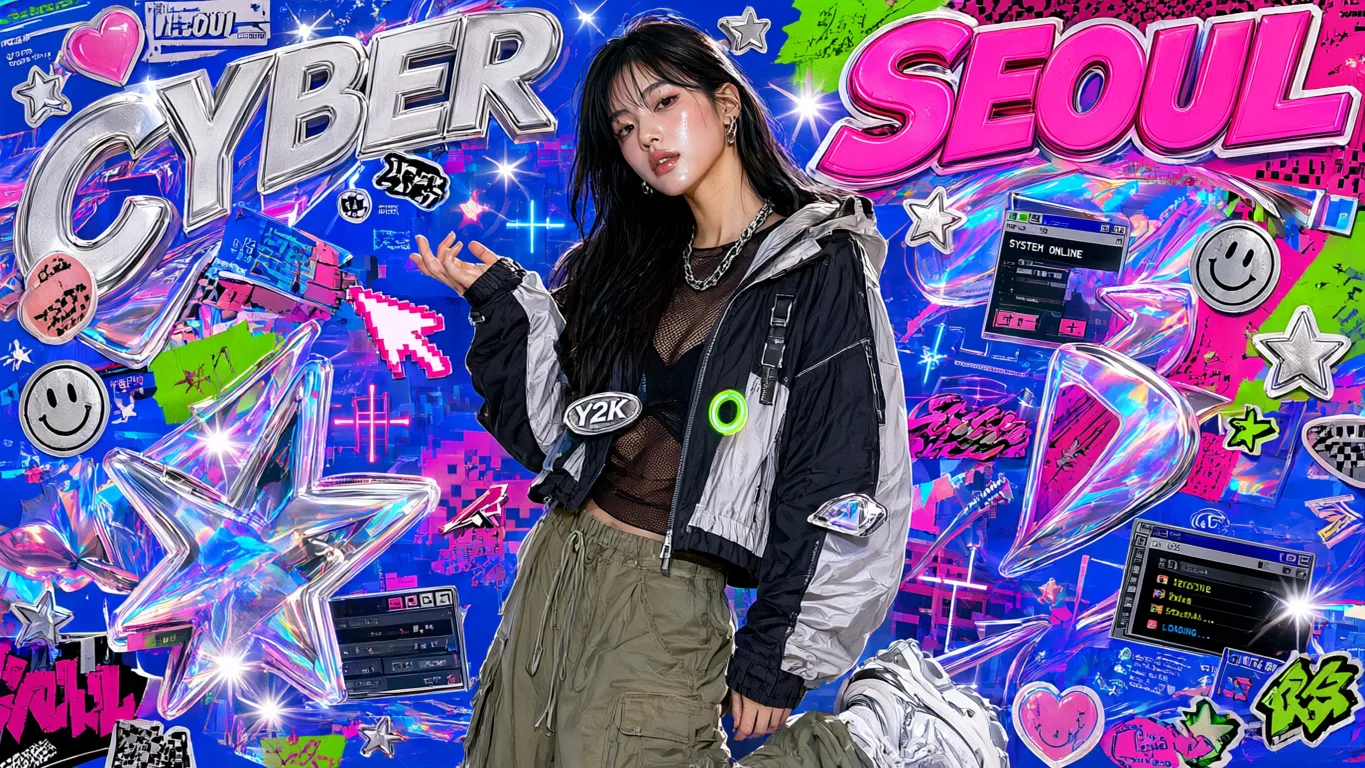
Qwen Image 3.0 Pro AI Image Generator
Generate and edit with Qwen Image 3.0 Pro on Epochal — Alibaba's professional tier of Qwen Image 3.0, for portraits, fashion and product work at 2K.
Overview
Qwen Image 3.0 Pro Is the Tier You Reach for Last
Alibaba's professional tier of Qwen Image 3.0. The controls are the ones you already know — same fifteen ratios, same 1K or 2K, same one to three references. What you're buying is the finish: portraits, fabric, product surfaces, skin.
- Production tier
- Portraits & product
- 1K or 2K, your choice
- 1–3 reference images
Gallery
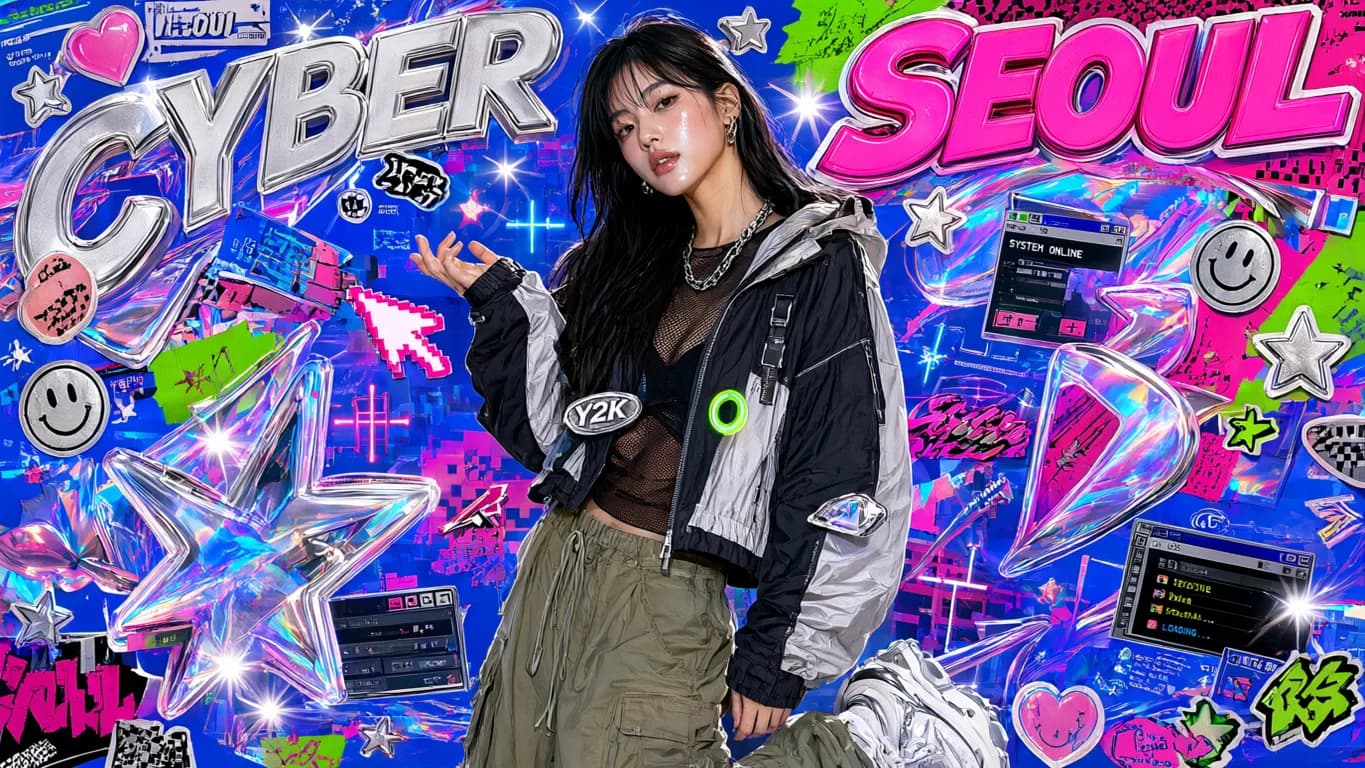
See what Qwen Image 3.0 Pro can create
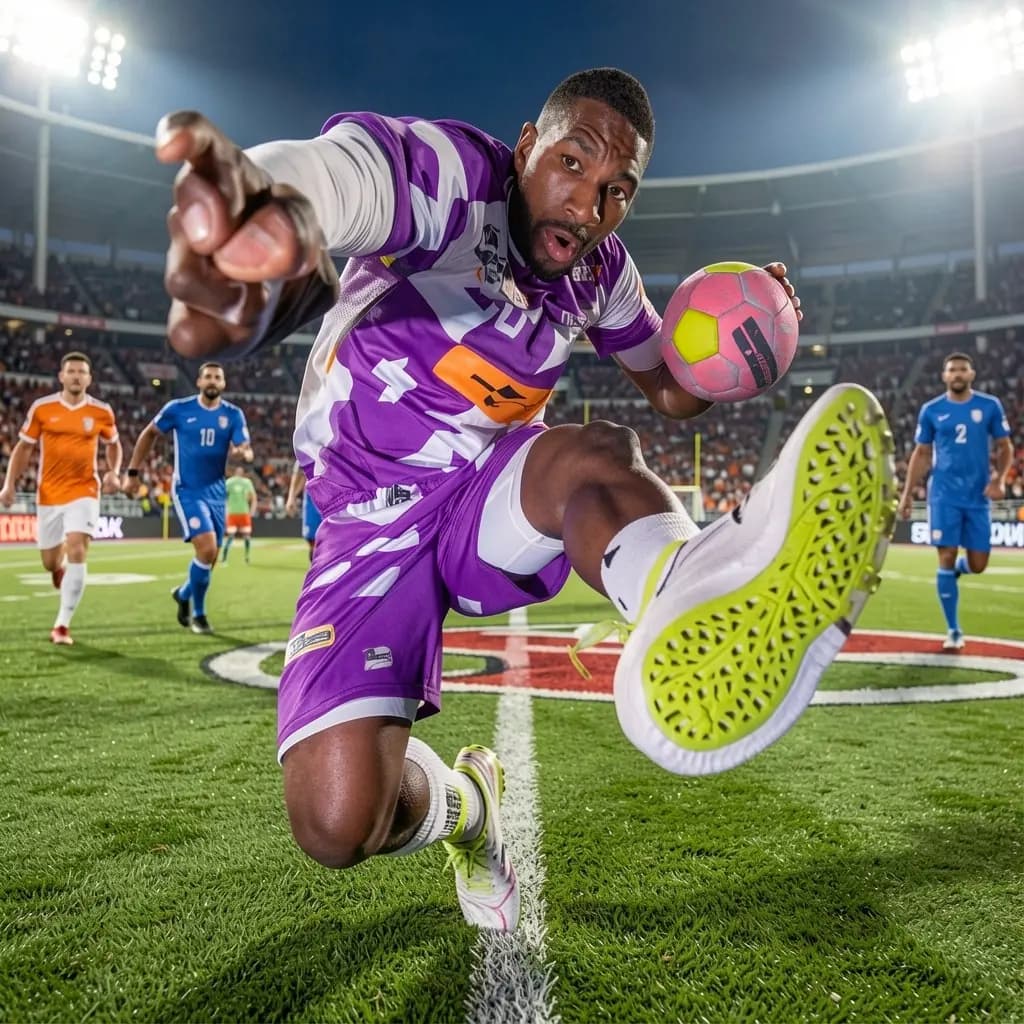
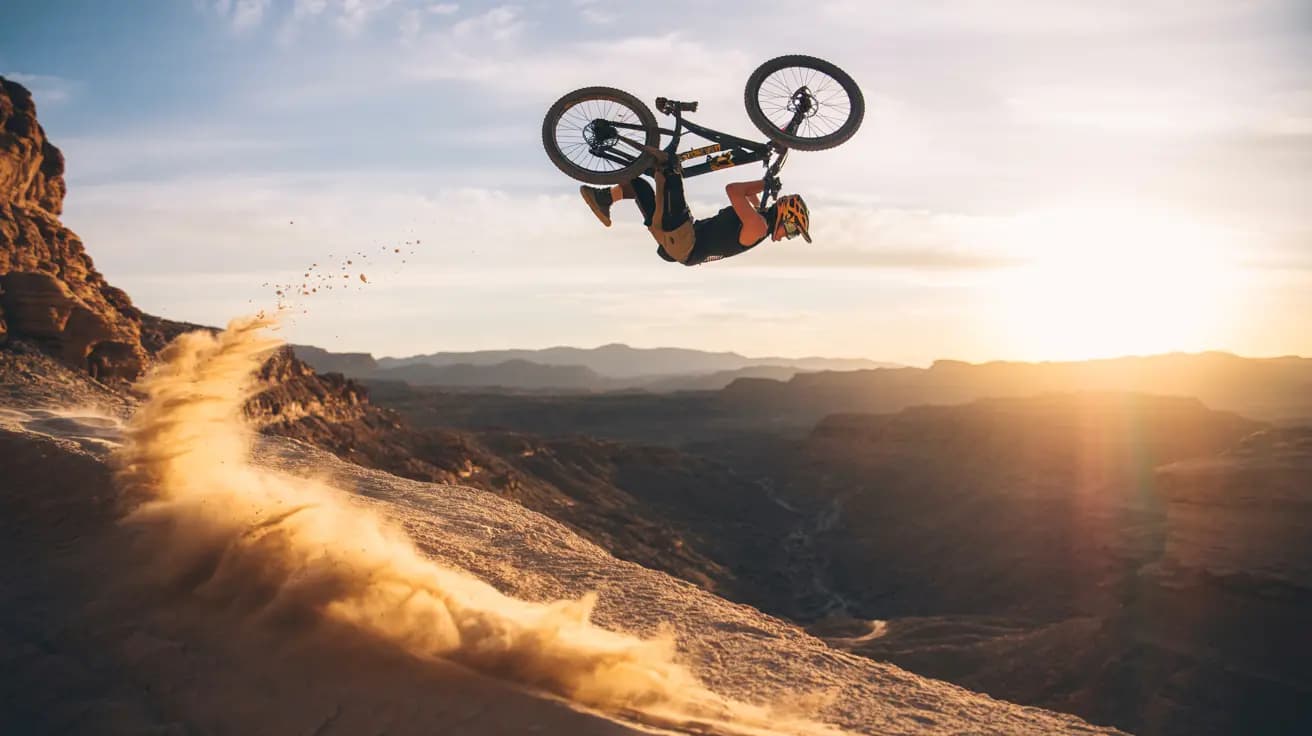
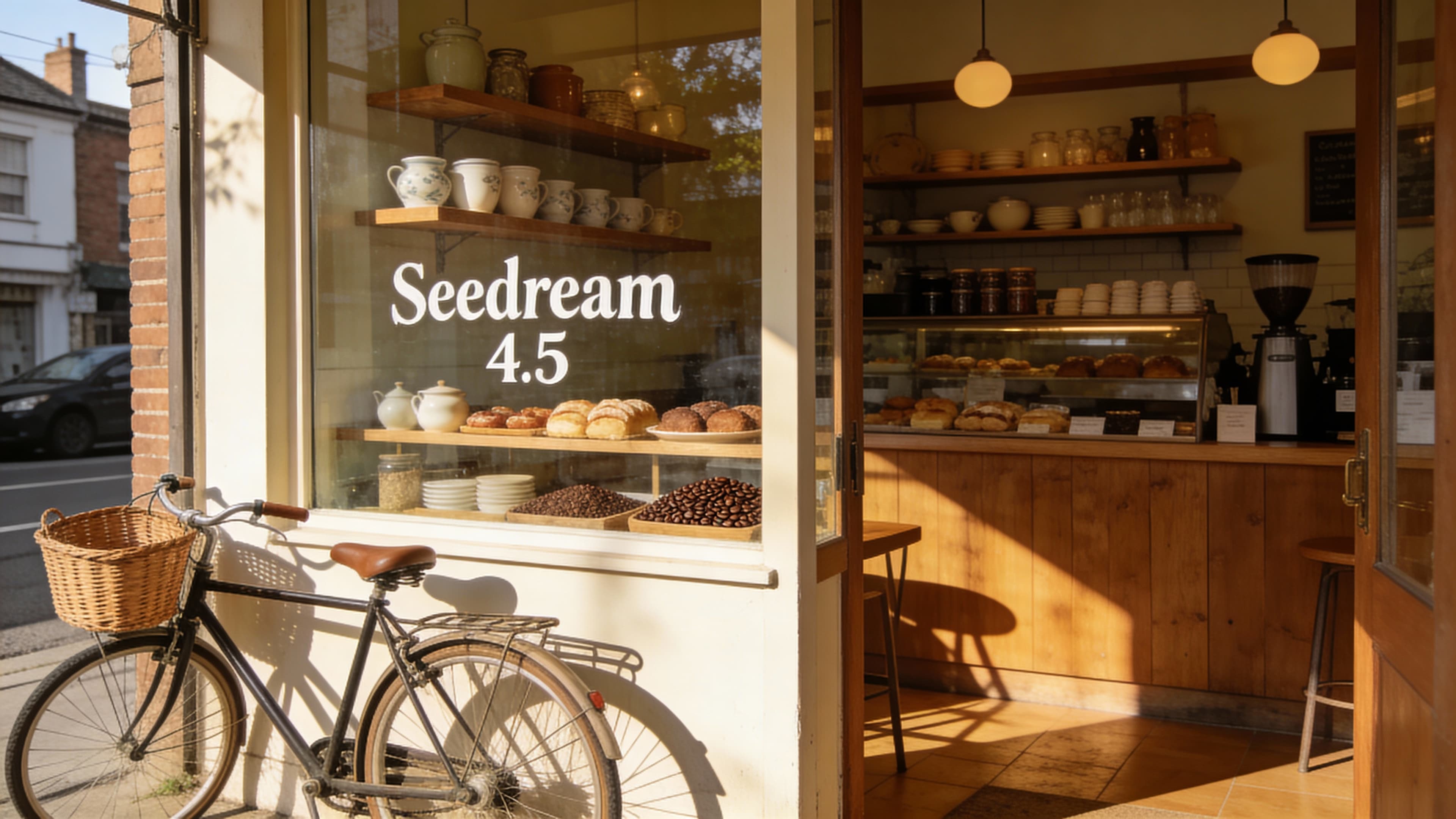
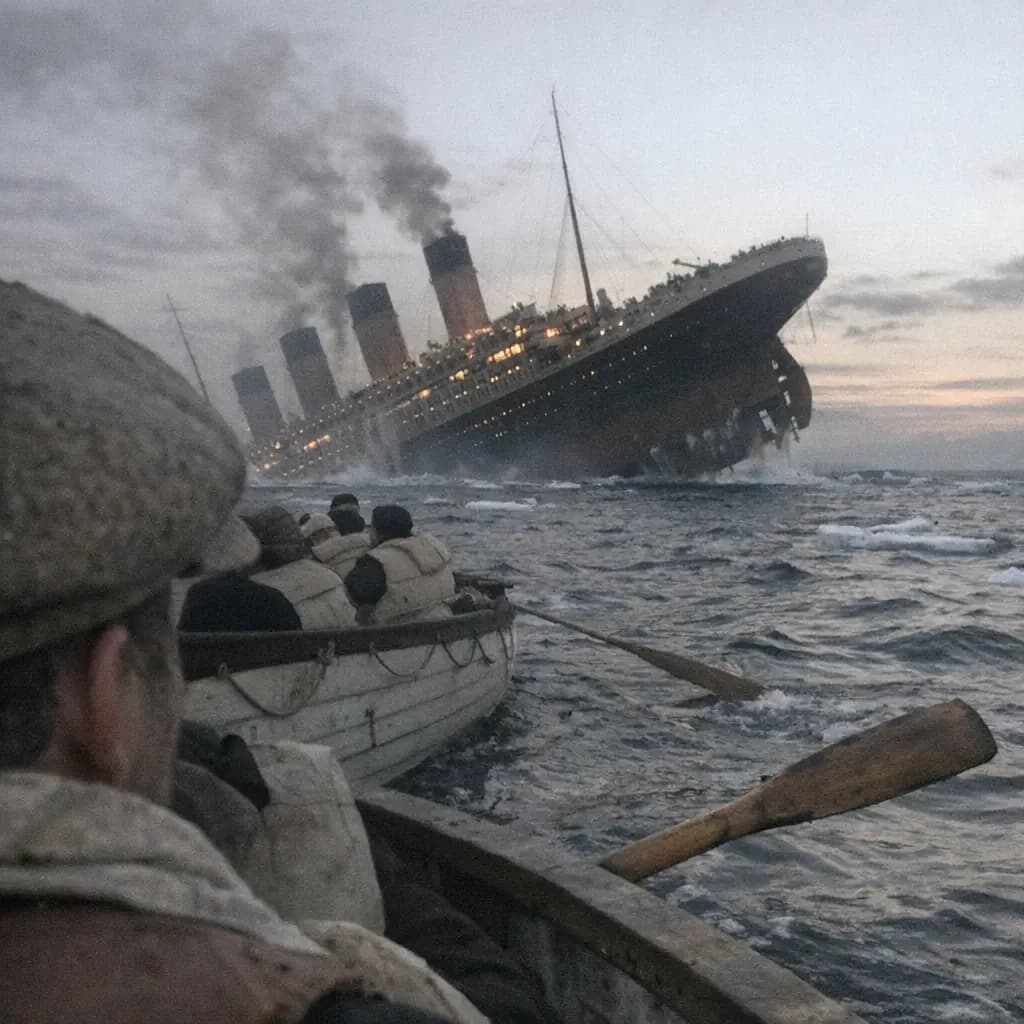
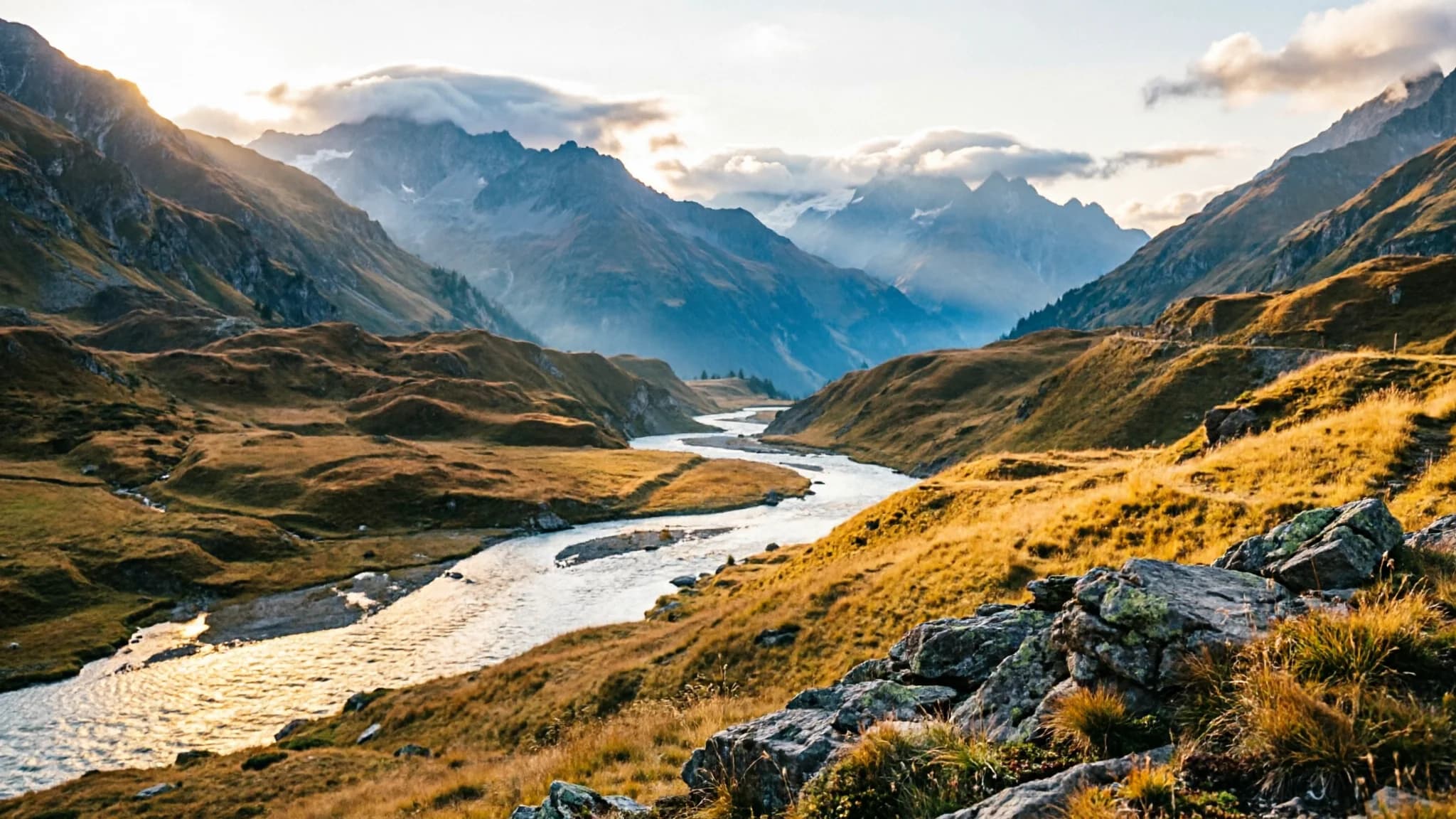
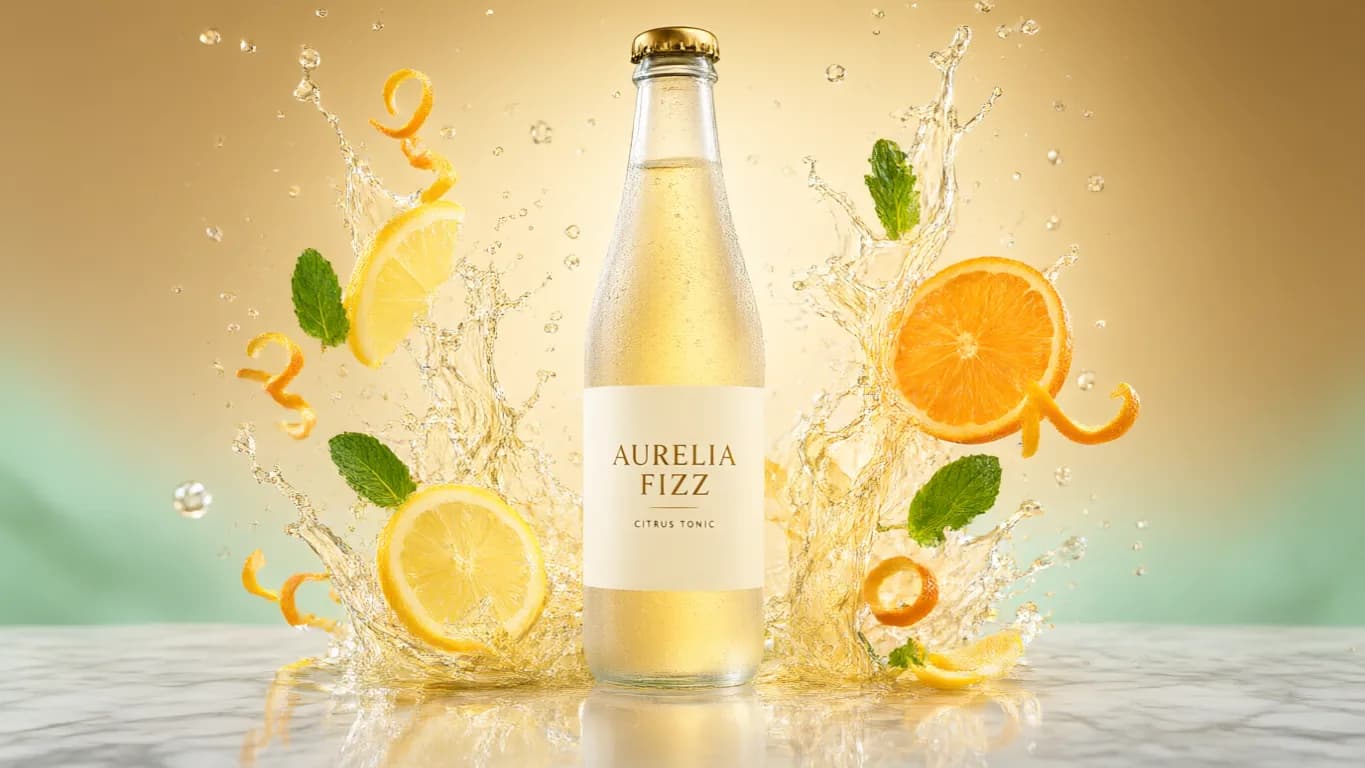
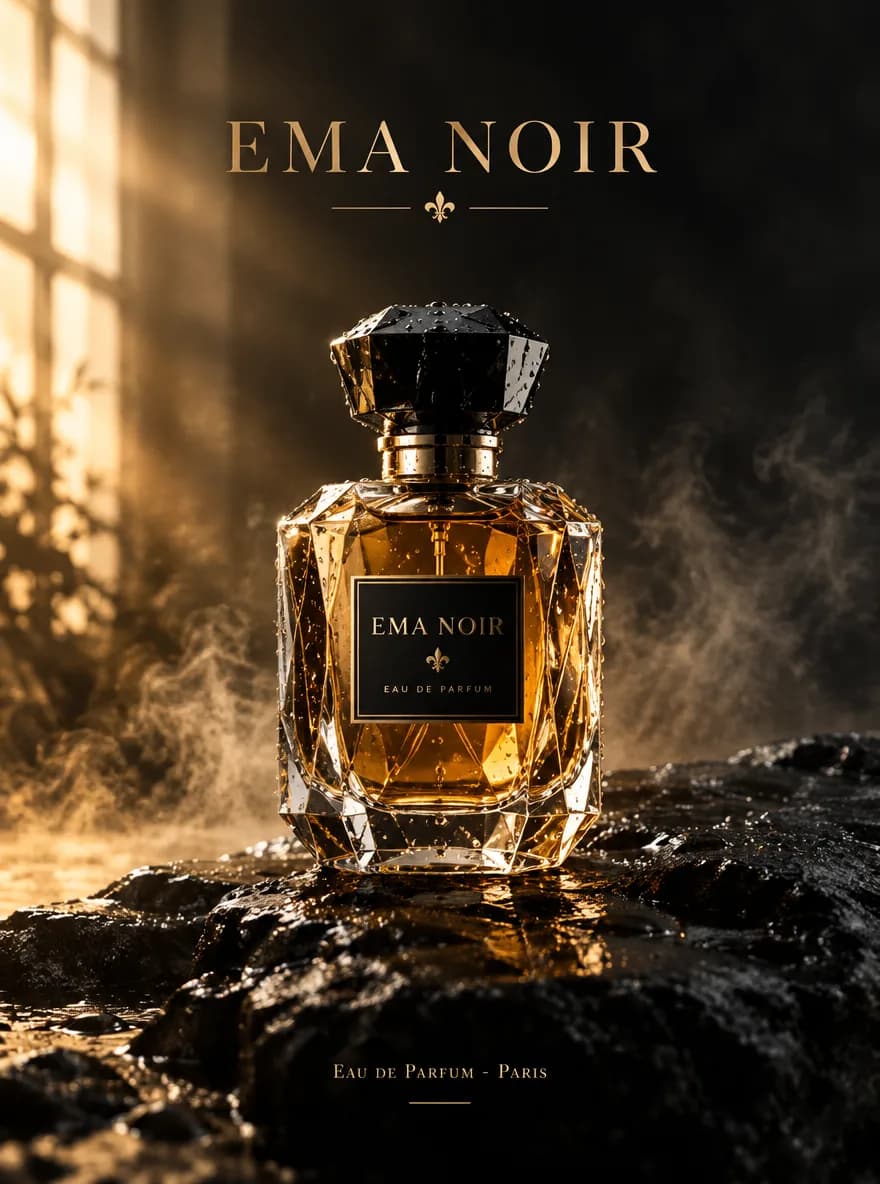
Real outputs from prompts and reference-guided edits — click a tile to drop its prompt into the workbench.
Explore image models
More AI Image Generators
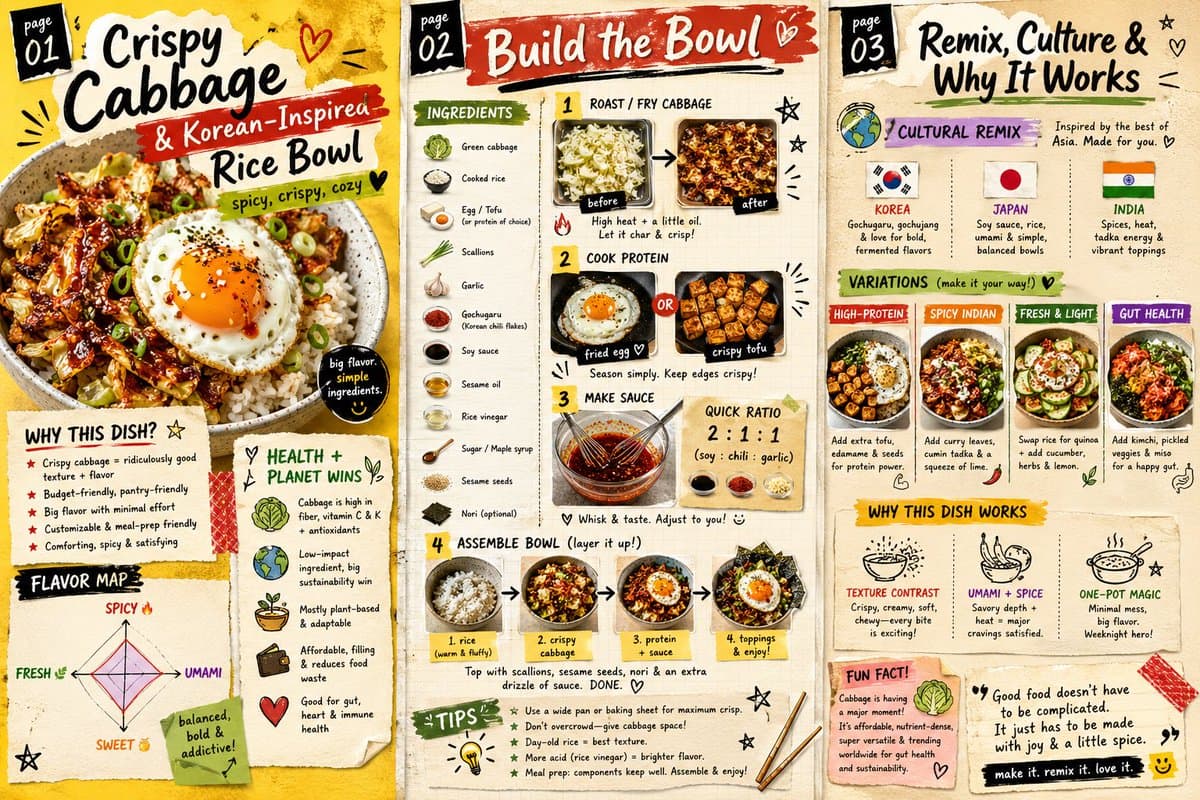
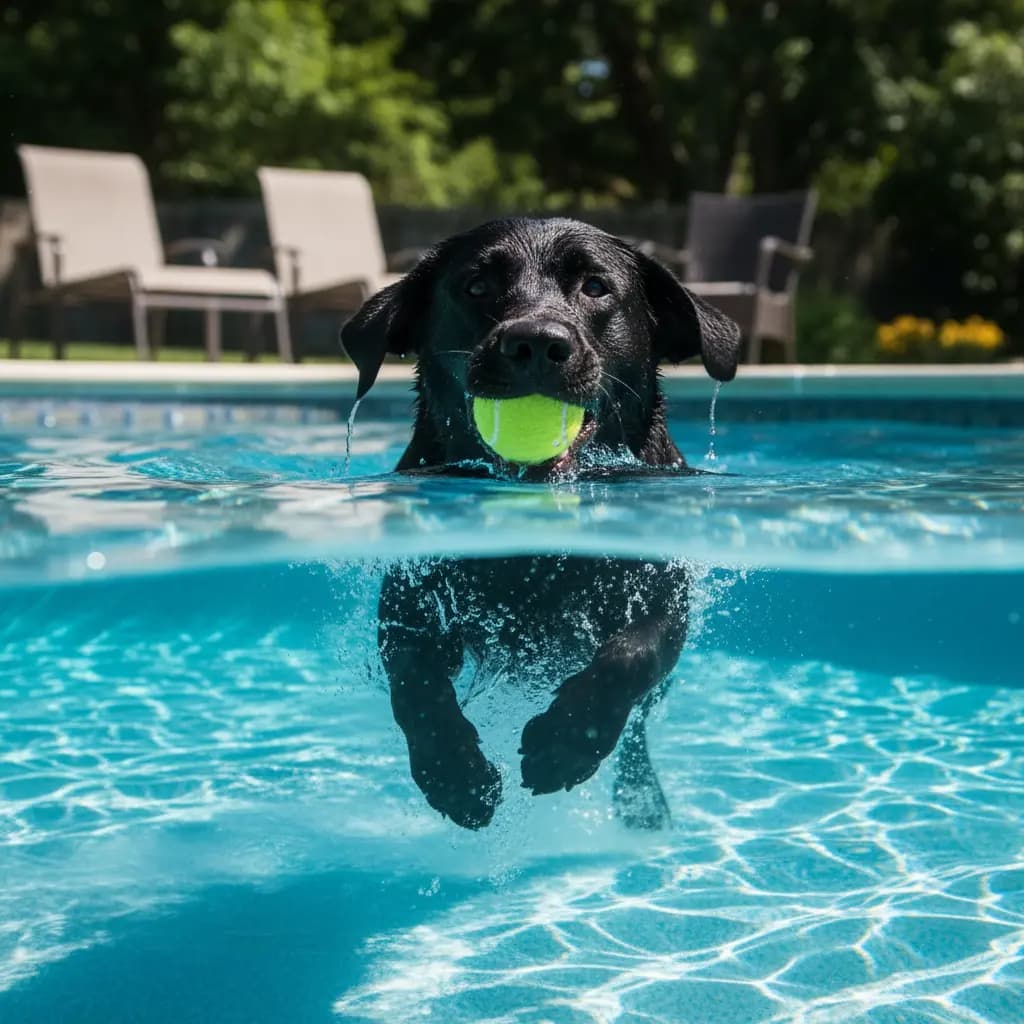
Explore specialized AI image models — each built for different creative styles and production needs.





Features
Qwen Image 3.0 Pro Features
What the Pro tier is for, and what it shares with the standard one.
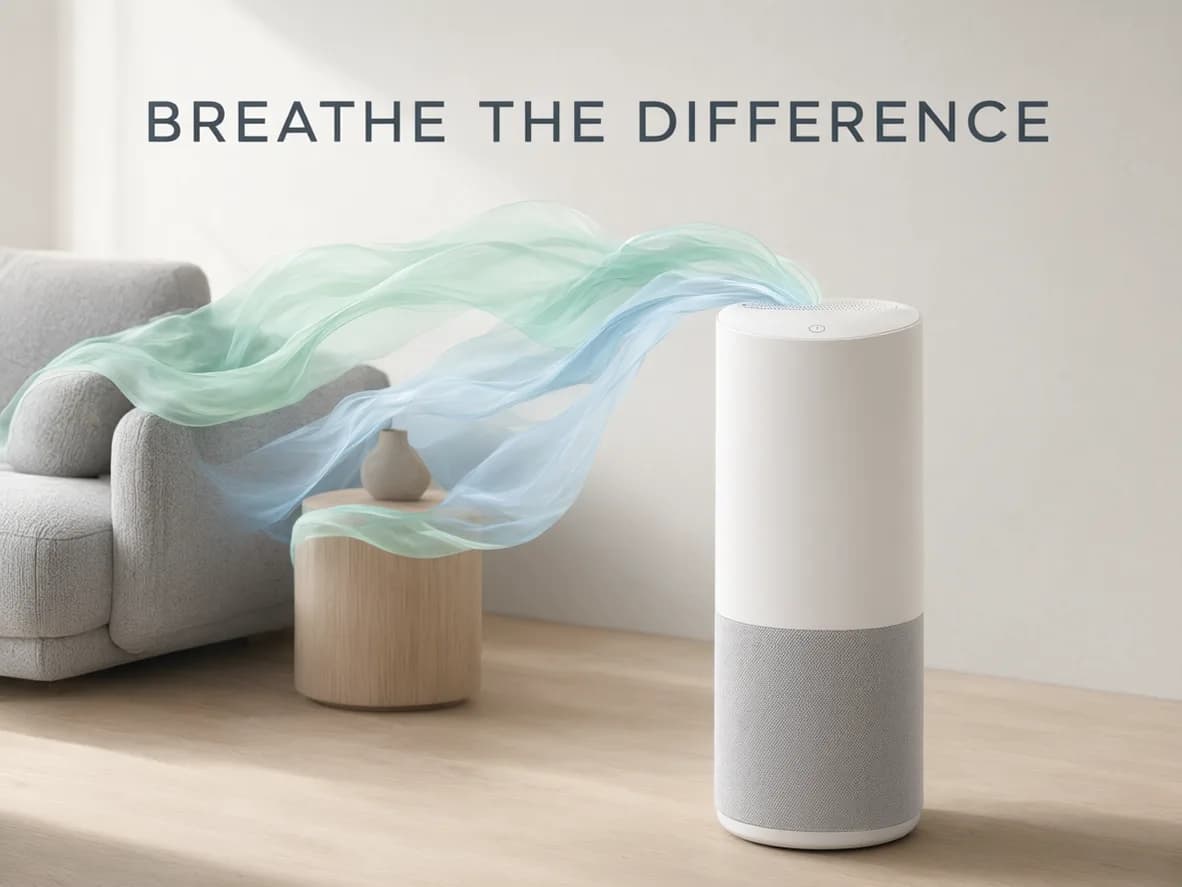
Alibaba's Professional Tier
This is the production end of Qwen Image 3.0 — built for polished output rather than fast exploration. It's the tier you run when the image is going to a client, a storefront, or print, not the one you run twenty times to find an idea.
Try a prompt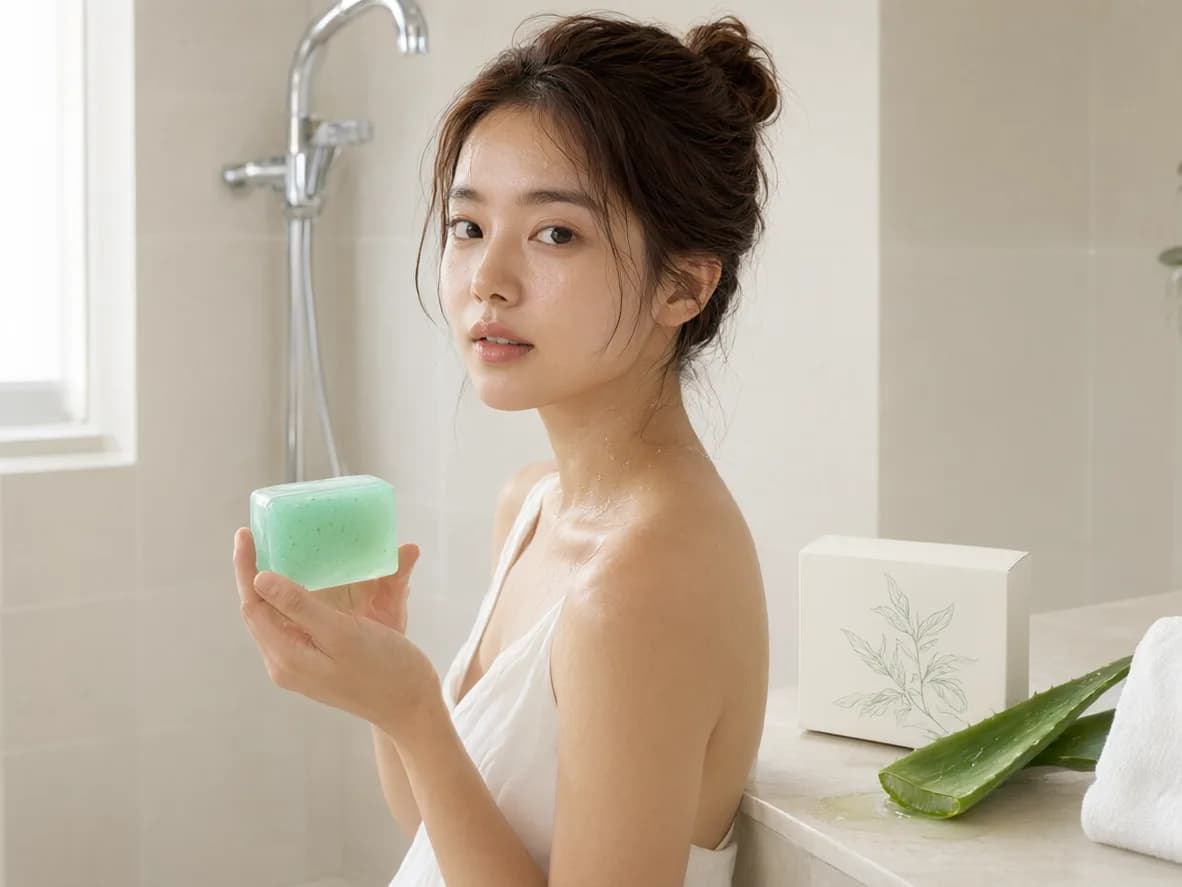
Built Around Portraits and Product
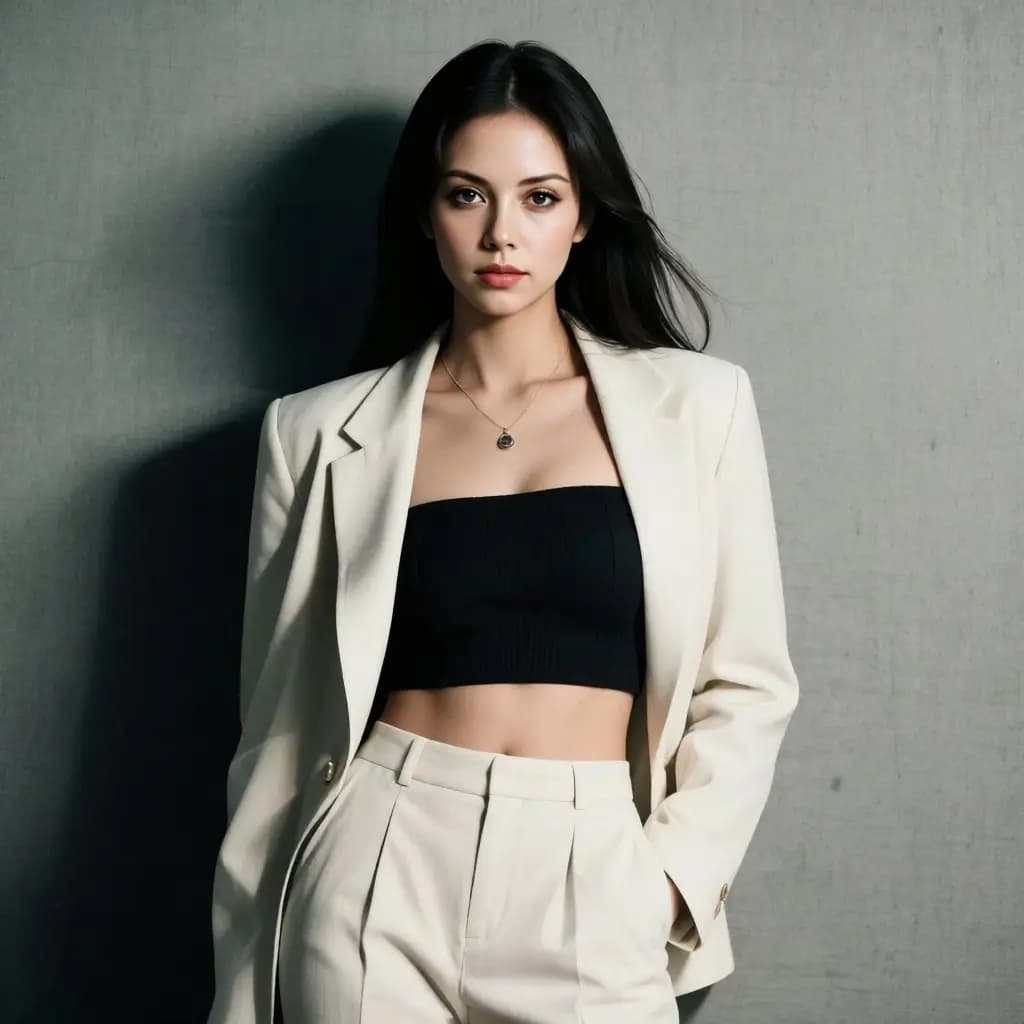
Character art, portraits, fashion and beauty visuals, commercial assets — that's the work this tier is cut for. It's also the territory where finish shows: a face, a fabric weave, a bottle's highlight, a strand of hair.
Run a portrait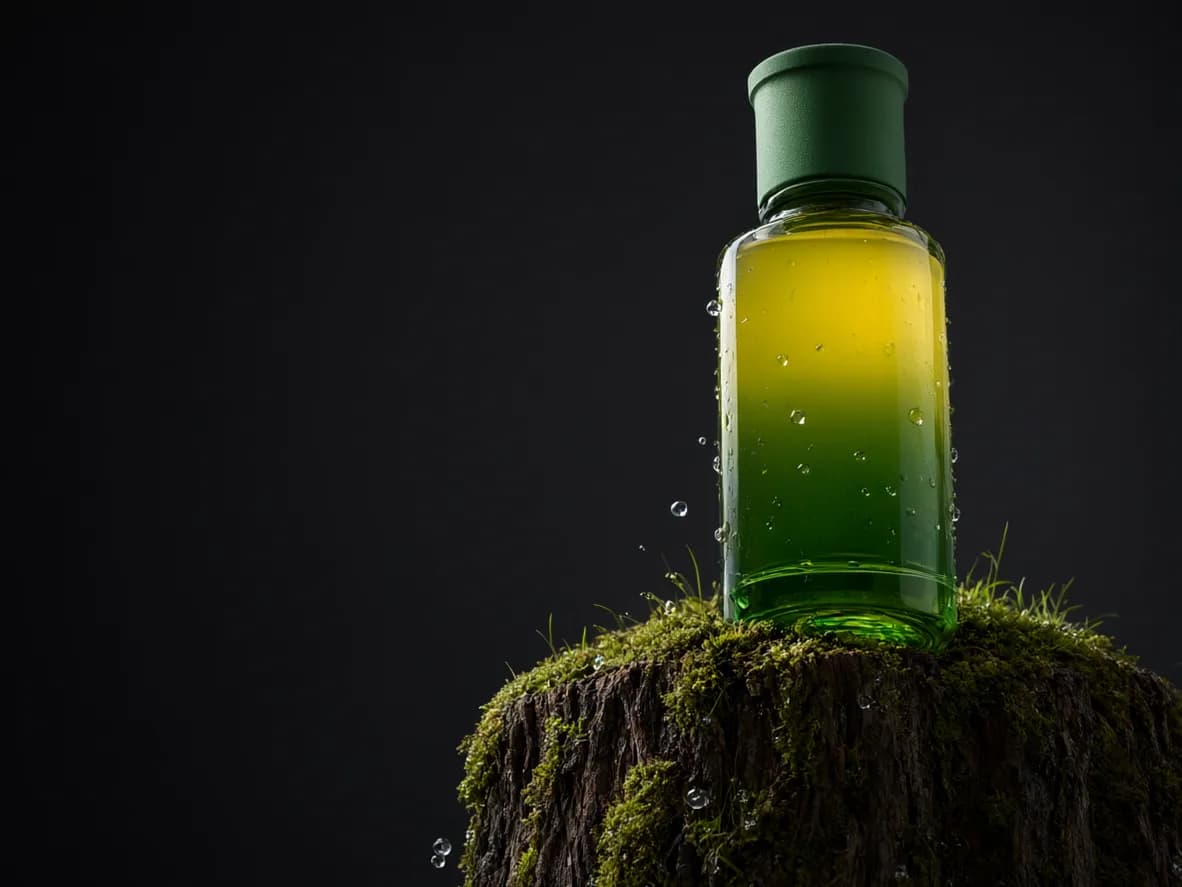
The Same Controls as 3.0
Nothing new to learn and nothing taken away. Fifteen aspect ratios, 1K or 2K per run, one to three reference photos, and an 800-character prompt — identical to the standard tier, so a brief moves between them unchanged.
Compare the tiers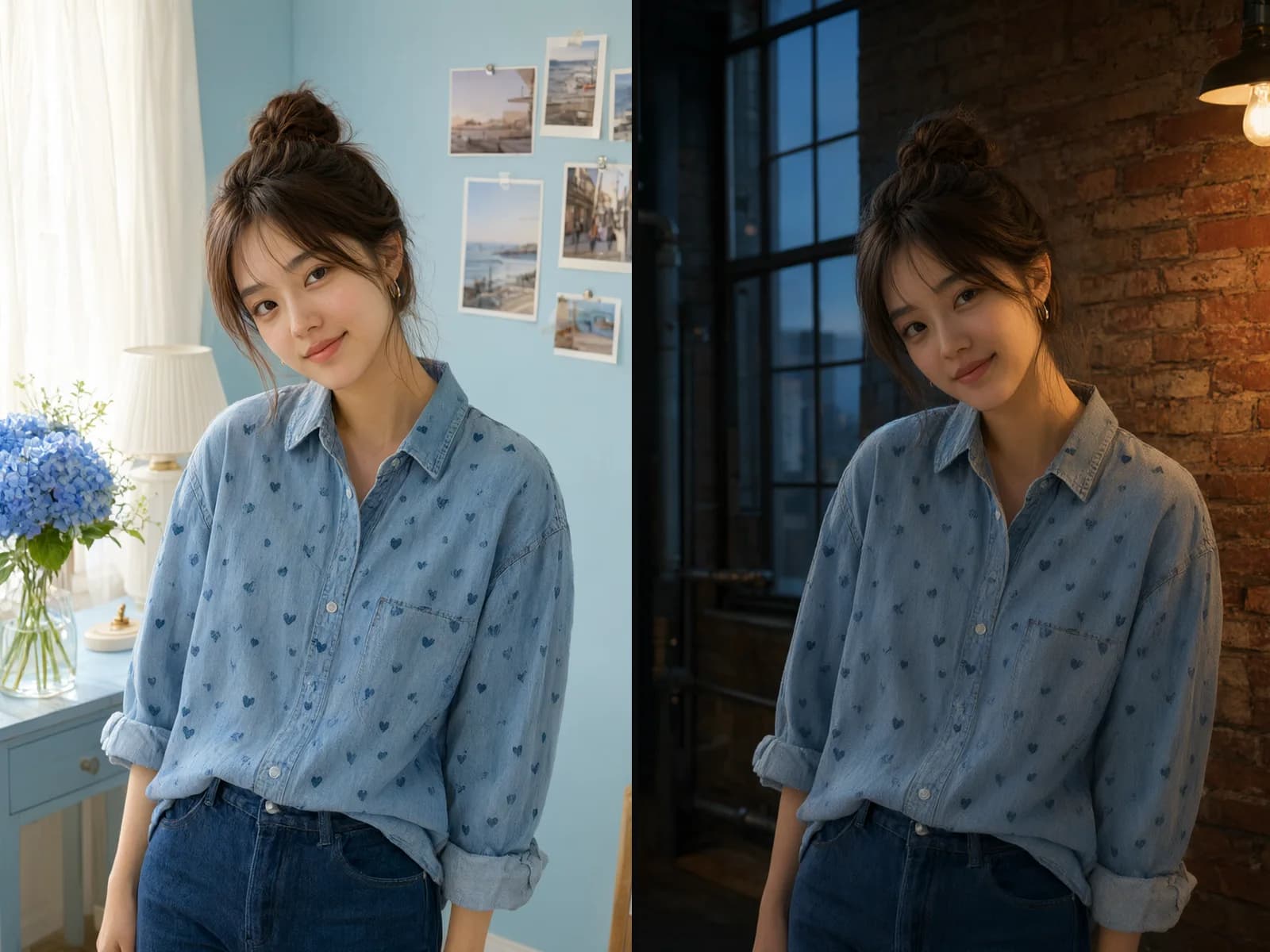
Reference-Guided Editing
Upload one to three photos, keep the face, product, or layout still, and rewrite the clothes, the room, or the light. Same person, new mood; same bottle, new set.
Start an editHow to use
How to Use Qwen Image 3.0 Pro
Settle the idea on the standard tier, then run the final frame here.
Draft on the Standard Tier
Find the composition first where a run is cheaper. Once the framing and the wording are settled, bring the same brief here.
Write the Prompt
Name the subject, the light, the surface. Detail earns its keep on this tier — say linen, not fabric; overcast, not soft light.
Pick the Frame and the Tier
Choose the aspect ratio for where the image is going, then 1K to confirm the look or 2K for the file you hand over.
Add References to Edit
Upload 1 to 3 photos and say what has to stay — the face, the bottle, the layout. Check the result against them and re-run if the identity drifts.
Who it's for
Who Should Use Qwen Image 3.0 Pro
Teams whose images go to a customer, a storefront, or print.
Fashion & Beauty
Editorial stills, accessories, makeup and styling concepts. Fabric drape, skin, and hair are where a render either holds up at full size or falls apart, which is what this tier is aimed at.
Portrait & Character Artists
Faces, outfits, poses, expressions. Run the pose exploration cheaply on the standard tier, then bring the chosen pose here for the version that goes in the deck or the pitch.
E-commerce & Product Teams
Pack shots, catalog stills, and lifestyle scenes — then the same bottle on a new set. References carry the product silhouette, its light, and its finish across the series.
Brand & Campaign Teams
Key visuals, launch imagery, and out-of-home artwork. When a frame is going in front of customers rather than a review meeting, the extra credits are the cheap part.
Web & Product Design Teams
Hero images, banners, and sidebar strips. With 3:1 and 1:3 alongside 21:9 and 9:21, a long slot gets its own render instead of a crop out of a square.
Retouchers & Photo Teams
Background swaps, lighting changes, and wardrobe edits on images you already have. One to three references hold the subject while the scene around it changes.
Explore creative tools
More AI Image Tools
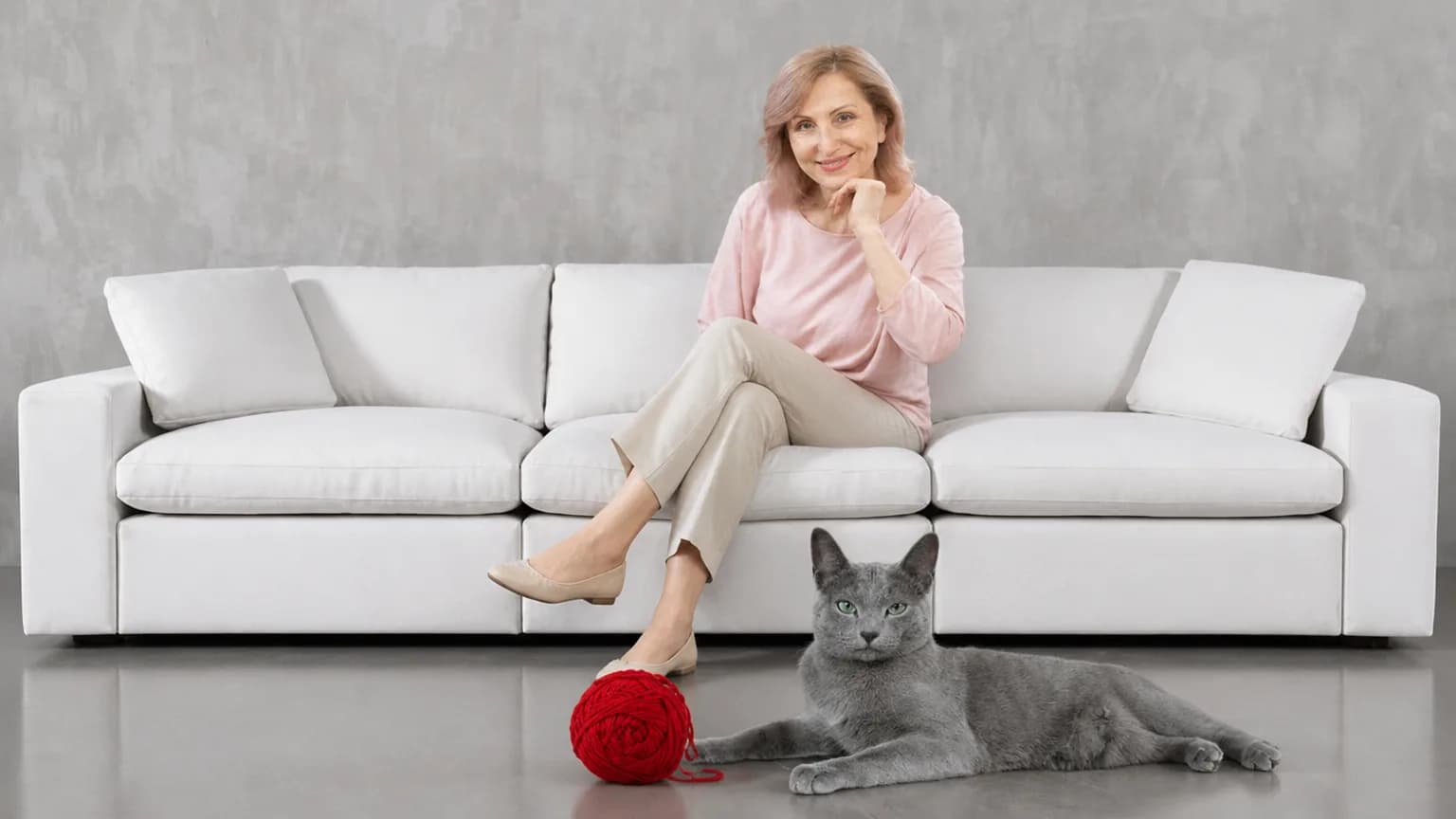
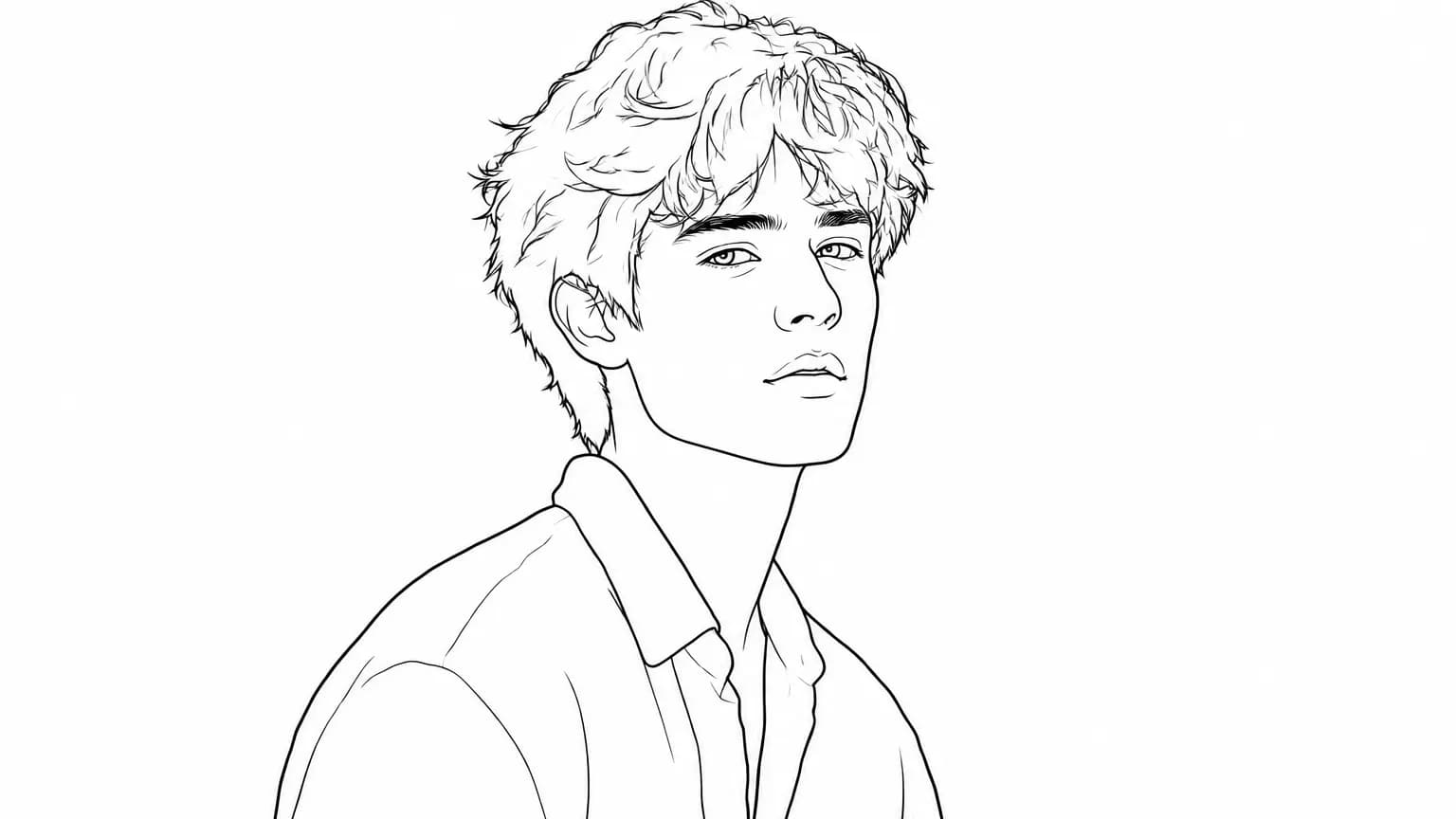
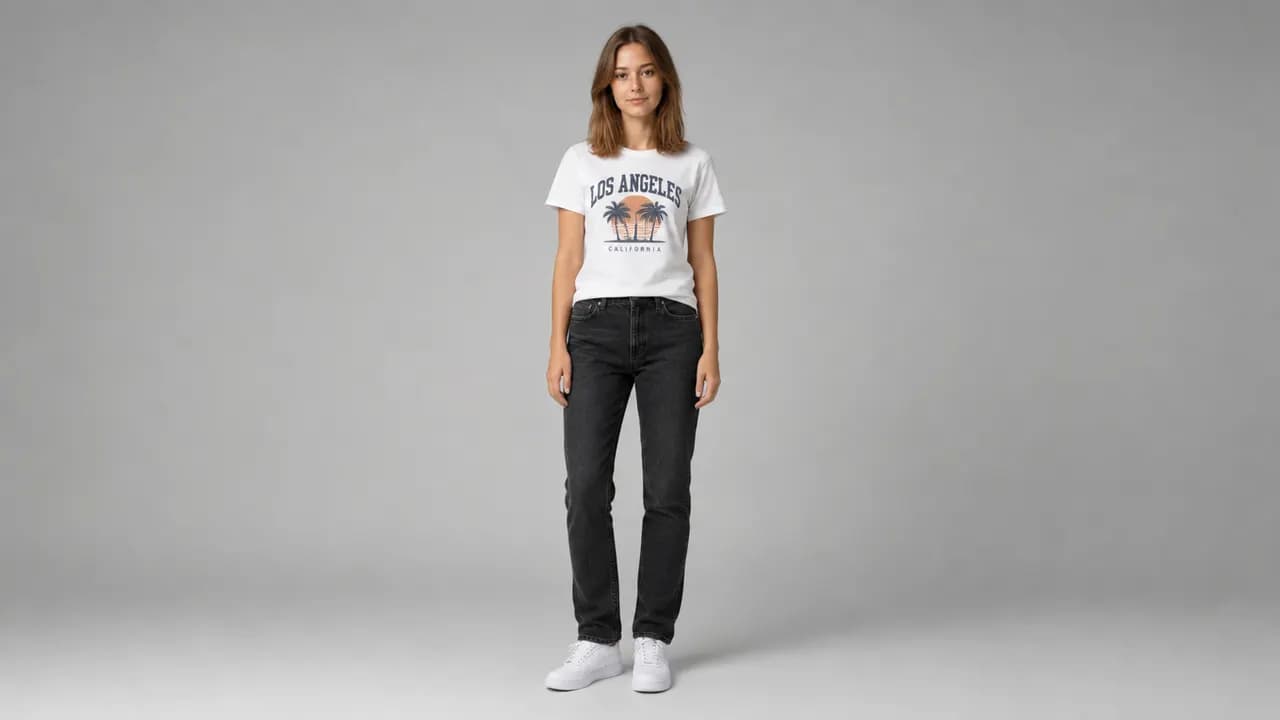
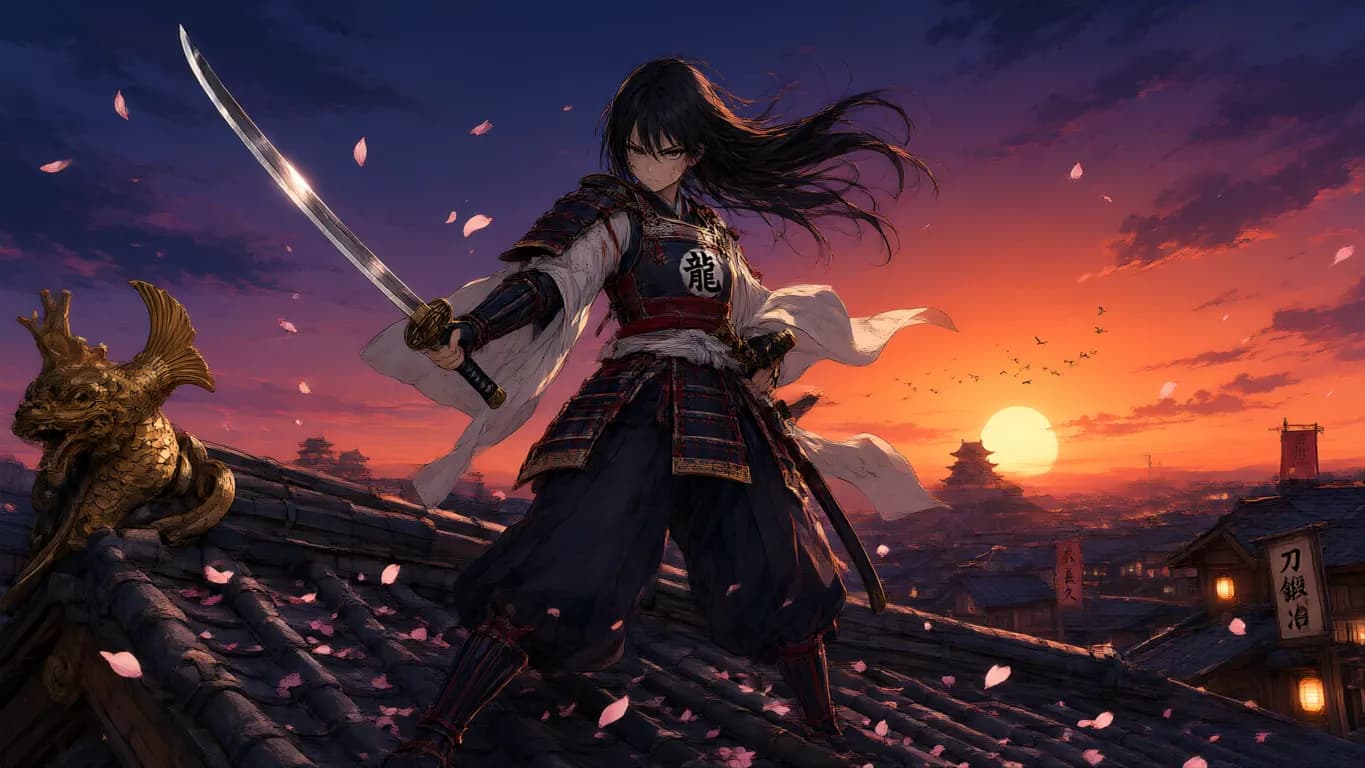
Explore focused AI image tools, each designed for a specific task — see how AI can turn your concepts into finished work.

FAQ
Qwen Image 3.0 Pro FAQ
What it is, how it differs from the standard tier, and what a run costs.
- What is Qwen Image 3.0 Pro?
- The professional tier of Alibaba's Qwen Image 3.0. Write a Chinese or English prompt to generate an image, or upload 1 to 3 photos and edit from them.
- How is it different from Qwen Image 3.0?
- Not in the controls — those are identical, down to the fifteen ratios, the 1K and 2K tiers, and the three-reference limit. Pro is the production tier of the same model, and a run costs more credits here.
- Which one should I use?
- Explore on the standard tier, where a 1K run is 9 credits against 12 here. Switch to Pro for the frame you're actually delivering, especially if it's a face, fabric, or a product surface at full size.
- Does Qwen Image 3.0 Pro support image editing?
- Yes. Upload 1 to 3 references and say what moves — a new background, a new outfit, a tighter frame — while the face or product stays put. The ratio follows your first photo unless you pick another.
- How many reference images can I use?
- One to three on an edit, each between 384 and 2048 pixels per side. Order matters: the first photo sets the ratio when you leave that control alone.
- Can I write prompts in Chinese?
- Yes. Chinese, English, or both in the same prompt, up to 800 characters. No translation step.
- What resolution and ratios can I choose?
- 1K or 2K per run, across fifteen aspect ratios — from square posts and tall stories to 21:9 banners. On an edit, the ratio matches your first photo unless you change it.
- How much does a run cost?
- Text-to-image is 12 credits at 1K and 23 at 2K. An edit at 1K is 13 credits with one reference, 14 with two, 15 with three; at 2K it's 24, 25, and 26.
- Can I use the results commercially?
- Yes — use what you generate under your Epochal account. Don't prompt trademarks, copyrighted characters, or real people you don't have rights to.
Start now
Run the final frame on Qwen Image 3.0 Pro
Write a prompt in either language, or upload references and edit from them.
Try Qwen Image 3.0 Pro