

YouTube · Prompt Warrior
Creator ReviewGPT Image workflow review and practical image tests
A creator-side review that helps frame GPT Image as a usable image workflow for prompt-led generation and edits rather than only a product announcement.
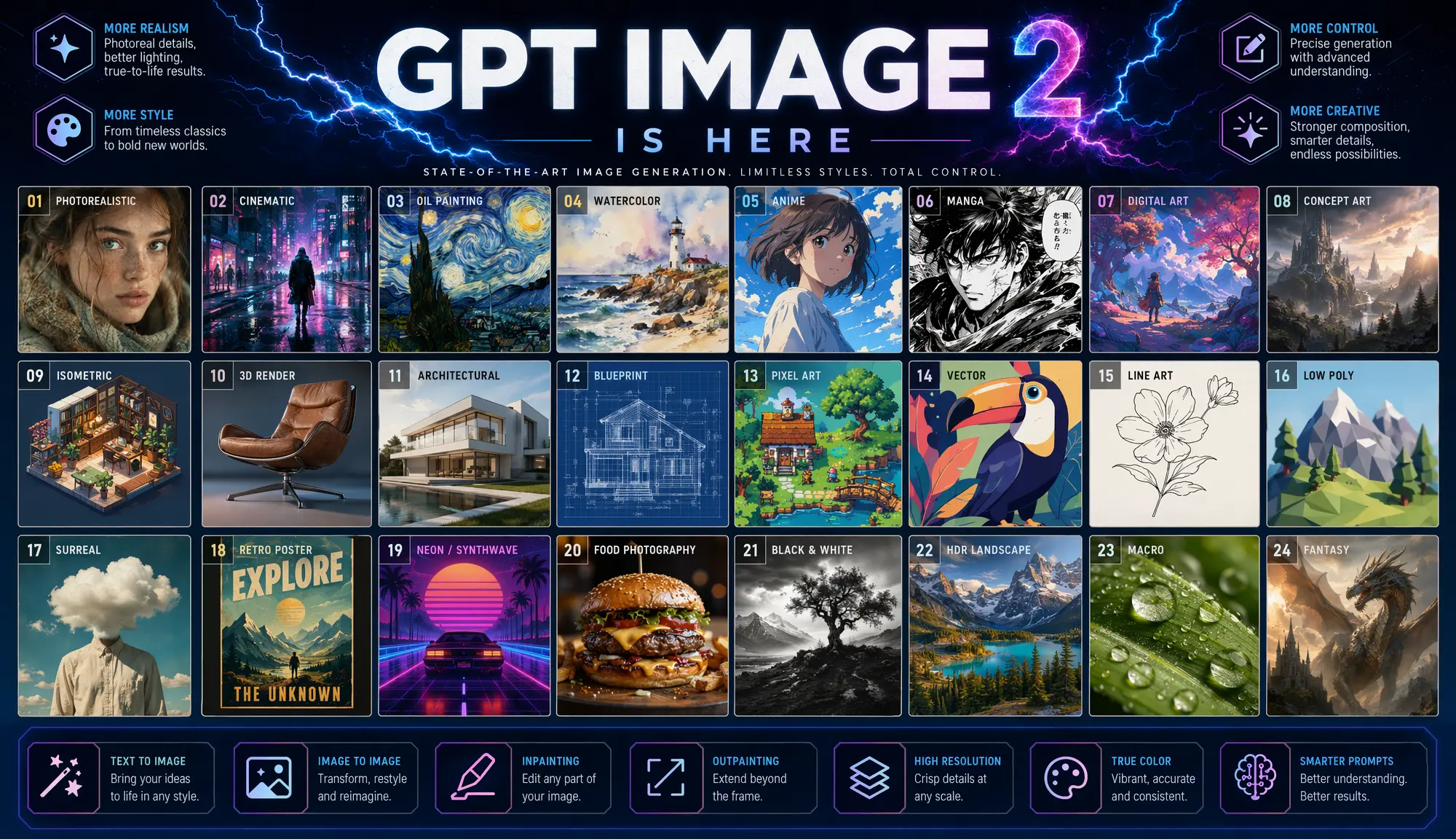
Generate images with GPT Image 2 on Epochal — every run shows its credit cost before you generate. Crisp text for posters, menus, and UI mockups.
GPT Image 2 is the GPT image model workflow available on this page. OpenAI's image generation documentation describes the GPT image stack as supporting both image generation and image editing from text and uploaded images. In Epochal, the same model is currently exposed through prompt-led generation and reference-led editing, with controls for size preset, quality, output count, and export format. Every run shows its credit cost before you generate.
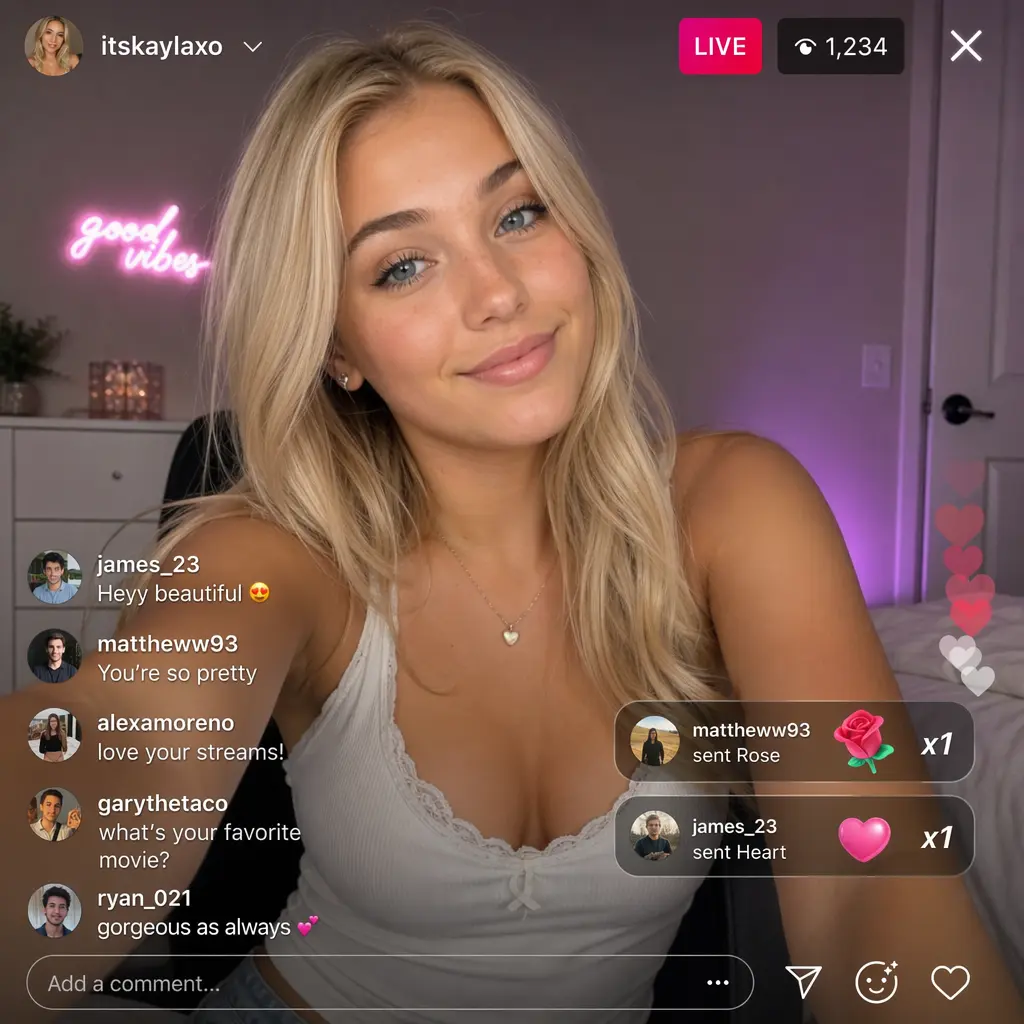
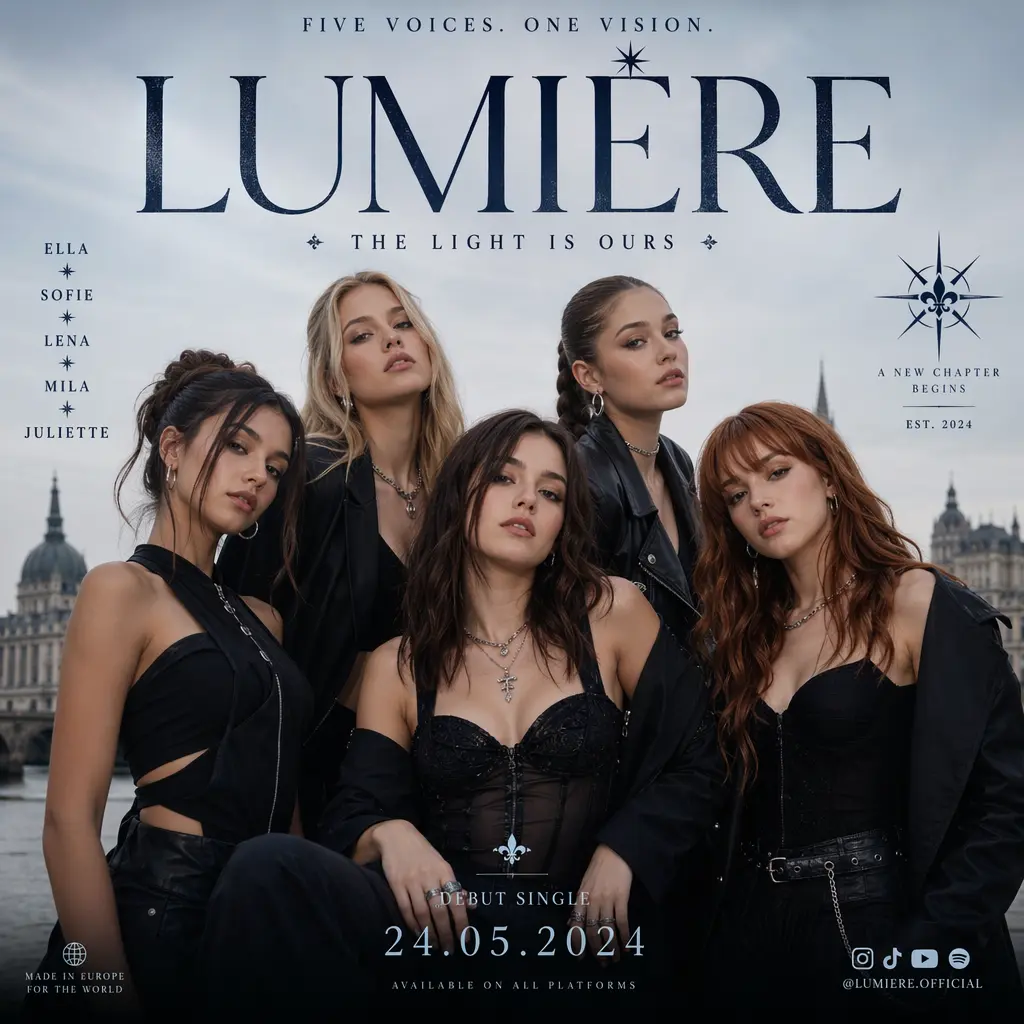
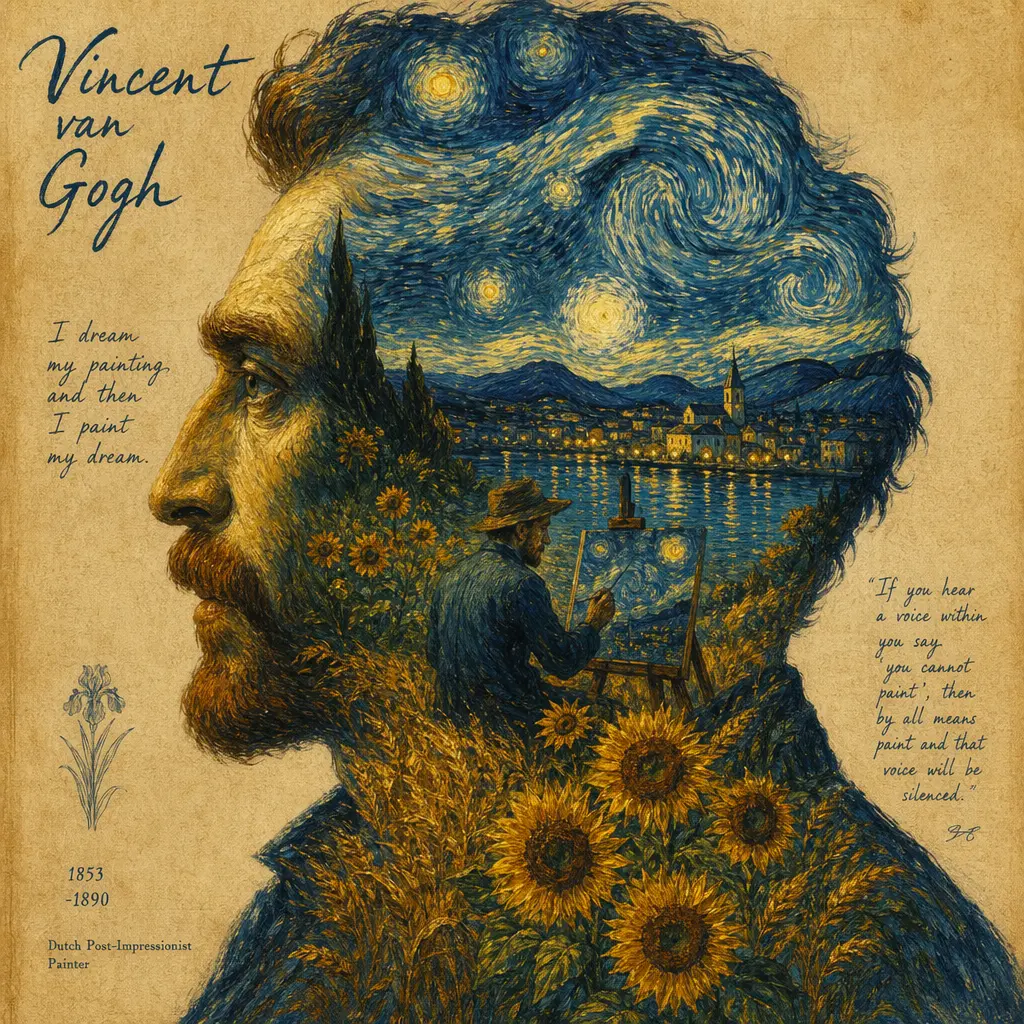
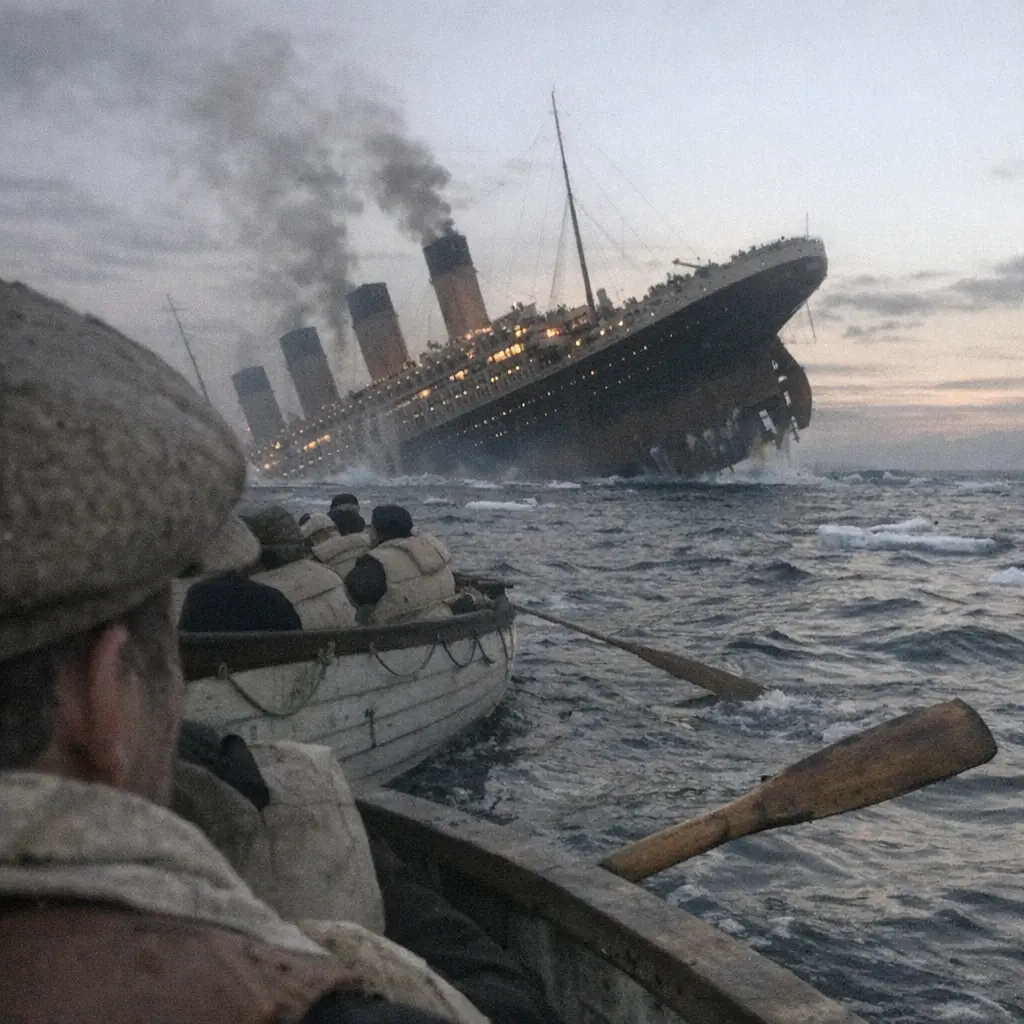
GPT Image 2 preview 1
GPT Image 2
The current public GPT Image 2 page should be read as a GPT image workflow that covers both fresh generation and reference-led editing. Epochal keeps image size, quality, output count, and export format visible up front, while the related editing workflow also adds reference image input and an auto size option. Because this page only relies on OpenAI's general image-generation documentation plus implementation-verified facts, you should judge results against your prompt, source images, and selected settings rather than unsupported model-ranking claims.
GPT Image 2 can be used either from a written prompt or from existing images. In the current Epochal workbench, that means a text-to-image workflow and a reference-led image-to-image workflow built around the same model.
Epochal currently exposes the 6 official GPT Image 2 size presets, while the editing workflow also adds an auto option. Pick the frame before the first run so the output is judged in the right composition.
The current implementation exposes low, medium, and high quality modes. That keeps cost and output intent visible before generation starts.
Both public workflows can return one to four images per run. That is useful when you want to compare several prompt-consistent directions before choosing the next pass.
Epochal currently exposes JPEG, PNG, and WEBP output. Set the file format up front when the result is already headed toward a specific delivery path.
Creator walkthroughs that are useful for understanding GPT Image style workflows, editing behavior, and prompt-led image generation in practice.
A creator-side review that helps frame GPT Image as a usable image workflow for prompt-led generation and edits rather than only a product announcement.
Useful for understanding how creators compare GPT Image against another leading image model on editing, speed, and prompt control.
Helpful as a practical workflow example for how OpenAI’s newer image stack is used in repeatable design and content-production tasks.
Public creator and ecosystem references that help explain how GPT Image is being framed around editability, quality, and production-style output.
The current public GPT Image 2 page should be read as a GPT image workflow that covers both fresh generation and reference-led editing. Epochal keeps image size, quality, output count, and export format visible up front, while the related editing workflow also adds reference image input and an auto size option. Because this page only relies on OpenAI's general image-generation documentation plus implementation-verified facts, you should judge results against your prompt, source images, and selected settings rather than unsupported model-ranking claims.
Use GPT Image 2 when you want to see how one written brief lands across a small set of outputs before you lock the direction.
Switch to the related editing workflow when the base image already exists and the next job is to restyle, revise, or refine it without changing models.
It is useful when the main job is to compare one to four outputs under the same size and quality settings before choosing the next pass.
The current page is practical when file format matters early and the result is already headed toward a JPEG, PNG, or WEBP delivery flow.

OpenAI
GPT Image 1.5 AI Image Generator

Ideogram
Ideogram V3 AI Image Generator for Brand Graphics & Text-Heavy Posters

Black Forest Labs
FLUX.2 Pro AI Image Generator

Google: Nano Banana Pro AI Image Generator for Infographics, Posters & Mockups
Google: Nano Banana 2 AI Image Generator for Precise Text Editing & Wider Layouts

ByteDance
Free Seedream 5.0 Lite AI Image Generator
Start creating — every run shows its credit cost before you generate. Upgrade later for higher usage and Pro settings like 4K.
Preview
Ready to create images
Generate in this workspace and the latest result will appear here with the supporting content below.
Recent
View more