



Portrait edit
Remove Glasses from a Photo with AI Glasses Remover
Upload one portrait that shows the glasses, then generate an edit that removes the frames and rebuilds the eyes, lids, and skin they were covering. Each run keeps identity, face shape, hair, clothing, lighting, and background. AI edits can still drift, so compare the rebuilt eye area with the upload before you treat the result as a reference.
- Upload one portrait
- Remove frames and lenses
- Rebuild the eyes
- Keep face and scene
- 1K, 2K, or 4K
- Credits shown before each run


Before and after
Glasses-Off Results to Review
Four real site edits from different portraits — thin frames, a three-quarter view, outdoor thick frames, and sunglasses. Click a tile to open that direction in the workbench.


Thin black frames
Remove the thin black frames and rebuild the eyes.


Bold frames, three-quarter view
Remove the bold frames and rebuild the eyes.
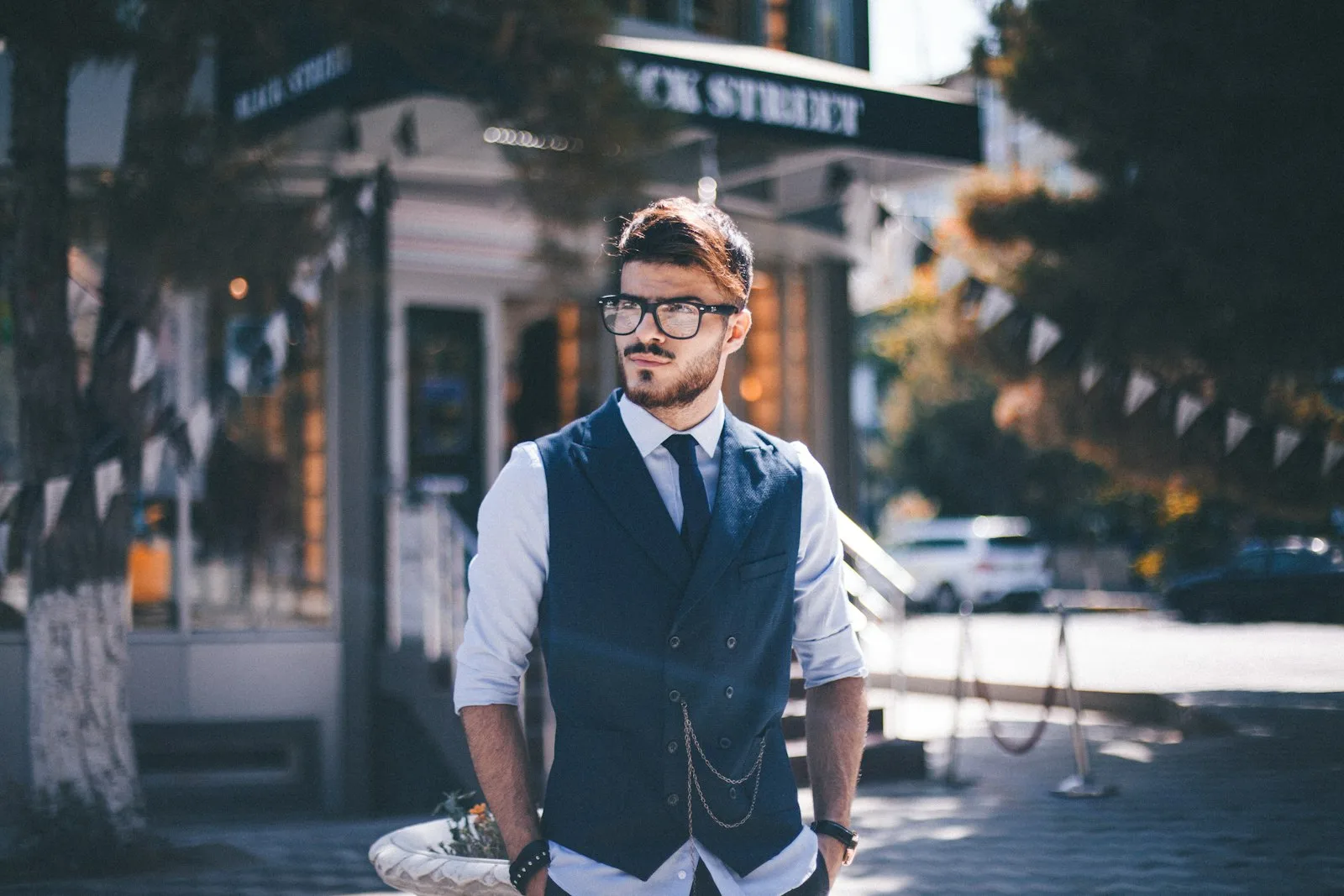
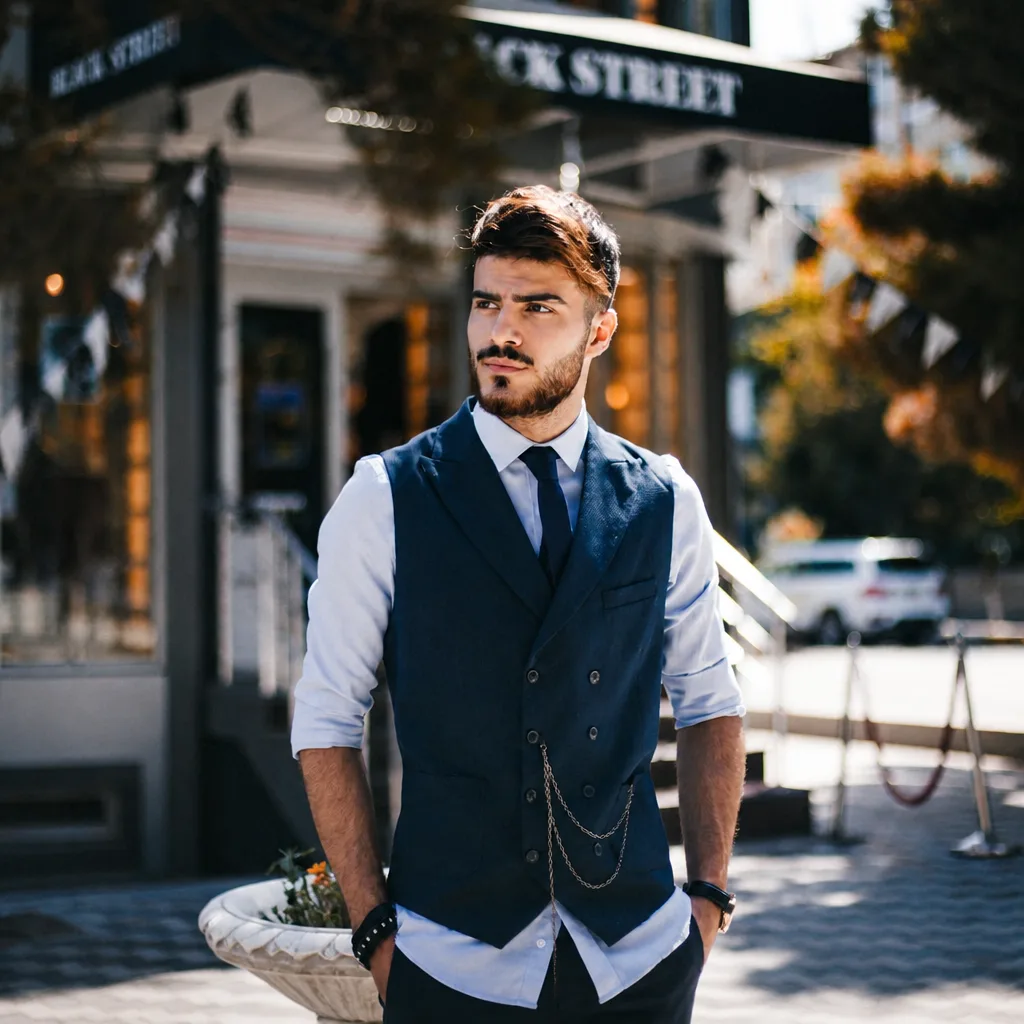
Thick black frames outdoors
Remove the thick black frames and rebuild the eyes.
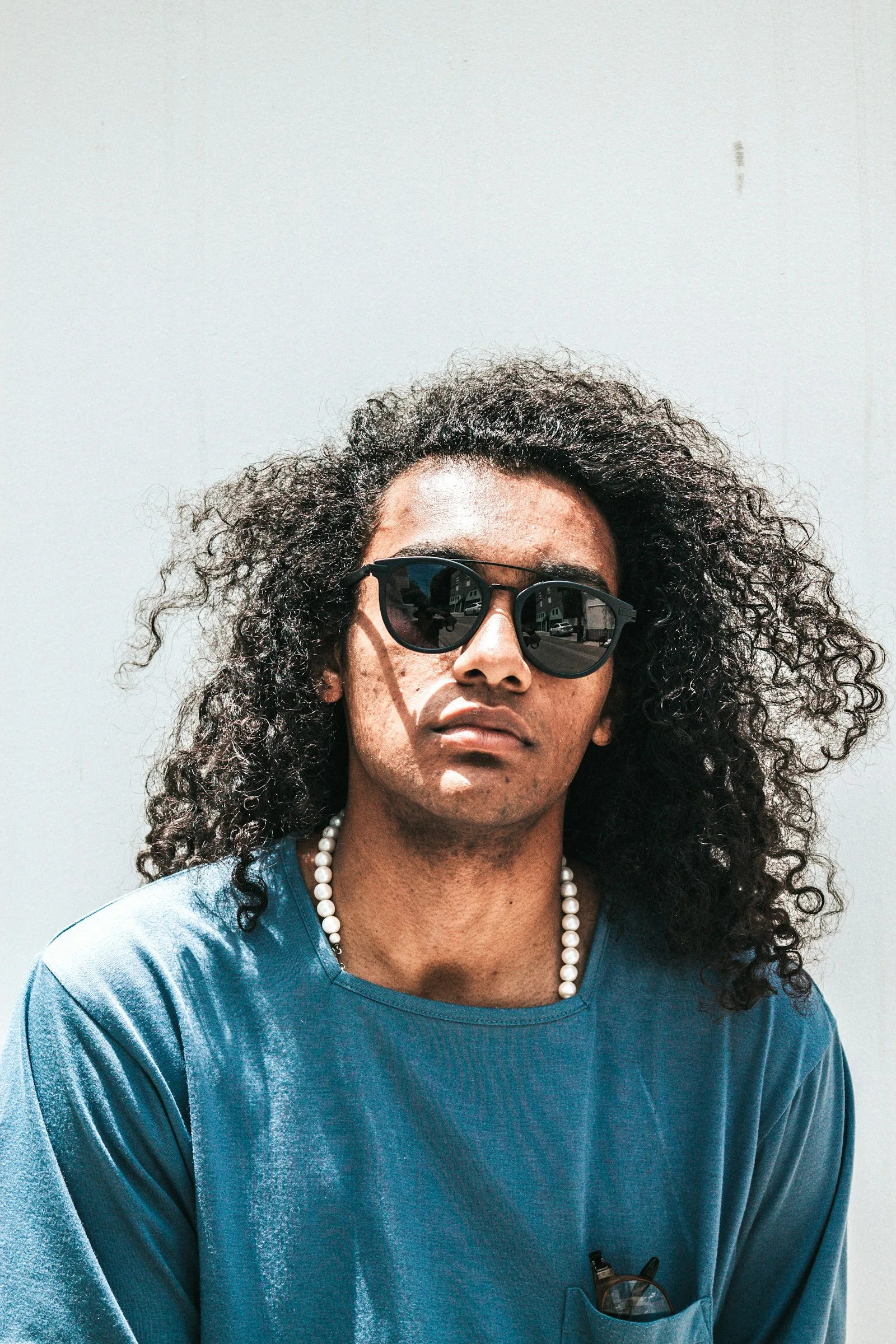
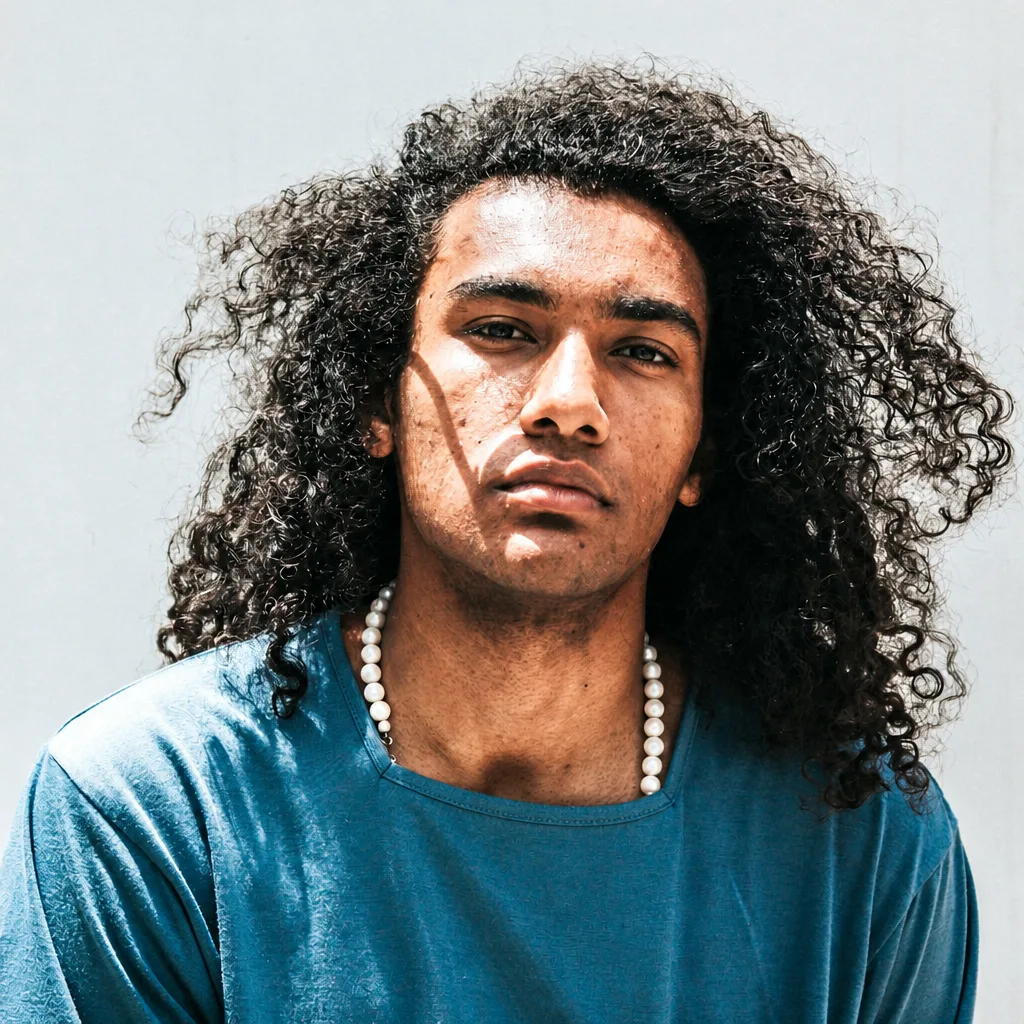
Sunglasses
Remove the sunglasses and rebuild a natural eye area.
Explore image models
More AI Image Generators
Explore specialized AI image models — each built for different creative styles and production needs.















What to control
AI Glasses Remover Features
A short portrait workflow — upload a photo with glasses, generate the edit, and review the rebuilt eyes.

Start from a Portrait with Glasses
A well-lit front-facing or three-quarter photo gives the editor a readable face, frame outline, and lighting on the cheeks. Thick frames, clear lenses, and sunglasses can all be tried, but tiny faces and heavy blur make the rebuilt eyes harder to judge.
Upload a portrait
Remove Frames and Rebuild the Eyes
Each run takes off eyeglasses or sunglasses and rebuilds the eyes, lids, lashes, and the skin over the nose bridge. Inspect every result for a glasses-shaped gap, a pale rectangle, or a blur over the eyes.
Remove the glasses
Keep Face, Hair, and Scene
The edit is meant to keep identity, expression, head angle, hair, clothing, and background. Use the result as a visual reference, then run again if the first pass drifts.
Keep the rest of the photo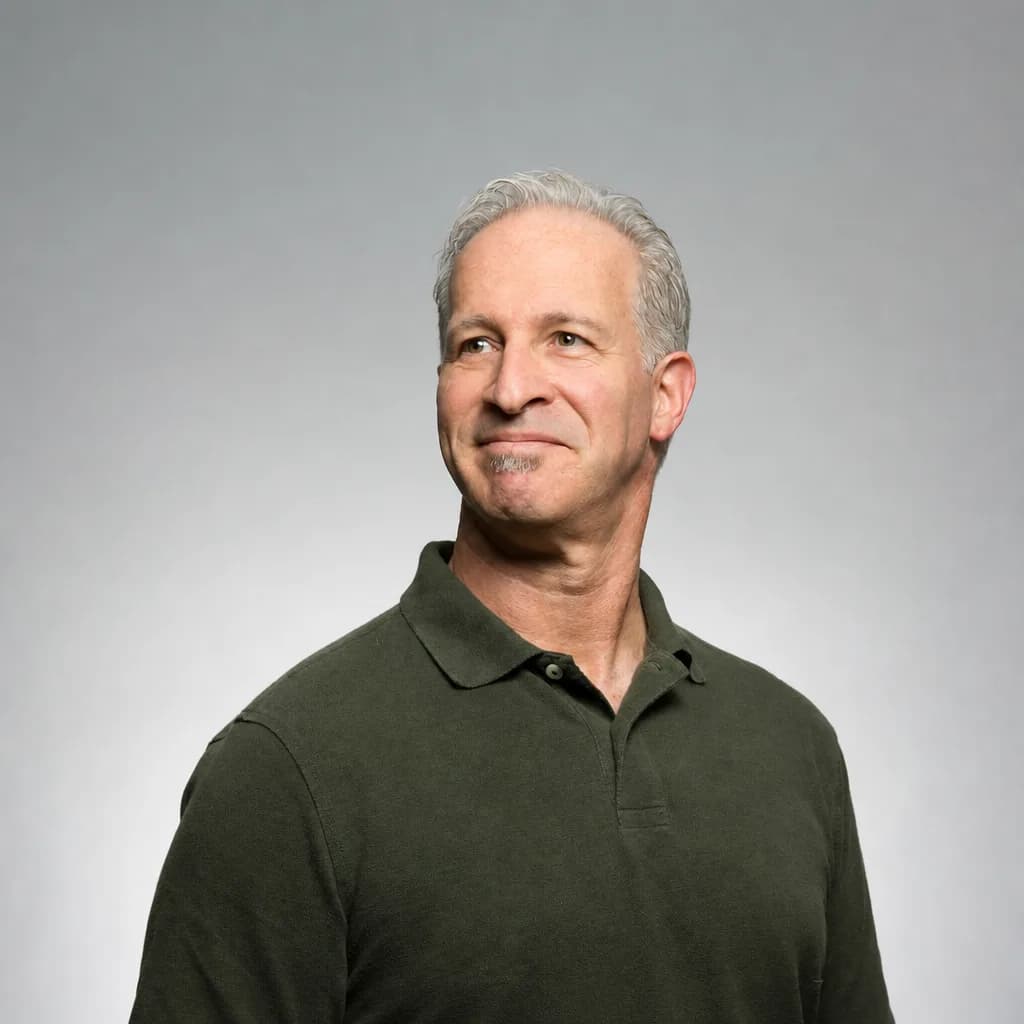
Review the Rebuilt Eye Area
Compare gaze, eye shape, skin tone, and lighting with the upload. Sunglasses hide the real irises, so the rebuilt eyes are an estimate that should still match the person in the photo.
Inspect the eyesHow to use
How to Use AI Glasses Remover
The complete workflow runs on this page and uses one uploaded portrait per generation.
Upload One Portrait with Glasses
Choose a photo where the face and frames are visible and evenly lit. Front-facing and three-quarter portraits make the before-and-after difference easiest to judge.
Leave the Prompt Closed
This page does not take a free-text prompt. The run always asks to remove the glasses and rebuild the covered eyes while keeping the rest of the portrait.
Generate the Edit
Choose 1K, 2K, or 4K, then run the edit. The credit amount is shown in the workbench before generation.
Inspect Eyes and Face
Compare the rebuilt eyes, nose bridge, expression, hair, and background with the upload. Try another photo if the first pass leaves a gap or changes the rest of the face.
Use cases
Who Should Use AI Glasses Remover
People who need a glasses-off visual reference from an existing portrait.
Profile and Headshot Editors
Make a glasses-off version of a LinkedIn photo, speaker headshot, or team portrait. Keep hair, clothing, and lighting so the only change is the missing frames.
Casting and Portfolio Teams
Generate a glasses-off still from a booked shoot when the brief also wants a clean face. Review identity on every frame before you pass a result downstream.
Family and Event Photos
Remove sunglasses or leftover frames from a group or event portrait when you want a clearer face. Check that the rebuilt eyes still sit in the original sockets.
Retouch and Campaign Reviews
Create a first glasses-off reference before a manual retouch. The image is a visual draft, not a passport, visa, or medical record.
Explore creative tools
More AI Image Tools
Explore focused AI image tools, each designed for a specific task — see how AI can turn your concepts into finished work.






FAQ
AI Glasses Remover FAQ
Photo selection, sunglasses, credits, and what the edit does not change.
- What is AI Glasses Remover?
- It is a portrait tool on Epochal for removing glasses from a photo. You upload one portrait and generate an edit instructed to take off the frames and rebuild the eyes behind them while keeping the rest of the face and scene as consistent as possible.
- Does it rebuild the eyes behind the frames?
- Each run rebuilds the eyes, lids, lashes, and the skin over the nose bridge. AI edits can still leave a gap or blur, so inspect the eye area on every result.
- What photo works best?
- Use a well-lit front-facing or three-quarter portrait where the face and glasses are visible. Avoid tiny faces, heavy motion blur, and photos where the frames are cropped off the edge.
- Can it remove sunglasses?
- Yes, you can upload sunglasses. The real irises are hidden, so the rebuilt eyes are an estimate that should still match the person. Review gaze and eye shape before you keep the result.
- Does it only remove glare from the lenses?
- No. This page removes the glasses, not just reflections on the lenses. A glare-only edit is a different job and is not offered here.
- How much does one edit cost?
- You choose 1K, 2K, or 4K. The exact credit amount is shown in the workbench before generation.
- Can I use the result as an ID or passport photo?
- No. The output is an AI visual reference. Official photo rules vary by country and office, so do not treat a generated image as an approved identity document.
Try a glasses-off edit
Remove Glasses from Your Photo
Upload one portrait, generate the edit, and inspect the rebuilt eyes before you treat it as a reference.
Open AI Glasses Remover