


YouTube · SECourses
Nano BananaNano Banana full tutorial compared against Qwen Image Edit
A strong editing reference because it walks through many concrete change types instead of just showing polished final images.
Image-to-image editing starts from a source image, not an empty prompt. Use it when the composition, subject identity, or product shape should stay recognizable while you change styling, materials, background, or a specific region. On Epochal, you can run the same reference through multiple editing models to see whether you need stronger fidelity, bolder restyling, or cleaner local changes.
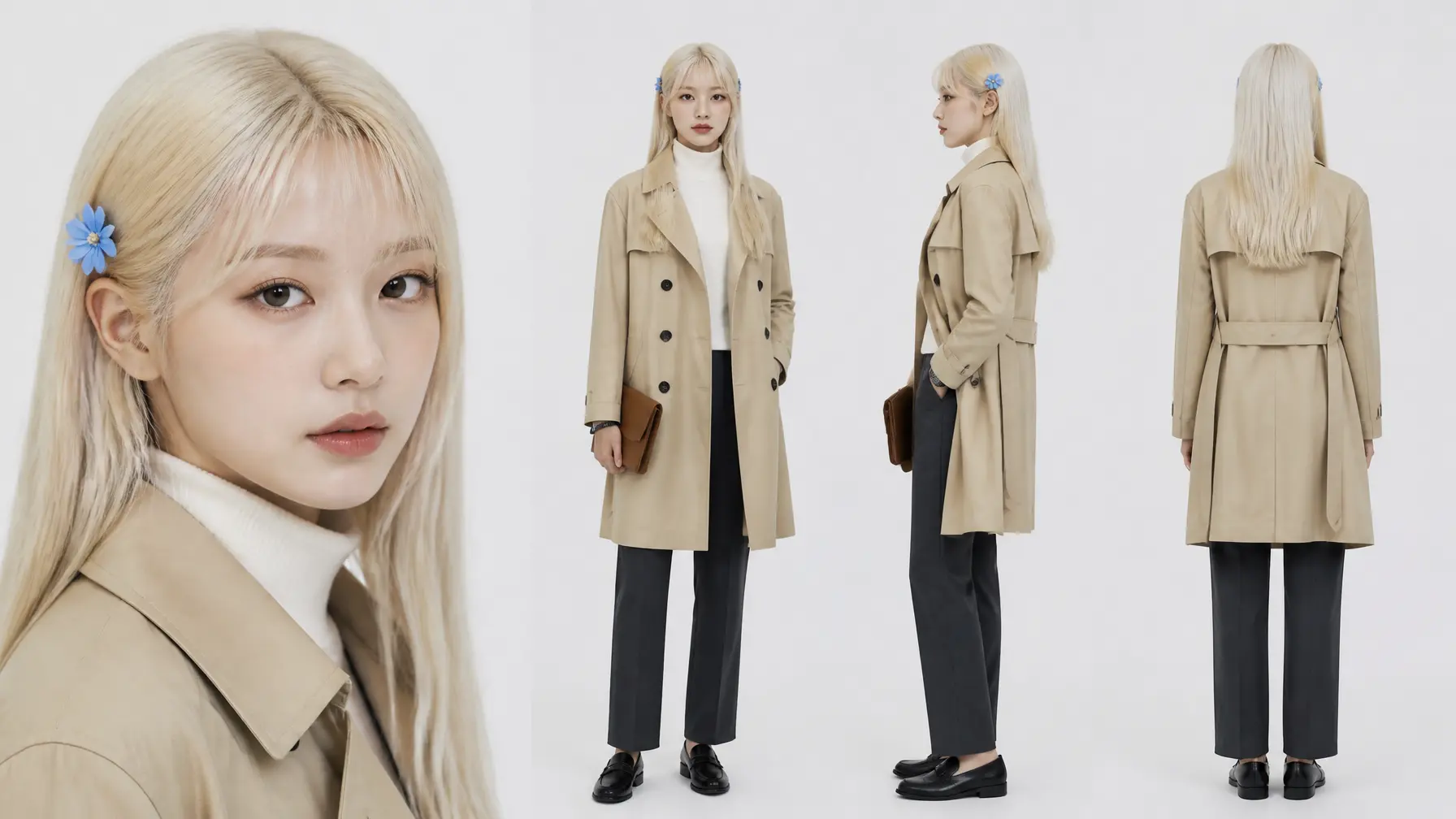
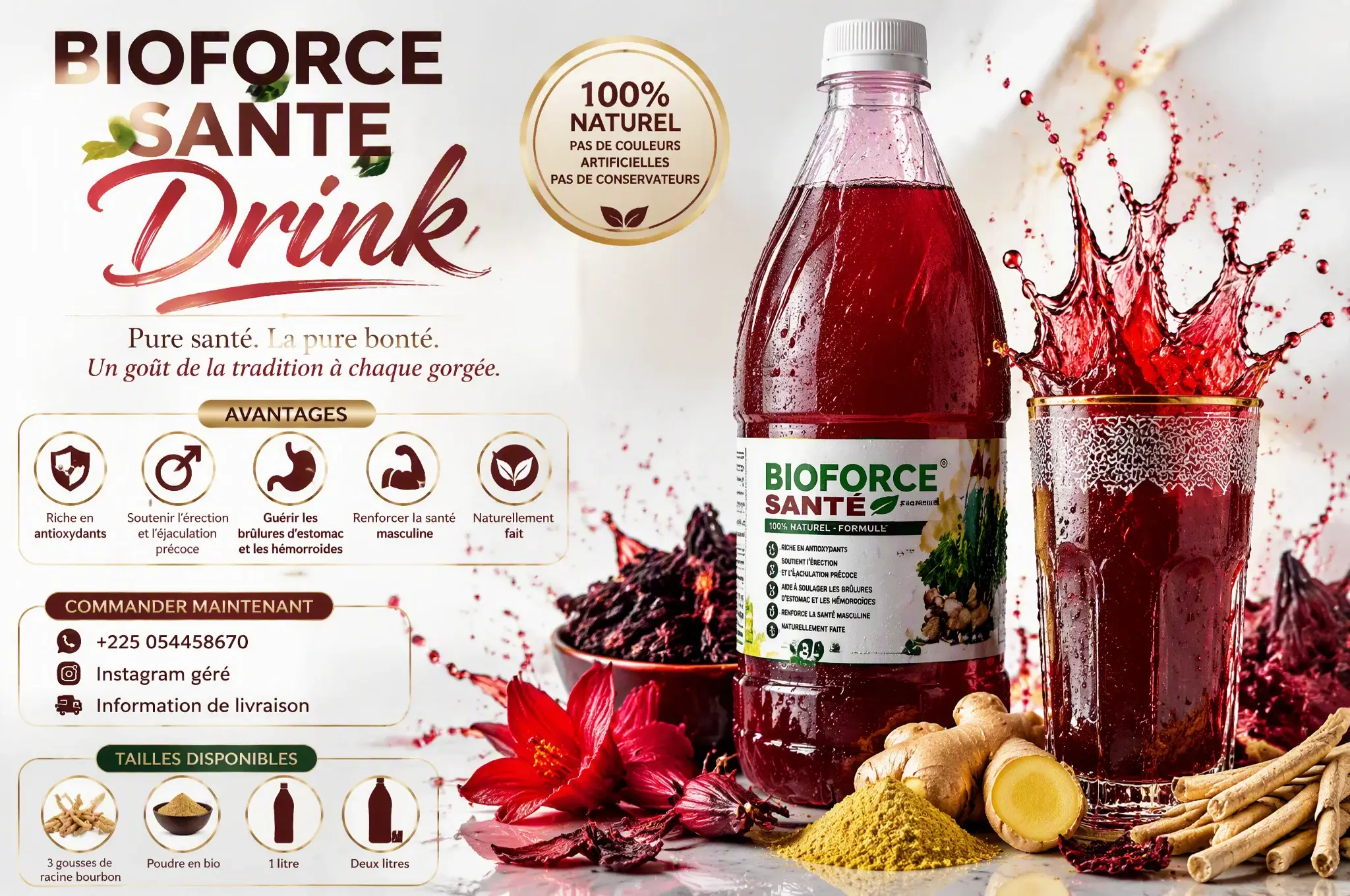
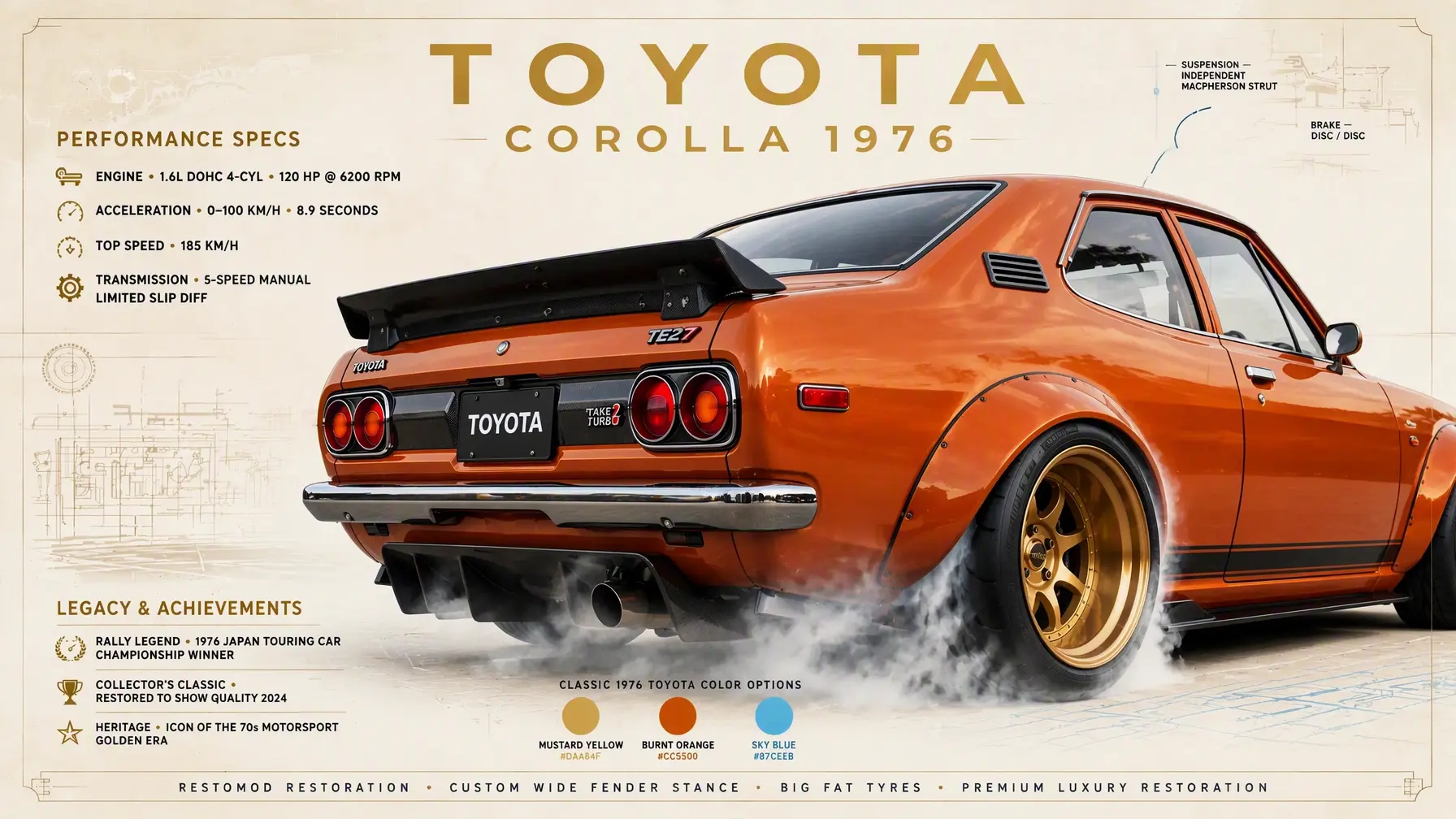
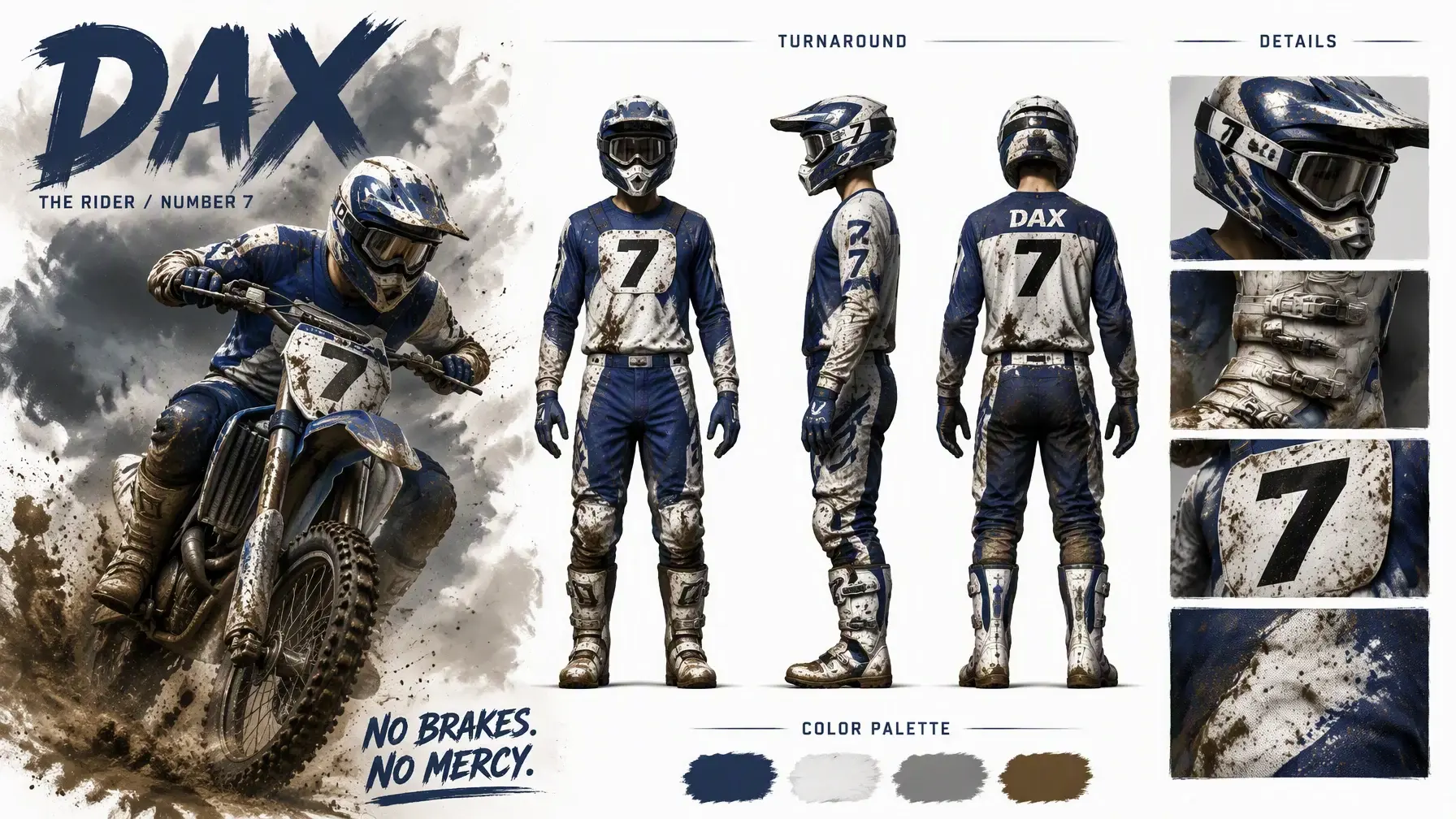
Turn one packshot into a new premium finish
Image-to-image is better than text-to-image when pose, framing, product silhouette, or scene layout already works and only selected parts need to change.
Run the same reference through Nano Banana 2, FLUX.2 Pro, GPT Image 1.5, or Seedream to judge which model holds structure, handles materials, or pushes the look further.
Make one targeted change first, reuse that result as the next reference, then keep refining lighting, surface detail, or background until the image lands.
Editing walkthroughs that are useful for judging fidelity retention, local changes, multi-image references, and how much of the original frame survives.
A strong editing reference because it walks through many concrete change types instead of just showing polished final images.
Useful when you care about object replacement, facial changes, compositing, and how AI editing fits into a more traditional design workflow.
Helpful when you want a more hands-on look at change-focused prompting, preservation behavior, and repeatable edit cases.
A useful reference when your image-to-image job includes masks, extensions, fill regions, or style-directed rework instead of one global rewrite.
A more reliable reference for image-to-image restyling, composition transfer, and how one input frame can be pushed into a new visual treatment.
Public references for multi-image editing, style transfer, reference-image control, and the kinds of edit behaviors people are finding useful in practice.
Pick a model, describe what you want, and preview the result in the same workspace.
Start with the image that already has the right composition. Nano Banana 2 is good for multi-reference edits and fast iteration; FLUX.2 Pro is better when fine detail retention matters; Ideogram V3 is the right pick for masked graphic or text edits.
Say what should stay, what should change, and what visual finish you want. Strong prompts separate preserved structure from new direction, for example: keep the bottle shape and camera angle, replace the label with embossed foil, warm studio light, luxury skincare finish.
If the model drifts too far from the source, reduce the style rewrite and add more preservation language. If the edit is too subtle, name the material, color, or region more explicitly instead of adding vague adjectives.
Switch models when you need a different balance between fidelity and restyle. For isolated regions such as packaging text or one accessory, use a mask-based edit instead of regenerating the whole image.
Best when a draft, photo, or existing asset is already close and the real job is to change selected details without losing the whole composition.
Change packaging materials, surface finish, cap color, or background while keeping the same product shape and camera angle.
Keep the face, pose, and crop recognizable while adjusting clothing, makeup, lighting, or the surrounding environment.
Fix one graphic region, replace text, or update branded details without redrawing the full asset from scratch.
Both workflows are available on Epochal. The right starting point depends on whether you already have a source image worth preserving.
Common questions, answered.
Preview
Ready to create images
Generate in this workspace and the latest result will appear here with the supporting content below.
Recent
View more