



Overview
Change Clothing in Any Photo with AI
Upload one photo and describe the outfit you want. The AI clothes swap changes the clothing while keeping the face, body, pose, and background exactly as they are. Pick a style preset or type your own description.
- Photo to new outfit
- 6 style presets
- Face and pose preserved
- Image-to-image, up to 2 uploads
- Credits shown before generate
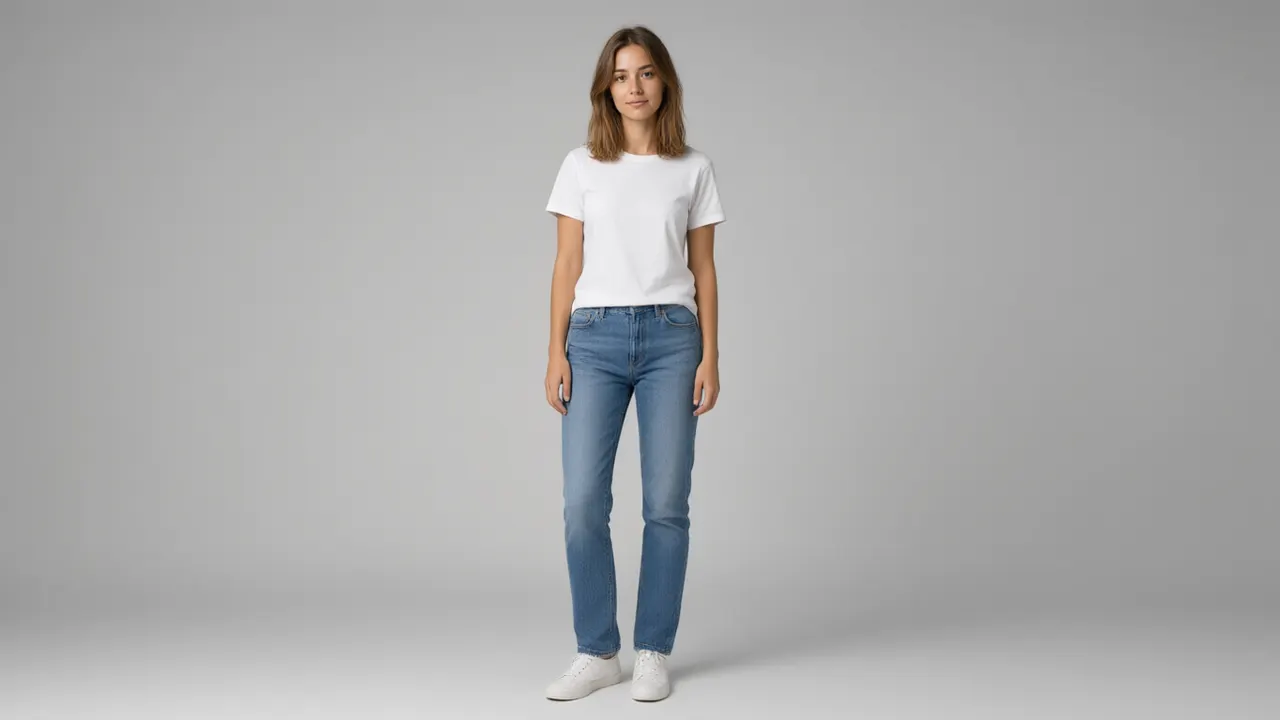
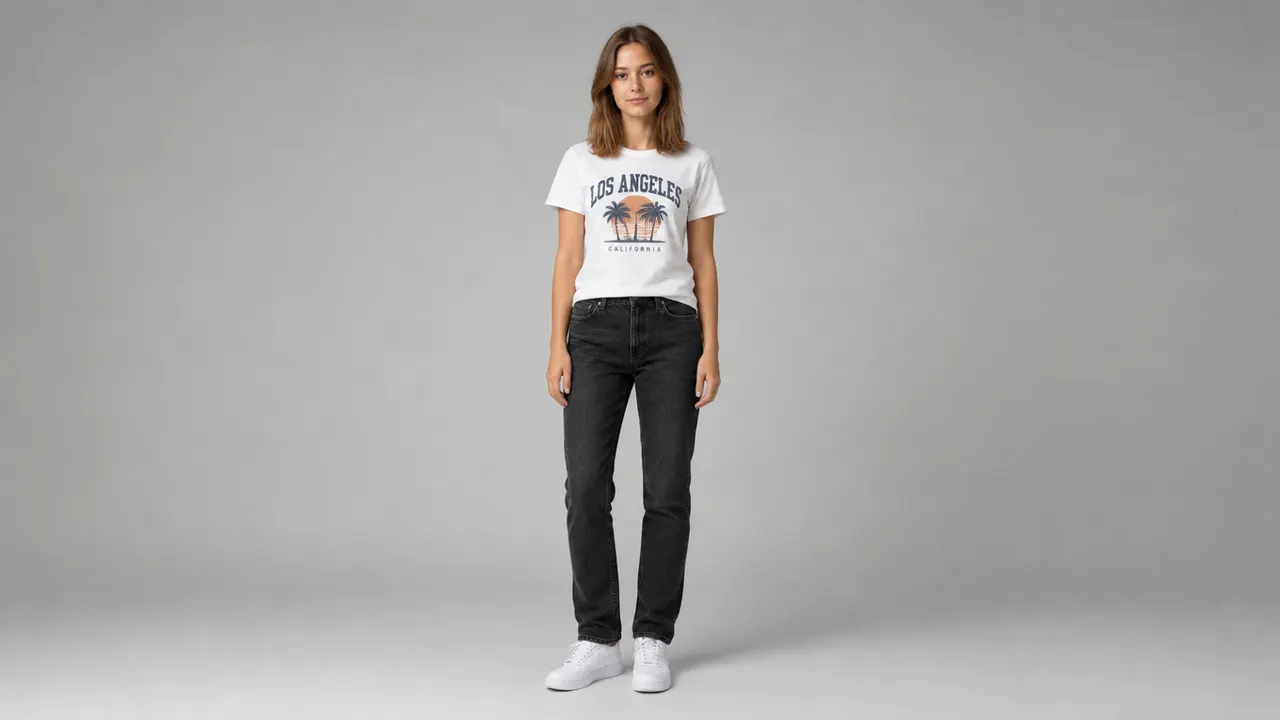
Outfit swap examples
Outfit swap examples
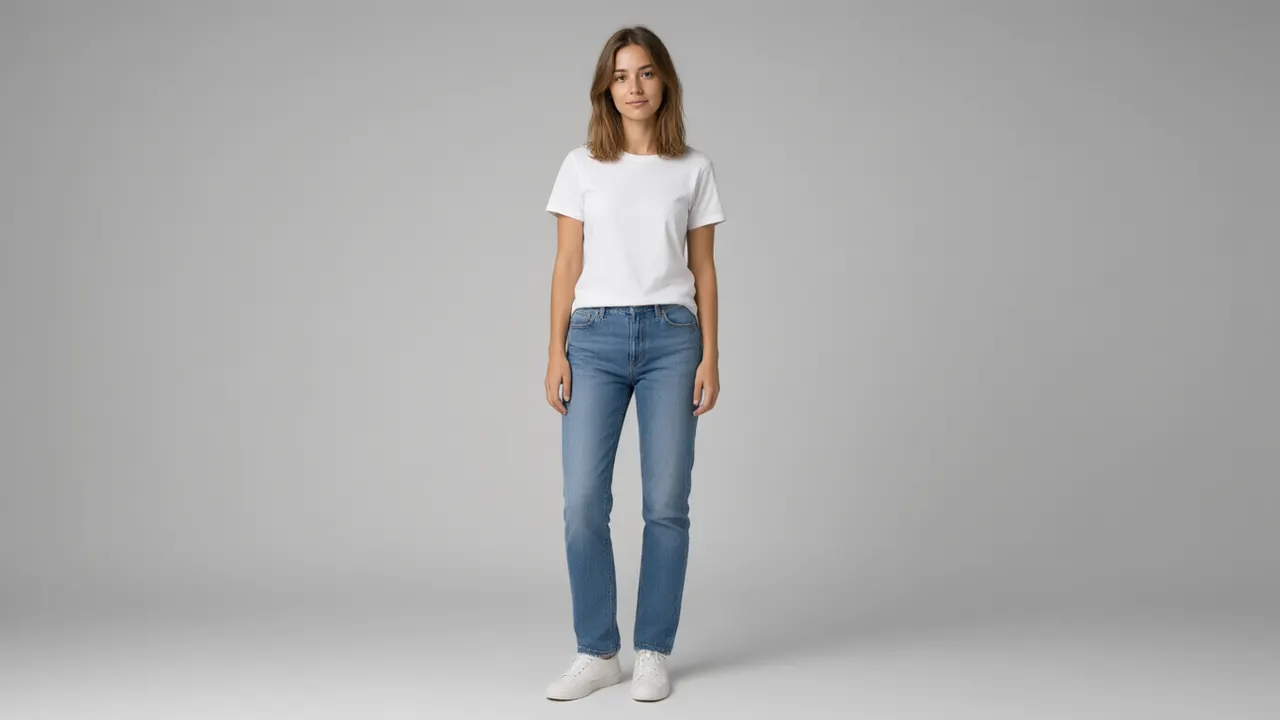
Four outfit conversions you can repeat in the tool: casual streetwear, business suit, street fashion, and formal evening wear.
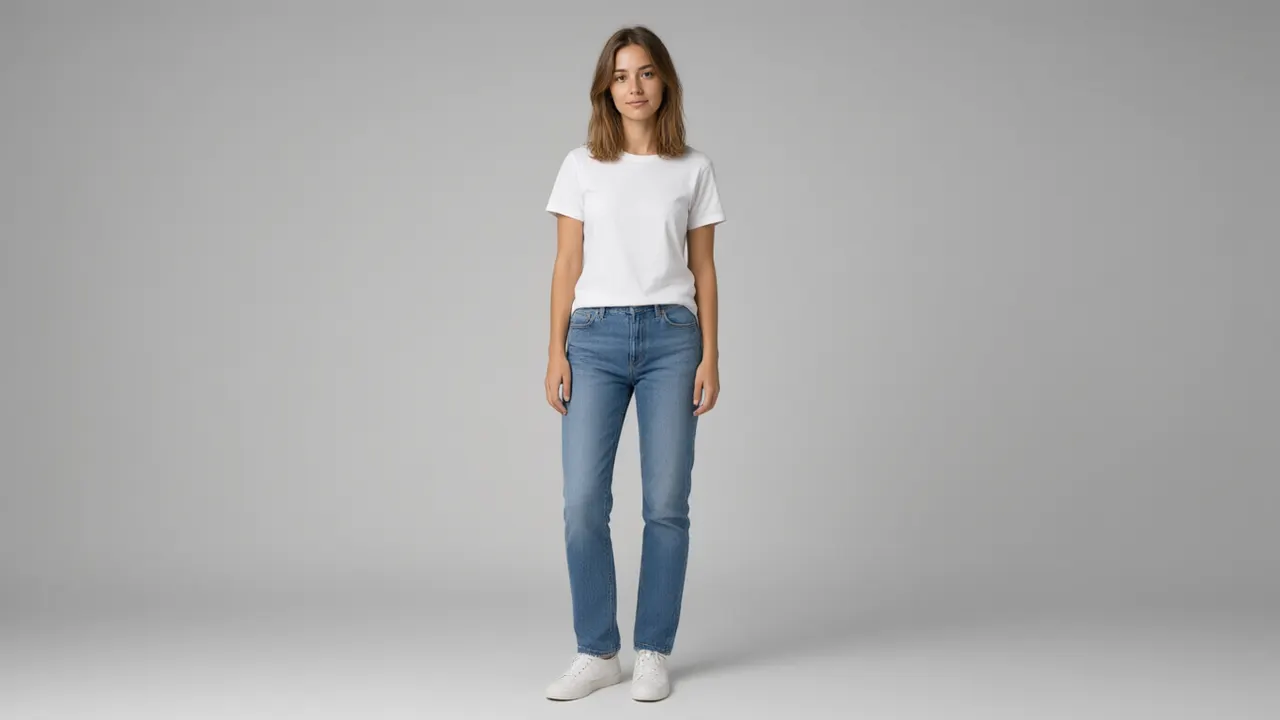
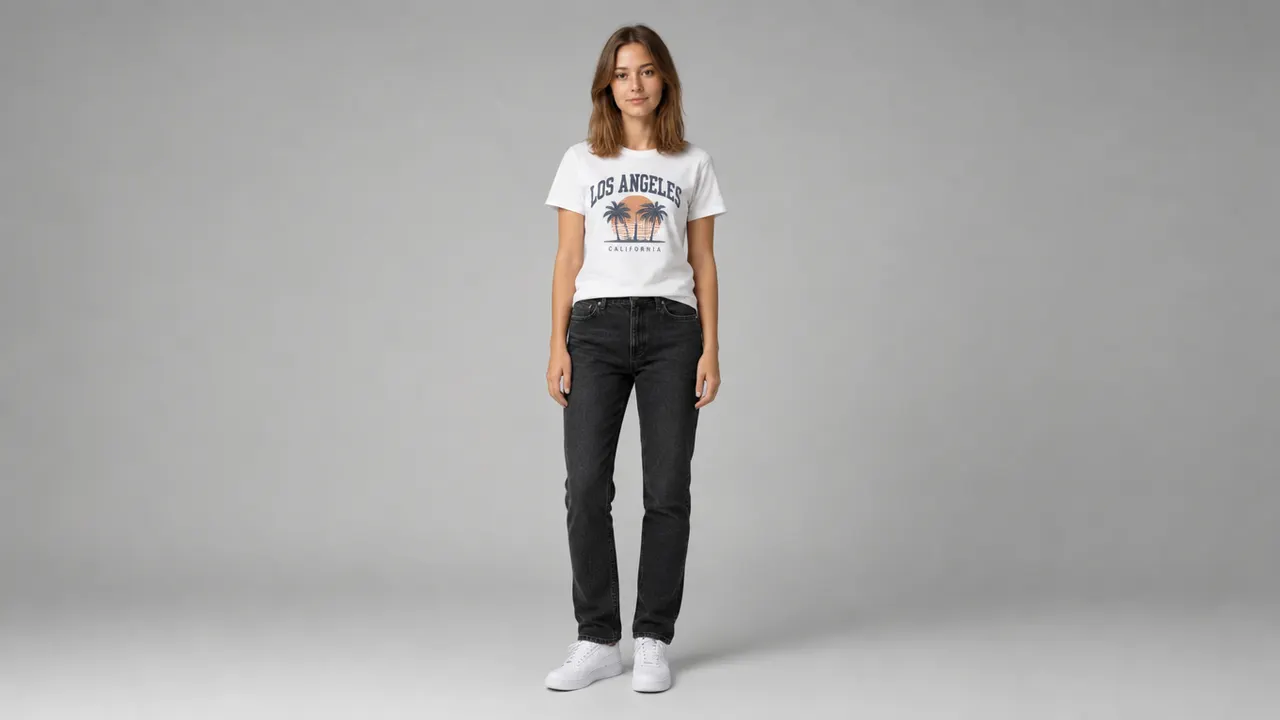
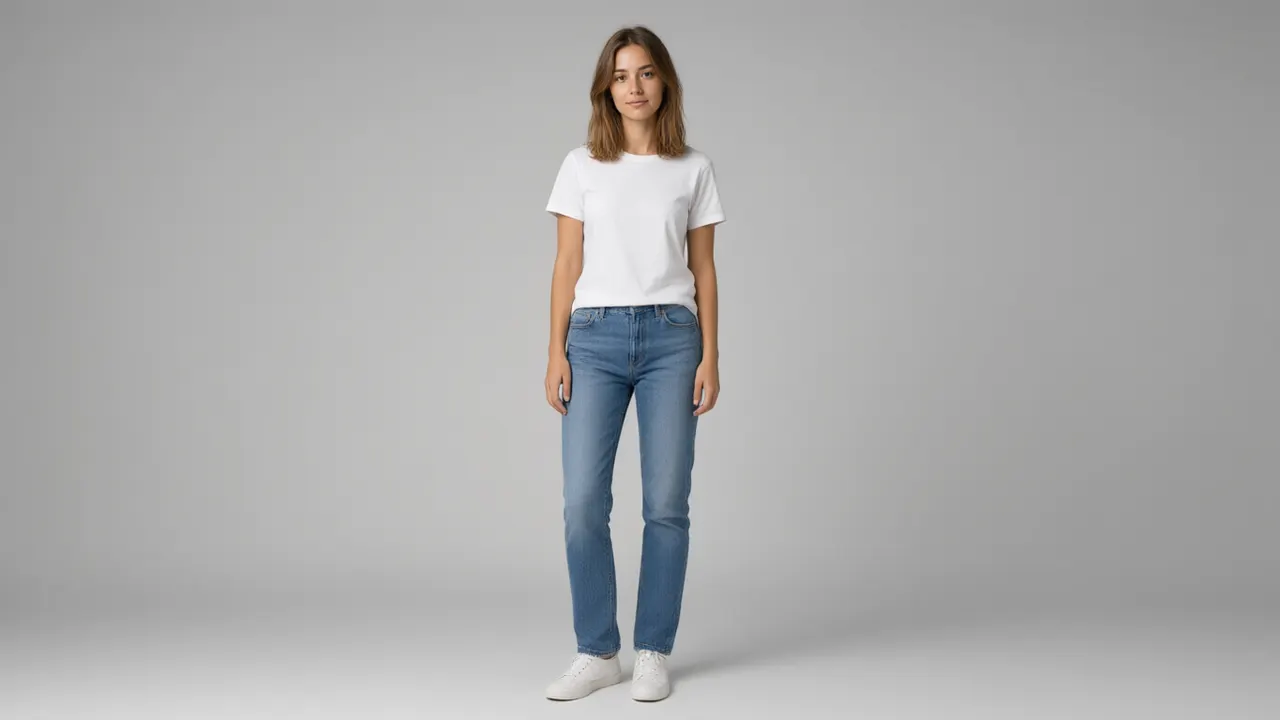
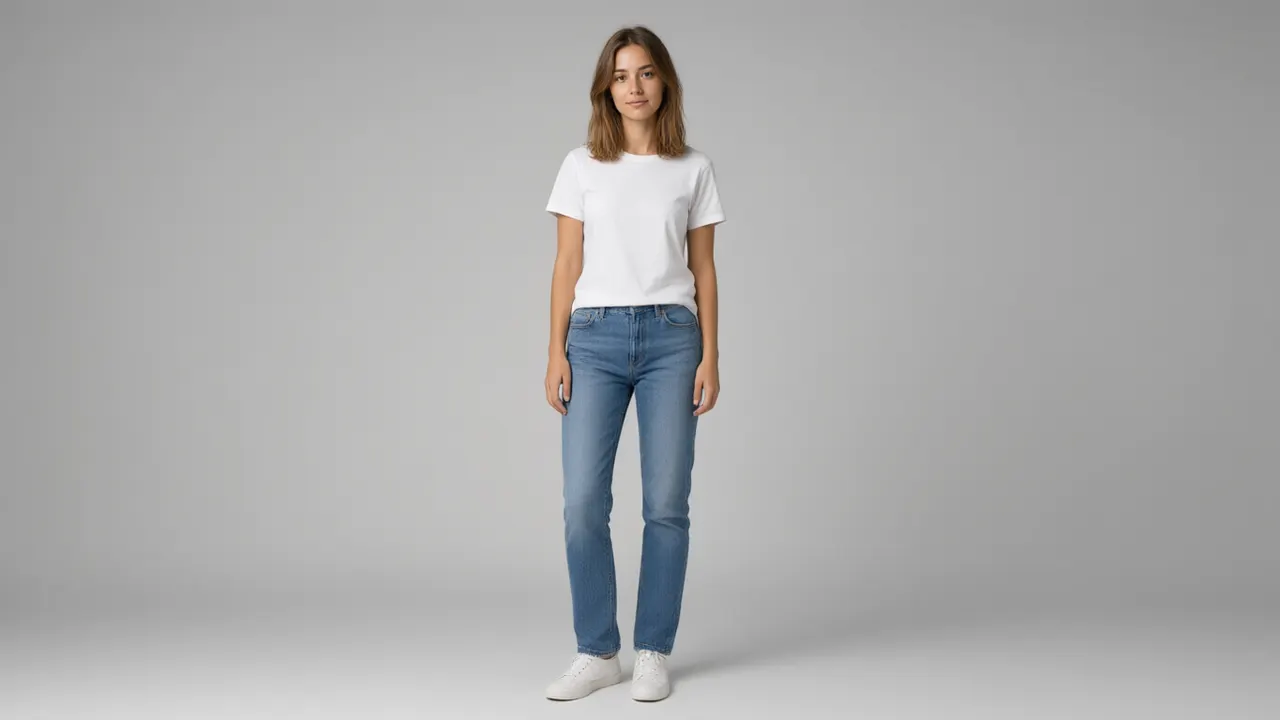
Casual
Change the outfit of the person in the uploaded photo to casual streetwear: a well-fitted t-shirt, jeans, and clean sneakers. Keep the face, pose, and background exactly the same.
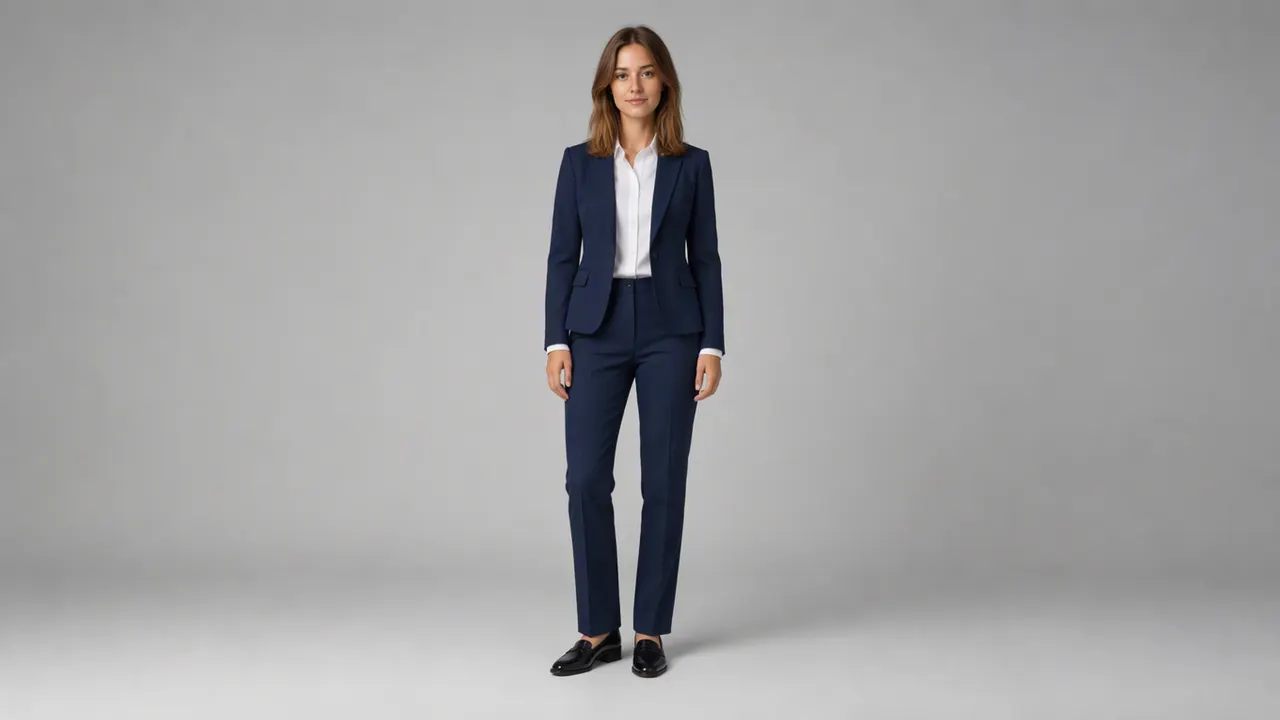
Business
Change the outfit to business attire: a tailored suit with a crisp shirt. Keep the face, pose, and background exactly the same.
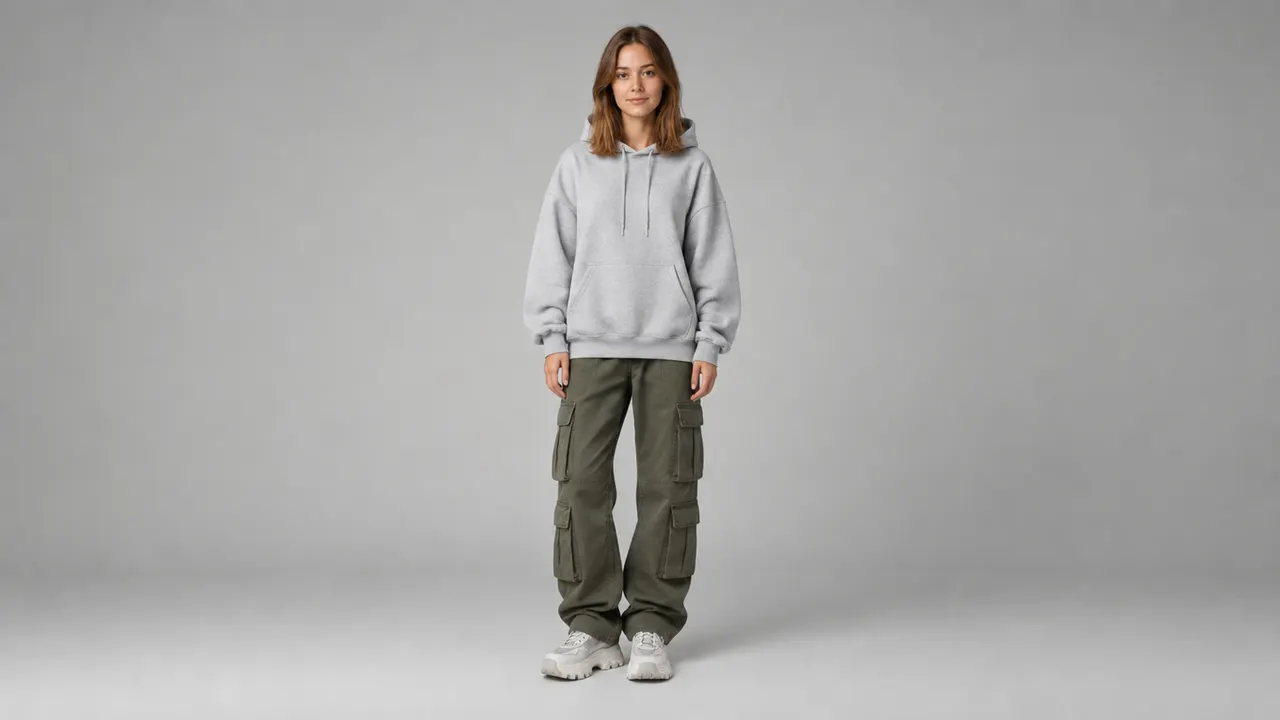
Street Fashion
Change the outfit to street fashion: an oversized hoodie, cargo pants, and chunky sneakers. Keep the face, pose, and background exactly the same.
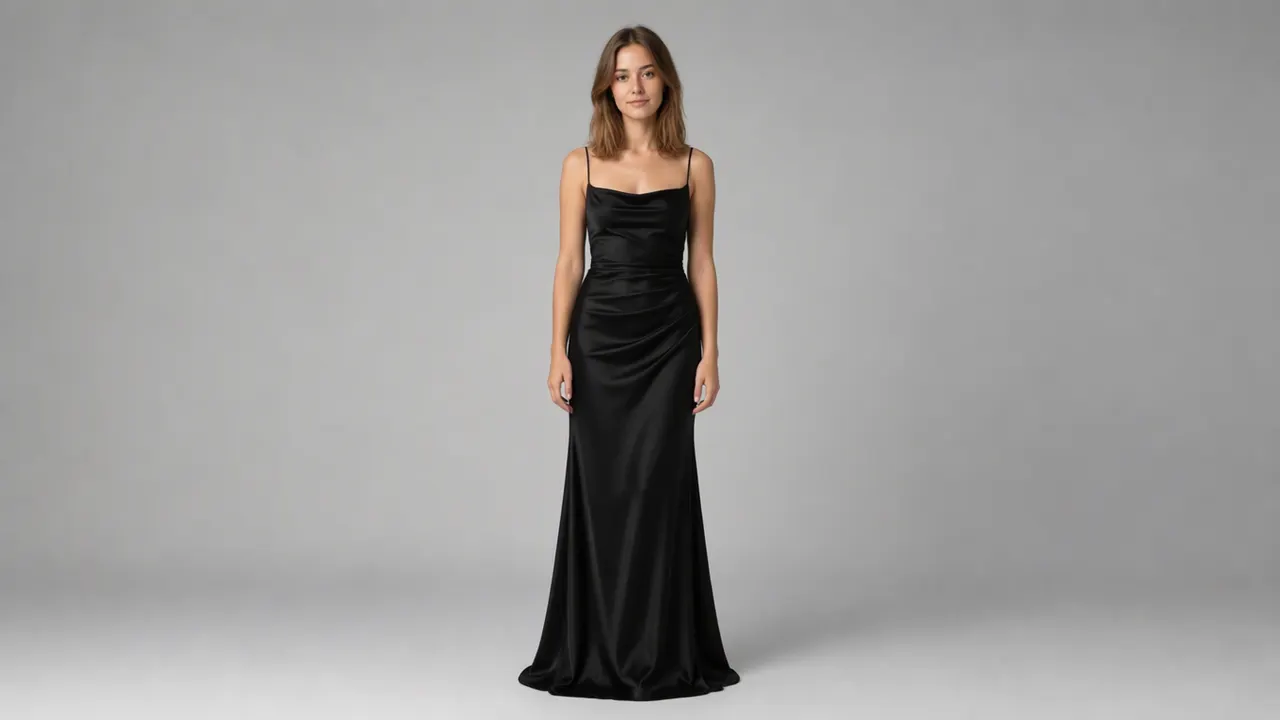
Formal
Change the outfit to formal evening wear: an elegant dress. Keep the face, pose, and background exactly the same.
Explore image models
More AI Image Generators
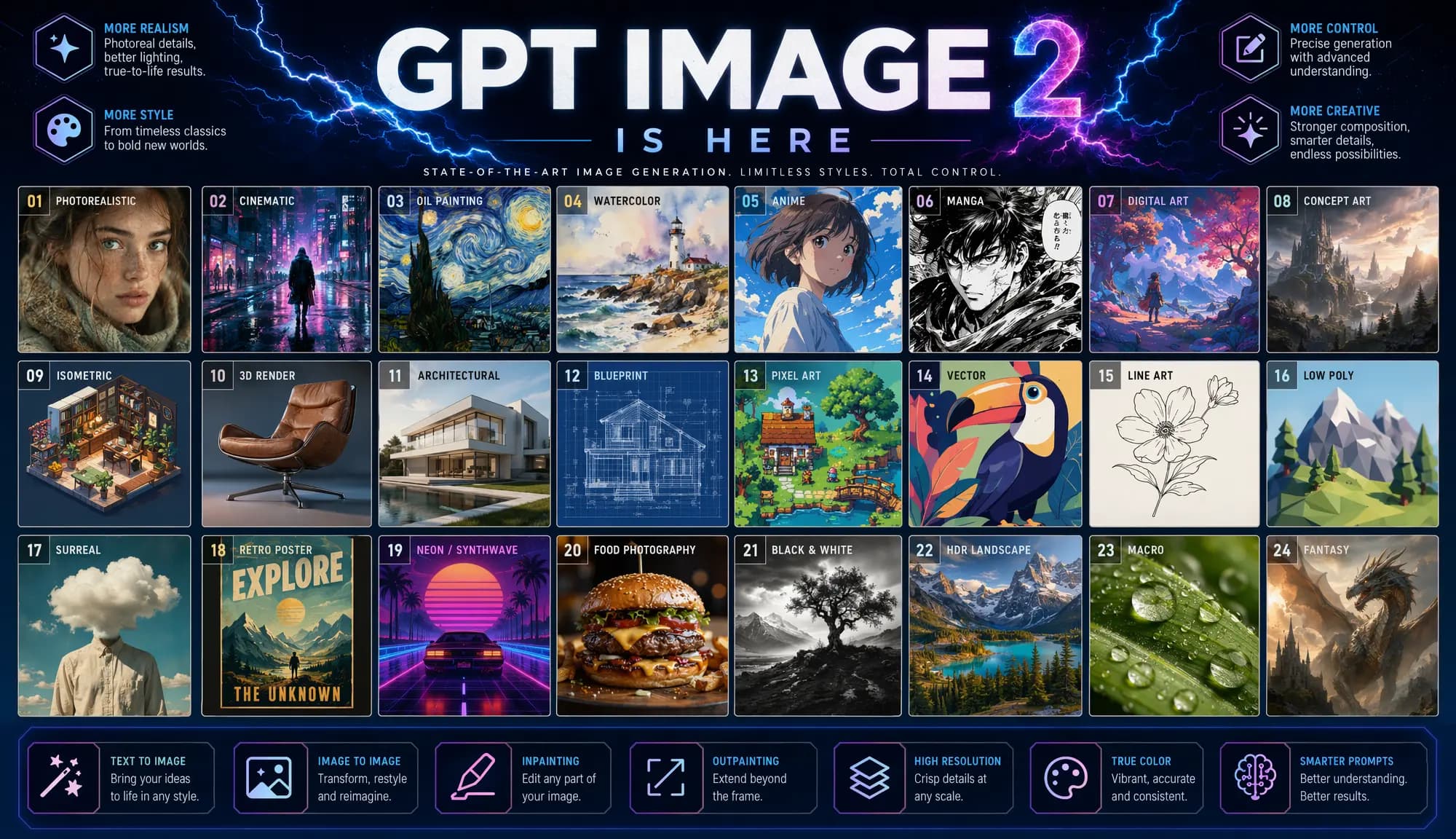
Explore specialized AI image models — each built for different creative styles and production needs.






Features
What you can do with AI Clothes Swap
A focused outfit changer: photo in, same person in new clothes out.
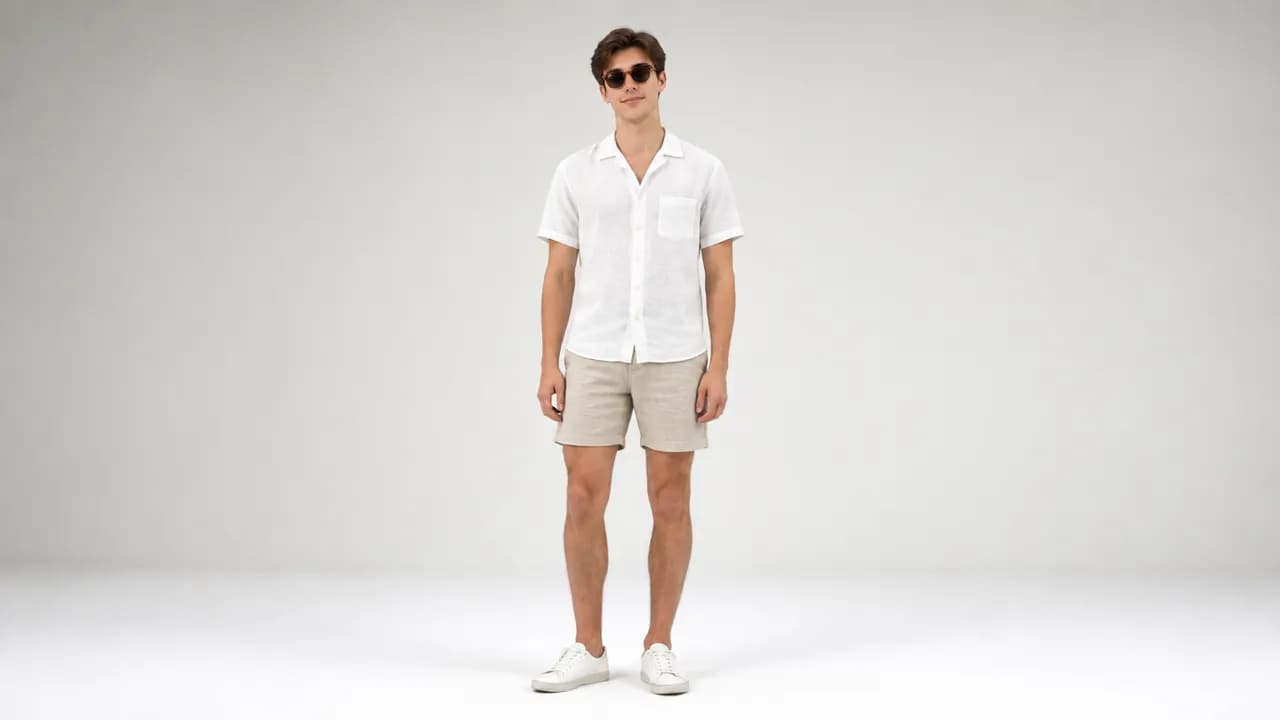
Face and pose preserved
The swap keeps the exact face, expression, body proportions, and framing of the original photo.
Try it now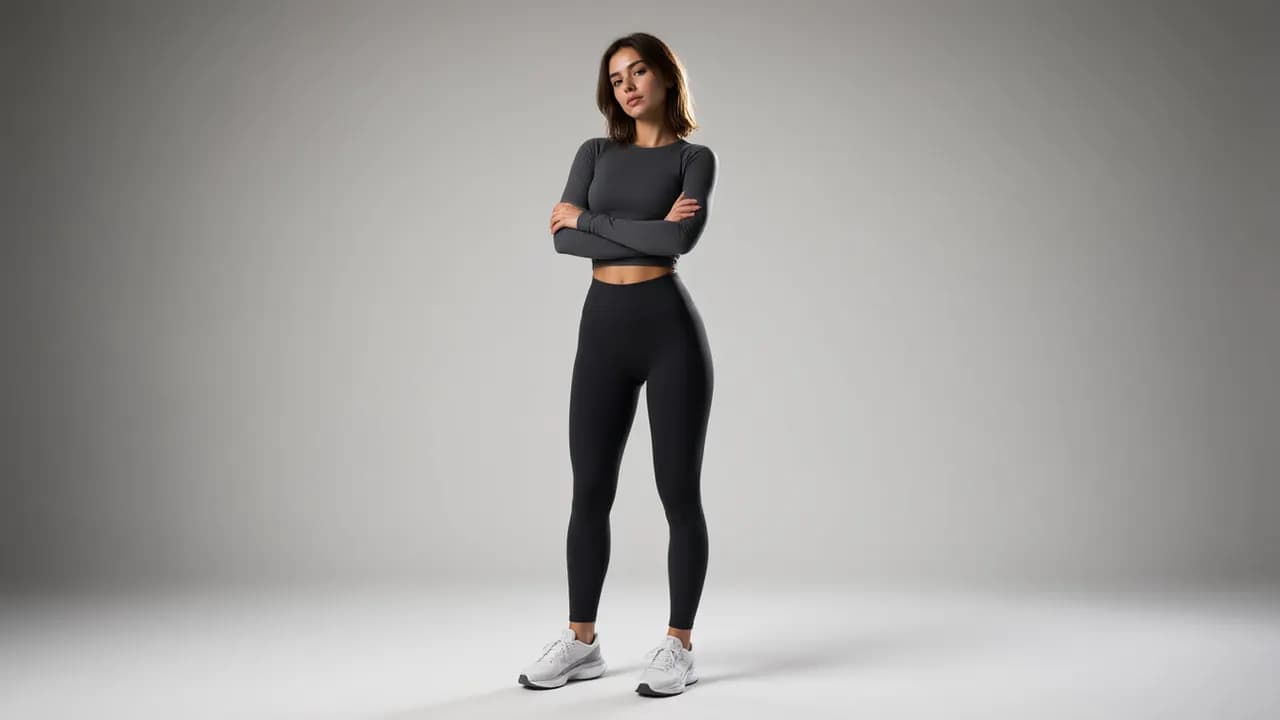
Six style presets
Casual, business, street fashion, formal, vintage, and summer. Or type your own outfit description.
Try it now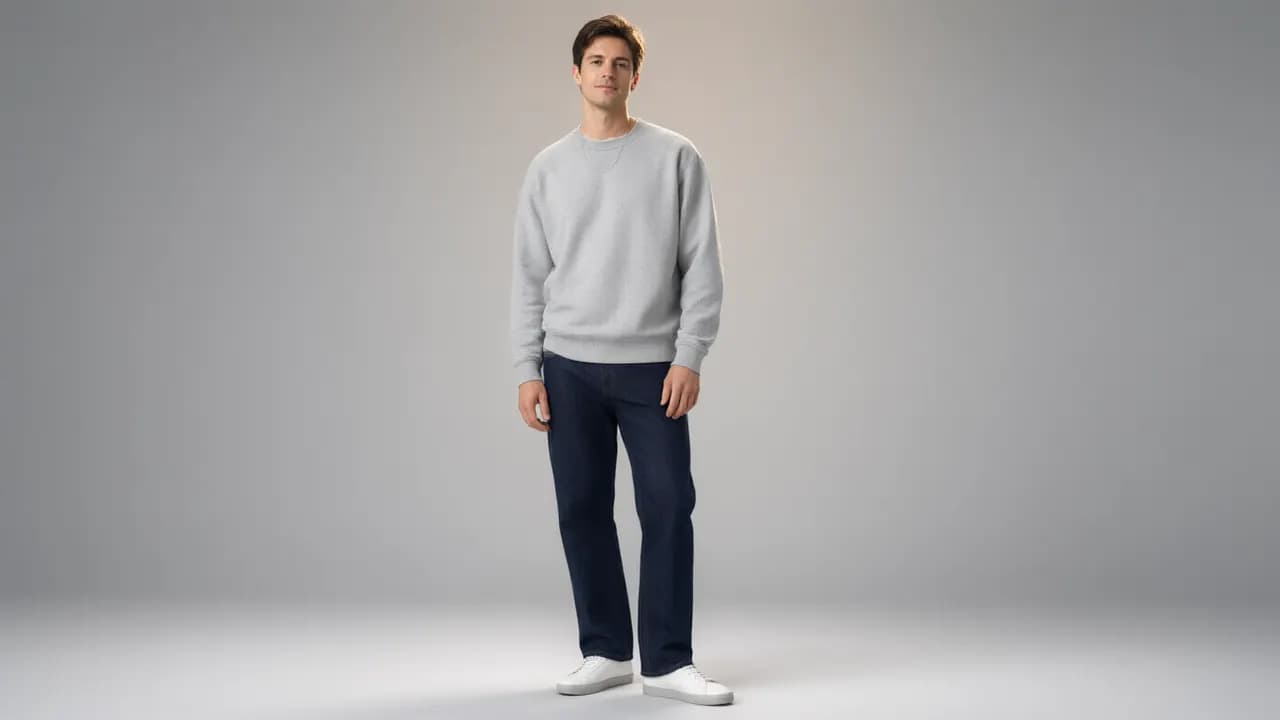
Optional outfit reference
Upload a second image of a garment you want to try, and the swap follows its style.
Try it now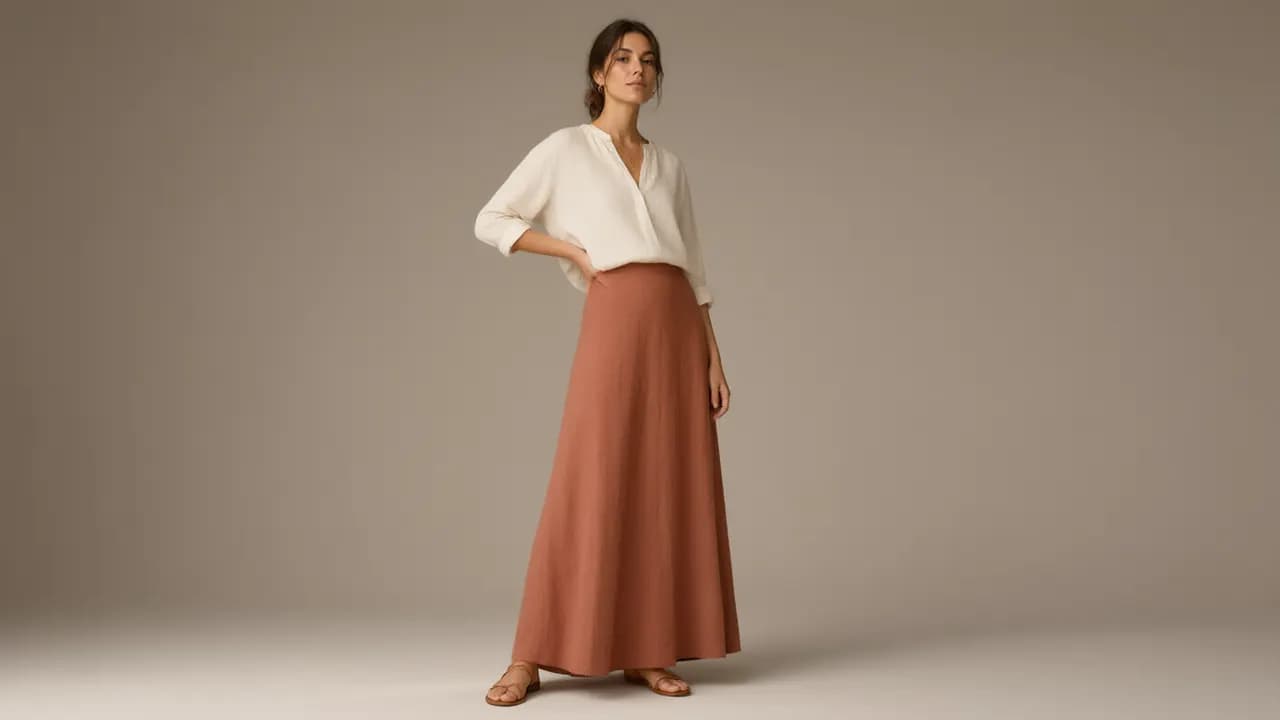
Photorealistic results
Correct garment perspective, realistic folds and shadows, and the original lighting preserved.
Try it nowHow to use
How to swap clothes in a photo
Three steps, no design skills.
Upload a photo
One clear photo of the person. A second reference image of the target outfit is optional.
Pick a style or describe it
Choose from six presets, or type your own outfit description in one sentence.
Generate and download
The credit cost is shown before you run. Download the result with the new outfit in place.
Animate it (optional)
Take the swapped result into the Image to Video tool to make it move.
Who it's for
Who should use AI Clothes Swap
Anyone who needs to see a different outfit on the same person.
Online sellers
Show the same model in different outfits without rebooking a photoshoot.
Fashion bloggers
Create outfit variation posts from one base photo.
Stylists
Show clients how a garment would look on them before ordering.
Social media creators
Generate outfit-change content and before-after posts.
Designers
Preview garment designs on real bodies during iteration.
Shoppers
Try a look before you buy the clothes.
Explore creative tools
More AI Image Tools
Explore focused AI image tools, each designed for a specific task — see how AI can turn your concepts into finished work.


FAQ
Common Questions About AI Clothes Swap
Common questions about changing clothes in photos with AI.
- Is AI clothes swap free to try?
- A new account includes free credits, enough for a first swap at the default settings. The exact cost appears next to the Generate button before you run.
- Will the face stay the same?
- Yes. The swap is instructed to keep the face, expression, and body proportions unchanged. Only the clothing region is redrawn.
- What photos work best?
- Clear, front-facing photos where the person and their current outfit are fully visible. Complicated poses or partially hidden garments give less precise results.
- Can I use a reference image of the outfit?
- Yes. Upload a second image of a garment and the swap follows its style, cut, and color.
- Can I use the results commercially?
- Paid plans include commercial usage rights for your generations.
- Can I animate the result?
- Yes. Download the swapped photo and use it as the input in the Image to Video tool to add motion.