


Overview
Turn Text into a Full Song with Text to Music
Text to Music turns a written description into a full song. Say what you want to hear (genre, mood, tempo, topic), or paste your own lyrics and have them sung. On Epochal you pick the model from the dropdown on the same page: Suno V6 for style presets and several takes per run, Mureka V9 when the words must be yours, Google Lyria 3.5 when one description should produce the whole track, lyrics included.
- 3 song models on one page
- Describe it or bring your lyrics
- Cost shown before each run
Gallery
Song ideas to try
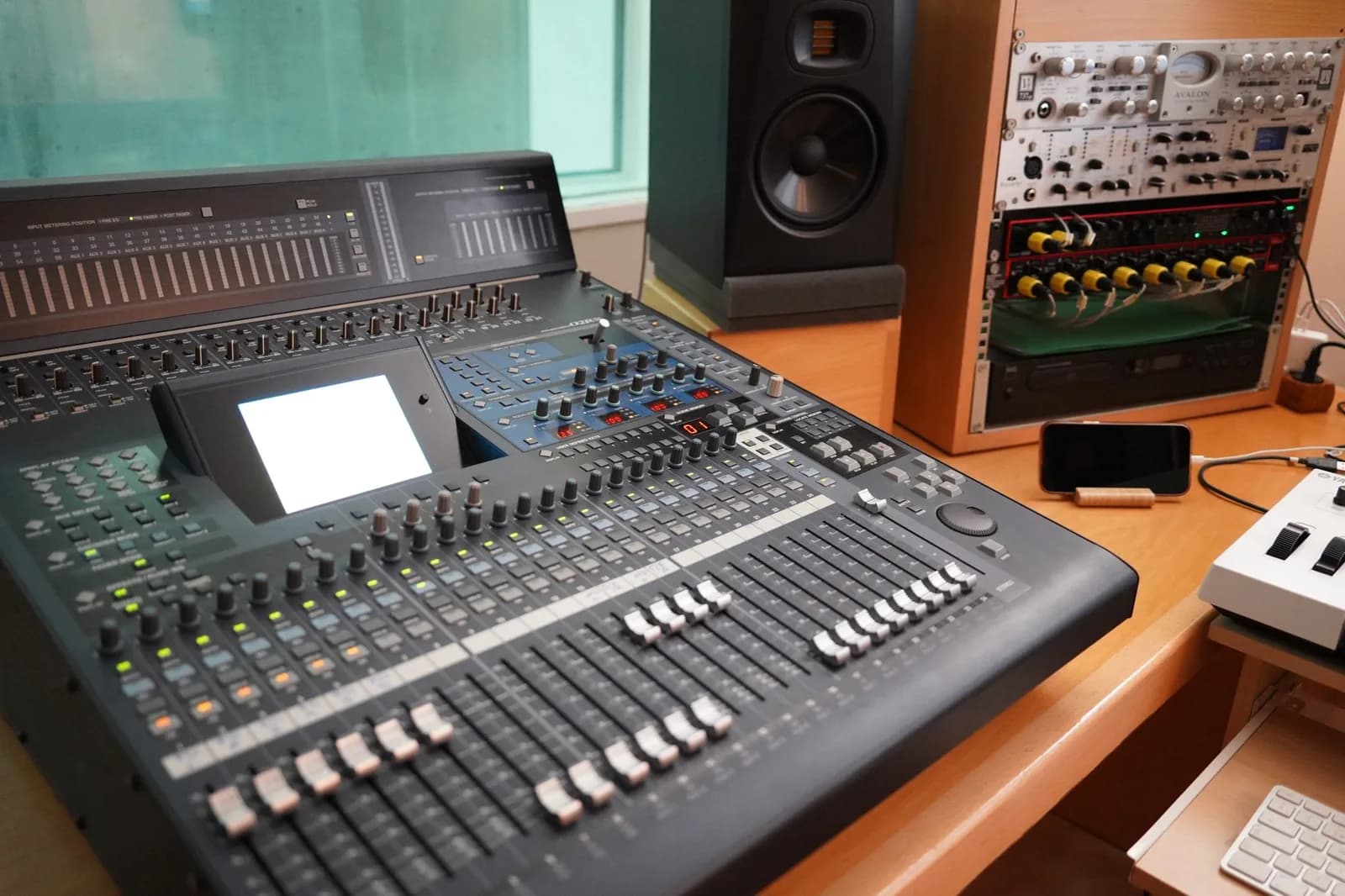
Real tracks made on this page. Play one, or click a tile to load its prompt and make your own.
Features
What you can do with Text to Music
Pick a model, describe the song or bring your lyrics, and listen to the takes back to back.
Three song models, one page
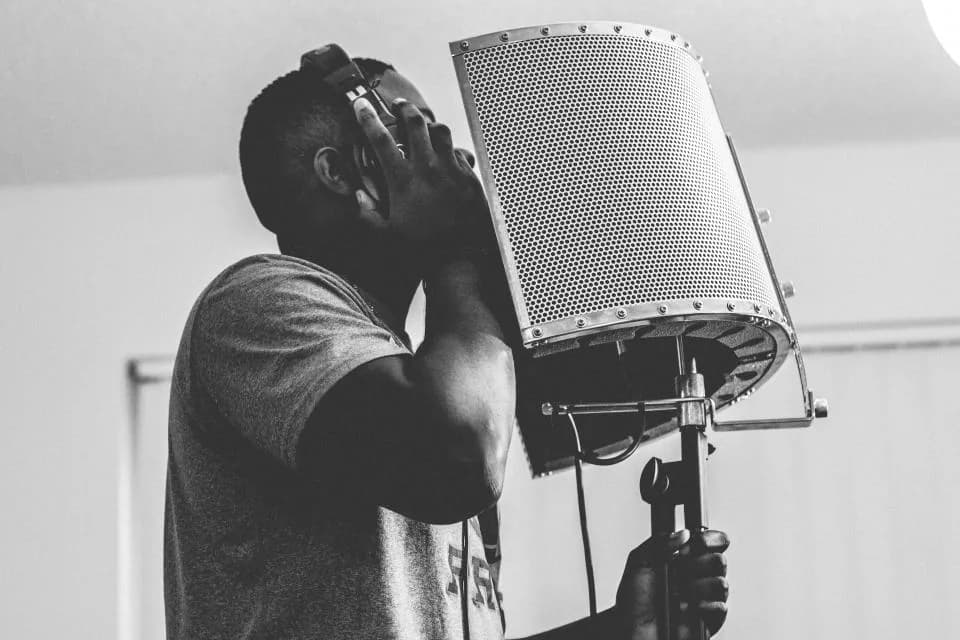
Switch between Suno V6, Mureka V9 and Google Lyria 3.5 from the model dropdown. The controls change to match the model you pick, and finished tracks stay in your history so you can play them back to back.
Try a description
Describe it or bring your lyrics
Write a plain description of the song, or paste lyrics and have them sung in the style you set. Suno V6 accepts your lyrics as an option, Mureka V9 works from the lyrics you supply, and Lyria 3.5 writes its own from your description.
Try your lyrics
Hear the options before you commit
Run the same idea on two models and listen to both. The cost of a run is shown before you generate, so you can test a direction before paying for the next one.
Compare modelsHow to use
How to make a song from text
Pick a model, describe the song, then listen and adjust.
Pick the model that fits your starting point
Have a description but no words? Start with Suno V6 or Google Lyria 3.5. Have finished lyrics? Mureka V9 sings exactly what you write.
Describe the song
Name the genre, mood, tempo and what the song is about. Add a vocal style or key instruments if you have a sound in mind, and pick a style preset where the model offers one.
Generate and listen
Play the result against your description. If the feel is right but the genre is off, change the style words instead of rewriting everything.
Compare or refine
Run the same idea on another model, or keep adjusting the description. Every take stays in your history.
Who it's for
Who should use Text to Music
For anyone who wants to hear an idea as a finished song, whether the starting point is a mood, a genre or a page of lyrics.
Background music for videos
Make a track to sit under a short video, ad or reel. Describe the mood and pace you want, then try a second model if the first take isn't right.
Songs from your own lyrics
Turn finished lyrics into a sung demo. Mureka V9 sings the words you supply, so you can hear a verse or chorus before you take it to a studio.
Demo tracks and song ideas
Test a genre, tempo or hook in minutes. Describe the idea, listen, and keep the takes worth building on.
Songs for gifts and events
Write a short brief about the person or occasion and generate a custom song for a birthday, a wedding or a team celebration.
FAQ
Text to Music FAQ
Lyrics, models, cost, and rights.
- Do I need to write lyrics?
- Not for Suno V6 or Google Lyria 3.5. Both work from a written description and compose the vocals themselves. Mureka V9 is the lyrics-first option: you provide the words and it sings them.
- Which model should I pick first?
- If your goal is a quick full song from a description, consider Suno V6. If the words must be yours, use Mureka V9. If you want one prompt to produce vocals and timed lyrics, or want to steer the mood with a reference image, try Google Lyria 3.5.
- How much does a song cost?
- The cost depends on the model and is shown before you generate. Failed eligible runs are refunded automatically.
- Can I control the song length?
- It depends on the model. Suno V6 shows a clip-length control in the workbench, while Mureka V9 has no length setting and decides from your lyrics.
- Which audio formats can I download?
- The format depends on the model. Mureka V9 offers MP3 or WAV, and Google Lyria 3.5 returns MP3.
- Can I use the songs commercially?
- Commercial rights depend on each model provider's terms. Check the current terms for the model you generated with before you publish or monetize a track. Epochal does not change those terms.
Start now
Hear your idea as a song
Describe it or paste your lyrics. The credit cost is shown before you run.
Try Text to Music