



Overview
Turn Any Photo into Clean Line Art
Upload one photo and the generator returns a clean line drawing: outlines only, no shading, on a plain white background. A focused image-to-image tool. Pick a line style, upload, generate. No prompt writing needed.
- Photo to line drawing
- 4 line styles
- Up to 4K output
- Image-to-image, one upload
- Credits shown before generate

Line art examples
Line art examples
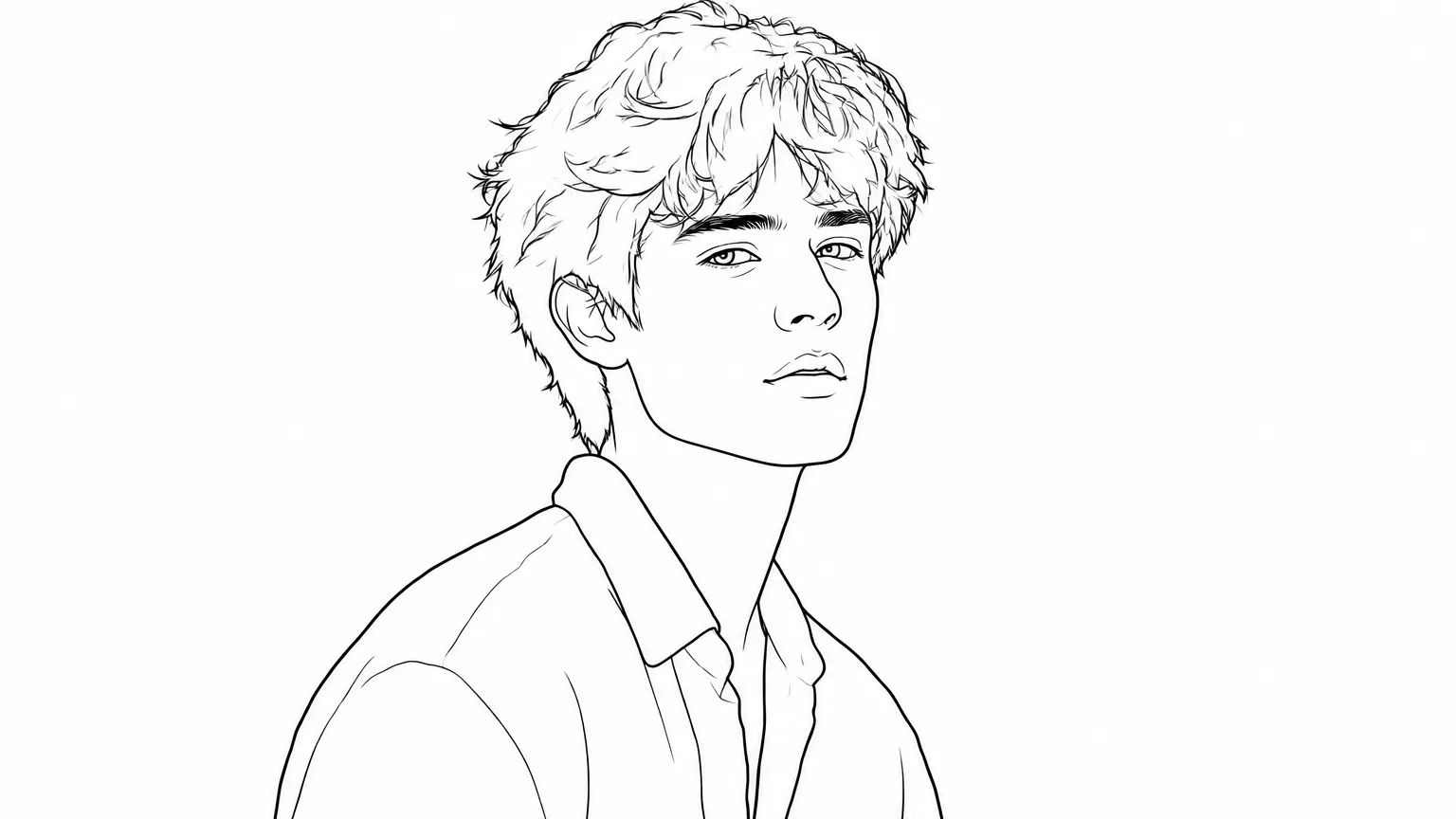
Four conversions you can repeat in the tool: a portrait in clean ink, a pet in fine sketch, a product in bold outline, and a logo traced whiteboard-style.
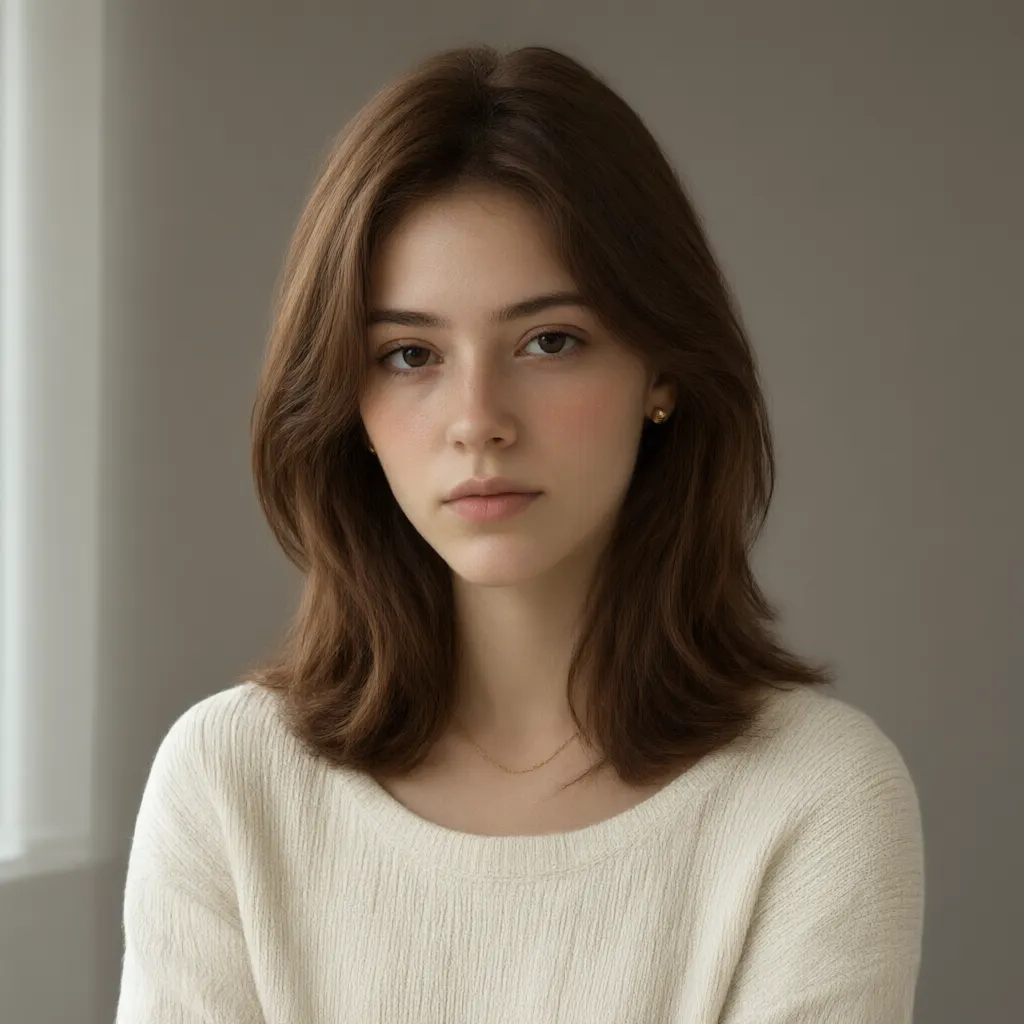
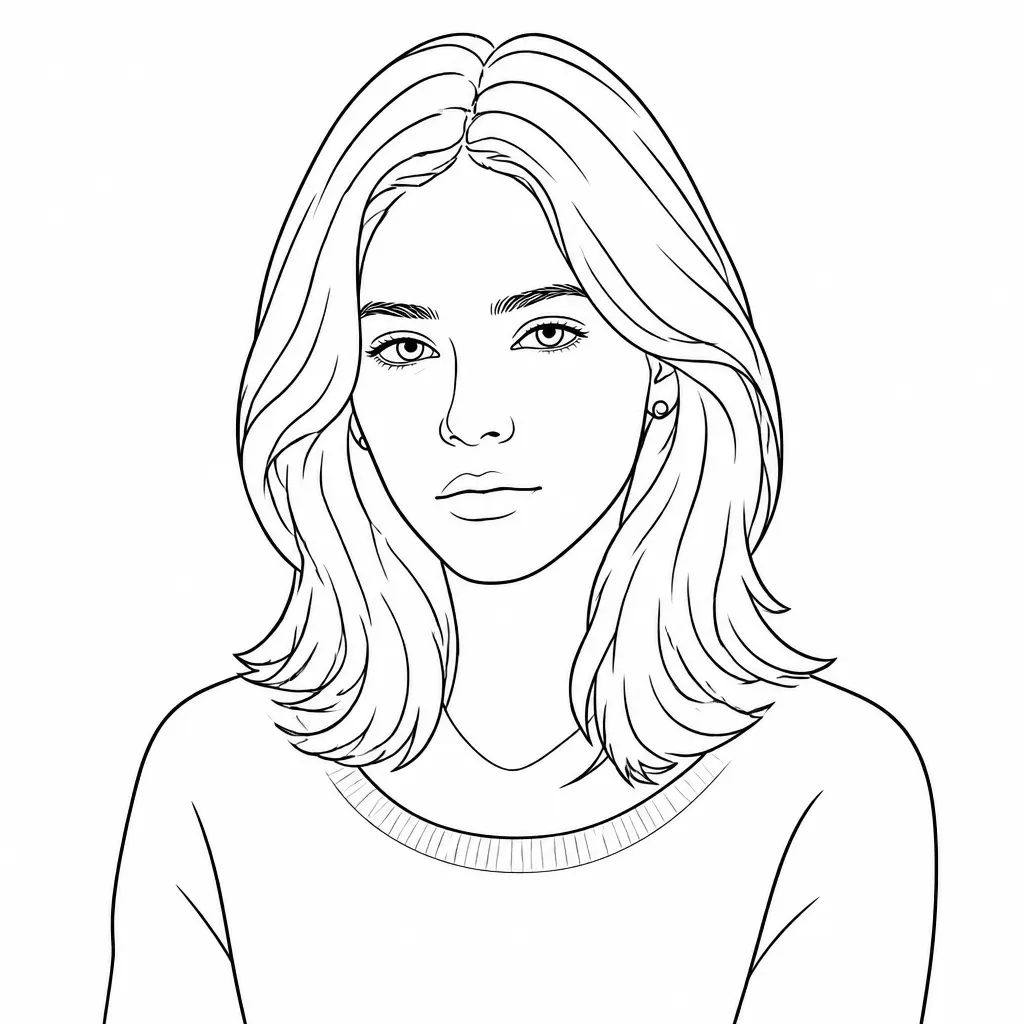
Clean Ink
Convert the uploaded photo into a clean line drawing: outlines only, no shading, pure black ink on plain white, subject and proportions recognizable.
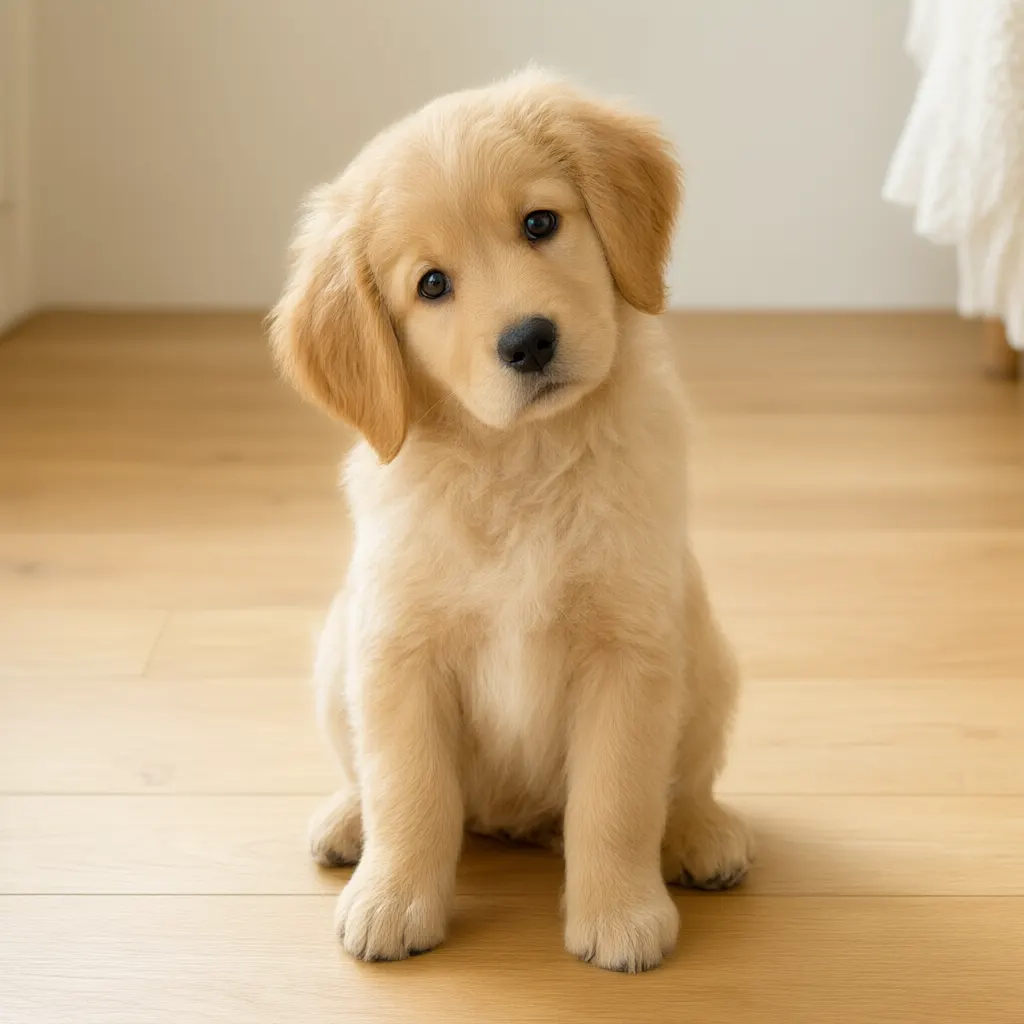
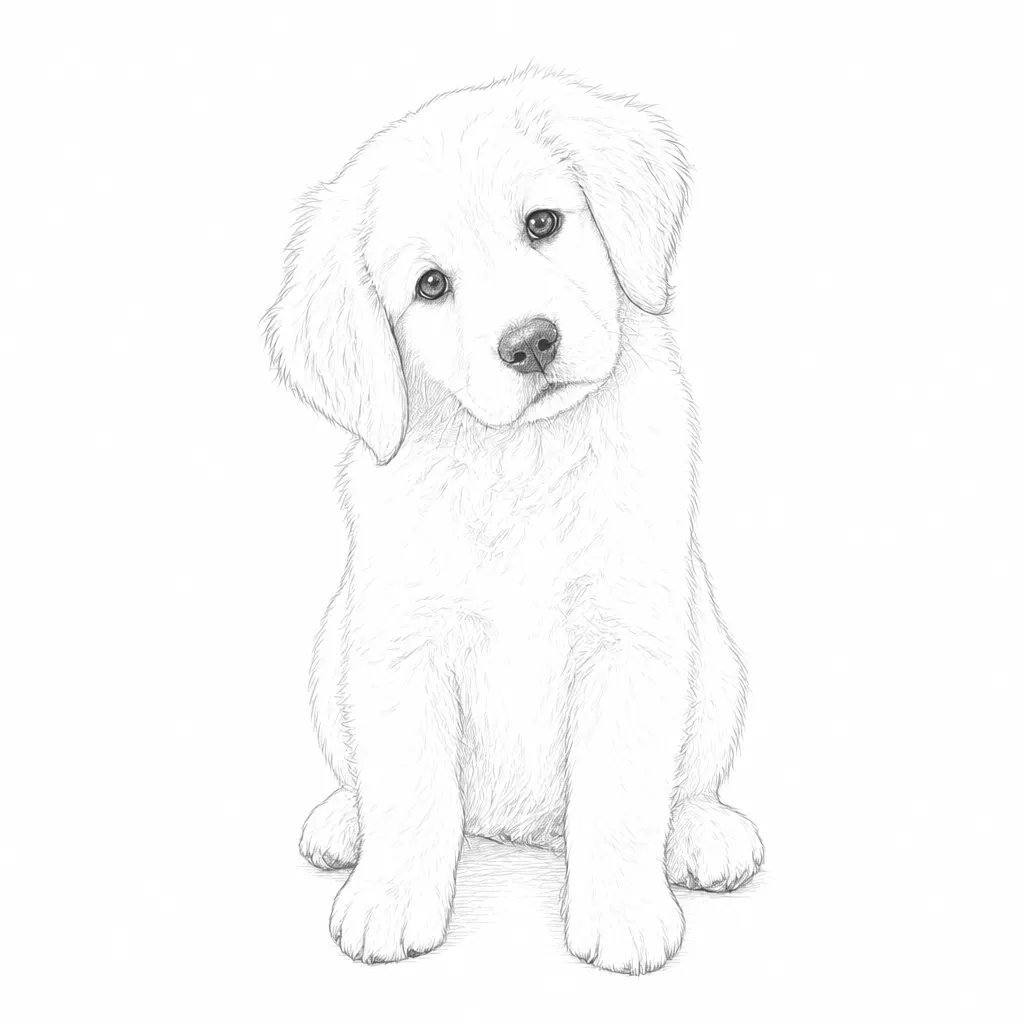
Fine Sketch
Convert the uploaded photo into a fine-sketch line drawing: thin light strokes, subtle hatching only on shadows, outlines on plain white.
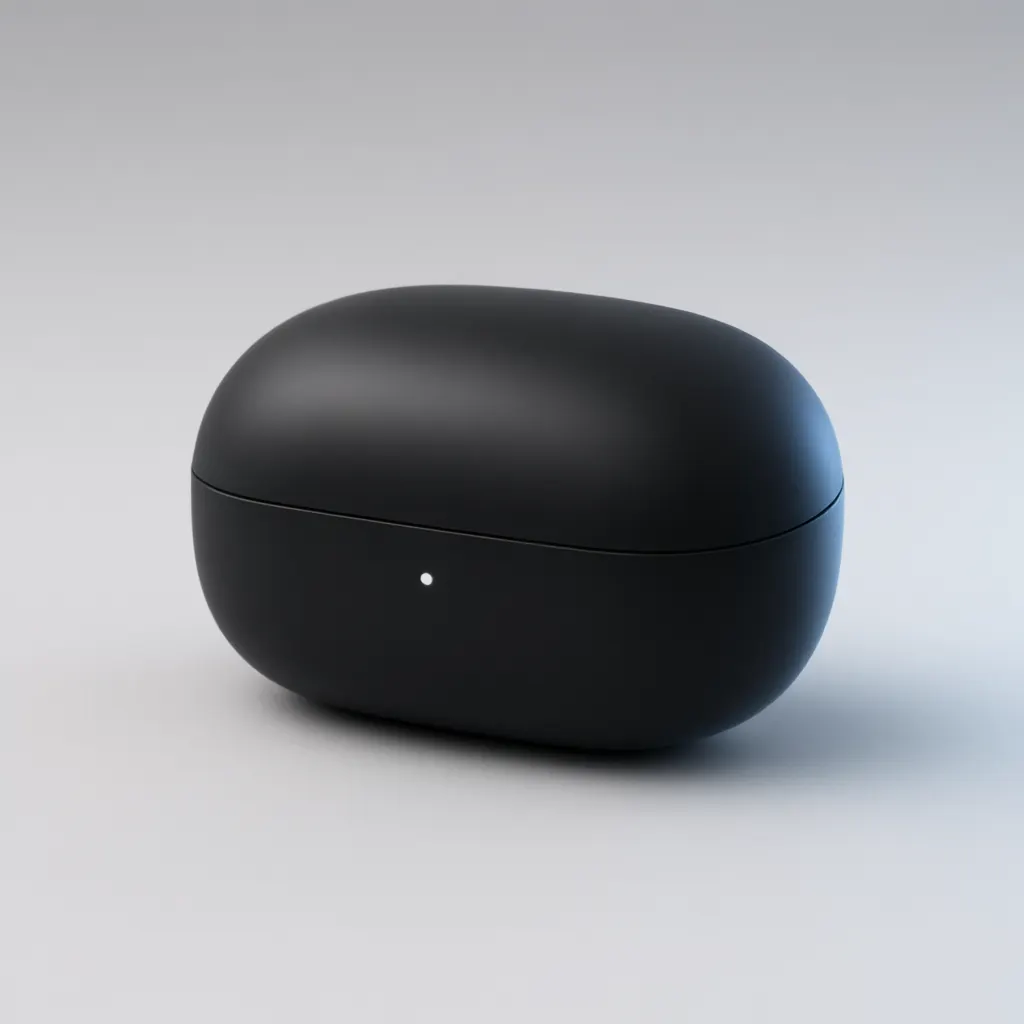
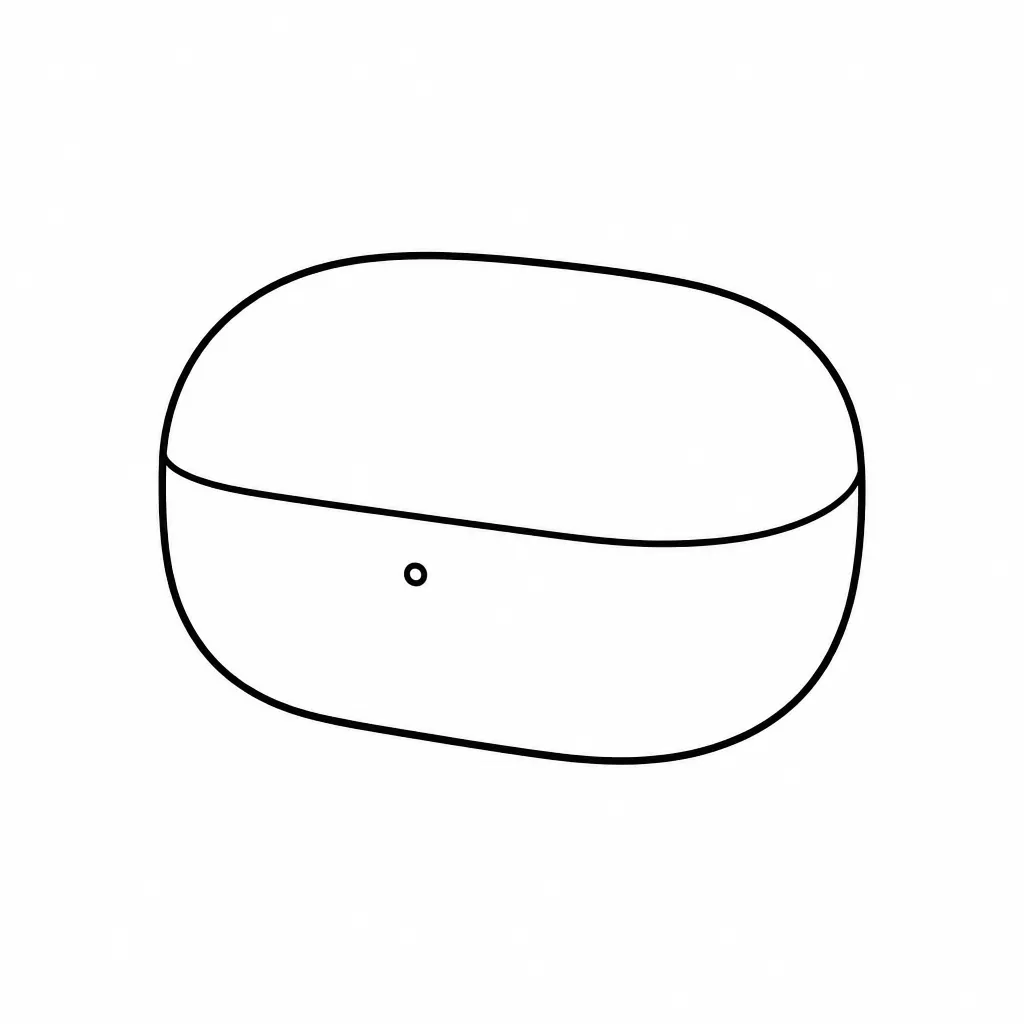
Bold Outline
Convert the uploaded photo into a bold-outline line drawing: strong even-weight outlines, no shading, plain white background.
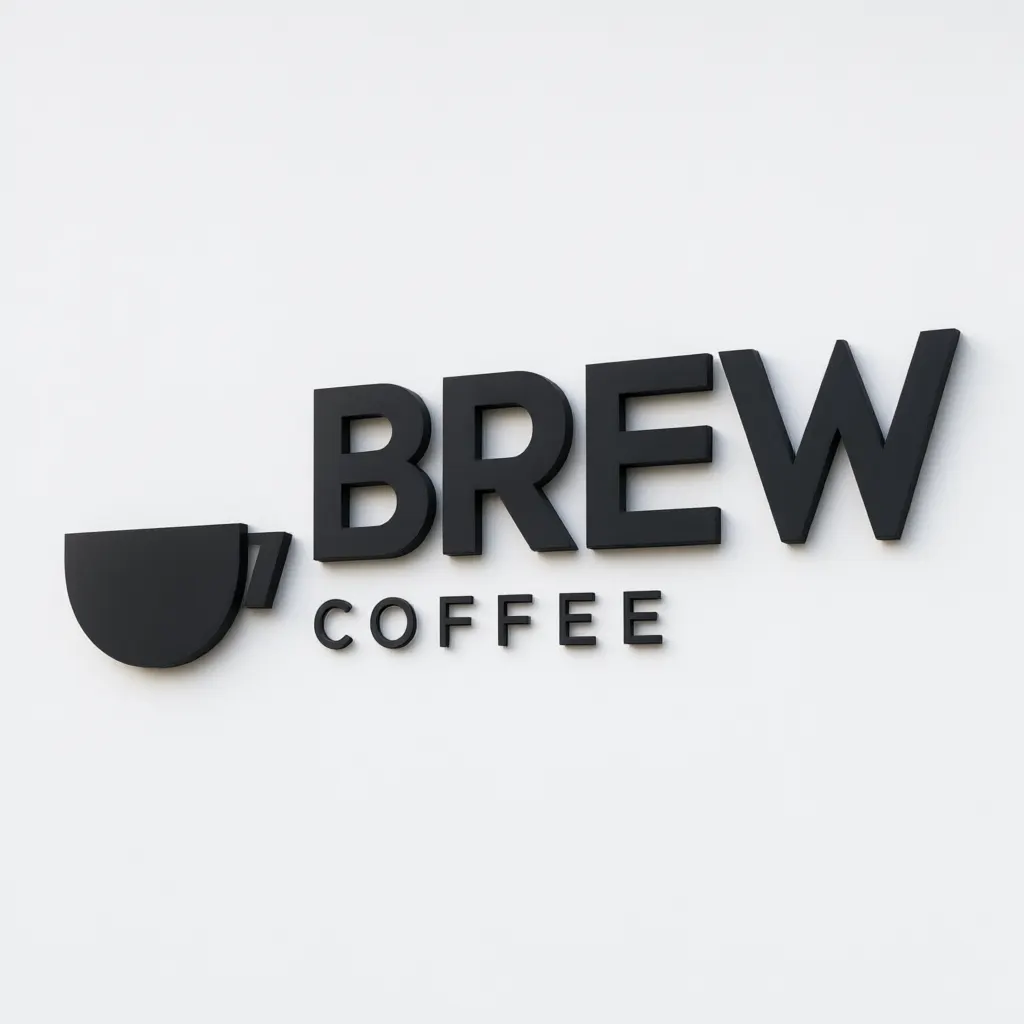
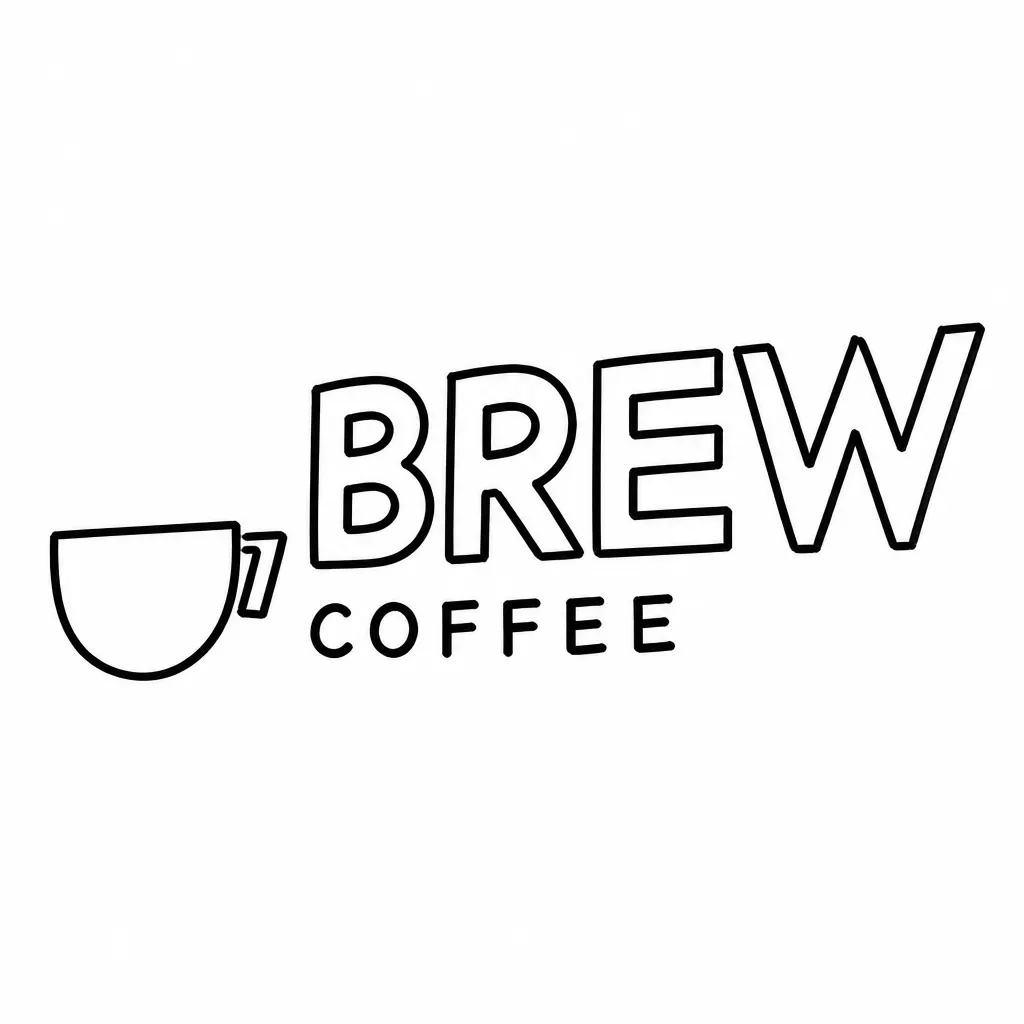
Whiteboard
Convert the uploaded photo into a whiteboard-style line drawing: black marker strokes, minimal weight variation, plain whiteboard-white background.
Explore image models
More AI Image Generators
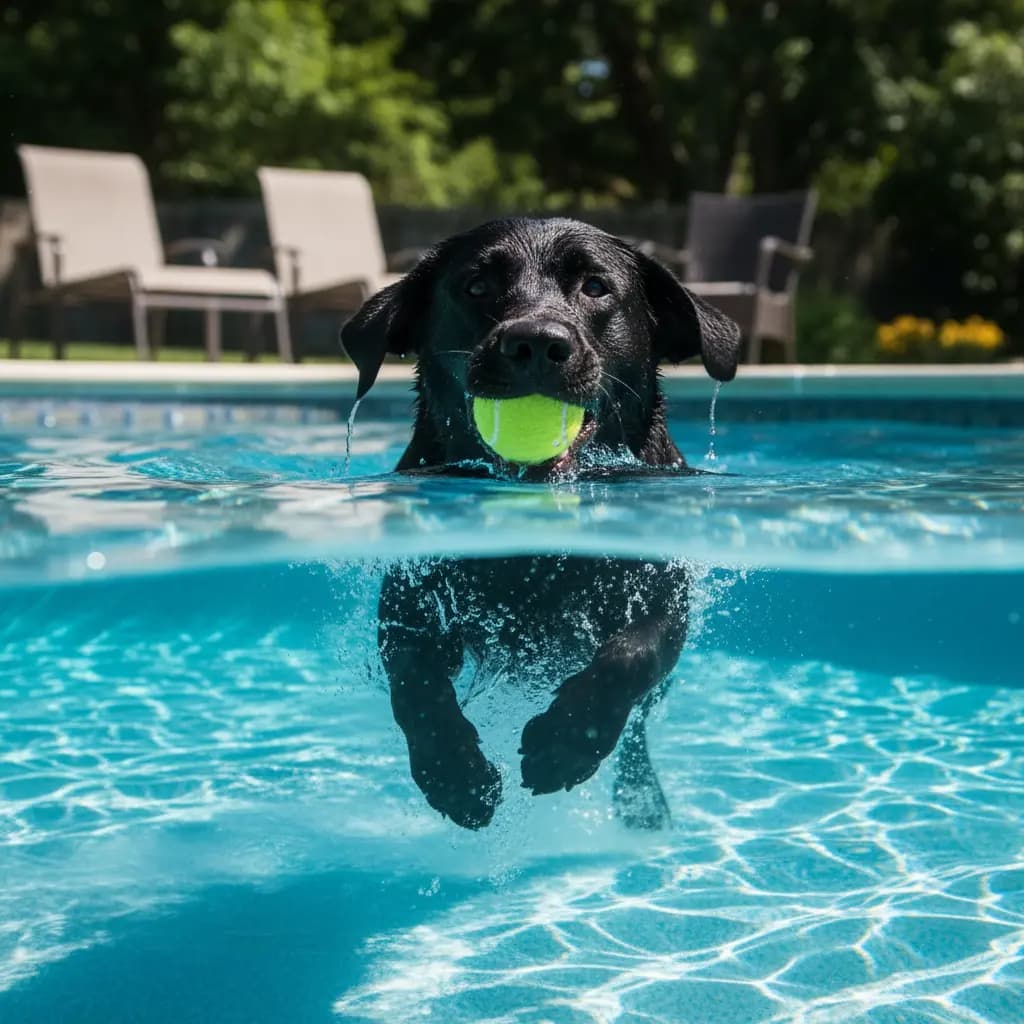
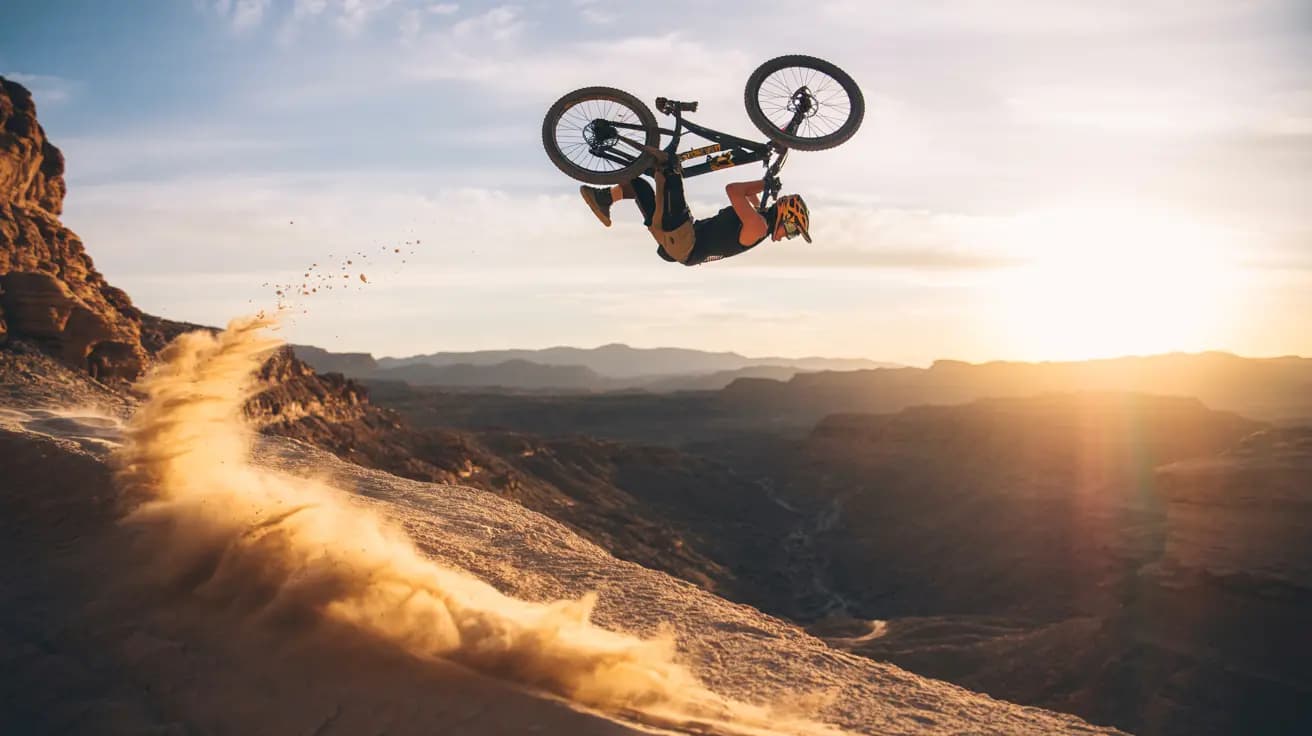
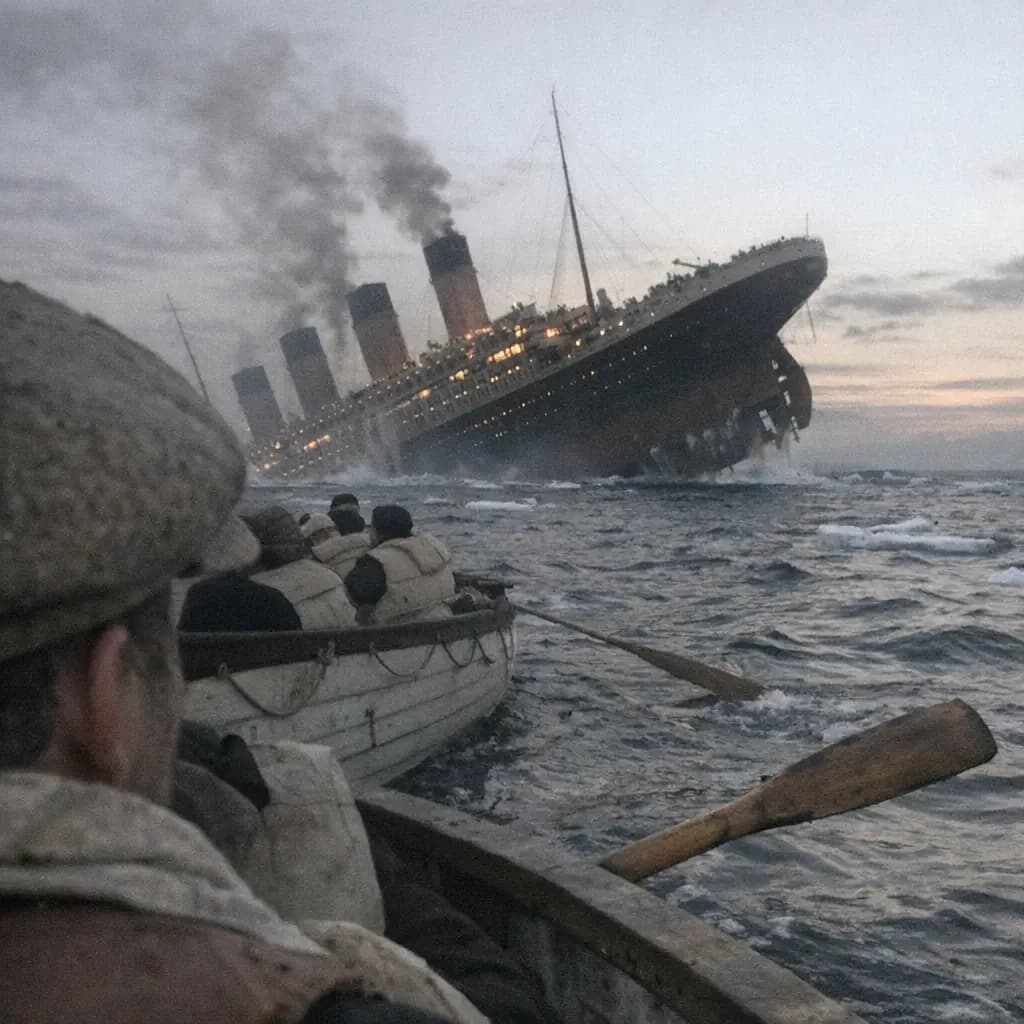
Explore specialized AI image models — each built for different creative styles and production needs.










Features
What you can do with AI Line Art Generator
A focused converter: photo in, outline-only drawing out.
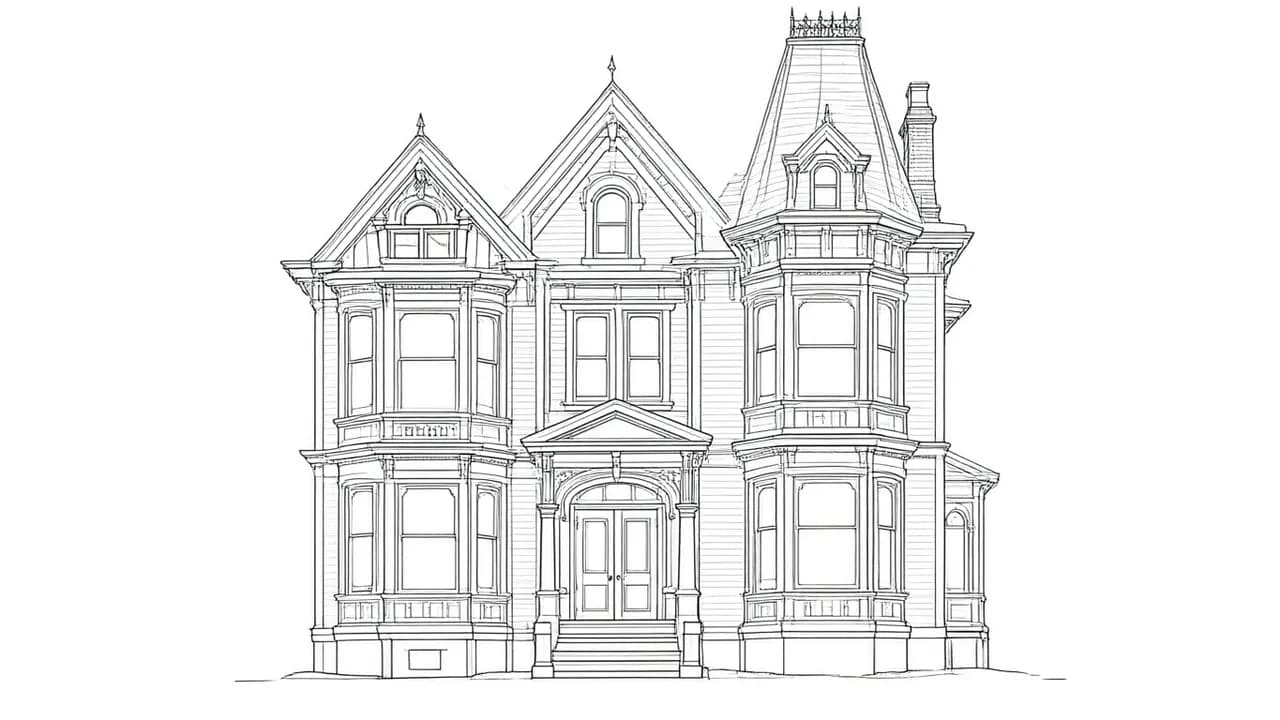
Photo to outline in one upload
Drop in a portrait, pet, logo, or object photo. The generator returns outline-only line art with no shading.
Try it now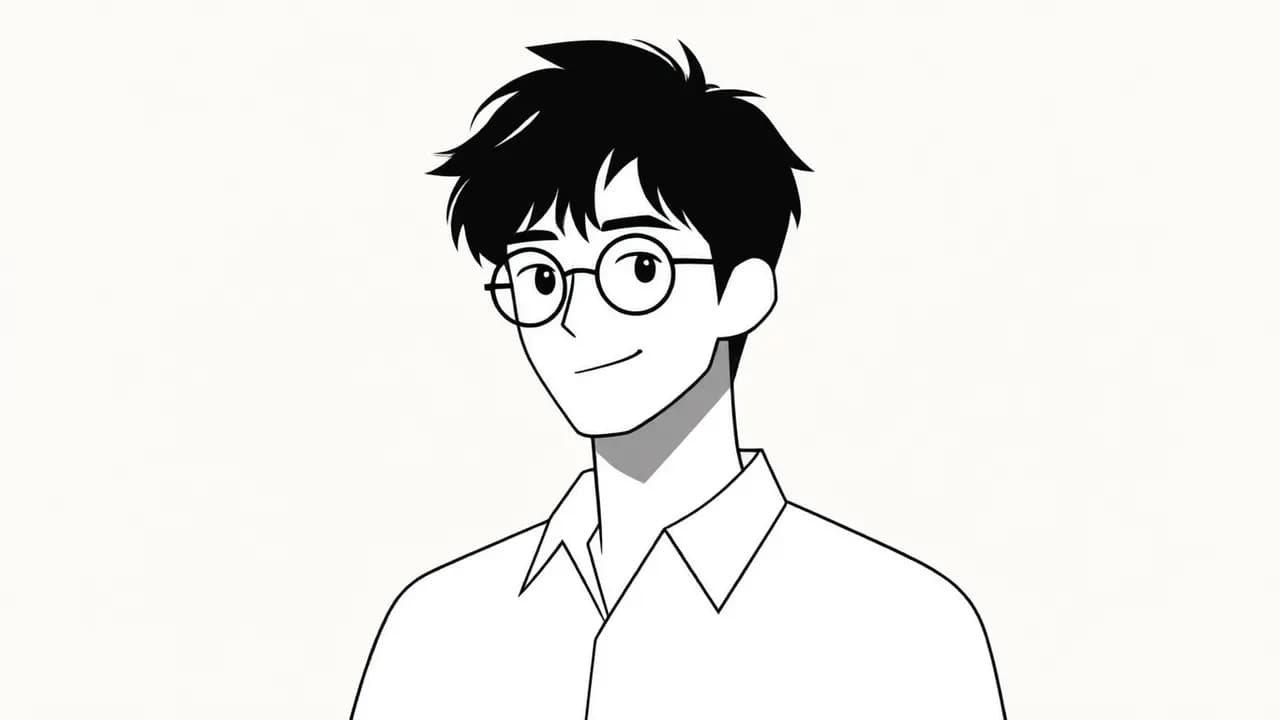
Four line styles
Choose clean ink, fine sketch, bold outline, or whiteboard marker before generating.
Try it now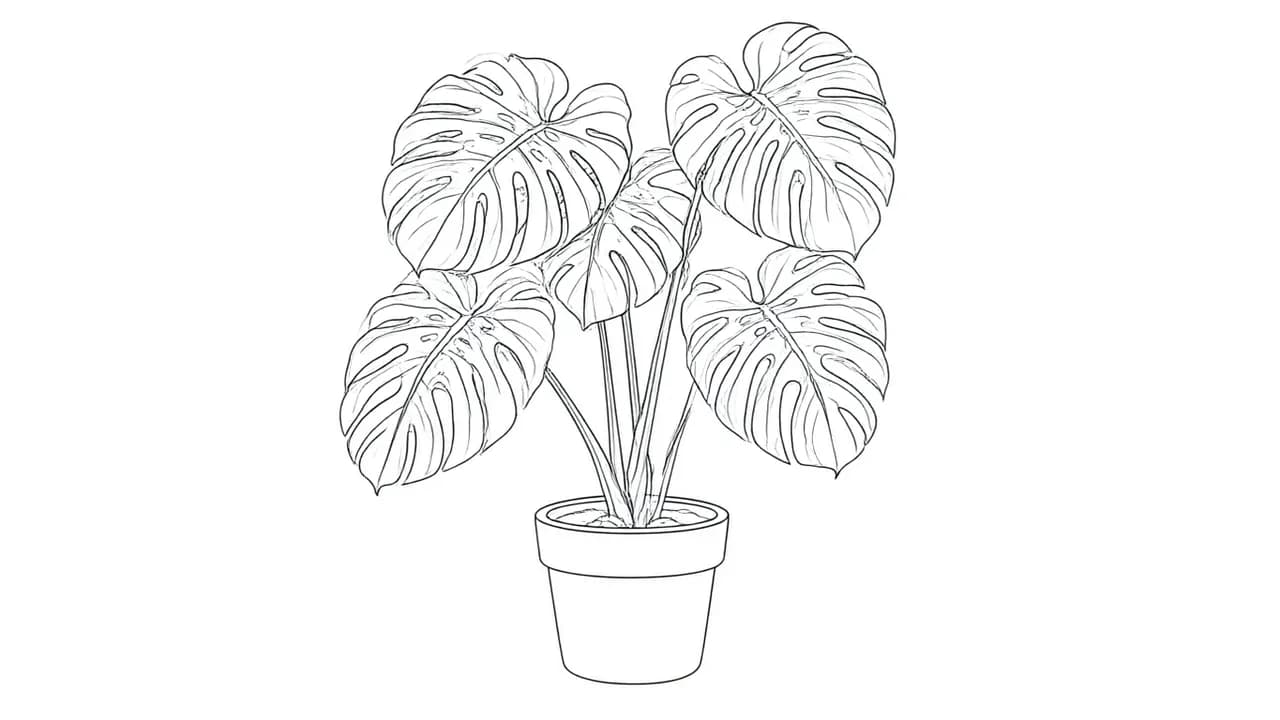
Up to 4K, ready to download
Generate up to 4K line drawings on a plain white background, ready to download.
Try it now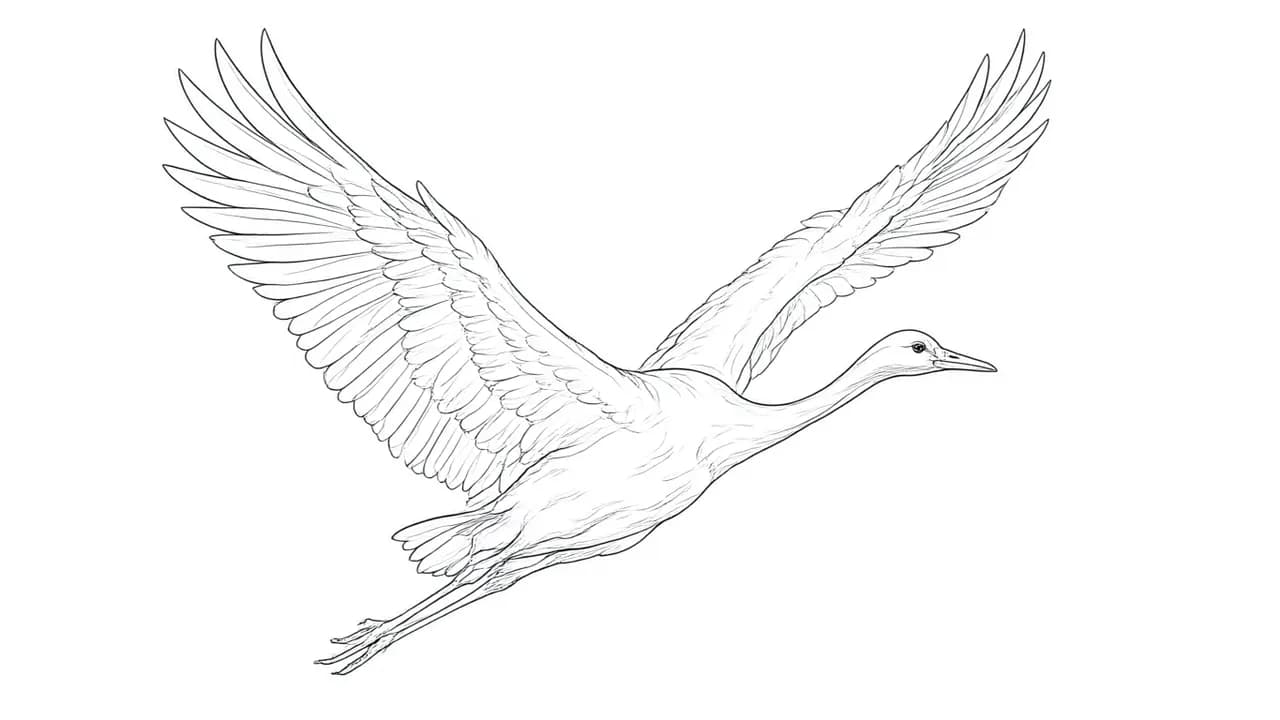
Animate it afterwards
Take the finished outline into the Image to Video tool when you want the drawing to move.
Try it nowHow to use
How to turn a photo into line art
Three steps, no prompt writing.
Pick a line style
Choose clean ink, fine sketch, bold outline, or whiteboard marker before uploading.
Upload one photo
A clear, single-subject photo converts best: portraits, pets, products, or logos.
Generate and download
The credit cost is shown before you run. Download the outline-only result on its plain white background.
Animate it (optional)
Happy with the outline? Use it as the input image in Image to Video and give it motion.
Who it's for
Who should use AI Line Art Generator
Anyone who needs clean outlines from existing photos.
Tattoo and stencil artists
Turn reference photos into clean outline traces to build stencils and client drafts on.
Coloring page creators
Convert photos into outline drawings that kids or clients can color in.
Brand and logo sketching
Redraw product shots or logos as bold outlines for posters, mockups, and pitch decks.
Craft and cutting files
Use clean line output as a base for engraving, embroidery, paper-cut, and vinyl projects.
Illustrators
Get a fast outline base to paint or shade over in your own style.
Educators
Turn classroom photos into simple outline figures for worksheets and flashcards.
Explore creative tools
More AI Image Tools
Explore focused AI image tools, each designed for a specific task — see how AI can turn your concepts into finished work.



FAQ
Common Questions About AI Line Art Generator
Common questions about turning photos into line drawings.
- Is the line art generator free?
- A new account comes with free credits, so you can run your first conversions without paying. The exact credit cost sits next to the Generate button before you commit, and one-time packs top you up when you run out.
- What photos work best?
- Clear, single-subject photos with simple backgrounds convert best. Portraits, pets, logos, buildings, and everyday objects all work.
- Can I choose the line style?
- Yes. Four line weights are available before you generate: clean ink, fine sketch, bold outline, and whiteboard marker.
- What does the output look like?
- Each generation returns one line drawing: dark outlines on a plain white background, with no shading or color fill.
- Can I use the drawings commercially?
- Paid plans include commercial usage rights for your generations.
- Can I animate the line drawing afterwards?
- Yes. Download the drawing, then use it as the input image in the Image to Video tool to add motion.