



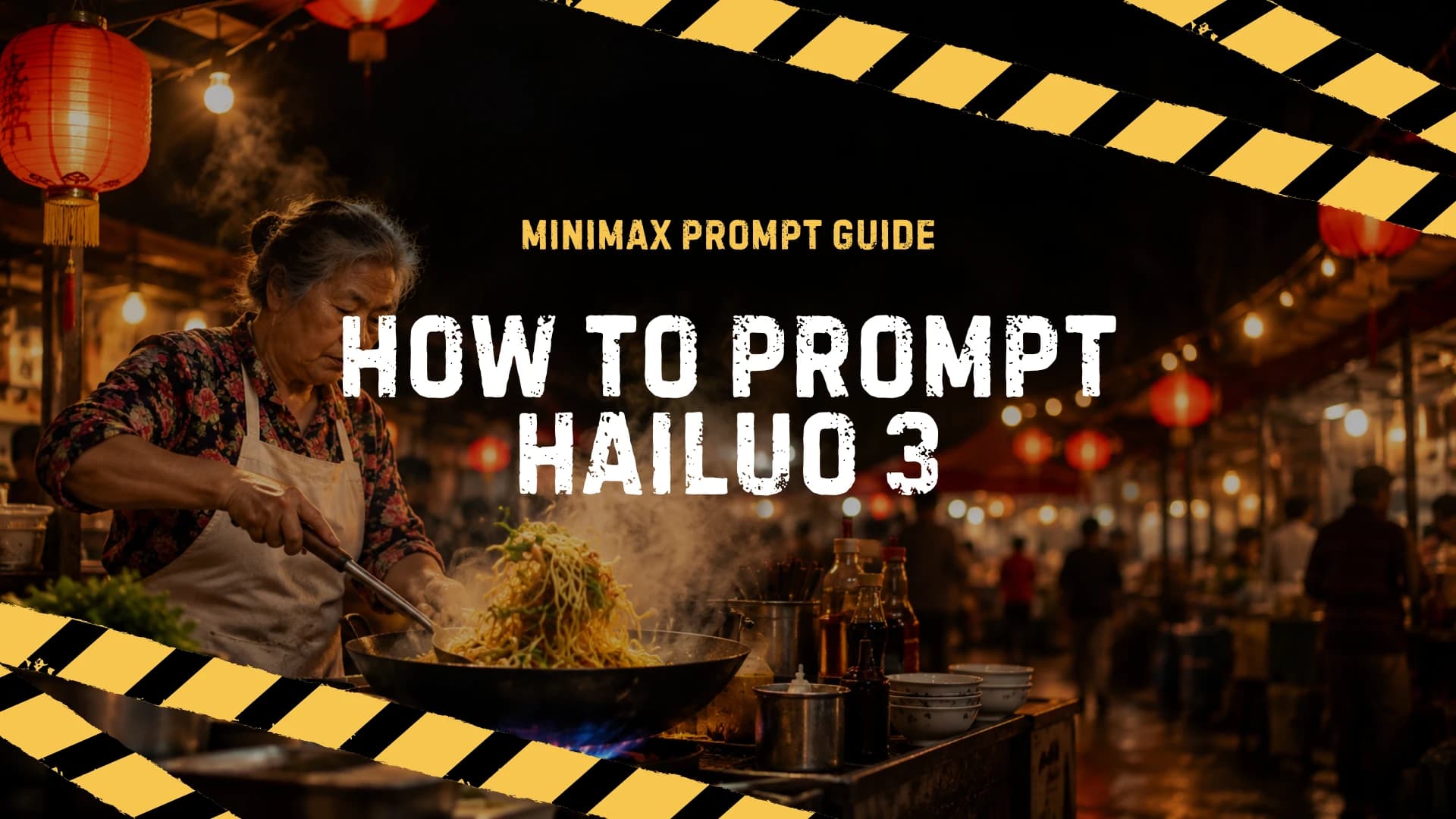
Hailuo 3 Prompt Guide: How to Write Prompts for MiniMax H3 (and H3 Max)

The actual prompt format MiniMax H3 responds to: shot structure, camera moves, dialogue tags, sound fields, and when to let the prompt optimizer do the work.
Most Hailuo 3 prompts fail for a boring reason: people write captions instead of directions. "A woman walking in the rain, cinematic" gives the model almost nothing to time, frame, or voice. MiniMax H3 is built around a prompt structure that reads more like a shooting script than a caption, and once you see the structure, the difference in output is immediate.
This guide covers the format the model actually responds to: shots, camera moves, dialogue tags, and the sound fields. Copy-paste examples included for text-to-video and image-to-video. Everything here applies to both H3 and the faster H3 Max variant, which is what we run on Epochal.
Quick context: what you're prompting
Hailuo 3 is MiniMax's current video model. It generates clips with synchronized audio: picture, ambience, music, and spoken dialogue come out in one pass, not as separate tracks you stitch later. Hailuo 2.3, the previous generation, made silent video; H3 treats sound as part of the same prompt.
H3 Max is the speed-tuned version of the same family. Same prompting format, faster generation, shorter resolution ladder. If you're iterating on prompt ideas, Max gets you there quicker; the prompt skills below transfer one-to-one.
On Epochal, H3 Max runs 5 to 15 second clips at 480p, 768p, or 1080p, from a text prompt or from an image (first frame, or first and last frame together). That's the canvas the examples below assume.
The three fields
H3's prompt format has three labeled fields. Two are optional, but knowing all three changes how you write the first one:
integrated_multimodal_description: [Shot 1] ...
overall_soundscape: ...
non_diegetic_music: ...- integrated_multimodal_description is the body of the prompt. It covers everything visible and audible on the timeline: shots, camera moves, actions, dialogue.
- overall_soundscape is the background sound of the whole clip: rain, traffic, room tone, footsteps. Dialogue and music never go here.
- non_diegetic_music is score, music only the audience hears. If a character in the scene could hear it (a radio, a busker, a ringtone), it belongs in the first field instead.
Writing the visual part: shots and camera moves
Open with style and framing, then describe what happens. Here is a full prompt in that shape, and the clip it produced (generated with MiniMax H3, September 2026):
integrated_multimodal_description: [Shot 1] An extreme close-up macro shot of a whole pomegranate carved from transparent ruby-red crystal glass, centered on a wooden cutting board, studio backlight scattering refractions and internal reflections through the seeds. A polished steel cleaver enters the frame and presses down in one slow, clean cut. The glass splits with a fine network of cracks before the two halves separate and rock gently on the board.

overall_soundscape: Quiet room tone; the only sound is the blade's crisp contact and a bright, crystalline crunch as the glass pomegranate splits, with tiny shards scattering across the wood.

non_diegetic_music: N/A
Three things doing the work in that example:
Style words set the render. Live-action, cinematic, 2D-animated, 3D CG, claymation, watercolor, vintage film. Pick one and put it up front. Here, "extreme close-up macro" plus material words ("transparent ruby-red crystal glass") do more than any "cinematic" ever could. Mixing "photorealistic" with "watercolor" in the same prompt makes the model average them, usually badly.
Camera moves are sentences, not adjectives. H3 understands a specific motion vocabulary: Zoom In, Zoom Out, Push In, Pull Out, Pan Left/Right, Truck Left/Right, Tilt Up/Down, Pedestal Up/Down, Arc Shot, Tracking Shot, Static Shot, POV, Roll. You can append amplitude ("with small amplitude") and speed ("at fast speed"). Writing "the camera slowly pushes in" beats "cinematic camera work" every time, because the model can execute a push-in; it can't execute a vibe.
Sound is a field of its own. Notice where the crunch lives: in overall_soundscape, not in the music field and not as prose inside the description. If a character could hear the sound, it belongs in the description; if it's the physical sound of the scene, the soundscape field is its home. non_diegetic_music: N/A keeps the clip free of a score, so nothing competes with the crack of the glass.
Multiple shots need timestamps. The first shot starts at zero. A cut looks like:
[Shot 2] At 00:05.000, the camera cuts to a close-up of the split halves rocking on the board.The cut time has to land inside your clip duration. On a 5-second Max clip, a shot at 00:09.000 simply never happens. And only cut when the new shot delivers something genuinely new (a subject, a place, a state). If you just want a different angle on the same moment, move the camera instead of cutting.
Dialogue: the <d> tag
Because H3 generates audio, dialogue is written into the prompt with a tag. The essentials:
The young woman with a quiet, breathy voice (S1) says: <d>[English] I get off at the next station.</d>(S1),(S2)are speaker IDs, assigned in the order characters first speak. Describe the voice at first mention: age, pitch, pace, accent.- The text inside
<d>is delivered verbatim. Don't paraphrase it, and keep the language tag honest:<d>[Japanese]…</d>for a Japanese line. - For voiceover, where the narrator stays off screen, say so and add that the speaker's lips stay closed, otherwise the model will try to lip-sync an off-screen line:
An older man in a wool coat says in an off-screen voiceover: <d>[English] Nobody remembered the lighthouse that winter.</d> while his lips remain completely closed.- On-screen text (a neon sign, a phone screen) goes in double quotes inside the description:
A red neon sign reading "OPEN" hums above the doorway.
The sound fields, briefly
One to three sentences each. Concrete beats abstract:
overall_soundscape: Steady rain taps against the café windows; low room ambience continues underneath.

non_diegetic_music: Sparse piano notes at a slow tempo, joined by sustained low strings that swell before fading out.
Avoid mood words in the music field. "Melancholy" isn't playable; "sparse piano at a slow tempo with sustained low strings" is. Both fields accept N/A if you want the clip silent apart from scene sound.
Image-to-video: anchoring to a frame
I2V is where Hailuo 3 earns its keep, and the prompting changes. Your image is a frame on the timeline, and the text prompt should agree with it:
- First frame only. Describe what happens after the image. The image anchors second zero; your prompt develops forward from it.
- First and last frame. Describe the continuous path between them, ideally as one shot. The model's job is the transition, so give it a single clear change to bridge (the tide comes in, the door swings open, the sketch gets painted).
- Camera discipline: one camera move per I2V prompt. Piling a pan, a zoom, and a cut onto a single still image fights the anchor.
For first/last-frame work, the full structured format adds an alignment line above the description stating which picture sits at which timestamp. That's the format the model's own prompt expander emits. Hand-written I2V prompts work fine without it as long as your description clearly narrates from the first frame toward the last.
Here is a first-frame I2V run in practice: a single anchor image of a harbor pier, a static camera, and one change to carry across five seconds (generated with MiniMax H3, September 2026):
[Shot 1] A static shot of the harbor pier from the first frame. Over the next five seconds, the last orange band of sunset fades from the water while a small fishing boat crosses slowly from left to right, its lamp the first light to switch on. The camera stays still.

overall_soundscape: Gentle water lapping against the pier pilings; a distant gull call near the end.
Note how little the prompt asks for: hold the frame still, let the light fade, move one boat. The anchor image does the composition; the prompt only directs what changes.
Write it yourself, or let the optimizer
This is the practical fork on our workbench. H3 Max on Epochal has a prompt expansion setting with three positions:
- Off. The model gets exactly what you typed. Use this when you've written in the structured format above and want your camera moves, dialogue tags, and sound fields respected word for word.
- Balanced (default). A light rewrite that fills gaps and tidies structure. Good for natural-language drafts like "a chef flambés a pan in a dark kitchen, camera slowly circles."
- Quality. A heavier pass that builds out a fuller structured prompt from your seed idea. Best when you have a clear intent but not the patience to write shots and soundscapes yourself.
A reasonable workflow: draft in Balanced, look at what the expansion added, then switch to Off and hand-edit the expanded prompt. You end up learning the format from the model's own edits, which is faster than reading docs, including this one.
To see the fork for yourself, here is the same natural-language draft run twice on Epochal (MiniMax H3 Max, 5 seconds, 480p), first with expansion off, then on Balanced:
someone films a tiny glowing creature standing on their kitchen table at dusk, one-handed phone footageExpansion off. The sentence goes to the model as written:
Balanced. The same sentence after the expansion pass fills in shot structure and sound:
Watch both and notice how much the expansion pass quietly adds on top of the same one-line idea.
Common mistakes
- Captions instead of directions. "A dog running, cinematic, 4K" gives you no framing, no action arc, no camera, and nothing to time.
- Cut timestamps outside the clip length. A shot at 00:09.000 on a 5-second clip is dead weight.
- Music that characters could hear placed in
non_diegetic_music. It belongs in the description. - Dialogue written as regular prose, so the model can't tell speech from narration.
- Three camera moves stacked on one I2V anchor.
- Abstract style stacking. "Cinematic, emotional, epic, masterpiece" is not a style; "vintage 16mm film" is.
FAQ
Does Hailuo 3 understand dialogue tags like <d>?
Yes, it's part of the format the model is trained on. You can also just write "he says:" followed by the line in quotes and the model will usually voice it; the tag version is more reliable about language and about keeping the line verbatim.
Do I need the three-field format for every prompt? No. A plain natural-language description produces perfectly good clips, especially with prompt expansion on. The three fields matter when you're directing: sound design, music, or multi-shot structure.
What's the longest H3 Max clip? 15 seconds, on both Epochal and the official H3 settings for Max. Use timestamps to place cuts inside that window.
Does the prompt length have a limit? The official API caps prompts at 7,000 characters, which is far more than a 15-second clip can render. A focused 100 to 300 word prompt almost always beats a 2,000-word one.
Can I write prompts in other languages?
The model handles multiple languages, and the <d>[Language] tag controls the language of spoken dialogue. For prompt text itself, English is the safest default. It's what the camera vocabulary (Pan, Tilt, Tracking Shot) was defined in.
H3 or H3 Max: does prompting differ? The format is identical. Max trades some resolution headroom for generation speed, so it's the one to prompt against when you're iterating.
Why did my clip come out silent?
Usually the prompt described only visuals. H3 generates audio when the prompt gives it something to hear. Add an overall_soundscape line or ambient detail inside the description.
Is Hailuo 3 free? Not in unlimited amounts anywhere. MiniMax's own Hailuo AI app gives new accounts a small daily credit allowance, and third-party sites that host the model offer trial credits that run out fast. On Epochal, every run shows its cost before you generate, and new accounts start with a small credit grant plus a daily check-in. If you're testing prompts, the 5-second 480p setting is the cheapest way to iterate.
When was Hailuo 3 released? MiniMax launched H3 on July 31, 2026, and the speed-tuned H3 Max variant followed in September 2026. Both use the prompt format described in this guide.
Try it
Take one of the examples above, paste it into MiniMax H3 Max on Epochal, and run it once with expansion off to see what the raw format does. If you're working from stills instead, the same anchoring rules apply. Our image-to-video tools roundup covers which workflows suit which inputs.
Meta Title: Hailuo 3 Prompt Guide: MiniMax H3 Prompt Format (2026)
Meta Description: How to write MiniMax H3 / Hailuo 3 prompts: shot structure, camera move vocabulary, dialogue tags, sound fields, and image-to-video prompting that works.
Slug: hailuo-3-prompt-guide
Primary Keyword: hailuo 3 prompt guide
Secondary Keywords: minimax h3 prompt, minimax h3 prompt guide, hailuo 3 prompts, hailuo h3 prompting
Suggested Internal Links:
/models/minimax-h3-max: the model this guide prompts for (hero + CTA)/models/hailuo-2-3: predecessor context/blog/best-image-to-video-ai-tools-2026: I2V readers
More Posts
Local AI Video Generator: Models, GPU Needs & Setup
Compare local AI video models, GPU and VRAM needs, and setup paths for Pinokio, ComfyUI, or Python—plus when a hosted workflow is easier.

Best AI Video Generators in 2026
Compare Veo 3.1, Kling 3.0, Seedance 2.0, Wan 2.7, and Grok Imagine across quality, audio, prompt control, speed, cost, and workflow fit.
Veo 3.1 vs Sora 2: Which AI Video Model Fits Your Workflow?
Comparing Google Veo 3.1 and OpenAI Sora 2 across quality, speed, audio, cost, and practical workflows. See which model fits your use case.