YouTube · Public Video
Creator ReviewKling 2.6 cinematic tests with native audio
A practical walkthrough focused on motion tests, dialogue, and image-to-video results that helps frame why Kling 2.6 stood out as an audio-visual release.
Centers on simultaneous audio-visual generation, producing visuals, speech, sound effects, and ambience in one pass for short clips that need sound from the first draft.
Ready to create videos
Generate in this workspace and the latest result will appear here with the supporting content below.
Kling 2.6 is Kuaishou's video model released on December 3, 2025 and officially positioned around simultaneous audio-visual generation. Kuaishou describes it as a model that can generate visuals, natural voiceovers, sound effects, and ambient atmosphere in one pass across both text-to-audio-visual and image-to-audio-visual workflows, with clips up to 10 seconds. On Epochal, the current page focuses that model line into short prompt-led and reference-led video generation with optional native audio.
Kling 2.6 preview 1
Kuaishou's official 2.6 release centers on generating visuals, voice, sound effects, and ambient atmosphere together instead of building silent video first and adding sound later.
Official materials position Kling 2.6 around both text-to-audio-visual and image-to-audio-visual generation rather than a prompt-only workflow.
Kuaishou specifically highlights audio-visual coordination, cleaner layered audio, and stronger semantic understanding as part of the 2.6 upgrade.
On Epochal, the current page exposes 5 or 10 second runs, optional audio, prompt or reference-led generation, and workflow-specific controls such as aspect ratio, CFG scale, negative prompt, and up to 2 reference images.
Creator walkthroughs and platform demos that are useful for judging Kling 2.6 around native audio, synced speech, and short cinematic motion tests.
A practical walkthrough focused on motion tests, dialogue, and image-to-video results that helps frame why Kling 2.6 stood out as an audio-visual release.
A concise product-side demo showing how Kling 2.6 combines visuals, dialogue, narration, music, and sound effects in the same generation pass.
Useful when you want one more hands-on creator video around controlled movement and short-form Kling workflows.
Helpful for seeing how creators work with the Kling family on more directed cinematic outputs.
A useful higher-level creator-side reference for how newer Kling video workflows are being judged in production-style use.
Public creator reactions and rollout notes that are useful for judging how Kling 2.6 was received for audio-visual generation, motion control, and production readiness.
Write the subject, motion, dialogue, atmosphere, and sound cues you want, or upload up to 2 reference images when the clip should stay anchored to a specific character, object, or scene.
Choose a 5 or 10 second duration, then decide whether the first pass should already include native audio or stay silent for motion review only.
For text-to-video, set 16:9, 9:16, or 1:1 and tune CFG scale. For image-to-video, focus on your references and negative prompt to steer motion more tightly.
Review motion, framing, timing, and sound together, then iterate on the prompt or references if you want a cleaner silent pass or a stronger audio-visual result.
Kling 2.6 is strongest when sound should be part of the first render, not something layered in afterward, especially for short prompt-led or reference-led clips.
Use Kling 2.6 when the first draft should already include narration, sound effects, or ambient mood instead of stopping at silent motion.
Use the image-led workflow when a character, product, or scene should stay visually anchored while movement and sound are explored together.
It works well for short clips where spoken lines, voiceover, or environmental sound materially change how the scene reads.
Use it when you want to compare the same short concept with and without sound before moving into a bigger production workflow.
Each generation with Kling 2.6 consumes credits inside Epochal.
Processing time varies with queue state, selected duration, whether audio is enabled, and whether the run starts from text or references.
Use the live workflow cost shown on the page as the current credit reference. On Epochal, Kling 2.6 cost changes with duration, audio, and workflow type.
Kuaishou positions Kling 2.6 around simultaneous audio-visual generation. The official release says it can generate visuals, natural voiceovers, sound effects, and ambient atmosphere in one pass across both text-led and image-led workflows, instead of treating sound as a later production step.
Start with free credits on sign-up. Upgrade only when recurring production, private generation, or higher volume starts to matter.
For lighter recurring creation.
Switch fixed steps to match your monthly output.
3,000 credits/month
Up to 12,000 images
Up to 996 videos
Higher monthly capacity
No watermark
Private generation
Faster speed
Image and video workflows
Try the core flow before you upgrade.







 0.2% of purchases contributed to Stripe Climate
Keep reading the newest posts on model capabilities, workflow tips, and creative practice.
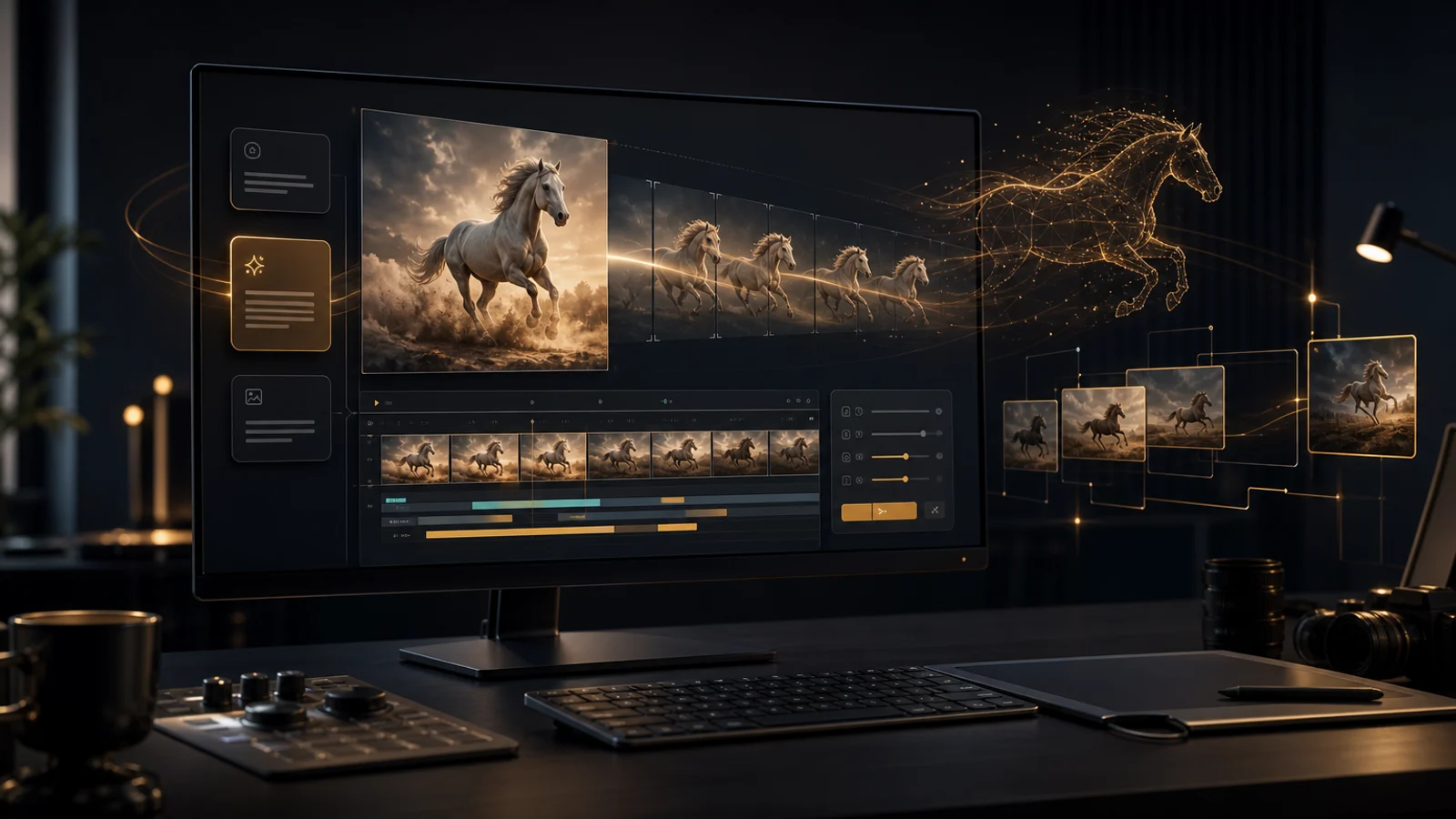
HappyHorse 1.0 supports text-to-video and image-to-video for creative drafts, first-frame animation, ad testing, and short cinematic shots.
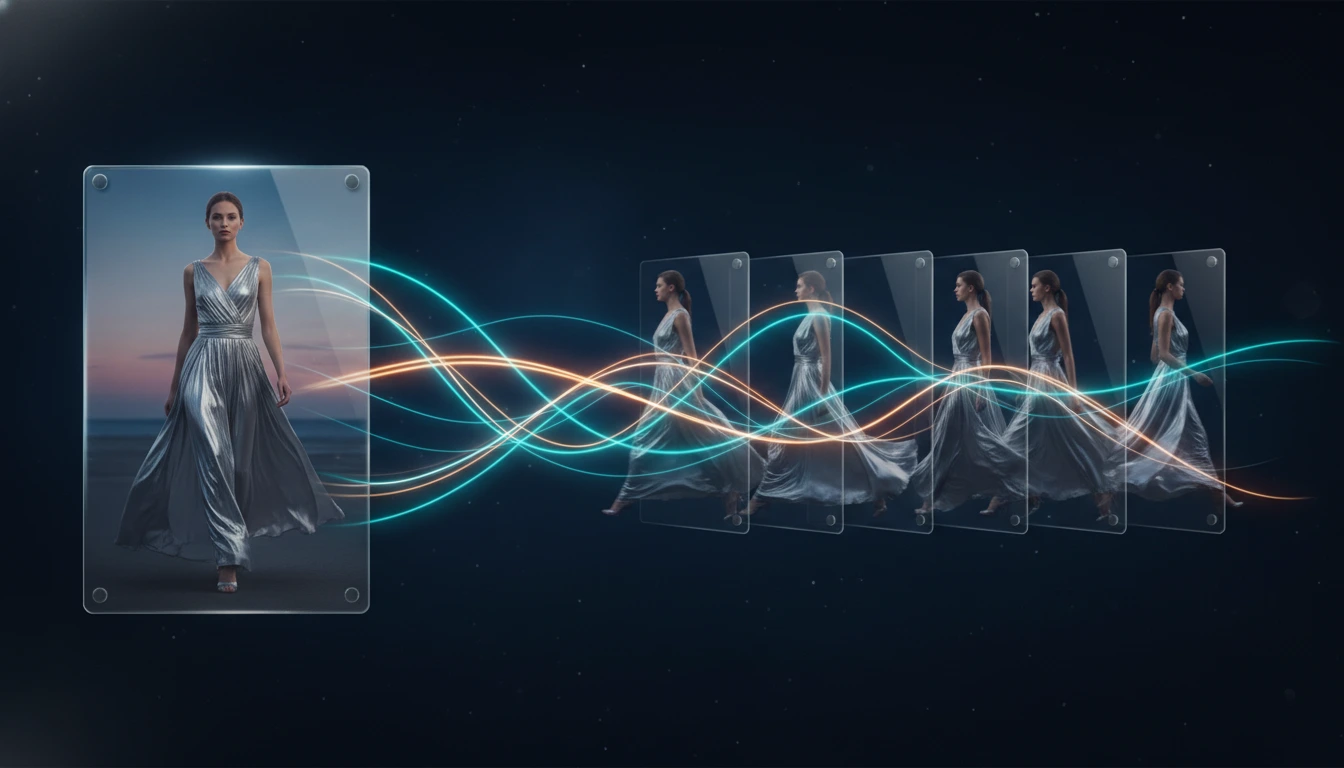
A practical guide to the best image to video AI tools in 2026, comparing Kling 3.0, Veo 3.1, Seedance 2.0, Wan 2.7, and Grok Imagine Video for frame preservation, motion quality, speed, and workflow fit.
A practical comparison of the best AI video generators available in 2026, covering output quality, audio generation, prompt control, speed, and which model fits each workflow.