YouTube · SECourses
Nano BananaNano Banana full tutorial compared against Qwen Image Edit
A strong editing reference because it walks through many concrete change types instead of just showing polished final images.
Use Image to Image on Epochal to edit images from references fast, with local changes, style shifts, and export-ready results in one workspace.
Ready to create images
Generate in this workspace and the latest result will appear here with the supporting content below.
Image-to-image editing starts from a source image, not an empty prompt. Use it when the composition, subject identity, or product shape should stay recognizable while you change styling, materials, background, or a specific region. On Epochal, you can run the same reference through multiple editing models to see whether you need stronger fidelity, bolder restyling, or cleaner local changes.
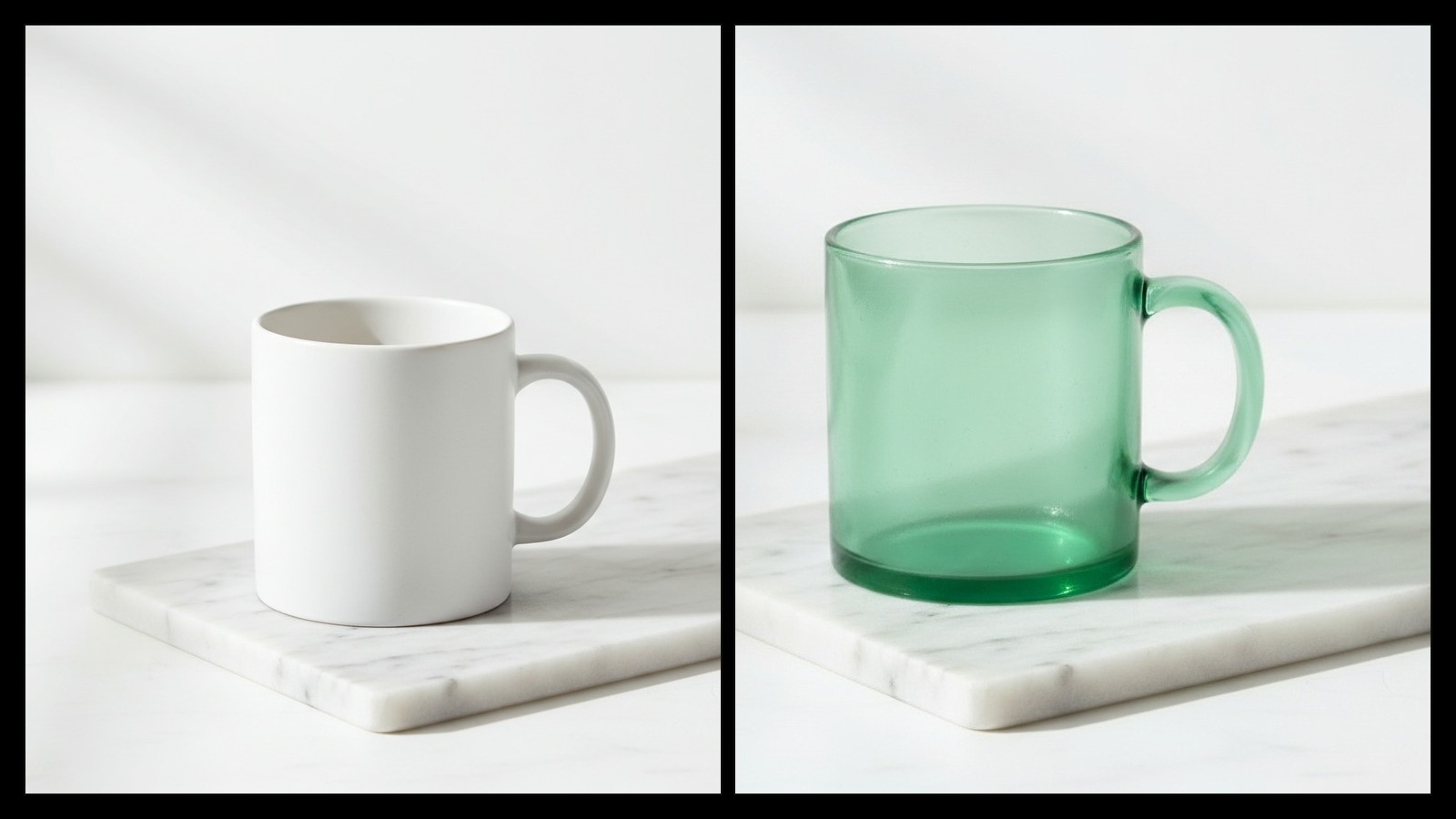
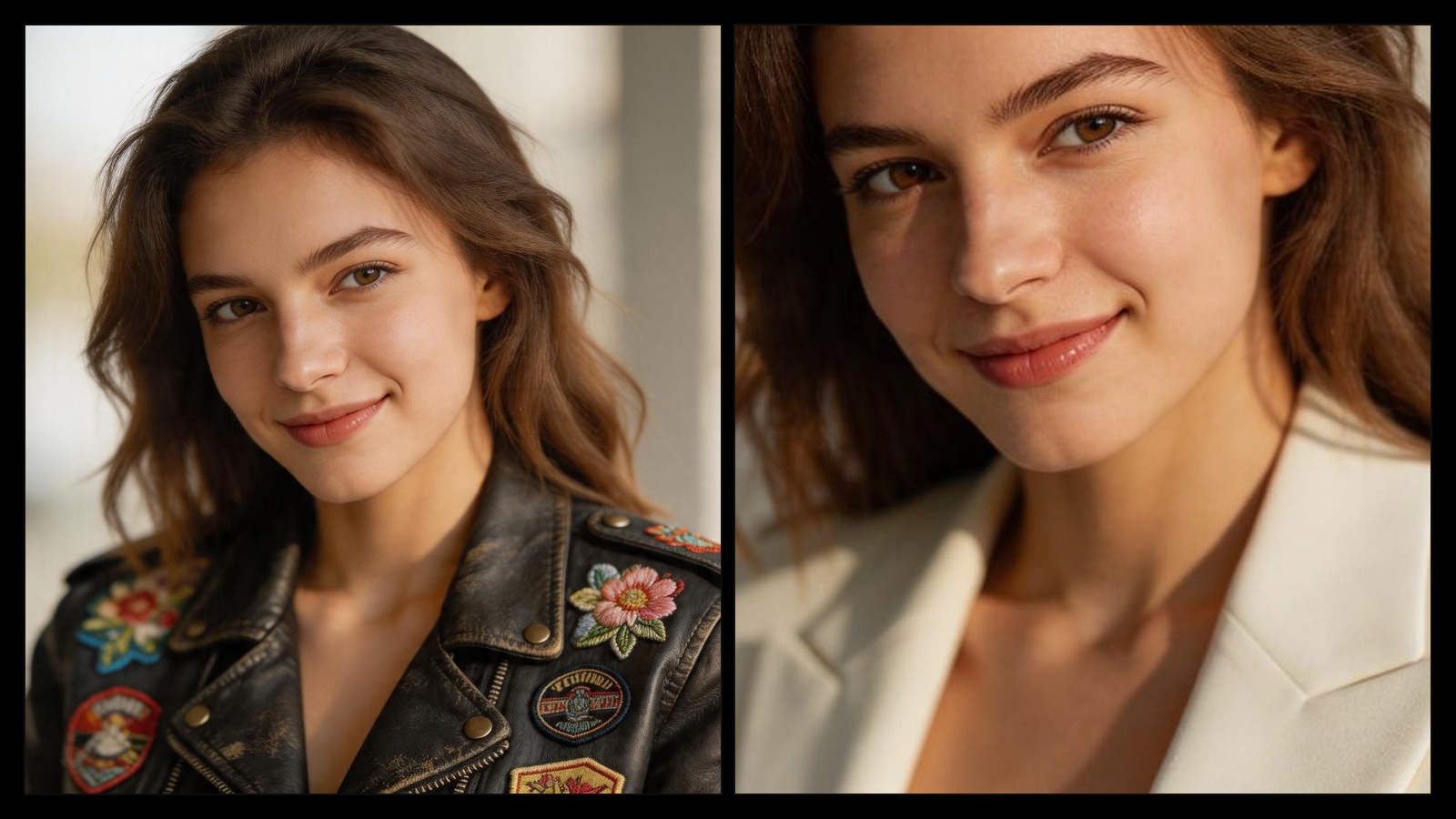
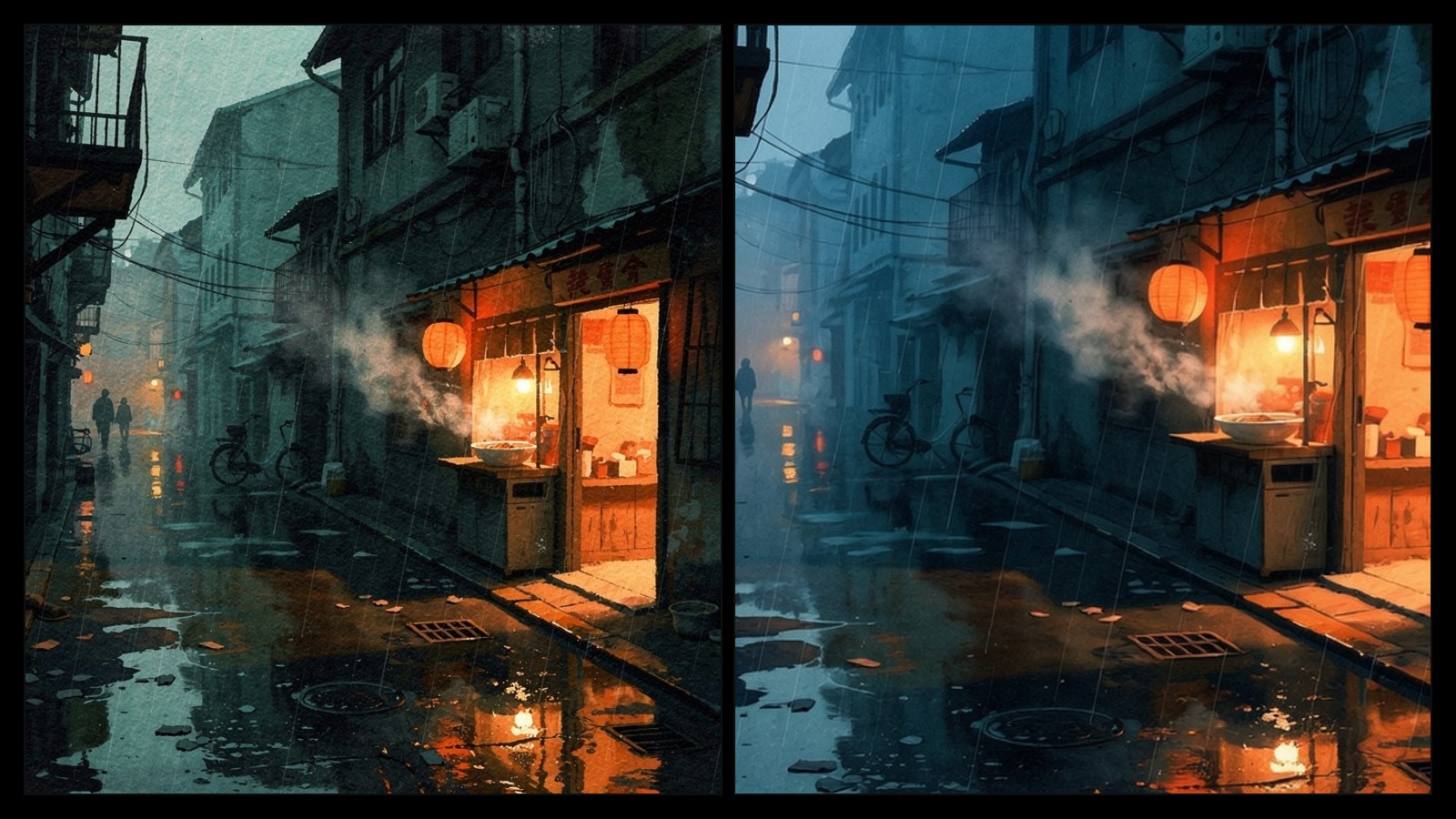
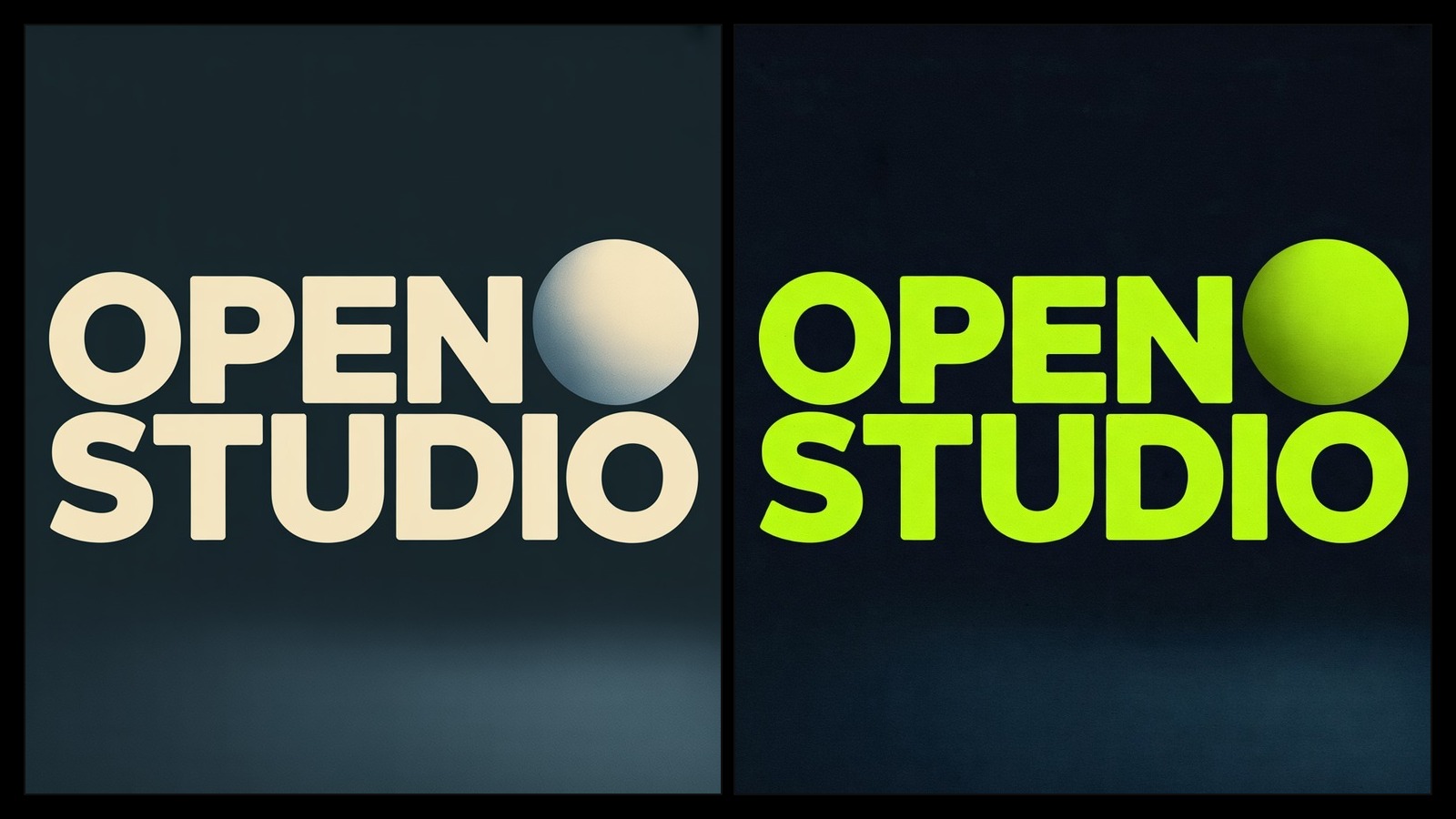
Turn one packshot into a new premium finish
Image-to-image is better than text-to-image when pose, framing, product silhouette, or scene layout already works and only selected parts need to change.
Run the same reference through Nano Banana 2, FLUX.2 Pro, GPT Image 1.5, or Seedream to judge which model holds structure, handles materials, or pushes the look further.
Make one targeted change first, reuse that result as the next reference, then keep refining lighting, surface detail, or background until the image lands.
Editing walkthroughs that are useful for judging fidelity retention, local changes, multi-image references, and how much of the original frame survives.
A strong editing reference because it walks through many concrete change types instead of just showing polished final images.
Useful when you care about object replacement, facial changes, compositing, and how AI editing fits into a more traditional design workflow.
Helpful when you want a more hands-on look at change-focused prompting, preservation behavior, and repeatable edit cases.
A useful reference when your image-to-image job includes masks, extensions, fill regions, or style-directed rework instead of one global rewrite.
A more reliable reference for image-to-image restyling, composition transfer, and how one input frame can be pushed into a new visual treatment.
Public references for multi-image editing, style transfer, reference-image control, and the kinds of edit behaviors people are finding useful in practice.
Pick a model, describe what you want, and preview the result in the same workspace.
Start with the image that already has the right composition. Nano Banana 2 is good for multi-reference edits and fast iteration; FLUX.2 Pro is better when fine detail retention matters; Ideogram V3 is the right pick for masked graphic or text edits.
Say what should stay, what should change, and what visual finish you want. Strong prompts separate preserved structure from new direction, for example: keep the bottle shape and camera angle, replace the label with embossed foil, warm studio light, luxury skincare finish.
If the model drifts too far from the source, reduce the style rewrite and add more preservation language. If the edit is too subtle, name the material, color, or region more explicitly instead of adding vague adjectives.
Switch models when you need a different balance between fidelity and restyle. For isolated regions such as packaging text or one accessory, use a mask-based edit instead of regenerating the whole image.
Best when a draft, photo, or existing asset is already close and the real job is to change selected details without losing the whole composition.
Change packaging materials, surface finish, cap color, or background while keeping the same product shape and camera angle.
Keep the face, pose, and crop recognizable while adjusting clothing, makeup, lighting, or the surrounding environment.
Fix one graphic region, replace text, or update branded details without redrawing the full asset from scratch.
Both workflows are available on Epochal. The right starting point depends on whether you already have a source image worth preserving.
Common questions, answered.
Use image-to-image when you already have a photo, render, or draft with the right base structure. Use text-to-image when you are still exploring composition and need new directions from scratch.
For product or multi-reference edits, start with Nano Banana 2. For detail-sensitive restyles, try FLUX.2 Pro. For edits that need background, quality, or input fidelity controls, GPT Image 1.5 is a strong option. For local typography or graphic edits, use Ideogram V3 with a mask.
No. One strong reference is enough for most edits. Add more only when a second image carries material, color, or secondary details that the main source does not show clearly.
Name the elements that must stay: camera angle, crop, pose, object shape, layout, or subject placement. Then describe the change separately. Prompts that mix preservation and change into one vague sentence tend to drift.
Yes. Local edits are easiest when the model or workflow supports masks. For broader models, you can still describe a single-region change, but masked editing gives tighter control when only one area should move.
Your reference image can be reused across compatible image editing models, so you can compare how each model treats structure, texture, and restyling strength without rebuilding the brief from scratch.
Start with free credits on sign-up. Upgrade only when recurring production, private generation, or higher volume starts to matter.
For lighter recurring creation.
Switch fixed steps to match your monthly output.
3,000 credits/month
Up to 12,000 images
Up to 996 videos
Higher monthly capacity
No watermark
Private generation
Faster speed
Image and video workflows
Try the core flow before you upgrade.







 0.2% of purchases contributed to Stripe Climate
Keep reading the newest posts on model capabilities, workflow tips, and creative practice.
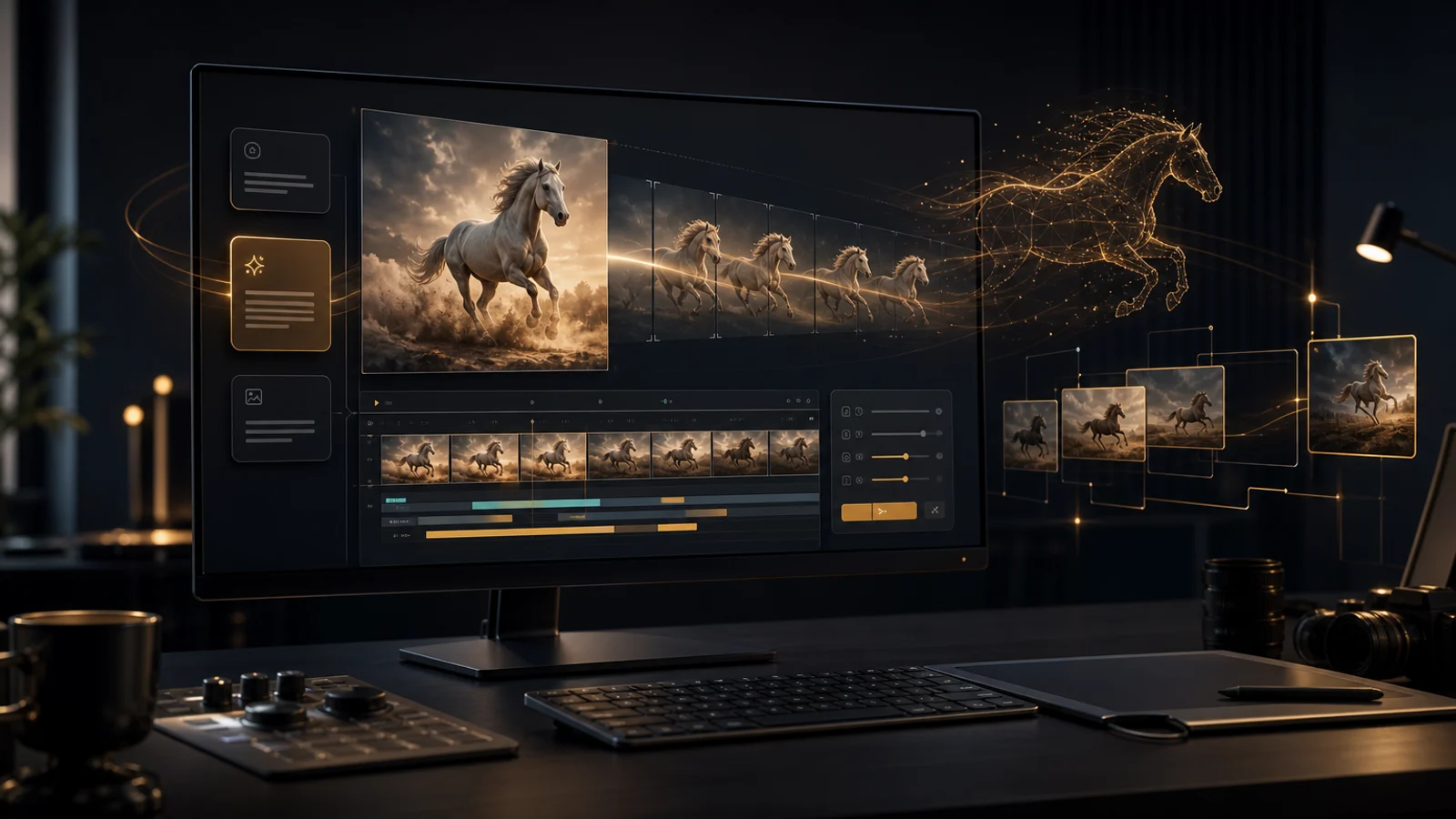
HappyHorse 1.0 supports text-to-video and image-to-video for creative drafts, first-frame animation, ad testing, and short cinematic shots.
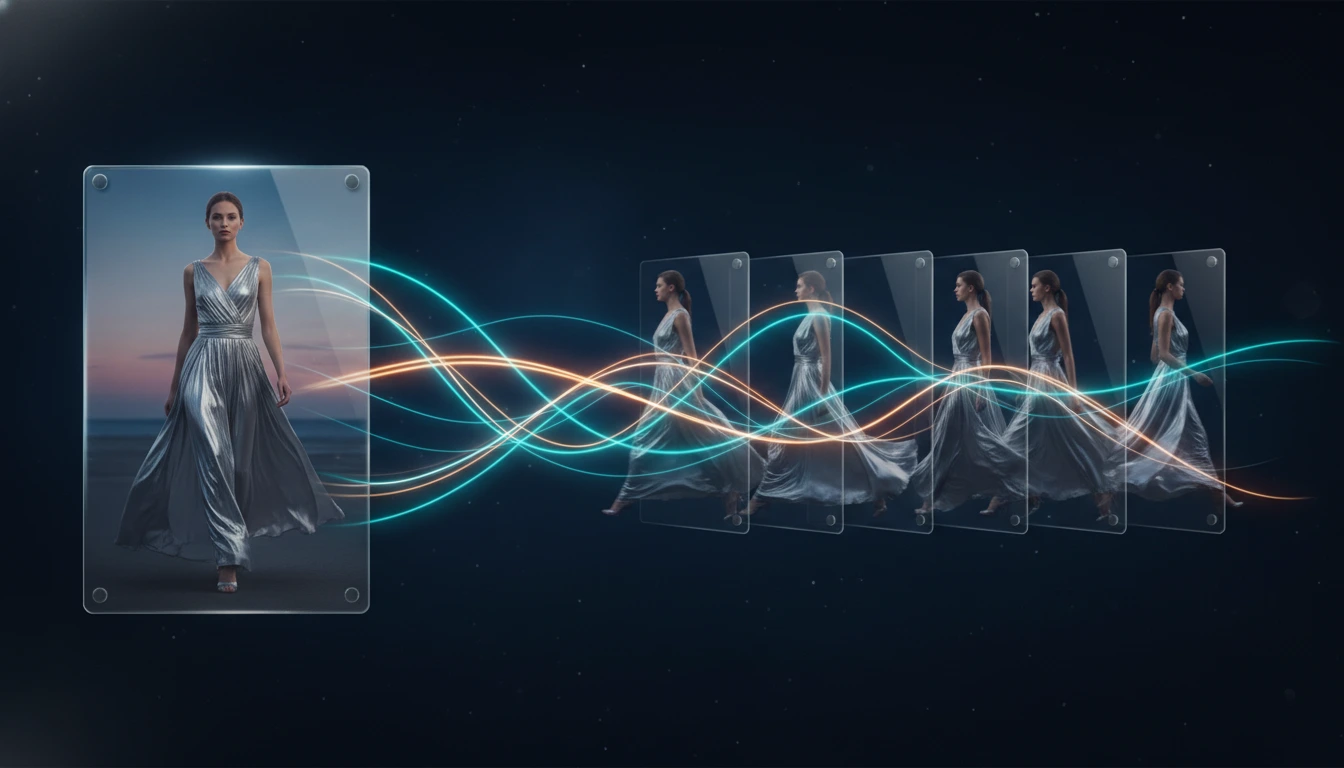
A practical guide to the best image to video AI tools in 2026, comparing Kling 3.0, Veo 3.1, Seedance 2.0, Wan 2.7, and Grok Imagine Video for frame preservation, motion quality, speed, and workflow fit.
A practical comparison of the best AI video generators available in 2026, covering output quality, audio generation, prompt control, speed, and which model fits each workflow.