LogoEpochal
    • Explore
    • Blog
    • Pricing
    1. Home
    2. Models
    3. Nano Banana

    Nano Banana AI Image Generator

    Google's lighter image model built for low-latency generation, local edits, multi-image fusion, and rapid visual iteration across concept frames, character variants, and quick experiments.

    Nano Banana
    Prompt
    0/3000
    Nano Banana
    Model-Specific Controls/Create Workflow
    Output
    Aspect Ratio
    Advanced
    Output Format
    Seed
    Public Visible
    Cost 12 credits
    Loading credits...

    Ready to create images

    Generate in this workspace and the latest result will appear here with the supporting content below.

    Open the full Library
    Review history, source references, downloads, and every saved generation.
    Text To Image

    What is Nano Banana?

    Nano Banana is Google's Gemini 2.5 Flash Image model. Google positions it as the fast, efficient native image generation and editing layer in the Gemini family, built for low-latency creation, conversational refinement, and lightweight multimodal workflows. Official materials emphasize native text-and-image understanding, targeted local edits, iterative image refinement, multi-image composition, and strong character consistency for a speed-first model.

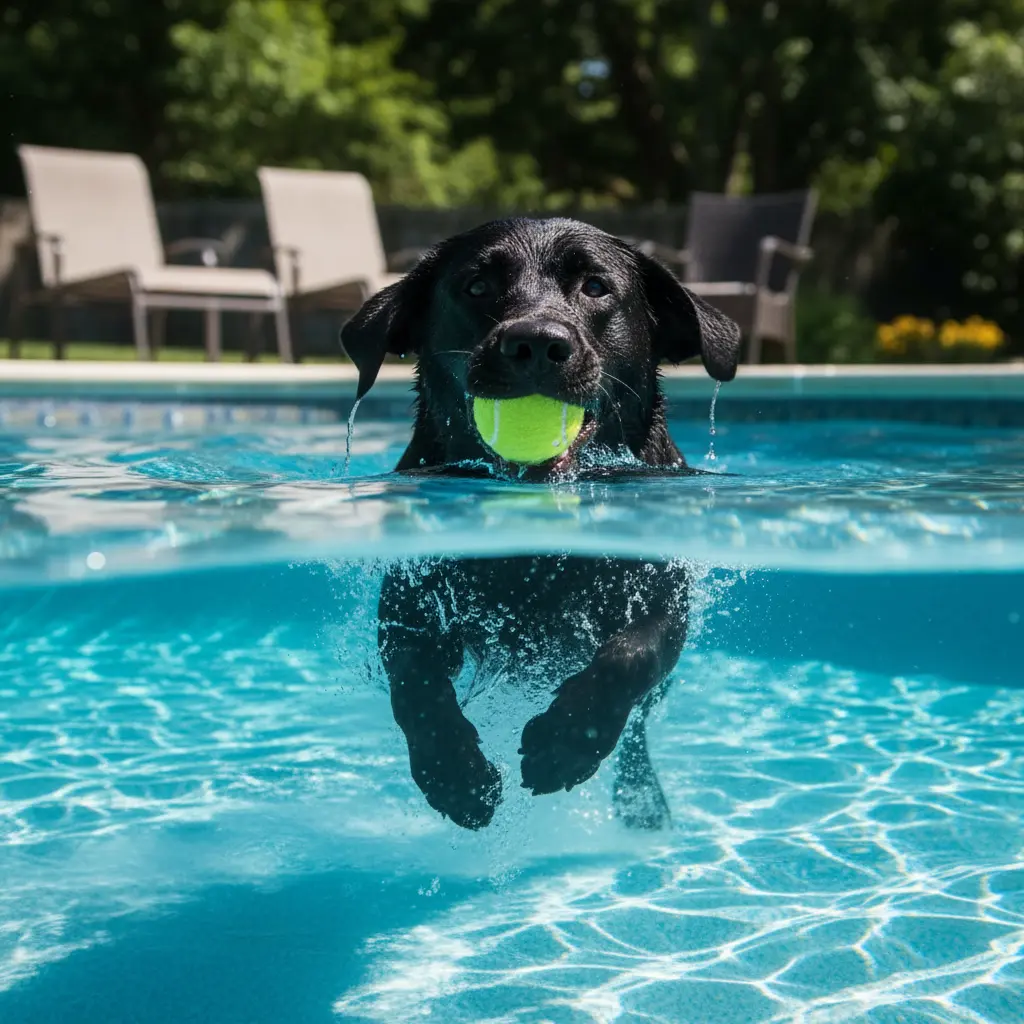
    Nano Banana preview 1
    Fast Image Iteration

    Nano Banana preview 1

    Key Capabilities

    Fast Image Iteration
    Nano Banana
    01

    Fast Native Image Generation

    Google presents Nano Banana as a natively multimodal image model built for speed and efficiency. It is the right tier when quick creation and fast visual iteration matter more than the heaviest output-control stack.

    02

    Conversational Image Editing

    Official docs describe Nano Banana as being able to generate and process images conversationally with text, images, or both. That means the model is not just for first-pass prompts; it is also designed for follow-up visual refinement.

    03

    Precise Local Changes

    Google highlights targeted transformations and fine-grained local edits with natural language. Nano Banana is meant to handle add, remove, replace, recolor, and small scene updates without forcing a full rebuild.

    04

    Multi-Image Composition and Fusion

    Official materials also emphasize multi-image fusion, where multiple visual inputs can be combined into one scene or style direction. This makes the model useful for quick composite experiments and reference-led concept building.

    05

    Character Consistency Across Iterations

    Google specifically calls out the ability to keep a subject recognizable across edits and variations. For a speed-first model, that makes Nano Banana unusually practical for recurring characters, products, and iterative storytelling frames.

    From YouTube

    Nano Banana YouTube Videos

    Creator walkthroughs that are useful for understanding Nano Banana as a fast image workflow with practical consistency and editing controls.

    YouTubeYouTube · All About AI
    Creator Guide

    Nano Banana Pro image workflow walkthrough

    A concise creator-side walkthrough that is useful for understanding how the Nano Banana family is used for fast image creation, composition changes, and production-minded editing.


    YouTubeYouTube · Skill Leap AI
    Feature Tour

    Nano Banana Pro examples for fast image generation and editing

    A practical examples-driven video that helps explain why creators use Nano Banana for quick iterations, local edits, and reference-led image work.

    YouTubeYouTube · Skill Leap AI
    Model Comparison

    Nano Banana Pro versus GPT Image, Midjourney, and FLUX

    Useful for understanding where Nano Banana sits in the current image-model stack when speed, editing control, and visual consistency matter.

    From X

    Nano Banana on X

    Public rollout notes and creator examples that are useful for judging Nano Banana around consistency, multi-image control, and practical app-building use cases.

    How to Use Nano Banana for Images

    1. 1

      Write a prompt that defines the image fast

      Describe the subject, scene, and visual direction clearly enough to get a usable first frame quickly. Nano Banana works best when the first pass is meant to establish direction rather than finish a polished master.

    2. 2

      Use the light control surface deliberately

      In the current Epochal workbench, Nano Banana keeps the control stack intentionally light: image count, aspect ratio, and output format. That helps you stay in a fast iteration loop instead of over-specifying too early.

    3. 3

      Generate, compare, and tighten the prompt

      Run a first pass, compare variations, and refine the prompt based on what changed. Nano Banana is strongest when you treat it as a quick visual conversation rather than a one-shot final render.

    4. 4

      Move into editing when the direction is found

      Once the prompt has found the right frame direction, use the related editing workflow for source-led refinement. That is the practical handoff point between Nano Banana as a fast generator and Nano Banana as a broader native image system.

    Use Cases

    Nano Banana is strongest when the job needs fast native image generation, lightweight controls, and a model that can move naturally between prompt creation and image-led refinement. It is less about deep output specification and more about fast, capable visual iteration.

    • 01

      Fast concept frames and visual starts

      Use Nano Banana when you need to turn a short prompt into a usable first image quickly, especially in early concept rounds where momentum matters more than heavy output controls.

    • 02

      Character and portrait exploration

      It works well for testing character looks, wardrobe shifts, expressions, and scene variations while keeping a recurring subject recognizable across iterations.

    • 03

      Local edits and visual corrections

      Nano Banana is useful when the real task is to adjust one object, color, element, or region instead of rebuilding the full image from zero.

    • 04

      Reference blends and multi-image composites

      Use it when multiple source images need to be fused into one prompt-driven scene, product setup, or early art direction test.

    Output & Quality

    Best suited for

    • →Fast text-to-image ideation and first-pass concept work
    • →Character, portrait, and scene exploration with iterative changes
    • →Localized corrections, small visual edits, and natural-language image adjustments
    • →Multi-image fusion and reference-led concept exploration

    Limitations

    • →Nano Banana is better at fast first-pass image work than at highly specified production assets that need heavier control from the start.
    • →If the task depends on dense typography, stronger grounding, or more explicit output controls, Nano Banana Pro or Nano Banana 2 are better models to compare.

    Pricing & Credits

    Each generation with Nano Banana consumes credits inside Epochal.

    Typical cost

    12 ~ 12 credits per generation

    Processing time

    Usually a short image-generation cycle, depending on queue state, image complexity, and the number of outputs requested.

    Use the active workflow cost as the current credit reference for Nano Banana. In the current implementation, the page stays intentionally lightweight, so total time is driven more by queue state and scene complexity than by a heavy parameter stack.

    FAQ

    In the current Epochal workbench, Nano Banana keeps the creation controls intentionally lightweight: image count, aspect ratio, and output format. If you need heavier reference, resolution, or search-grounded controls, Nano Banana Pro or Nano Banana 2 are the better fit.

    Related Models

    Nano Banana Pro

    →

    Nano Banana 2

    →

    GPT Image 1.5

    →

    GPT Image 2

    →

    Seedream 5.0

    →

    FLUX.2 Pro

    →

    Related Tools

    Text to Image

    →

    Image to Image

    →
    Plans

    Free to try. Priced to scale.

    Start with free credits on sign-up. Upgrade only when recurring production, private generation, or higher volume starts to matter.

    Lite

    For lighter recurring creation.

    Visibility control
    Yearly
    $8.33/month
    • 800 credits/month
    • Up to 3,192 images
    • Up to 264 videos
    • No watermark
    • Higher resolution
    • Private generation
    • Faster speed
    • Image and video workflows
    • Lower volume than Pro
    • Best for lighter usage

    Pro

    Switch fixed steps to match your monthly output.

    Most PopularVisibility control
    Selected price
    Yearly · $299.99
    $25
    /month
    3k
    👆
    • 3,000 credits/month

    • Up to 12,000 images

    • Up to 996 videos

    • Higher monthly capacity

    • No watermark

    • Private generation

    • Faster speed

    • Image and video workflows

    Free

    Try the core flow before you upgrade.

    One-time trialPublic by default
    One-time trial
    $0
    • 20 credits
    • Up to 6 images to try
    • Core image and video workflows
    • Save outputs to your library
    • Reuse outputs as references
    • Video generation
    • Watermarked
    • Public by default
    • No recurring credits
    • Standard queue during busy hours
    Secure payment processing by Stripe
    Visa
    Mastercard
    American Express
    UnionPay
    Apple Pay
    Google Pay
    JCB
    Stripe Climate0.2% of purchases contributed to Stripe Climate

    Latest Blog Articles

    Keep reading the newest posts on model capabilities, workflow tips, and creative practice.

    View All Blog Posts
    HappyHorse 1.0 AI Video: Text-to-Video, Image-to-Video, and Cinematic Short-Form Workflows
    2026/05/08

    HappyHorse 1.0 AI Video: Text-to-Video, Image-to-Video, and Cinematic Short-Form Workflows

    HappyHorse 1.0 supports text-to-video and image-to-video for creative drafts, first-frame animation, ad testing, and short cinematic shots.

    Read Article
    Best Image to Video AI Tools in 2026: Which One Preserves Your Frame Best?
    2026/04/21

    Best Image to Video AI Tools in 2026: Which One Preserves Your Frame Best?

    A practical guide to the best image to video AI tools in 2026, comparing Kling 3.0, Veo 3.1, Seedance 2.0, Wan 2.7, and Grok Imagine Video for frame preservation, motion quality, speed, and workflow fit.

    Read Article
    Best AI Video Generator in 2026: Veo 3.1, Kling 3.0, Seedance 2.0 and More, Tested
    2026/04/15

    Best AI Video Generator in 2026: Veo 3.1, Kling 3.0, Seedance 2.0 and More, Tested

    A practical comparison of the best AI video generators available in 2026, covering output quality, audio generation, prompt control, speed, and which model fits each workflow.

    Read Article
    View All Blog Posts
    Keep reading the newest posts on model capabilities, workflow tips, and creative practice.
    LogoEpochal

    Text to video and image to video workflows for creators and teams building AI video output.

    TwitterX (Twitter)GitHubGitHubYouTubeYouTubeEmail
    Featured on There's An AI For That
    AI Tools
    • Text to Image
    • Image to Image
    • Text to Video
    • Image to Video
    Models
    • Nano Banana 2
    • Flux 2 Pro
    • Veo 3.1
    • Kling 3.0
    • Wan 2.7
    Resources
    • Explore
    • Pricing
    • Blog
    Company
    • About
    • Contact
    • Cookie Policy
    • Privacy Policy
    • Terms of Service
    © 2026 Epochal All Rights Reserved.
    Privacy PolicyTerms of ServiceCookie Policy
    Dang.aiFeatured on AidirsEpochal - Featured on Startup FameFazier badgeFeatured on Dofollow.ToolsFeatured on Twelve ToolsFeatured on ShowMeBestAIFeatured on Open-LaunchFeatured on Findly.toolsListed on Turbo0